6 Best Data Recovery Software for USB Drives for 2026, Vetted and Compared
6 best data recovery software for USB drives, with entry costs, free tiers and the buyer each one serves. Caveats come with every verdict. Prices checked.
- Editor's choice
 R-Studio
Advanced users and network recovery
Starts atSee websiteVisit r-studio.comFull review - Great alternative
 Disk Drill
Mac users seeking free scanning
Starts atSee websiteVisit cleverfiles.comFull review - Also considerOntrack EasyRecovery
Companies needing full recovery
Starts atSee websiteVisit ontrack.comFull review
Direct answer
Our first pick is R-Studio, best for advanced users and network recovery. Listed starting prices: Wondershare Recoverit from $99.95 per year. If your case is different, Disk Drill suits Mac users seeking free scanning and Ontrack EasyRecovery suits firms needing thorough recovery. The remaining 3 options are covered below with prices and limits.
TL;DR:
- Number one here is R-Studio, a fit for advanced users and network recovery.
- Wondershare Recoverit is the only tool of the 6 with a free plan.
- Expect to ask for a quote from R-Studio, Disk Drill, Ontrack EasyRecovery and others; the other tools show a starting price.
- Before buying Disk Drill, weigh this: full recovery requires a premium license.
- Wondershare Recoverit fits AI-powered recovery with broad device support.
Last checked November 2026. Prices and plan details were read from the vendors' own pages in November 2026; vendors change plans often, so confirm the current price on the vendor site before you buy.
Quick comparison
| Tool | Best for | Starts at | Free plan? | |
|---|---|---|---|---|
| R-Studio | Advanced users and network recovery | See website | Not stated | Visit |
| Disk Drill | Mac users seeking free scanning | See website | Not stated | Visit |
| Ontrack EasyRecovery | Companies needing full recovery | See website | Not stated | Visit |
| EaseUS Data Recovery Wizard | Wide device and product support | See website | Not stated | Visit |
| MiniTool Power Data Recovery | Windows and Mac users needing versatile recovery | See website | Not stated | Visit |
| Wondershare Recoverit | AI-powered recovery with broad device support | $99.95 per year | Yes | Visit |
Tool-by-tool breakdown
Choosing data recovery software for USB drives usually comes down to price, fit and limits. This LinkVetted guide sets 6 tools side by side on those three points, with the facts kept short and checkable.
R-Studio was built for advanced users and network recovery. R-Studio is a disk recovery software and hard drive recovery tool for Windows, Mac, and Linux. Worth adding: R-Studio has a steeper ramp-up time and may be overwhelming for casual users.
It is also priced for professionals, which might not be economical for straightforward USB drive recovery. For everyday use, R-Studio can recover data from USB drives and other storage devices, but it is especially solid in complicated recovery scenarios. R-Studio does not show a starting price in this comparison, so check the vendor site for current pricing. As for free access: Not stated.
Watch-outs: May be overkill for straightforward USB drive recovery.
- Advanced features for technical users
- Available for Windows, Mac, Linux
- Steeper ramp-up time
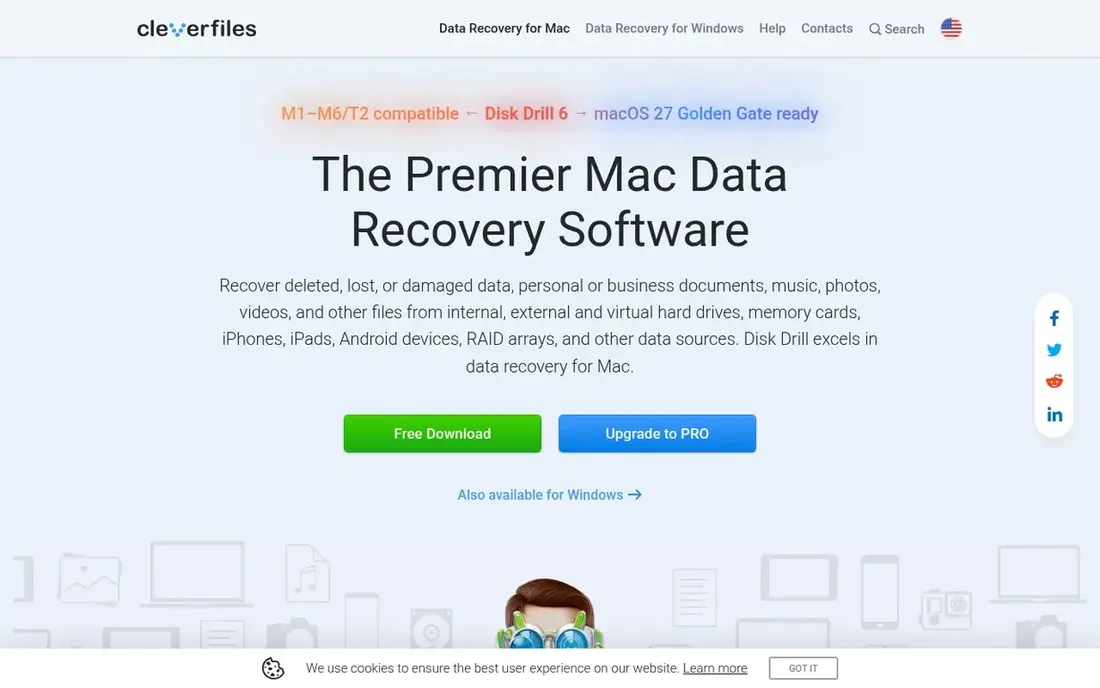
For Mac users seeking free scanning, Disk Drill is a natural candidate. Disk Drill is a data recovery application for macOS that also supports recovery from USB drives and other storage media. It provides free scanning, allowing users to preview files before deciding to recover.
The Windows version of Disk Drill may not offer the same feature set as the Mac version. If you are not a Mac user, consider other tools that are optimized for your product. Pricing for Disk Drill is not stated here, so ask the vendor for current figures. On free options: Not stated.
Watch-outs: Windows version may have different features.
- Approachable interface on macOS
- Supports recovery from USB drives, iOS, Android
- Full recovery needs a premium license
Ontrack EasyRecovery
Best for: Companies needing full recovery
Ontrack EasyRecovery works best for companies needing thorough recovery. Ontrack also provides email extraction and restoration services, making it a full option for organizations.
Where it shines: Supports recovery from several storage devices.
This comparison lists no price for Ontrack EasyRecovery; ask the vendor. Free plan details: Not stated.
Limits to weigh: Interface may be geared toward business users.
- A company with data recovery expertise
- Backed by Ontrack
- May be more pricey than consumer tools
EaseUS Data Recovery Wizard
Best for: Wide device and product support
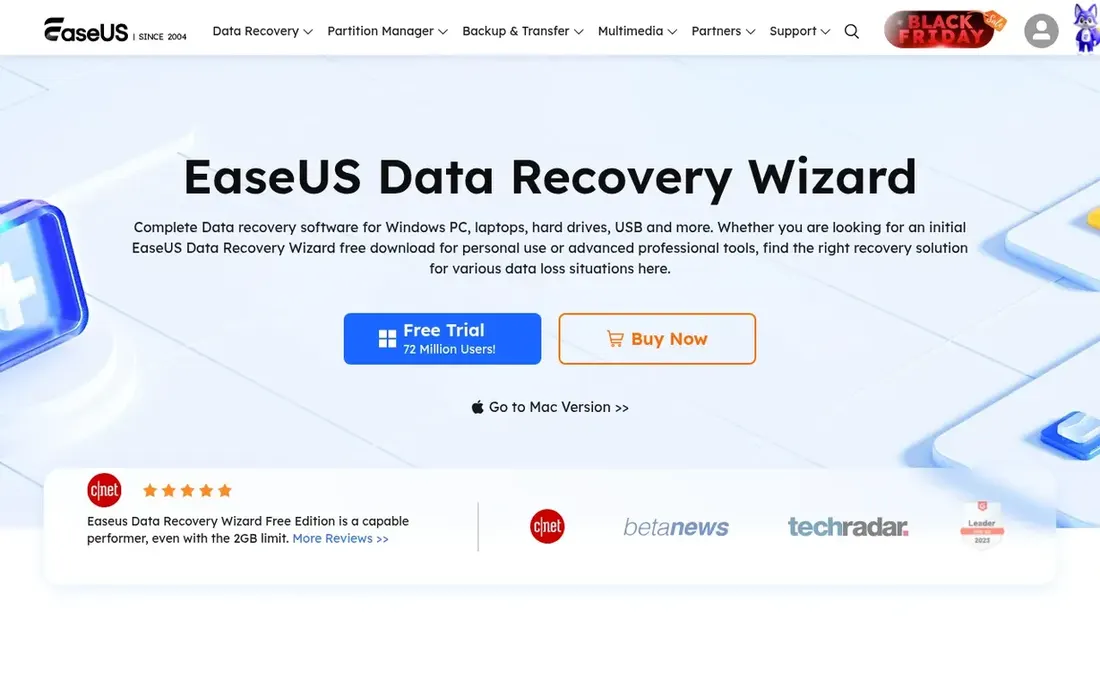
EaseUS Data Recovery Wizard makes the most sense for wide device and system support. EaseUS Data Recovery Wizard is a thorough data recovery option that supports many different devices, including USB drives, memory cards, and internal drives. This tool is well-suited for users who require a versatile recovery choice that includes several storage types and systems.
Watch-outs: Scanning large drives can take time.
On top of that, the scanning process for large USB drives can be time-consuming. From a buyer's view, if you primarily need entry-level file recovery on a single system, a more straightforward tool might suffice. EaseUS Data Recovery Wizard shows no starting price here, so confirm the cost on the vendor site. Trial and free access: Not stated.
- USB drives
- Can recover data from HDDs, SSDs
- May need a premium upgrade for full recovery features
MiniTool Power Data Recovery
Best for: Windows and Mac users needing versatile recovery
MiniTool Power Data Recovery serves Windows and Mac users needing versatile recovery. The free version of MiniTool Power Data Recovery has limitations on how much data you can recover.
In practice, the interface might be overwhelming for users new to data recovery. It is built to deal with different data loss scenarios, like accidental deletion, formatting, and partition loss. Pricing for MiniTool Power Data Recovery is not stated here, so ask the vendor for current figures. As for free access: Not stated.
Where it falls short: Free version has recovery limits.
- Can recover files from USB drives and other media
- Available for both Windows and Mac
- Interface may be less easy-to-learn for beginners
How we chose
The comparison looks at four things: starting price, free access, how well the feature set matches data recovery software for USB drives, and the main limit of each tool. Treat prices as a snapshot: vendors change plans often, so check the vendor site for the figure that applies today. The sequence is a judgement call: typical use case first, then pricing transparency, then free access. Use the profiles to check fit.
What to confirm before you sign up
- Get a written quote from R-Studio, Disk Drill, Ontrack EasyRecovery and others; the list shows no starting price for them.
- Look at the free plan from Wondershare Recoverit closely: its caps decide whether it is usable for real work.
- Before choosing R-Studio, weigh its main limit: steeper learning curve.
- Work out what R-Studio costs with your real seat count, add-ons and usage, not just the entry price.
- See whether Disk Drill offers onboarding or training, and whether it is included in the price.
FAQ
Do these tools publish their prices?
Not all of them. R-Studio, Disk Drill, Ontrack EasyRecovery and others publish no starting price, so expect a quote request for those. The rest, Wondershare Recoverit included, show a starting price, though seats and billing terms still change the final cost.
Can data recovery software recover files from a formatted USB drive?
Yes, plenty of data recovery tools can recover files from a formatted USB drive, but success relies on whether new data has been written to the drive. It is best to stop using the drive at once after formatting and run recovery software as soon as possible.
Is R-Studio the right pick for everyone comparing data recovery software for USB drives?
No single tool suits every team. R-Studio comes first because it fits advanced users and network recovery, while Disk Drill suits Mac users seeking free scanning and Ontrack EasyRecovery suits businesses needing comprehensive recovery. Match the tool to your own size, budget and workflow before deciding.
What should I do if my USB drive is not recognized?
If it still does not appear, the drive may have a hardware issue. Data recovery software may not help in this case; consider professional recovery services.
Which options for data recovery software for USB drives have a free plan?
Wondershare Recoverit is the only tool in this list with a free plan. Free plans usually cap users, projects or features, so check the limits on the vendor page. For the full picture, the cards above cover all 6 entries of this data recovery software for USB drives list, including price, free plan and limits.
Can I try these tools before paying?
Often, yes. Wondershare Recoverit has a free plan. Use your own data and a real task during the test, and check what the free tier or trial limits before you rely on it. Prices, free plan details and limits for all 6 tools in this data recovery software for USB drives roundup sit on the individual cards above.
Sources
- https://www.r-studio.com
- https://www.cleverfiles.com
- https://www.ontrack.com/en-us/data-recovery-software
- https://www.easeus.com/data-recovery-software
- https://www.minitool.com/data-recovery-software
- https://recoverit.wondershare.com