Best Data Recovery Software for Remote Teams for 2026: Our 5 Vetted Picks
Compare 5 best data recovery software for remote teams, with prices, free plans and who each fits. Every pick includes one clear drawback. Easy to scan.
- Editor's choiceWondershare Recoverit
AI-assisted recovery of media and documents
Starts at$99.95 per yearVisit recoverit.wondershare.comFull review - Great alternative
 Acronis Cyber Protect
Teams wanting backup plus cybersecurity
Starts atSee websiteVisit acronis.comFull review - Also considerOntrack EasyRecovery
Teams needing professional recovery services
Starts atSee websiteVisit ontrack.comFull review
Direct answer
Wondershare Recoverit leads the list, best for AI-assisted recovery of media and documents. Listed starting prices: Wondershare Recoverit from $99.95 per year. Acronis Cyber Protect is better for teams wanting backup plus cybersecurity, and Ontrack EasyRecovery is better for teams needing professional recovery services. The other 2 tools in the list cover narrower or pricier cases.
TL;DR:
- Number one here is Wondershare Recoverit, a fit for AI-assisted recovery of media and documents.
- Just one of the 5 tools, Wondershare Recoverit, has a free plan.
- Check the limits for EaseUS Data Recovery Wizard before you commit: feature set may be more than small teams need.
- For Acronis Cyber Protect, Ontrack EasyRecovery, EaseUS Data Recovery Wizard and Disk Drill, you have to request a quote because no starting price is shown.
Last checked November 2026. Prices and plan details were read from the vendors' own pages in November 2026; vendors change plans often, so confirm the current price on the vendor site before you buy.
Quick comparison
| Tool | Best for | Starts at | Free plan? | |
|---|---|---|---|---|
| Wondershare Recoverit | AI-assisted recovery of media and documents | $99.95 per year | Yes | Visit |
| Acronis Cyber Protect | Teams wanting backup plus cybersecurity | See website | Not stated | Visit |
| Ontrack EasyRecovery | Teams needing professional recovery services | See website | Not stated | Visit |
| EaseUS Data Recovery Wizard | Mixed-device teams needing wide product support | See website | Not stated | Visit |
 Disk Drill | Mac-centric teams with mobile device recovery needs | See website | Not stated | Visit |
The 5 tools in detail
This LinkVetted guide covers 5 data recovery software for remote teams. Each profile lists a starting price, free plan details, strengths and drawbacks, so you can drop poor fits quickly.
Where Acronis Cyber Protect fits: teams wanting backup plus cybersecurity. Acronis Cyber Protect is cybersecurity and data protection software that supplies backup and protection for consumers, firms and managed service providers.
For remote teams, it offers a way to combine backup with security instead of relying on recovery alone after data loss. Pricing for Acronis Cyber Protect is not stated here, so ask the vendor for current figures. On free options: Not stated.
Trade-offs to know: May be complicated for very small teams.
- Targeted at firms and MSPs
- Merges backup and data protection
- Broader scope than pure recovery
Ontrack EasyRecovery
Best for: Teams needing professional recovery services
Ontrack EasyRecovery is a good fit for teams needing professional recovery services. Choose Ontrack when recovery is business-critical and you want a vendor with professional services behind the software.
Where it falls short: Not concentrated on straightforward undelete.
Ontrack EasyRecovery shows no starting price here, so confirm the cost on the vendor site. Free options: Not stated.
- Backed by a data recovery services business
- Handles recovery software needs
- Service-oriented approach may be more than needed
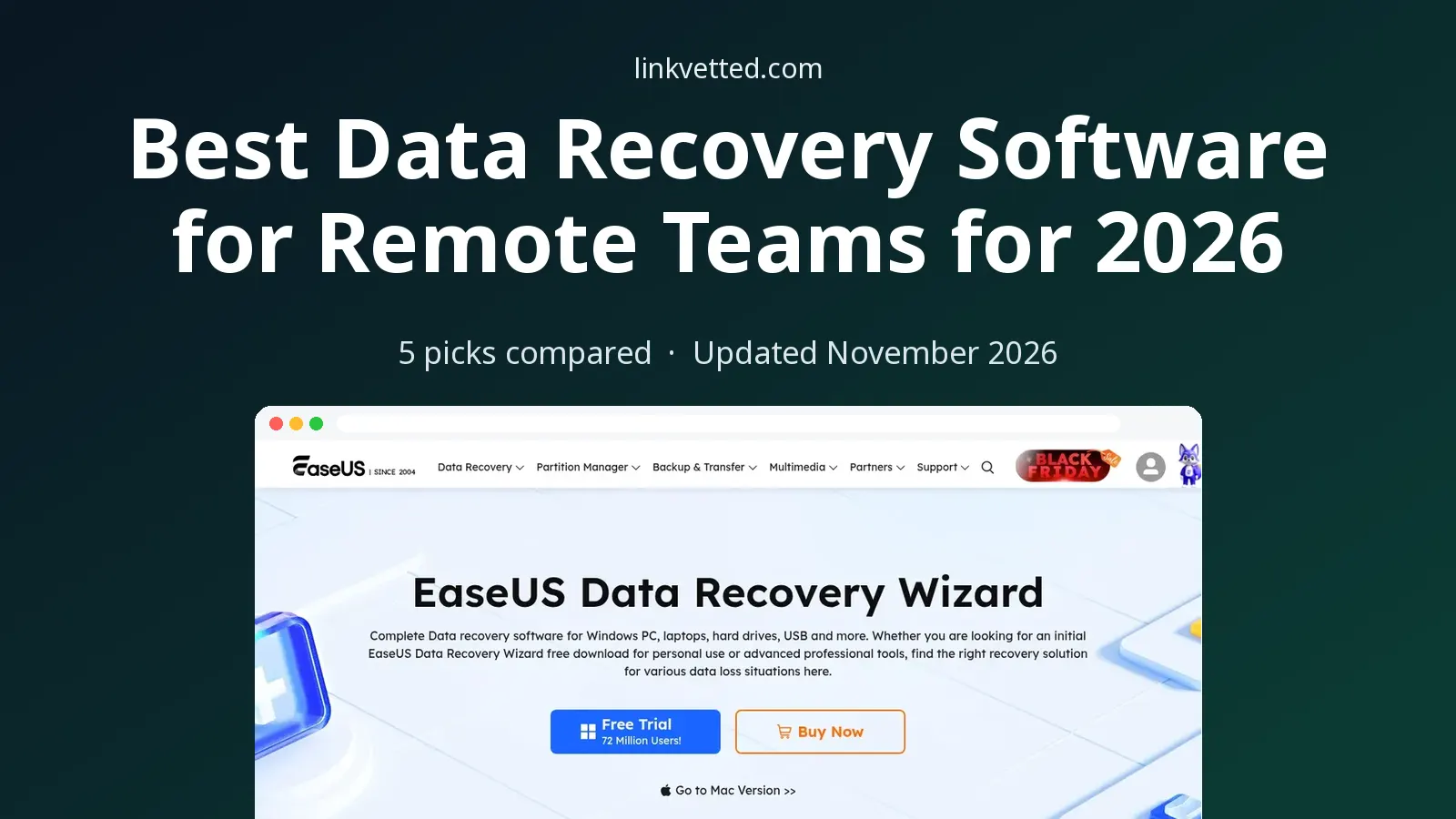
EaseUS Data Recovery Wizard
Best for: Mixed-device teams needing wide product support
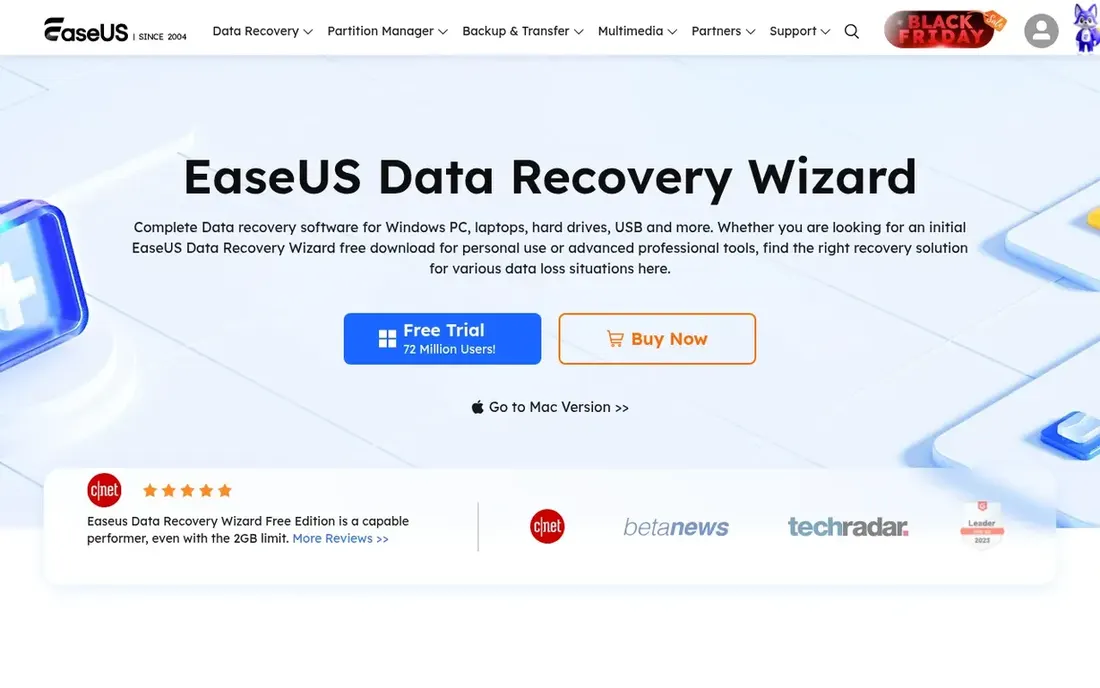
Choose EaseUS Data Recovery Wizard for mixed-device teams needing wide system support. The broad system coverage can feel overwhelming for a small team that only needs entry-level file undelete.
This comparison lists no price for EaseUS Data Recovery Wizard; ask the vendor. Free access: Not stated.
Main advantages: Also handles SQL and Exchange Server recovery.
Drawbacks to consider: Server recovery brings complexity.
- Takes care of HDD and SSD recovery
- IOS and Android
- Feature set may be more than small teams need
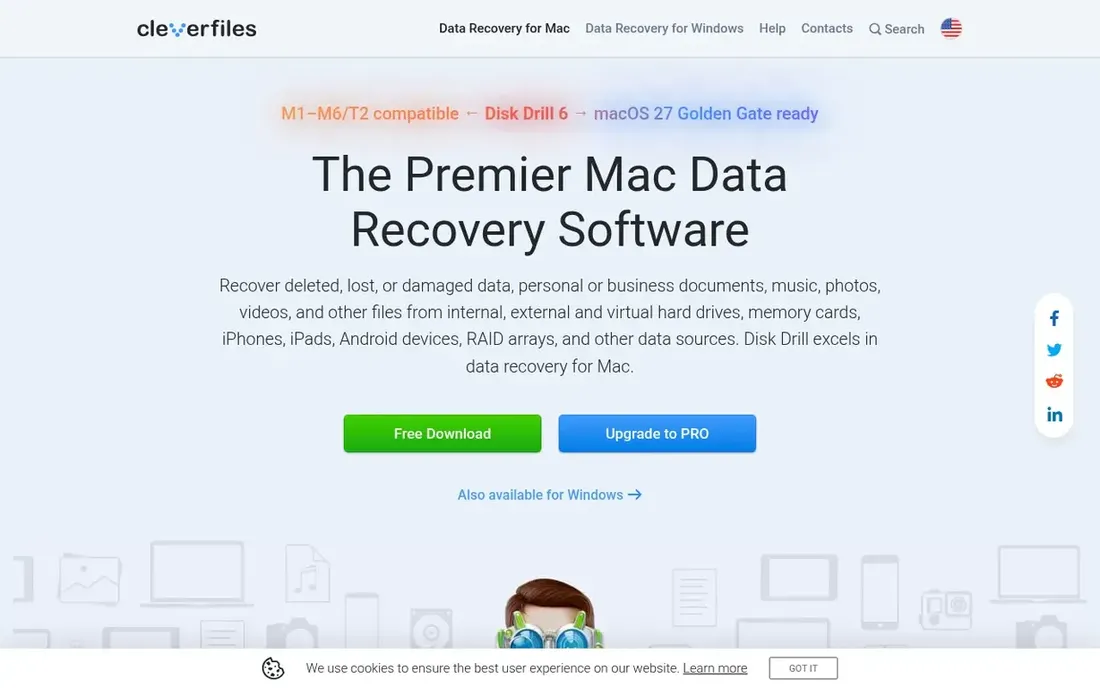
For Mac-centric teams with mobile device recovery needs, Disk Drill is a natural candidate. Disk Drill is data recovery software built around macOS, able to recover deleted or lost data from any storage device plus iOS and Android devices. Remote teams that standardize on Macs will find it a natural fit.
Drawbacks to consider: Windows users may prefer a Windows-first tool.
The free scanning choice lets users check for recoverable files before deciding. Since Disk Drill is presented as a Mac recovery tool, Windows-heavy teams may want a cross-platform alternative. It is a decent choice when Mac recovery is the priority and mobile device recovery is also needed. Pricing for Disk Drill is not stated here, so ask the vendor for current figures. Free options: Not stated.
- Also scans iOS and Android devices
- Solid focus on macOS recovery
- Positioned primarily for macOS
How we chose
For each of the 5 tools we noted price, free plan or trial, fit for data recovery software for remote teams and the main limit, using vendor pages and documentation. Figures are shown as the vendors publish them. Billing terms, seat minimums and add-ons can change the real cost. The ranking is editorial: typical fit first, then clear pricing, then free access. If your needs are unusual, read the profiles rather than relying on position.
Pre-purchase checklist
- Get a written quote from Acronis Cyber Protect, Ontrack EasyRecovery, EaseUS Data Recovery Wizard and Disk Drill; the list shows no starting price for them.
- Look at the free plan from Wondershare Recoverit closely: its caps decide whether it is usable for real work.
- Read the limits listed for Wondershare Recoverit first: Crashed PC recovery may need additional steps.
- Before you load data into Disk Drill, check what an export looks like and who can run it.
- Price Wondershare Recoverit for your actual team size; headline prices rarely include add-ons or overage.
FAQ
Is Wondershare Recoverit the right pick for everyone comparing data recovery software for remote teams?
No single tool suits every team. Wondershare Recoverit comes first because it fits AI-assisted recovery of media and documents, while Acronis Cyber Protect suits teams wanting backup plus cybersecurity and Ontrack EasyRecovery suits teams needing professional recovery services. Match the tool to your own size, budget and workflow before deciding.
How are the tools for data recovery software for remote teams ordered?
Wondershare Recoverit sits first and Disk Drill last because the order follows typical fit for data recovery software for remote teams, then price clarity and free access. It is a judgement call, so read each profile for fit and limits.
What is the best data recovery software for remote teams?
Wondershare Recoverit is the pick this page puts first, mainly for AI-assisted recovery of media and documents. If your situation differs, Acronis Cyber Protect suits teams wanting backup plus cybersecurity, and Ontrack EasyRecovery suits teams needing professional recovery services. Compare price and limits before you decide.
Which options for data recovery software for remote teams have a free plan?
Wondershare Recoverit is the only tool in this list with a free plan. Free plans usually cap users, projects or features, so check the limits on the vendor page.
Do these tools publish their prices?
Not all of them. Acronis Cyber Protect, Ontrack EasyRecovery, EaseUS Data Recovery Wizard and Disk Drill publish no starting price, so expect a quote request for those. The rest, Wondershare Recoverit included, show a starting price, though seats and billing terms still change the final cost.
Sources
- https://recoverit.wondershare.com
- https://www.acronis.com/en-us/products/cyber-protect
- https://www.ontrack.com/en-us/data-recovery-software
- https://www.easeus.com/data-recovery-software
- https://www.cleverfiles.com