5 Best Business Intelligence Software for Remote Teams for 2026, Vetted and Compared
Compare 5 best business intelligence software for remote teams, with prices, free plans and who each fits. Hidden costs and gaps are flagged. Quick to scan.
- Editor's choice
 Sisense
Embedded analytics in products
Starts atSee websiteVisit sisense.comFull review - Great alternative
 Domo
Governed data for AI agents
Starts atSee websiteVisit domo.comFull review - Also consider
 Zoho Analytics
Numerous app connections and fast dashboards
Starts atSee websiteVisit zoho.comFull review
Direct answer
Sisense leads the list, best for embedded analytics in products. Listed starting prices: Tableau from $15 per user a month. Domo fits governed data for AI agents; Zoho Analytics fits plenty of app connections and fast dashboards. The remaining 2 options are covered below with prices and limits.
TL;DR:
- Top of the list is Sisense, which targets embedded analytics in products.
- Only Tableau offers a free plan among these 5 tools.
- Tableau is the lowest-priced starter here at $15 per user per month.
- Tableau comes with a trade-off: rich features can feel complicated for beginners.
- For governed metrics with AI assistance, Looker is worth a look.
Last checked November 2026. Prices and plan details were read from the vendors' own pages in November 2026; vendors change plans often, so confirm the current price on the vendor site before you buy.
Quick comparison
| Tool | Best for | Starts at | Free plan? | |
|---|---|---|---|---|
| Sisense | Embedded analytics in products | See website | Free trial | Visit |
| Domo | Governed data for AI agents | See website | Free trial | Visit |
| Zoho Analytics | Numerous app connections and fast dashboards | See website | Not stated | Visit |
 Tableau | Visual exploration and simple sharing | $15 per user a month | Yes | Visit |
 Looker | Governed metrics with AI assistance | See website | Not stated | Visit |
5 business intelligence software for remote teams in detail
Choosing business intelligence software for remote teams usually comes down to price, fit and limits. This LinkVetted guide sets 5 tools side by side on those three points, with the facts kept short and checkable.
Sisense works best for embedded analytics in products. It supports different skill levels across a distributed team.
The main drawbacks: Adaptable build choices need choices upfront.
The embedded focus can be more than a team needs if the goal is purely internal reporting. The range of build choices needs early decisions about approach. No starting price is listed for Sisense here; confirm pricing on the vendor site. Free access: Free trial.
Main advantages: Aims to turn data into revenue.
- AI-powered embedded analytics
- Pro-code
- Embedding focus may exceed straightforward internal reporting needs
Pick Domo if this describes you: governed data for AI agents. Domo concentrates on governed data for AI agents, connecting and moving data from any source, preparing it, and expanding access for exploration.
It fits teams that want governance and AI readiness in one place. Domo does not show a starting price in this comparison, so check the vendor site for current pricing. On free options: Free trial.
Honest limits: Wide scope can need onboarding time.
- Accelerates business-critical insights
- Prepares and expands data access
- Feature depth varies by how it is configured
Choose Zoho Analytics for many app connections and fast dashboards. Zoho Analytics is data analytics and AI-powered business intelligence software that links to numerous apps, builds dashboards, and surfaces actionable insights. For remote teams, the appeal is speed: distributed colleagues can link typical business apps and assemble shared dashboards without heavy setup.
More specifically, very large or complicated data environments may also call for a system built around deeper enterprise modeling. On top of that, teams needing highly customized analytics or a strict governed semantic layer may find it less suitable than Looker. Zoho Analytics does not show a starting price in this comparison, so check the vendor site for current pricing. As for free access: Not stated.
Where it falls short: A good match for teams already in the Zoho ecosystem.
- AI-powered insight features
- Links numerous apps
- Deep customization may be restricted
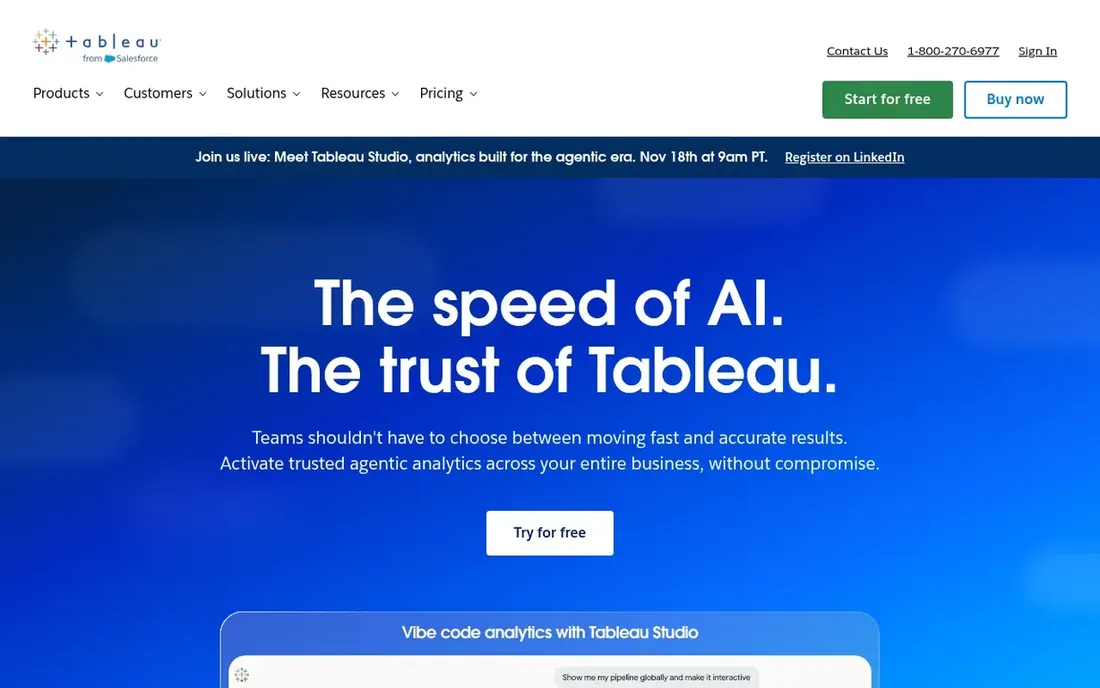
Pick Tableau if this describes you: visual exploration and simple sharing. Users link to databases, drag-and-drop fields to build charts, and share results with a click.
Tableau cost at the entry level: $15 per user per month. You can start on Tableau without paying.
What to check first: Rich features can feel complicated for beginners.
- Links to almost any database
- Share dashboards with a click
- Sharing relies on how access is set up
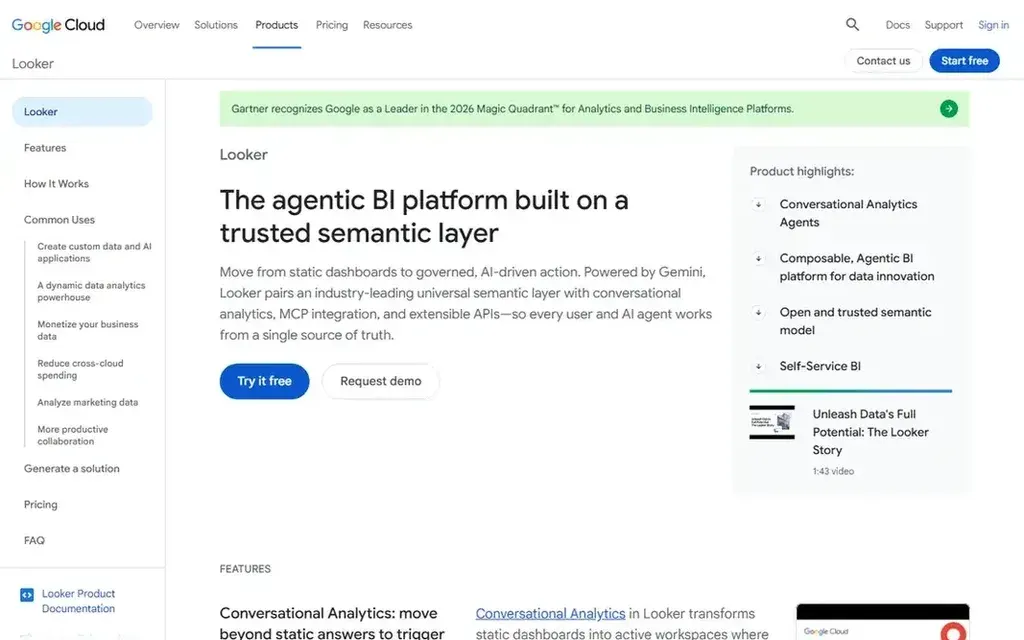
Looker works best for governed metrics with AI assistance. It brings together metrics through a trusted semantic layer and layers on Gemini agents to support analysis.
Worth adding: groups that want fast ad hoc visuals with less upfront structure may find Tableau or Zoho Analytics more straightforward to start with. As for the details, the semantic layer demands setup and continuing maintenance, which can be heavy for small teams without modeling skills. Pricing for Looker is not stated here, so ask the vendor for current figures. Trial and free access: Not stated.
Honest limits: Best value for teams with data modeling skills.
- Embedded analytics choices
- Gemini agents assist analysis
- Semantic modeling needs setup effort
How we chose
Pricing pages, product documentation and feature lists were the main sources, and every entry carries at least one honest drawback. Seat minimums, billing terms and add-ons can move the real cost, so the starting prices here are a guide and not a quote. The ranking is editorial: typical fit first, then clear pricing, then free access. If your needs are unusual, read the profiles rather than relying on position.
What to check before you buy
- Get a written quote from Sisense, Domo, Zoho Analytics and Looker; the list shows no starting price for them.
- Look at the free plan from Tableau closely: its caps decide whether it is usable for real work.
- Run a trial of Sisense and Domo with real work before paying for a year; your own workflow is the best test.
- Before choosing Sisense, weigh its main limit: embedding focus may exceed simple internal reporting needs.
- Before you load data into Domo, check what an export looks like and who can run it.
- The entry price of Looker is only the starting point; model the full cost with seats and extras.
FAQ
Which options for business intelligence software for remote teams have a free plan?
Tableau is the only tool in this list with a free plan. Free plans usually cap users, projects or features, so check the limits on the vendor page. Several others offer a trial instead. All 5 picks in this business intelligence software for remote teams comparison list a starting price, free plan details and the main limits on their cards above.
How are the tools for business intelligence software for remote teams ordered?
Sisense sits first and Looker last because the order follows typical fit for business intelligence software for remote teams, then price clarity and free access. It is a judgement call, so read each profile for fit and limits.
Do we need embedded analytics for a remote team?
Only if you deliver insights inside your own product or customer portal. Sisense concentrates on embedded analytics with pro-code, low-code and no-code choices, whereas Domo emphasizes governed data for AI agents.
Is Sisense the right pick for everyone comparing business intelligence software for remote teams?
No single tool suits every team. Sisense comes first because it fits embedded analytics in products, while Domo suits governed data for AI agents and Zoho Analytics suits many app connections and quick dashboards. Match the tool to your own size, budget and workflow before deciding.
Can I try these tools before paying?
Often, yes. Tableau has a free plan and Sisense and Domo offer a free trial. Use your own data and a real task during the test, and check what the free tier or trial limits before you rely on it. For the full picture, the cards above cover all 5 entries of this business intelligence software for remote teams list, including price, free plan and limits.
Sources
- https://www.sisense.com
- https://www.domo.com
- https://www.zoho.com/analytics
- https://www.tableau.com
- https://cloud.google.com/looker