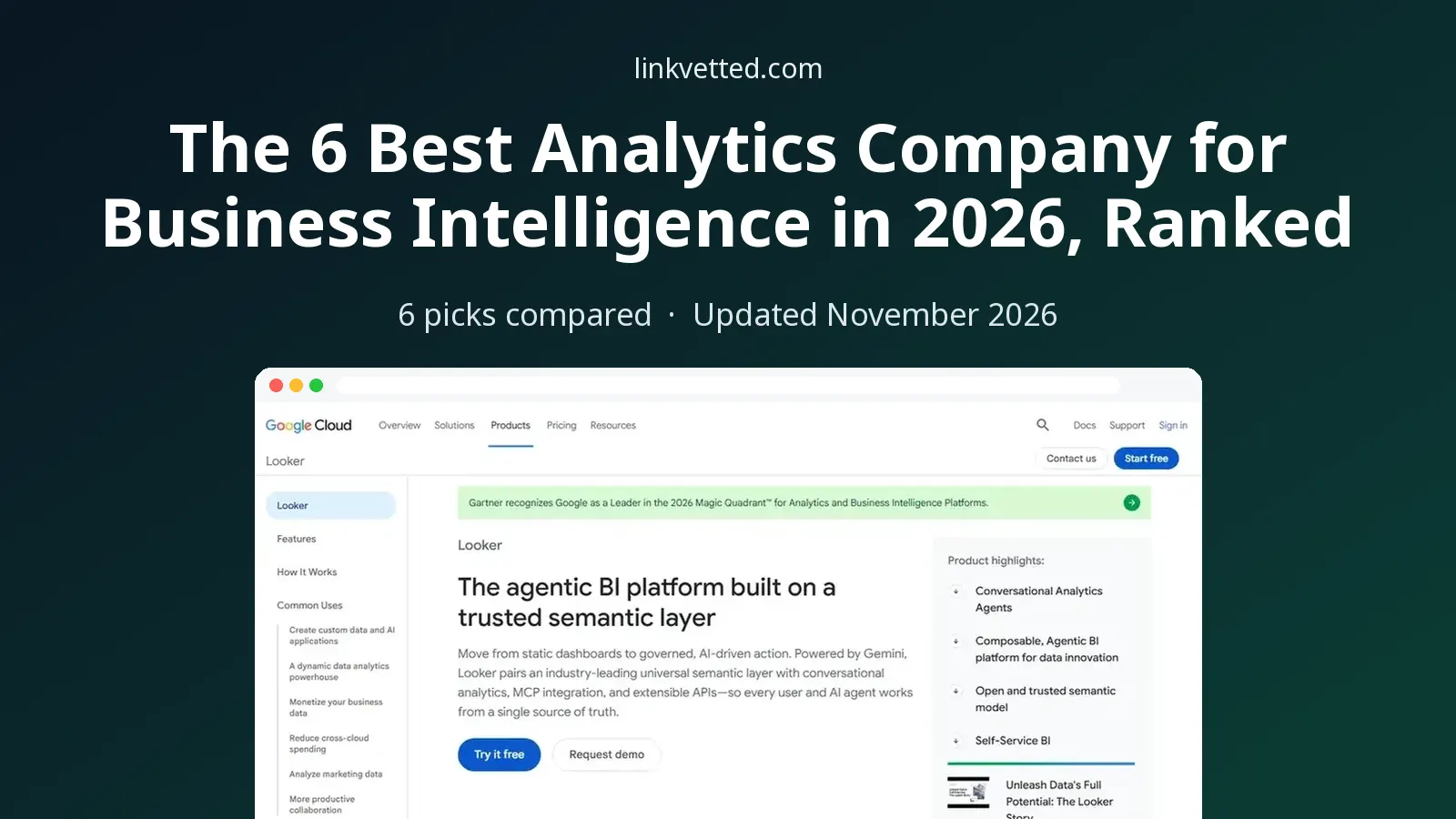
The 6 Best Analytics Company for Business Intelligence in 2026, Ranked
Compare 6 picks for the best analytics company for business intelligence, with prices, free plans and who each fits. Real limits included. Details below.
- Editor's choice
 Domo
Governed data for AI agents
Starts atSee websiteVisit domo.comFull review - Great alternative
 Sisense
Embedded analytics in products
Starts atSee websiteVisit sisense.comFull review - Also consider
 Looker
Governed metrics and embedded analytics
Starts atSee websiteVisit cloud.google.comFull review
Direct answer
Domo is the first pick on this list for governed data for AI agents. Listed starting prices: Tableau from $15 per user a month. Sisense is the stronger choice for embedded analytics in products, while Looker suits governed metrics and embedded analytics. All 6 tools are compared below on price, free plan and limits.
TL;DR:
- Top of the list is Domo, which targets governed data for AI agents.
- What to know about Looker first: tied to Google Cloud ecosystem.
- The cheapest monthly starting price in the list is $15 per user per month, offered by Tableau.
- SAP Analytics Cloud is the one to check for SAP-centric BI, planning, and predictive.
Last checked November 2026. Prices and plan details were read from the vendors' own pages in November 2026; vendors change plans often, so confirm the current price on the vendor site before you buy.
Quick comparison
| Tool | Best for | Starts at | Free plan? | |
|---|---|---|---|---|
| Domo | Governed data for AI agents | See website | Free trial | Visit |
| Sisense | Embedded analytics in products | See website | Free trial | Visit |
| Looker | Governed metrics and embedded analytics | See website | Not stated | Visit |
| IBM Cognos Analytics | AI-driven reporting and dashboards | See website | Not stated | Visit |
 Tableau | Visual data exploration and dashboards | $15 per user a month | Yes | Visit |
| SAP Analytics Cloud | SAP-centric BI, planning, and predictive | See website | Not stated | Visit |
Analytics Company for Business Intelligence, one by one
LinkVetted compared 6 tools for analytics company for business intelligence. The goal is a practical shortlist: published prices, free plan facts, best-fit use cases and honest limits for every entry.
Domo works best for governed data for AI agents. It permits connecting and moving data from any source, preparing and expanding data access for exploration, and accelerating business-critical insights.
In daily use, consider Domo when data governance for AI is a priority. Domo may be more than small teams need, and its governance features can require initial setup effort. This comparison lists no price for Domo; ask the vendor. On free options: Free trial.
Honest limits: Can need setup for data governance.
- Accelerate business-critical insights
- Link and move data from any source
- May be overkill for small teams
Where Sisense fits: embedded analytics in products. Sisense provides AI-powered embedded analytics to unlock insights and convert data into revenue with pro-code, low-code, and no-code adaptability. It is made for firms that want to embed analytics straight into their products or applications, serving customers or internal users with tailored insights.
Trade-offs to know: Focus on embedding may not suit all BI needs.
From a buyer's view, for standalone dashboards, Tableau or Looker might be more appropriate. Sisense is optimized for embedded use cases, so it may not be the best fit for traditional internal BI if embedding is not needed. It can also need developer involvement. Check the vendor site for Sisense pricing; none is listed in this comparison. Free options: Free trial.
- Converts data into revenue
- No-code adaptability
- May need developer resources
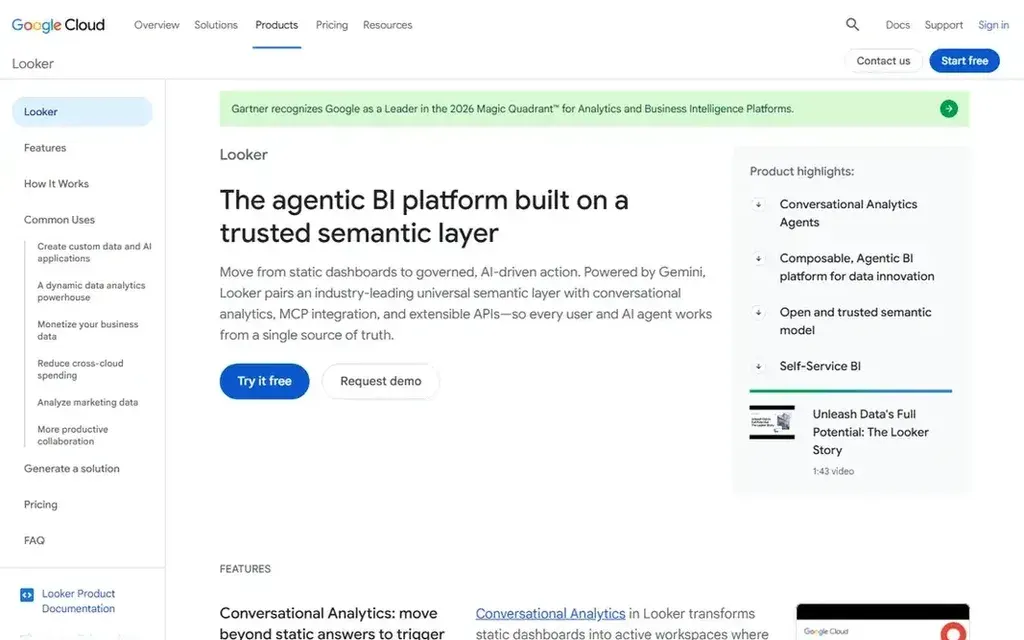
In short, Looker is for governed metrics and embedded analytics. Looker is Google Cloud's agentic business intelligence and embedded analytics product. It brings together metrics with a trusted semantic layer and uses Gemini agents to assist with analysis.
Watch-outs: May require data modeling expertise.
As for the details, Looker's deep integration with Google Cloud may be less appealing if your infrastructure is elsewhere. It also typically needs data modeling expertise to set up the semantic layer. For more straightforward visual exploration, Tableau could be a more straightforward choice. Looker does not show a starting price in this comparison, so check the vendor site for current pricing. Free access: Not stated.
- Embedded analytics capabilities
- Gemini agents for AI assistance
- Tied to Google Cloud ecosystem
IBM Cognos Analytics
Best for: AI-driven reporting and dashboards
Pick IBM Cognos Analytics if this describes you: AI-driven reporting and dashboards. IBM Cognos Analytics helps users explore data, build reports, and build dashboards with AI-driven insights to understand trends and make informed decisions. It is suited for enterprises that require solid reporting and dashboarding with AI assistance, particularly those already using IBM infrastructure.
If you prioritize simplicity for business users, Tableau or Domo might be more accessible. In daily use, Cognos Analytics can have a complicated interface that may need training, and setup frequently involves IT support. IBM Cognos Analytics does not show a starting price in this comparison, so check the vendor site for current pricing. Free access: Not stated.
Trade-offs to know: Interface can feel complicated for new users.
- Report building and dashboards
- Exploration of data
- May need IT support for setup
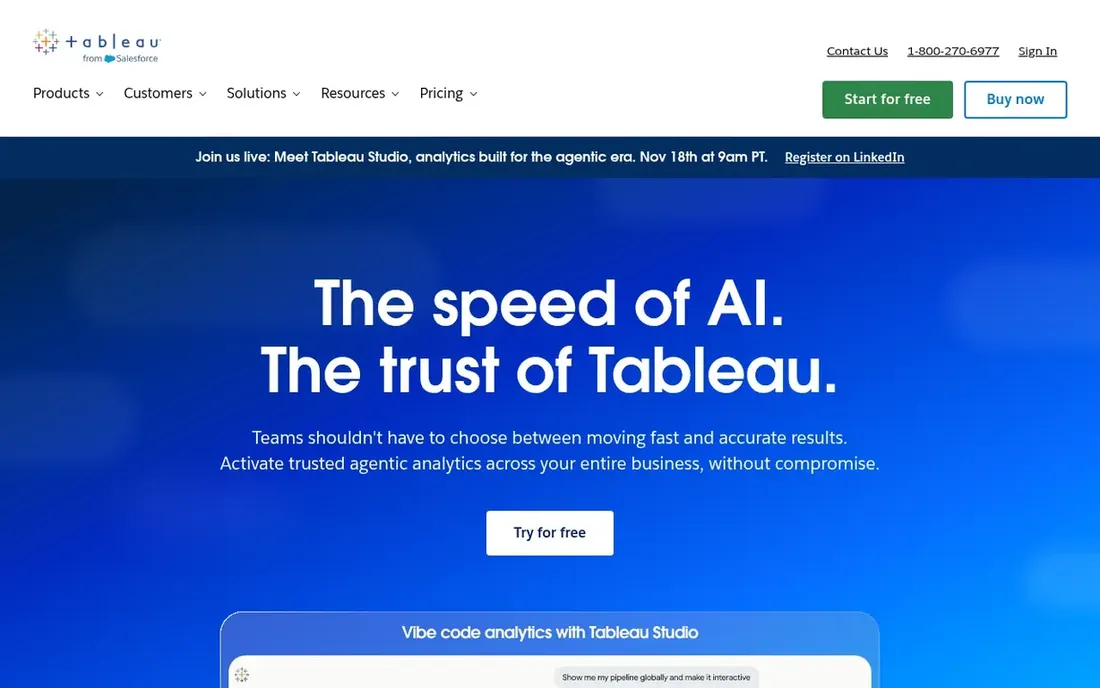
Tableau is a good fit for visual data exploration and dashboards. Tableau is a business intelligence and analytics product that helps users see and understand their data. It allows connecting to almost any database, then dragging and dropping to produce visualizations and sharing them with a click.
Trade-offs to know: Can require training for advanced features.
Tableau may demand training to unlock advanced capabilities, and costs can grow with scale. If you need deeply governed metrics with a semantic layer, Looker might be a better fit. Entry price for Tableau: $15 per user per month. Free access exists with Tableau.
- Links to almost any database
- Simple sharing with a click
- May be expensive for large deployments
SAP Analytics Cloud
Best for: SAP-centric BI, planning, and predictive
Choose SAP Analytics Cloud for SAP-centric BI, planning, and predictive. SAP Analytics Cloud is a cloud analytics system that makes it possible for data visualization and improved business intelligence, with tools for planning and predictive analysis. It is a strong match for organizations already using SAP options, as it can use existing data and processes.
Points against: Best value within SAP ecosystem.
It supports a set of analytics needs from reporting to forecasting. In daily use, consider it if you need built-in planning capabilities alongside BI. If you are not a SAP shop, other systems like Tableau or Looker might be more adaptable. Check the vendor site for SAP Analytics Cloud pricing; none is listed in this comparison. Free plan details: Not stated.
- Cloud-based visualization
- Tight integration with SAP data
- May be complicated for non-SAP data
How we compared the tools
Pricing pages, product documentation and feature lists were the main sources, and every entry carries at least one honest drawback. Prices and plan limits come from vendor pages and can change, so confirm them on the vendor site before you buy. Tools are placed by general fit for analytics company for business intelligence, with price clarity and free access as tie-breakers. A different team can reasonably rank them differently.
A buyer's checklist
- Ask Domo, Sisense, Looker and others for a written quote, since no starting price is shown.
- Test the free plan from Tableau against your real workload before relying on it.
- Run a trial of Domo and Sisense with real work before paying for a year; your own workflow is the best test.
- Before choosing Domo, weigh its main limit: may be overkill for small teams.
- Compare total cost, not headline price: for Tableau, add extra seats, add-ons and any usage-based charges.
- Ask SAP Analytics Cloud which support channels and response times come with the plan you would buy.
FAQ
Which options for analytics company for business intelligence have a free plan?
Tableau is the only tool in this list with a free plan. Free plans usually cap users, projects or features, so check the limits on the vendor page. Several others offer a trial instead. Prices, free plan details and limits for all 6 tools in this analytics company for business intelligence roundup sit on the individual cards above.
How are the tools for analytics company for business intelligence ordered?
The order follows typical fit for analytics company for business intelligence, with Domo first and SAP Analytics Cloud last, then price clarity and free access. It is editorial judgement, not a score, so another team could rank the tools differently.
What is the cheapest option for analytics company for business intelligence in this list?
On published monthly entry prices, Tableau is the lowest here at $15 per user per month. Entry price is only part of the cost, because seats, add-ons and billing terms can change the total. Each of the 6 options in this analytics company for business intelligence guide has its own card above with the price, free plan and limits.
Can I try these tools before paying?
Often, yes. Tableau has a free plan and Domo and Sisense offer a free trial. Use your own data and a real task during the test, and check what the free tier or trial limits before you rely on it.
How do Tableau and Looker differ for business intelligence?
Tableau emphasizes visual exploration and wide data connectivity, whereas Looker centers on a trusted semantic layer and embedded analytics with Gemini agents. Tableau may suit teams prioritizing dashboards, whereas Looker suits those needing governed metrics across the organization.
Sources
- https://www.domo.com
- https://www.sisense.com
- https://cloud.google.com/looker
- https://www.ibm.com/products/cognos-analytics
- https://www.tableau.com
- https://www.sap.com/products/technology-platform/cloud-analytics.html