Business Intelligence Tools Data Analytics in 2026: The 6 Best Options Side by Side
Compare 6 best business intelligence tools data analytics, with prices, free plans and who each fits. The catches are listed up front. Read before you buy.
- Editor's choiceOracle Analytics Cloud
Self-service and enterprise reporting
Starts atSee websiteVisit oracle.comFull review - Great alternativeSAP Analytics Cloud
Integrated BI, planning, and predictive
Starts atSee websiteVisit sap.comFull review - Also consider
 Amazon QuickSight
AI-powered BI on AWS
Starts atSee websiteVisit aws.amazon.comFull review
Direct answer
Oracle Analytics Cloud comes first here, mainly for self-service and enterprise reporting. Listed starting prices: Tableau from $15 per user per month. For a different need, SAP Analytics Cloud covers integrated BI, planning, and predictive and Amazon QuickSight covers AI-powered BI on AWS. The remaining 3 options are covered below with prices and limits.
TL;DR:
- This list starts with Oracle Analytics Cloud, which is built for self-service and enterprise reporting.
- For the cheapest start, look at Tableau: $15 per user per month.
- Tableau is the only tool of the 6 with a free plan.
- A fair warning about Oracle Analytics Cloud: may be most useful for Oracle-centric environments.
Last checked November 2026. Prices and plan details were read from the vendors' own pages in November 2026; vendors change plans often, so confirm the current price on the vendor site before you buy.
Quick comparison
| Tool | Best for | Starts at | Free plan? | |
|---|---|---|---|---|
| Oracle Analytics Cloud | Self-service and enterprise reporting | See website | Not stated | Visit |
| SAP Analytics Cloud | Integrated BI, planning, and predictive | See website | Not stated | Visit |
| Amazon QuickSight | AI-powered BI on AWS | See website | Not stated | Visit |
 Looker | Governed metrics and embedded analytics | See website | Not stated | Visit |
 Tableau | Visual self-service analytics | $15 per user per month | Yes | Visit |
 Qlik Sense | Associative exploration with data integration | See website | Not stated | Visit |
6 business intelligence tools data analytics in detail
Choosing business intelligence tools data analytics usually comes down to price, fit and limits. This LinkVetted guide sets 6 tools side by side on those three points, with the facts kept short and checkable.
Oracle Analytics Cloud
Best for: Self-service and enterprise reporting
Think of Oracle Analytics Cloud for self-service and enterprise reporting. Oracle Analytics Cloud is a full analytics that combines self-service discovery with enterprise reporting and advanced analytics. It contains predictive and advanced analytics to uncover hidden data insights.
Worth adding: the product may be most advantageous within Oracle ecosystems, and advanced features can need specialized skills. For teams seeking a more straightforward, standalone BI tool, other choices may be more appropriate. Oracle Analytics Cloud does not show a starting price in this comparison, so check the vendor site for current pricing. Trial and free access: Not stated.
Where it falls short: May be most useful for Oracle-centric environments.
- Uncovers hidden data insights
- Combines self-service discovery with enterprise reporting
- Can need expertise for advanced analytics
SAP Analytics Cloud
Best for: Integrated BI, planning, and predictive
SAP Analytics Cloud serves integrated BI, planning, and predictive. Outside SAP-centric environments, integration and setup may demand additional effort, and the planning focus may be more than some analytics teams need. Worth adding: for pure visual discovery, a dedicated BI tool could be a better match.
SAP Analytics Cloud is a cloud analytics that brings together business intelligence, planning, and predictive analysis tools. It makes it possible for data visualization and improved business intelligence, making it right for organizations that require to link analysis with planning cycles. This comparison lists no price for SAP Analytics Cloud; ask the vendor. On free options: Not stated.
Where SAP Analytics Cloud stands out: Cloud-based deployment. Watch-outs: Can need configuration for non-SAP data.
- Predictive analytics
- Merges BI, planning
- May be most valuable within SAP ecosystems
Amazon QuickSight is built with AI-powered BI on AWS in mind. Amazon QuickSight is an AI-powered business intelligence service that transforms data into strategic insights through unified intelligence, actionable analytics, and democratized data access.
What to check first: Can have limitations in complicated customization.
It is built for organizations that want to enable more people to access and analyze data. On top of that, if you need deep visual customization or are not on AWS, consider other tools. Amazon QuickSight does not show a starting price in this comparison, so check the vendor site for current pricing. On free options: Not stated.
- Unified intelligence and actionable analytics
- AI-powered insights for strategic decisions
- May be most smooth within AWS environments
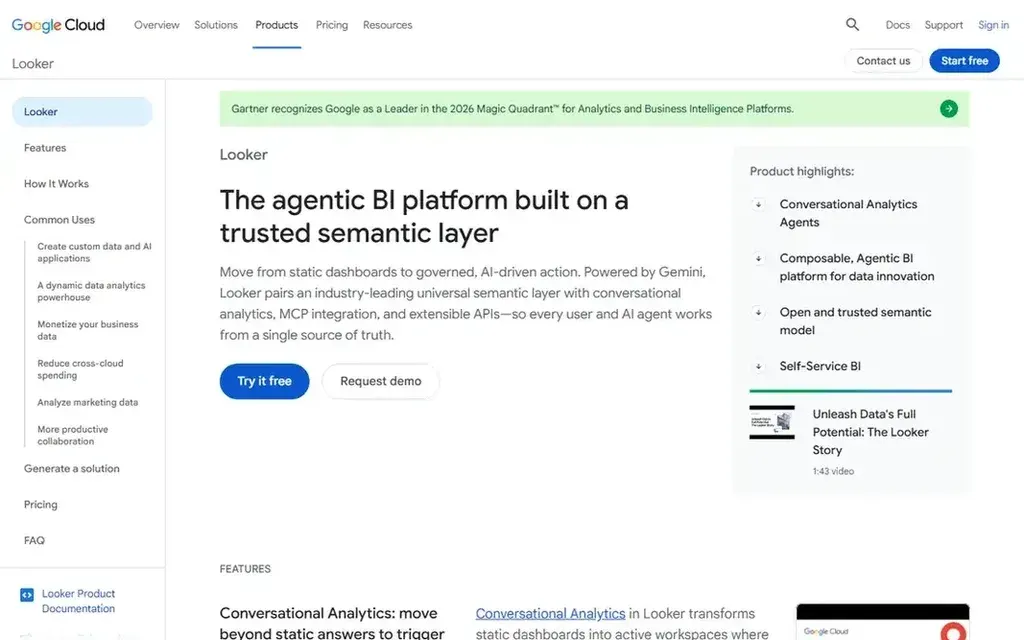
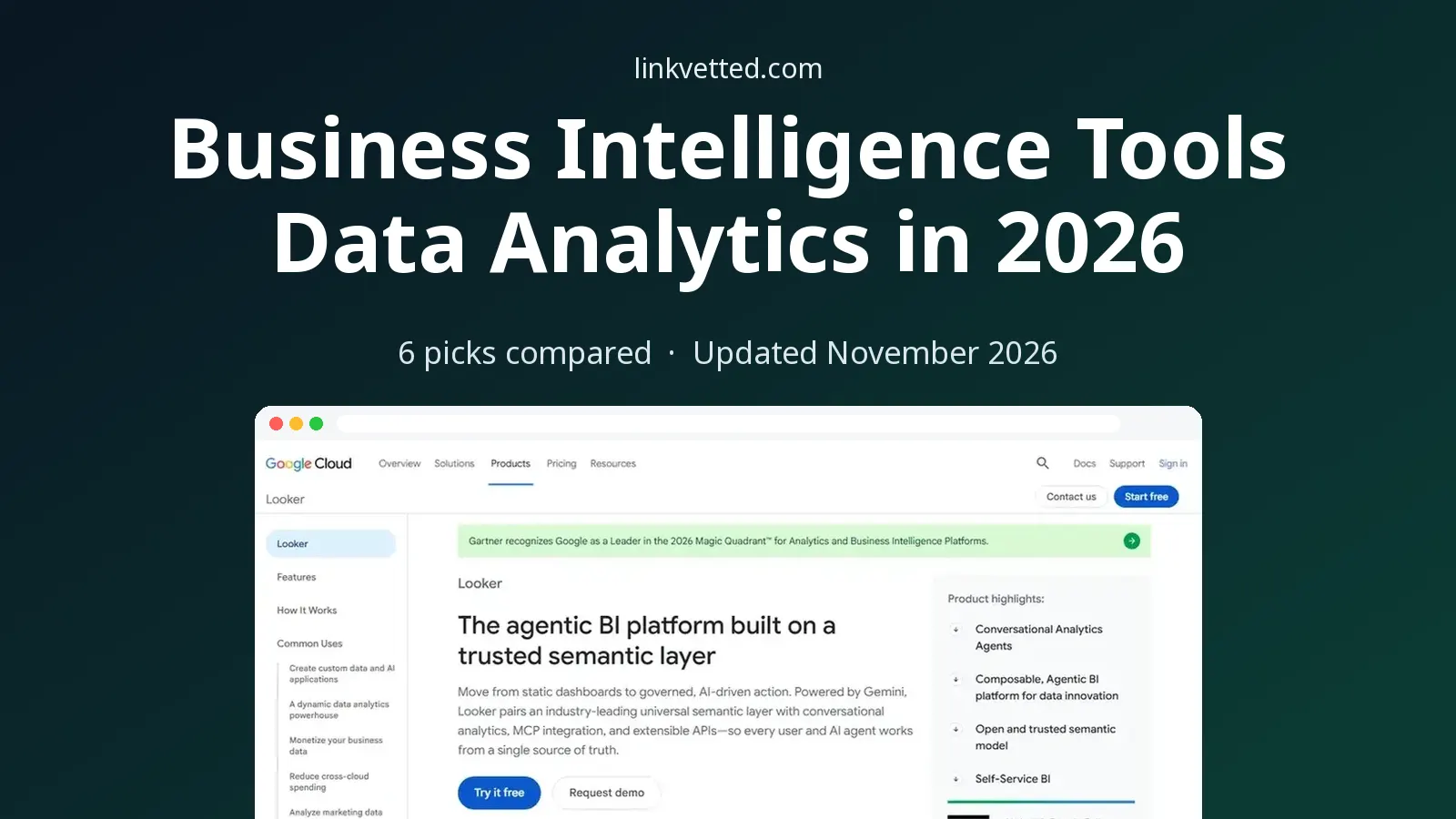
Looker targets governed metrics and embedded analytics. Looker, part of Google Cloud, is an agentic business intelligence and embedded analytics. It brings together metrics through a trusted semantic layer and incorporates Gemini agents to assist with analysis.
Trade-offs to know: May be less adaptable for ad hoc visual exploration.
In daily use, for teams that prioritize freeform visual exploration over centralized metric control, a tool like Tableau may be preferable. Looker's strength in governance relies on upfront data modeling, which can slow initial deployment. Pricing for Looker is not stated here, so ask the vendor for current figures. As for free access: Not stated.
- Gemini agents for AI assistance
- Embedded analytics capabilities
- Needs modeling discipline
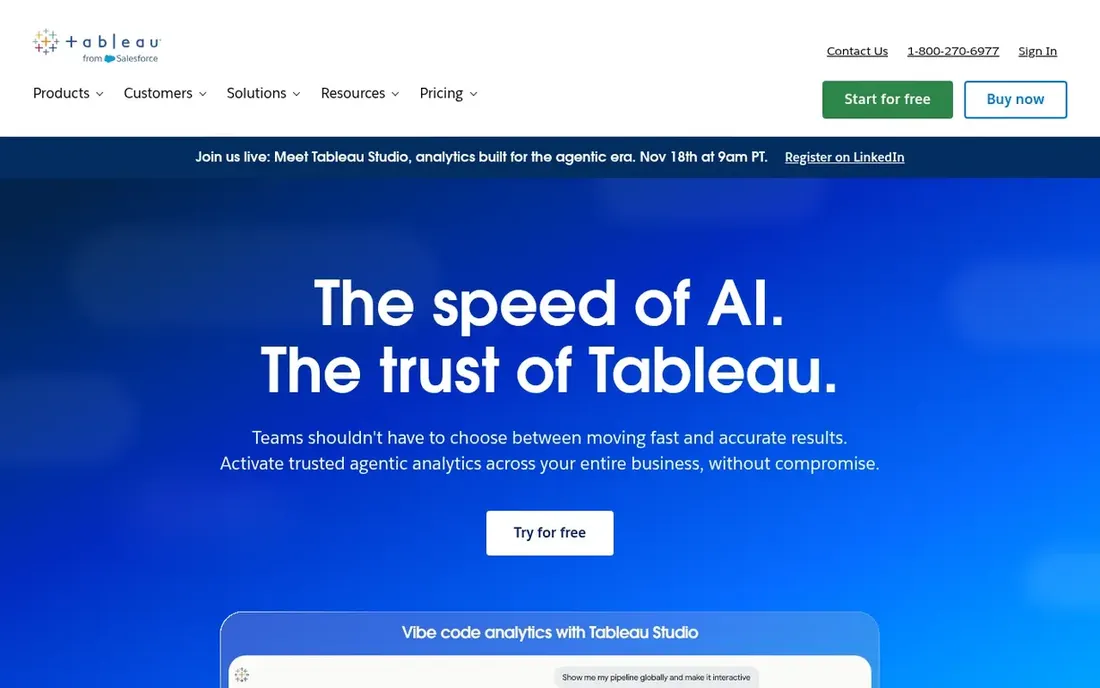
Tableau targets visual self-service analytics. Tableau's adaptability can mean a ramp-up time for complicated calculations and data modeling, and governance may need extra attention as deployments grow.
What to check first: Can become expensive at scale.
Tableau is a business intelligence and analytics centred on helping people see and understand their data. The starting price for Tableau: $15 per user per month. Tableau offers a free plan.
- Links to almost any database
- Drag-and-drop visualization building
- May need training for advanced use
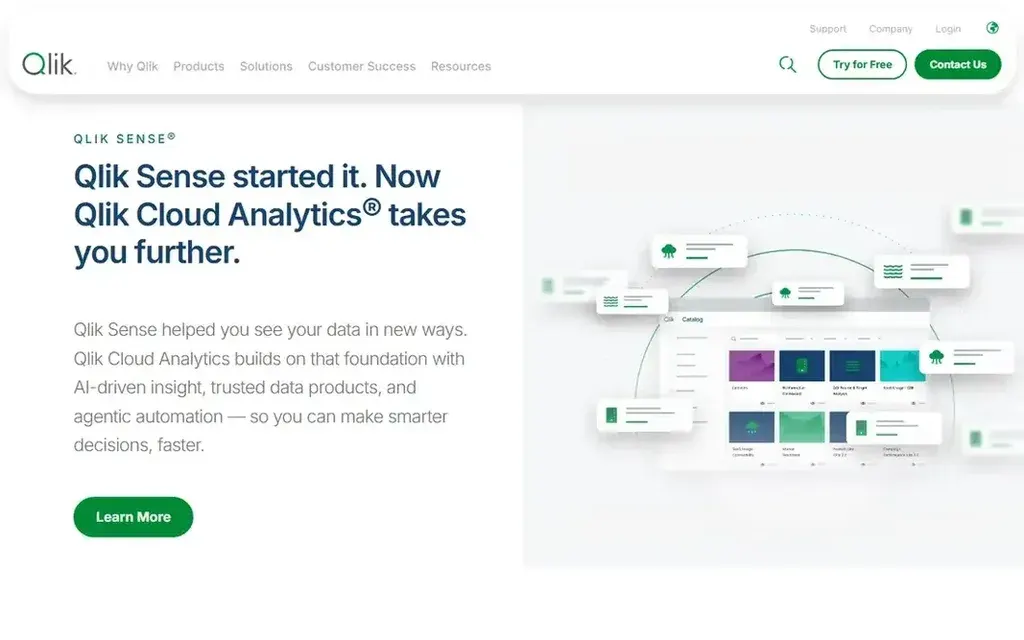
In short, Qlik Sense is for associative exploration with data integration. Qlik Sense, now combined with Talend, provides a data fabric and analytics with end-to-end data integration, data quality, and analytics capabilities.
Downsides: May require specialized skills for advanced scripting.
The system's breadth can introduce administrative complexity, and advanced use may need scripting knowledge. Pricing for Qlik Sense is not stated here, so ask the vendor for current figures. As for free access: Not stated.
- Supports next-level insights
- Associative analytics engine
- Can be complicated to administer
How we chose
We compared the tools on published pricing, free plan or trial availability, feature coverage for business intelligence tools data analytics, and the limits each vendor documents. Where a price is missing, the vendor does not list one publicly or ties it to a quote. Always confirm before budgeting. The ranking is editorial: typical fit first, then clear pricing, then free access. If your needs are unusual, read the profiles rather than relying on position.
Questions to settle before buying
- Get a written quote from Oracle Analytics Cloud, SAP Analytics Cloud, Amazon QuickSight and others; the list shows no starting price for them.
- Look at the free plan from Tableau closely: its caps decide whether it is usable for real work.
- Before choosing Oracle Analytics Cloud, weigh its main limit: may be a good match for Oracle-centric environments.
- Get the contract term, renewal terms and any onboarding fees from Tableau in writing.
- Check how data leaves Amazon QuickSight: formats, limits and whether exports are available on every plan.
FAQ
How are the business intelligence tools data analytics ordered?
The order follows typical fit for business intelligence tools data analytics, with Oracle Analytics Cloud first and Qlik Sense last, then price clarity and free access. It is editorial judgement, not a score, so another team could rank the tools differently.
Which business intelligence tools data analytics have a free plan?
Tableau is the only tool in this list with a free plan. Free plans usually cap users, projects or features, so check the limits on the vendor page. All 6 picks in this business intelligence tools data analytics comparison list a starting price, free plan details and the main limits on their cards above.
Can these tools manage both self-service and enterprise reporting?
Numerous tools, like Oracle Analytics Cloud and SAP Analytics Cloud, combine self-service discovery with enterprise reporting and planning. Others like Tableau and Qlik Sense also support governed sharing and dashboards.
Can I try these tools before paying?
Often, yes. Tableau has a free plan. Use your own data and a real task during the test, and check what the free tier or trial limits before you rely on it. For the full picture, the cards above cover all 6 entries of this business intelligence tools data analytics list, including price, free plan and limits.
Do these tools publish their prices?
Not all of them. Oracle Analytics Cloud, SAP Analytics Cloud, Amazon QuickSight and others publish no starting price, so expect a quote request for those. The rest, Tableau included, show a starting price, though seats and billing terms still change the final cost.
Sources
- https://www.oracle.com/business-analytics/analytics-cloud.html
- https://www.sap.com/products/technology-platform/cloud-analytics.html
- https://aws.amazon.com/quicksight
- https://cloud.google.com/looker
- https://www.tableau.com
- https://www.qlik.com