Best Embedded Business Intelligence Software for Remote Teams for 2026: Our 5 Vetted Picks
Best embedded business intelligence software for remote teams in 2026: 5 contenders with entry costs and free tiers. Real limits included. Start here.
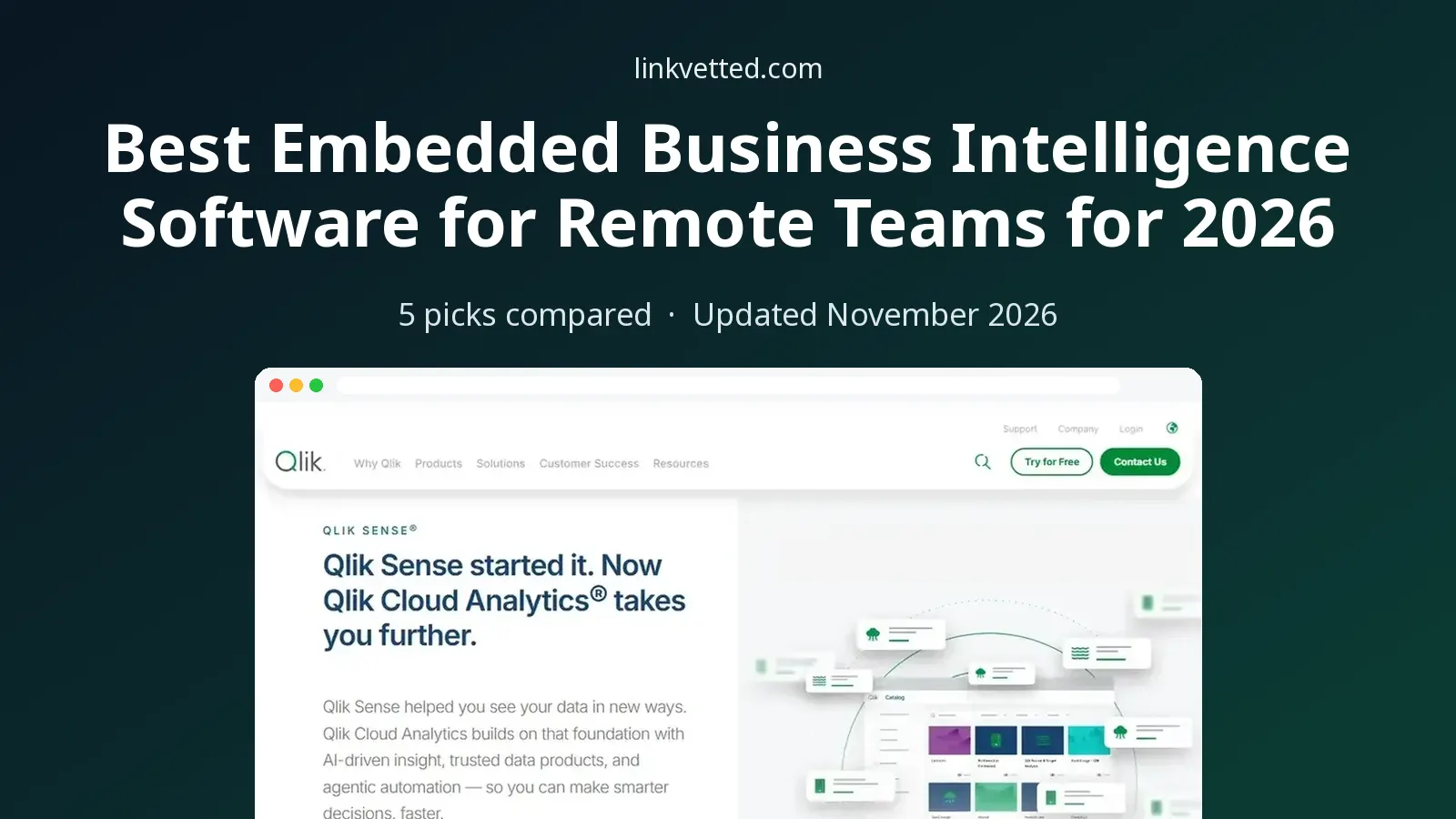
- Editor's choice
 Qlik Sense
End-to-end data integration and analytics
Starts atSee websiteVisit qlik.comFull review - Great alternative
 Domo
Governed data for AI and insights
Starts atSee websiteVisit domo.comFull review - Also consider
 Looker
Governed metrics with AI assistance
Starts atSee websiteVisit cloud.google.comFull review
Direct answer
For end-to-end data integration and analytics, Qlik Sense is where this list starts. Listed starting prices: Tableau from $15 per user per month. Domo is better for governed data for AI and insights, and Looker is better for governed metrics with AI assistance. Prices, free plans and limits for all 5 tools follow.
TL;DR:
- The list opens with Qlik Sense, aimed at end-to-end data integration and analytics.
- A fair warning about Looker: semantic modeling requires upfront effort.
- Tableau has the lowest monthly starting price in this list: $15 per user per month.
- Tableau is the only tool of the 5 with a free plan.
- Sisense is the one to check for adaptable embedded analytics development.
Last checked November 2026. Prices and plan details were read from the vendors' own pages in November 2026; vendors change plans often, so confirm the current price on the vendor site before you buy.
Quick comparison
| Tool | Best for | Starts at | Free plan? | |
|---|---|---|---|---|
| Qlik Sense | End-to-end data integration and analytics | See website | Not stated | Visit |
| Domo | Governed data for AI and insights | See website | Free trial | Visit |
| Looker | Governed metrics with AI assistance | See website | Not stated | Visit |
 Tableau | Visual analytics and wide data connectivity | $15 per user per month | Yes | Visit |
 Sisense | Adaptable embedded analytics development | See website | Free trial | Visit |
Embedded Business Intelligence Software for Remote Teams compared in detail
LinkVetted compared 5 embedded business intelligence software for remote teams. The goal is a practical shortlist: published prices, free plan facts, best-fit use cases and honest limits for every entry.
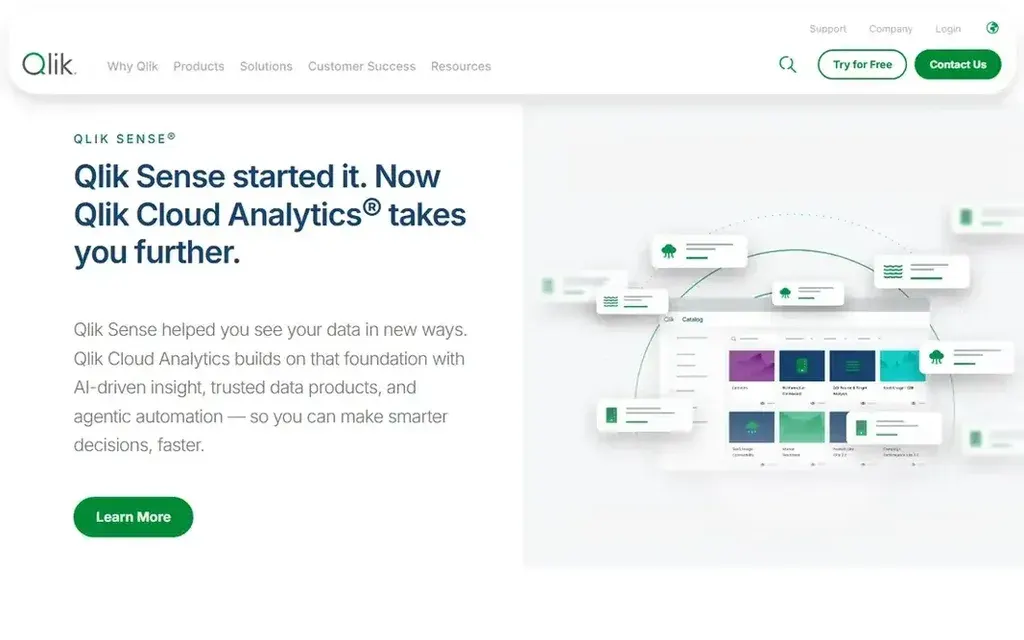
Where Qlik Sense fits: end-to-end data integration and analytics. If your team only needs light dashboards, a narrower tool may be simpler to adopt.
Also, choose Qlik Sense when data integration and analytics are both priorities for remote operations. Qlik Sense shows no starting price here, so confirm the cost on the vendor site. Free access: Not stated.
Honest limits: Portfolio breadth can complicate selection.
- Data integration and quality tools
- Data fabric approach with Talend
- Embedding details need vendor confirmation
Think of Domo for governed data for AI and insights. Domo concentrates on governed data for AI agents, strengthening the data journey with AI and data products.
Trade-offs to know: Product breadth may need onboarding.
More specifically, remote teams can benefit from a governed foundation that supports both exploration and AI-driven analysis across distributed members. If you need a narrowly scoped visualization tool, a more straightforward choice may be quicker to deploy. Pricing for Domo is not stated here, so ask the vendor for current figures. As for free access: Free trial.
- Focus on governed data for AI agents
- Link and move data from any source
- Embedded specifics need vendor confirmation
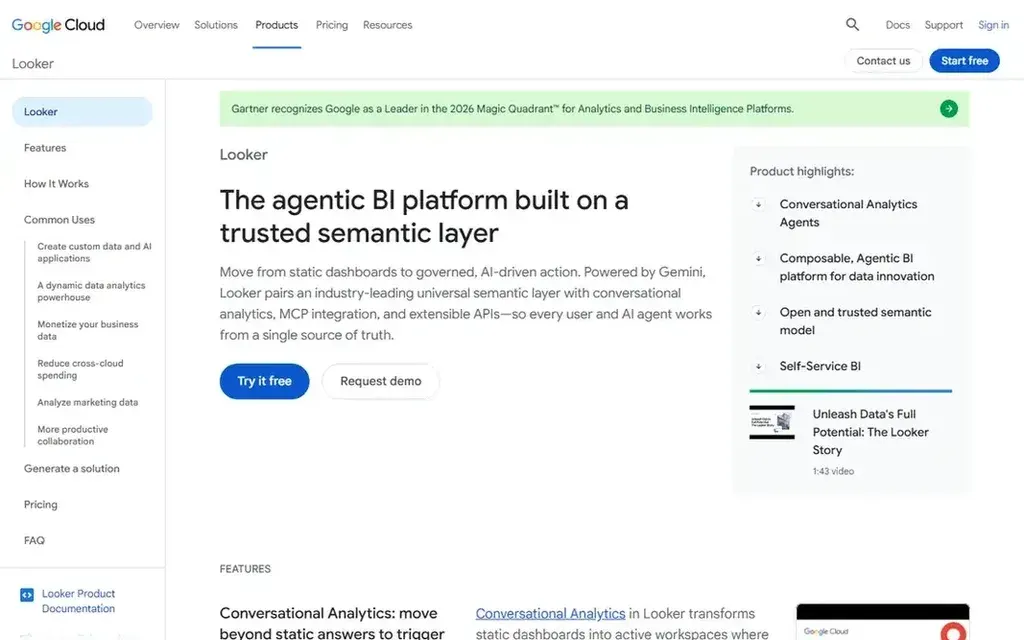
Looker targets governed metrics with AI assistance. Looker is Google Cloud's agentic business intelligence and embedded analytics platform. It brings together metrics with a trusted semantic layer and uses Gemini agents to support analysis.
Points against: Semantic modeling needs upfront effort.
If you need fast ad hoc visualization without a modeling phase, another choice may be more straightforward. In daily use, remote teams benefit from consistent metric definitions across distributed users, which cuts confusion when dashboards are shared widely. Looker does not show a starting price in this comparison, so check the vendor site for current pricing. Trial and free access: Not stated.
- Trusted semantic layer brings together metrics
- Embedded analytics capabilities
- Setup may need specialist skills
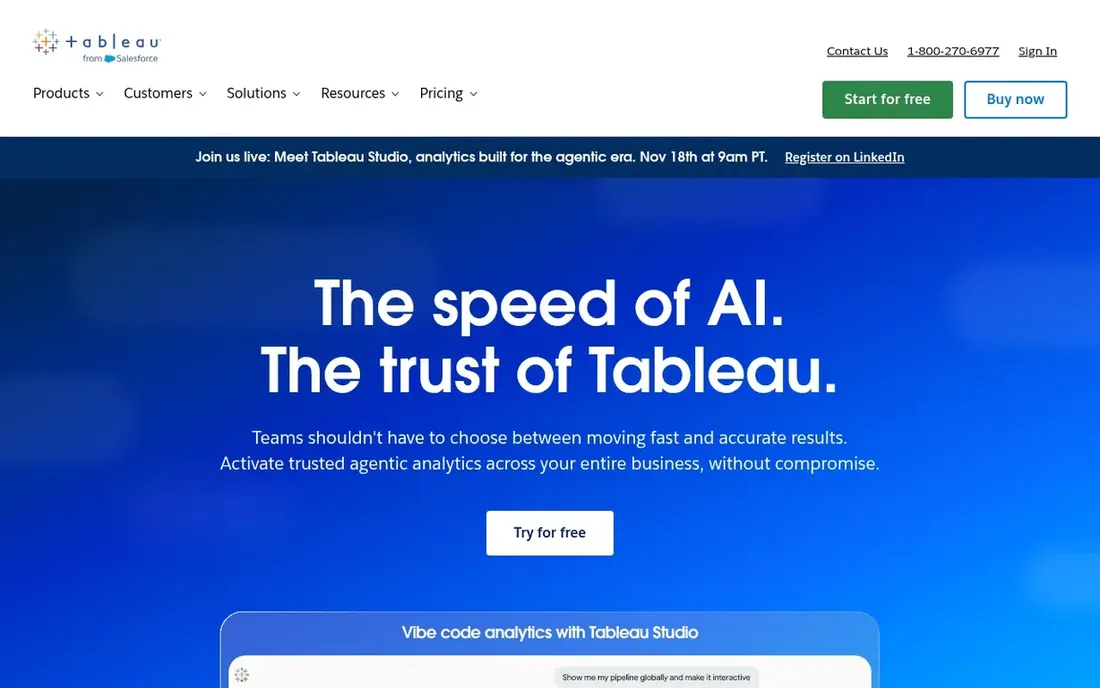
Where Tableau fits: visual analytics and wide data connectivity. If your primary need is deeply embedded analytics inside a customer-facing product, a system designed for embedding may be a better fit.
As for the details, Tableau's breadth can mean more configuration for embedding scenarios, and governance features may need planning for remote access. Also, for remote teams, that means analysts can explore data visually and distribute dashboards without heavy setup. Tableau cost at the entry level: $15 per user per month. A free plan is available with Tableau.
Downsides: Advanced governance can add complexity.
- Share insights with a click
- Drag-and-drop visualization building
- Embedding may need extra configuration
Think of Sisense for adaptable embedded analytics development. Sisense gives AI-powered embedded analytics intended to unlock insights and convert data into revenue, with pro-code, low-code and no-code adaptability. If you need a standalone dashboard tool instead of embedded analytics, a more straightforward product may suit you.
Remote product teams can choose the development approach that matches their skills and timeline. In daily use, embedding still needs development effort, and the available adaptability means teams must choose an approach carefully. Sisense shows no starting price here, so confirm the cost on the vendor site. Free access: Free trial.
Where it is weaker: Embedding projects need development resources.
- Low-code and no-code choices
- AI-powered embedded analytics focus
- Feature scope varies by approach
How the list was put together
For each of the 5 tools we noted price, free plan or trial, fit for embedded business intelligence software for remote teams and the main limit, using vendor pages and documentation. Where a price is missing, the vendor does not list one publicly or ties it to a quote. Always confirm before budgeting. We ordered the tools by general fit, then by how clearly pricing is shown, then by free access. A buyer with unusual needs may reorder them.
Questions to settle before buying
- Confirm the entry price on the vendor page. For Qlik Sense, Domo, Looker and Sisense that means a quote rather than a fixed price.
- Test the free plan from Tableau against your real workload before relying on it.
- Use real work to test the free trial from Domo and Sisense, rather than a demo project.
- Read the limits listed for Qlik Sense first: portfolio breadth can complicate selection.
- Add up seats, add-ons and usage charges for Sisense before comparing it with cheaper entries.
- Confirm minimum seats and billing terms with Looker before you commit to an annual plan.
FAQ
How do Tableau and Looker differ for remote analytics?
Tableau emphasizes visual exploration and wide connectivity, whereas Looker centers on a trusted semantic layer and Gemini agents. Teams needing governed metrics may lean toward Looker, whereas visual discovery teams may prefer Tableau.
How are the tools for embedded business intelligence software for remote teams ordered?
The order follows typical fit for embedded business intelligence software for remote teams, with Qlik Sense first and Sisense last, then price clarity and free access. It is editorial judgement, not a score, so another team could rank the tools differently.
Which options for embedded business intelligence software for remote teams have a free plan?
Tableau is the only tool in this list with a free plan. Free plans usually cap users, projects or features, so check the limits on the vendor page. Several others offer a trial instead. Each of the 5 options in this embedded business intelligence software for remote teams guide has its own card above with the price, free plan and limits.
Can I try these tools before paying?
Often, yes. Tableau has a free plan and Domo and Sisense offer a free trial. Use your own data and a real task during the test, and check what the free tier or trial limits before you rely on it. All 5 picks in this embedded business intelligence software for remote teams comparison list a starting price, free plan details and the main limits on their cards above.
Which products are designed for embedding analytics into products?
Sisense explicitly concentrates on AI-powered embedded analytics with pro-code, low-code and no-code adaptability. Looker also lists embedded analytics capabilities, and other platforms should be confirmed with vendors for embedding depth.
Is Qlik Sense the right pick for everyone comparing embedded business intelligence software for remote teams?
No single tool suits every team. Qlik Sense comes first because it fits end-to-end data integration and analytics, while Domo suits governed data for AI and insights and Looker suits governed metrics with AI assistance. Match the tool to your own size, budget and workflow before deciding.
Sources
- https://www.qlik.com
- https://www.domo.com
- https://cloud.google.com/looker
- https://www.tableau.com
- https://www.sisense.com