Best Energy Modelling Software for 2026: Our 5 Vetted Picks
Best energy modelling software in 2026: 5 contenders with entry costs and free tiers. Where a tool struggles is spelled out. Pricing and limits included.
- Editor's choice
 Autodesk Revit
BIM authoring with energy analysis workflows
Starts atPricing on requestVisit autodesk.comFull review - Great alternative
 Grasshopper
Algorithmic modelling and parametric studies
Starts atPricing on requestVisit grasshopper3d.comFull review - Also considerDesignBuilder
Whole-building energy modelling and usability
Starts atPricing on requestVisit designbuilder.co.ukFull review
Direct answer
If you need BIM authoring with energy analysis workflows, Autodesk Revit is the first tool to look at here. Grasshopper fits algorithmic modelling and parametric studies; DesignBuilder fits whole-building energy modelling and usability. All 5 tools are compared below on fit, free plan and limits. None of these vendors publish plan prices, so pricing is on request for every option.
TL;DR:
- Autodesk Revit is the opening pick, best for BIM authoring with energy analysis workflows.
- Pricing across the list, from Autodesk Revit to Simien, is by quote only.
- A permanent free plan is missing from all 5 tools, Autodesk Revit and Simien included; plan for a trial or a premium start.
- The main caution on IES VE: in-depth tools can need specialist training.
- Simien is the one to check for general reference only; verify scope.
Last checked November 2026. Pricing on request: vendors did not publish plan prices when this guide was last checked (November 2026), so ask each vendor for a written quote.
Quick comparison
| Tool | Best for | Starts at | Free plan? | |
|---|---|---|---|---|
| Autodesk Revit | BIM authoring with energy analysis workflows | Pricing on request | Not stated | Visit |
| Grasshopper | Algorithmic modelling and parametric studies | Pricing on request | Not stated | Visit |
| DesignBuilder | Whole-building energy modelling and usability | Pricing on request | Not stated | Visit |
| IES VE | In-depth dynamic simulation for buildings and cities | Pricing on request | Free trial | Visit |
| Simien | General reference only; verify scope | Pricing on request | Not stated | Visit |
Tool-by-tool breakdown
Short on time? The summary and table above give the quick view of 5 tools for energy modelling software, and the profiles that follow give the detail behind each entry.
Autodesk Revit is built with BIM authoring with energy analysis workflows in mind. If your priority is specialized whole-building simulation, DesignBuilder or IES VE may be more direct.
Where it falls short: Full BIM setup can be demanding.
Beyond that, Autodesk Revit is BIM software for designing, documenting, and coordinating building projects. Its documented features include intelligent 3D models, instant drawing updates, and optional AI-assisted workflows. Pricing for Autodesk Revit is not stated here, so ask the vendor for current figures. On free options: Not stated.
- Drawings update immediately
- Intelligent 3D BIM models
- Energy analysis may need add-on workflows
Think of Grasshopper for algorithmic modelling and parametric studies. It fits users who want to produce and test plenty of design variants instead of run a single fixed model.
Limits to weigh: Energy analysis relies on extras.
On top of that, Grasshopper suits teams that value parametric control and are prepared to build custom analysis setups. This comparison lists no price for Grasshopper; ask the vendor. Free plan details: Not stated.
- Graphical algorithm editor
- Tight Rhino integration
- Needs scripting mindset
DesignBuilder
Best for: Whole-building energy modelling and usability
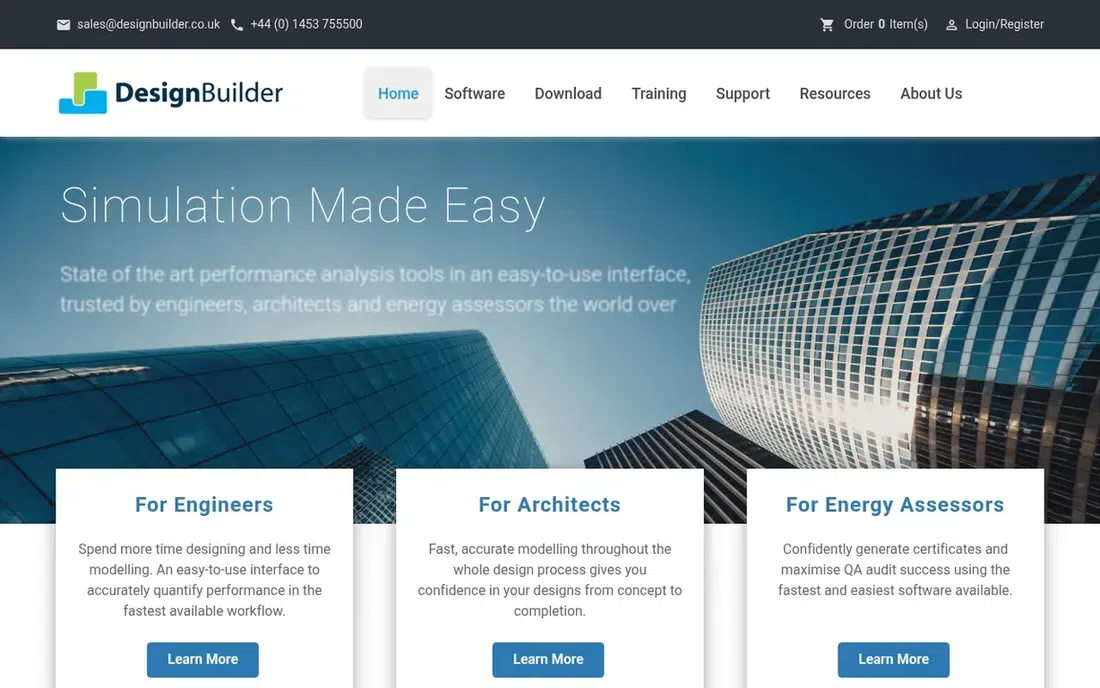
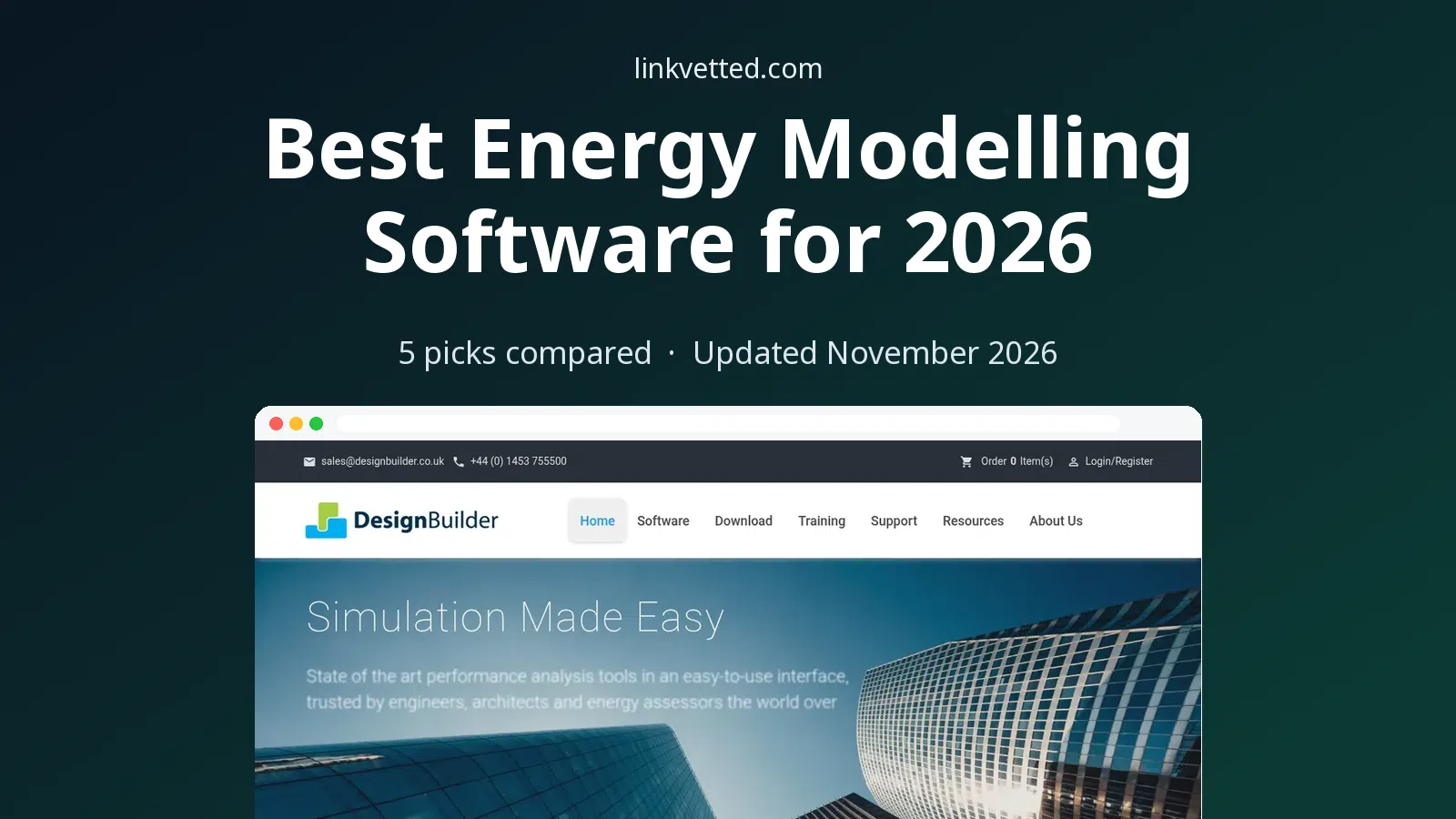
DesignBuilder is built with whole-building energy modelling and usability in mind. It is recognised for a workflow that helps users build and analyze models without excessive setup.
The tool still needs training to use effectively, and highly specialized examines may call for other engines. This comparison lists no price for DesignBuilder; ask the vendor. On free options: Not stated.
The main drawbacks: May not fit every specialized simulation need.
- Focus on an accessible interface
- Supports whole-building energy modelling
- Needs learning the modelling workflow
IES VE
Best for: In-depth dynamic simulation for buildings and cities
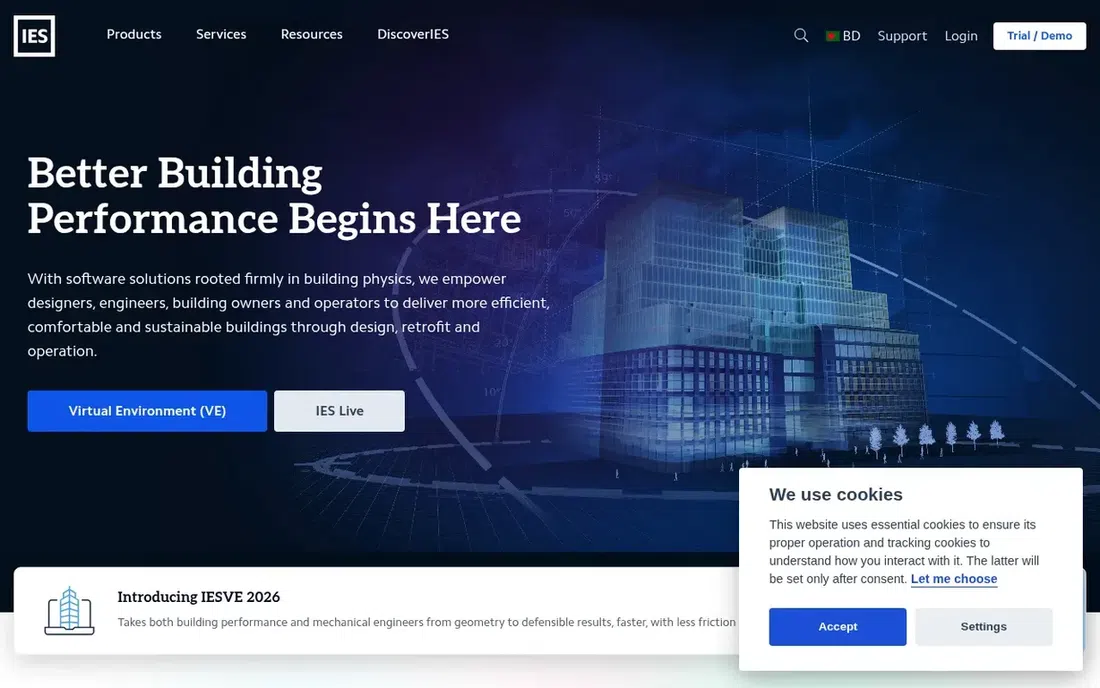
Pick IES VE if this describes you: in-depth dynamic simulation for buildings and cities. IES VE is a simulation system from Integrated Environmental Solutions that concentrates on reducing the environmental impact of buildings and cities.
More specifically, choose IES VE when in-depth dynamic simulation and carbon target work are central. IES VE shows no starting price here, so confirm the cost on the vendor site. Free options: Free trial.
Drawbacks to consider: May be more than straightforward projects need.
- Dynamic simulation for buildings and cities
- Supports zero carbon target analysis
- In-depth tools can need specialist training
Simien
Best for: General reference only; verify scope
Simien works best for general reference only; verify scope. Simien appears in some software lists, but its homepage describes a law firm instead of an energy modelling product.
Due to that mismatch, it is included here only for completeness and should not be treated as a verified energy modelling tool without further checks. Beyond that, readers should confirm the correct product and vendor before relying on it. Simien does not show a starting price in this comparison, so check the vendor site for current pricing. Free plan details: Not stated.
Limits to weigh: Unclear fit for building simulation.
- Verify current product scope straight
- Name appears in some software discussions
- Homepage does not describe energy modelling
How we built this list
We compared the tools on published pricing, free plan or trial availability, feature coverage for energy modelling software, and the limits each vendor documents. Seat minimums, billing terms and add-ons can move the real cost, so the starting prices here are a guide and not a quote. The order reflects how well each tool fits the most common buying scenario for energy modelling software, then price clarity, then free plan access. It is a starting point, not a verdict.
Pre-purchase checklist
- Ask each vendor, from Autodesk Revit to Simien, for a written quote; none of them publishes a starting price.
- Use real work to test the free trial from IES VE, rather than a demo project.
- Read the limits listed for Autodesk Revit first: energy analysis may need add-on workflows.
- Check the integration list for Autodesk Revit against the tools you run today, and note which ones need a higher plan.
- Confirm minimum seats and billing terms with Grasshopper before you commit to an annual plan.
FAQ
Can BIM tools like Revit manage energy analysis?
Autodesk Revit supports energy analysis through connected workflows instead of as a dedicated simulation engine. From a buyer's view, teams commonly pair BIM authoring with a specialized tool for in-depth results.
Do these tools publish their prices?
No. None of the tools, from Autodesk Revit to Simien, shows a fixed starting price here, so budget time for quotes.
What is energy modelling software used for?
Energy modelling software predicts building energy use and helps compare design choices. It is used in design, compliance, and retrofit studies to assess performance before construction.
Can I try these options before paying?
Often, yes. IES VE offers a free trial. Use your own data and a real task during the test, and check what the free tier or trial limits before you rely on it.
Which tool is best for in-depth dynamic simulation?
Start with Autodesk Revit if you need BIM authoring with energy analysis workflows. Grasshopper is the better match for algorithmic modelling and parametric studies, and DesignBuilder for whole-building energy modelling and usability. The best choice depends on budget, team size and workflow.
How are the tools for energy modelling software ordered?
The order follows typical fit for energy modelling software, with Autodesk Revit first and Simien last, then price clarity and free access. It is editorial judgement, not a score, so another team could rank the tools differently.
Sources
- https://www.autodesk.com/products/revit
- https://www.grasshopper3d.com
- https://designbuilder.co.uk
- https://www.iesve.com
- https://www.simien.com