Best Building Energy Simulation Software (2026): 5 Picks Checked on Vendor Pages
Need the best building energy simulation software? We compare 5 tools on cost, free access and who each suits. Verdicts stay brief and factual. Choose faster.
- Editor's choiceIES VE
Performance and compliance simulation suites
Starts atPricing on requestVisit iesve.comFull review - Great alternativeVirtual Environment
Sustainable design and net-zero workflows
Starts atPricing on requestVisit iesve.comFull review - Also considerDesignBuilder
In-depth whole-building energy modeling
Starts atPricing on requestVisit designbuilder.co.ukFull review
Direct answer
If you need performance and compliance simulation suites, IES VE is the first tool to look at here. Virtual Environment fits sustainable design and net-zero workflows; DesignBuilder fits in-depth whole-building energy modeling. The remaining 2 options are covered below with pricing notes and limits. None of these vendors publish plan prices, so pricing is on request for every option.
TL;DR:
- IES VE sits first on this list: performance and compliance simulation suites.
- Autodesk Revit is the one to check for BIM-centered design with analysis extras.
- IES VE comes with a trade-off: full suite can feel extensive for small tasks.
- IES VE, Autodesk Revit and the 3 others all need a premium plan or a trial, since no free plan is listed.
Last checked November 2026. Pricing on request: vendors did not publish plan prices when this guide was last checked (November 2026), so ask each vendor for a written quote.
Quick comparison
| Tool | Best for | Starts at | Free plan? | |
|---|---|---|---|---|
| IES VE | Performance and compliance simulation suites | Pricing on request | Free trial | Visit |
| Virtual Environment | Sustainable design and net-zero workflows | Pricing on request | Free trial | Visit |
| DesignBuilder | In-depth whole-building energy modeling | Pricing on request | Not stated | Visit |
| eQUEST | Fast schematic energy studies | Pricing on request | Not stated | Visit |
 Autodesk Revit | BIM-centered design with analysis extras | Pricing on request | Not stated | Visit |
Building Energy Simulation Software compared in detail
If you are comparing building energy simulation software, this page covers 5 tools in one place: what each is best for, what it costs to start, whether it has a free plan, and the main limit to know about.
IES VE
Best for: Performance and compliance simulation suites
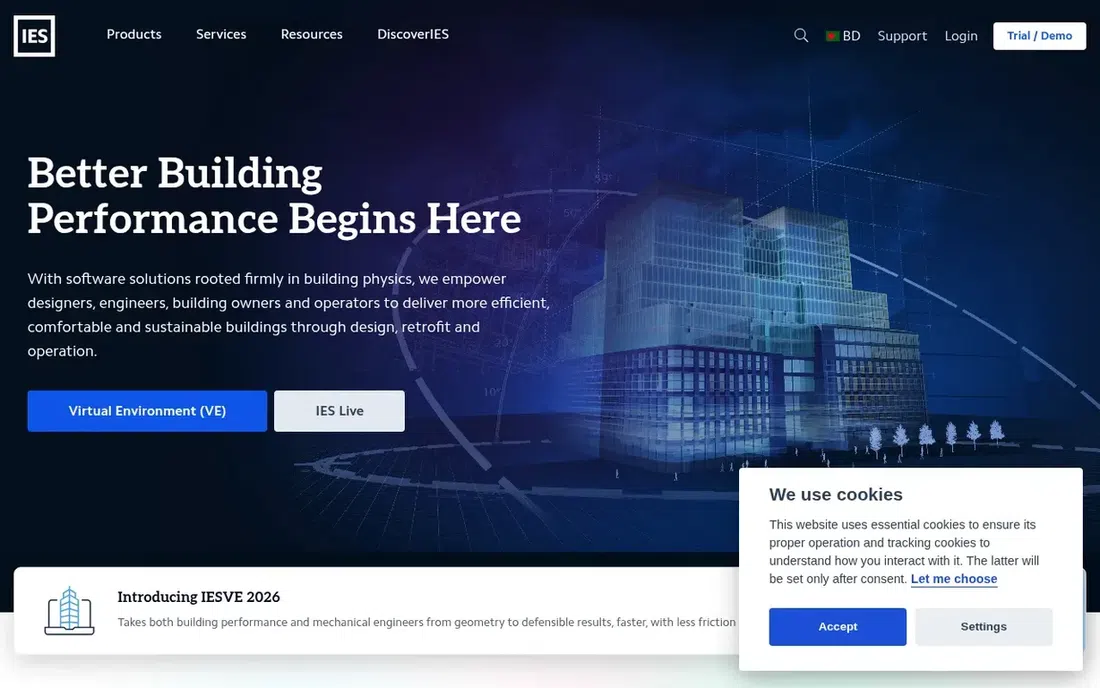
IES VE was built for performance and compliance simulation suites. Pick IES VE when sustainability targets and performance analysis are central to the project. For narrower tasks, a more focused tool can be simpler to run.
Where it is weaker: Full suite can feel deep for small tasks.
As for the details, since it is a wide system, new users may find the range of modules and settings extensive for straightforward studies. As for the details, IES VE is the integrated simulation product from Integrated Environmental Solutions, positioned around reducing the environmental impact of buildings and cities. Its stated focus on minimizing energy use and supporting zero carbon targets makes it relevant for sustainability-driven design teams. Pricing for IES VE is not stated here, so ask the vendor for current figures. As for free access: Free trial.
- Geared toward reducing building environmental impact
- Wide performance analysis coverage
- Needs trained users for steady results
Virtual Environment
Best for: Sustainable design and net-zero workflows
Virtual Environment works best for sustainable design and net-zero workflows. IES Virtual Environment is described by its vendor as a feature-rich simulation tool for building performance, compliance and net-zero design.
As for the details, choose Virtual Environment when compliance and net-zero performance are explicit project requirements and your team can invest in proper training and model quality. No starting price is listed for Virtual Environment here; confirm pricing on the vendor site. Free access: Free trial.
Honest limits: Overlaps with other IES offerings.
- Part of a mature simulation family
- Geared toward net-zero design goals
- In-depth models need trained users
DesignBuilder
Best for: In-depth whole-building energy modeling
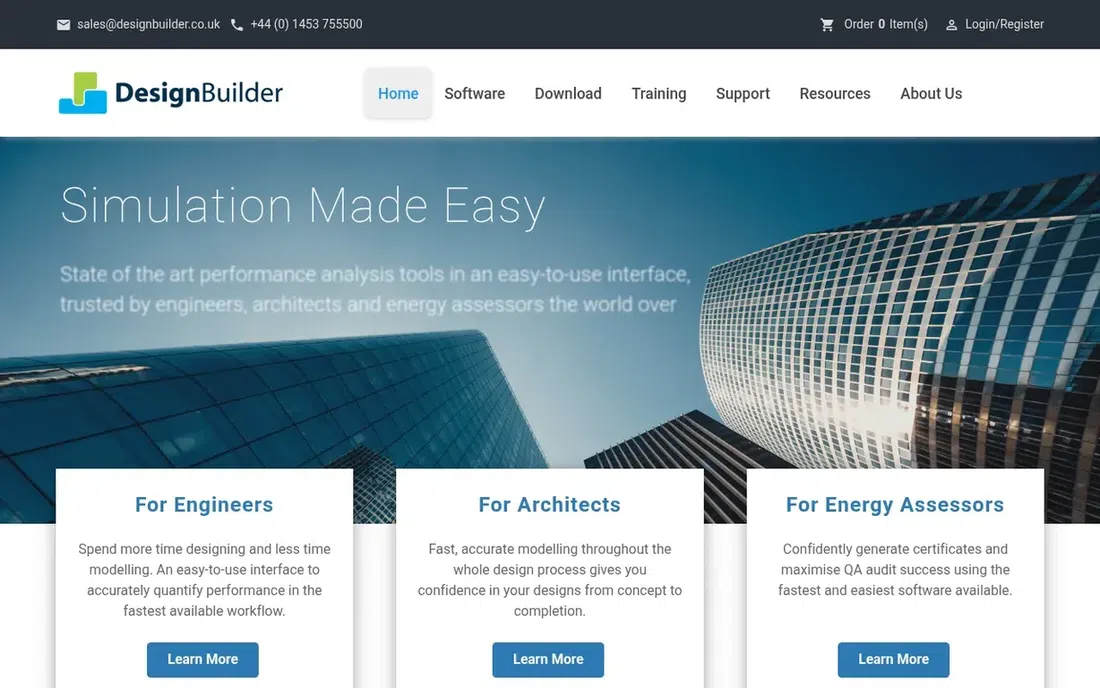
DesignBuilder is designed for in-depth whole-building energy modeling. If your goal is a quick early-stage check instead of a full simulation, a lighter tool may serve better.
As for the details, choose DesignBuilder when depth and design-stage continuity matter more than speed. Check the vendor site for DesignBuilder pricing; none is listed in this comparison. As for free access: Not stated.
What DesignBuilder does well: Supports compliance-oriented modeling work.
Downsides: Steeper ramp-up time for new users.
- Spans geometry
- HVAC and daylight in one interface
- Heavier setup for fast early sketches
eQUEST
Best for: Fast schematic energy studies
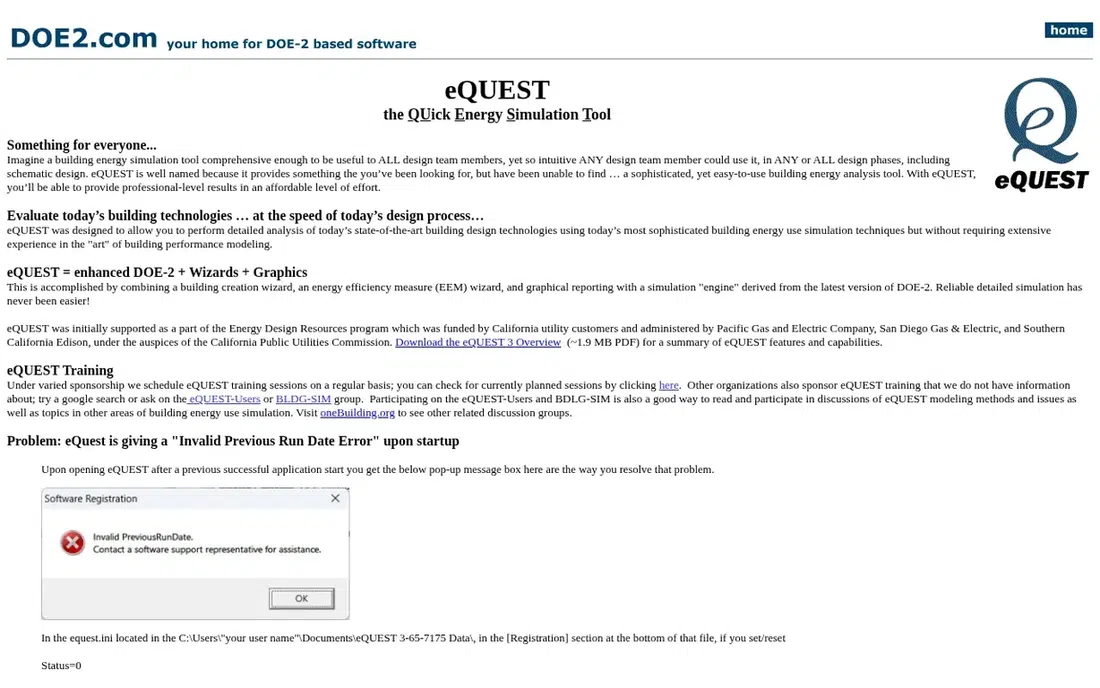
eQUEST is built with fast schematic energy studies in mind. Choose eQUEST for straightforward energy comparisons, and look elsewhere when you need tight BIM integration or broader environmental analysis.
eQUEST does not show a starting price in this comparison, so check the vendor site for current pricing. Trial and free access: Not stated.
Where it falls short: Less integrated with BIM workflows.
- Well known in the simulation community
- Centred on energy use analysis
- Interface feels dated to some users
Autodesk Revit is aimed squarely at BIM-centered design with analysis extras. Autodesk Revit is a BIM product for designing, documenting and coordinating building projects, with intelligent 3D models that update drawings immediately.
Trade-offs to know: Energy simulation needs extras or exports.
Revit is not a dedicated energy simulation engine, so serious analysis usually needs extras or exports to specialist software. As for the details, since the model already carries geometry and systems data, exporting to dedicated simulation tools or using analysis extras can cut duplicated effort across design and performance work. Pricing for Autodesk Revit is not stated here, so ask the vendor for current figures. Trial and free access: Not stated.
- Coordinates BIM projects across disciplines
- Optional AI-assisted workflows mentioned by vendor
- Full BIM depth can be heavy for small studies
Selection criteria
Selection started from tools commonly considered for building energy simulation software, then narrowed to 5 that have clear pricing information or a clear quote process. Where a price is missing, the vendor does not list one publicly or ties it to a quote. Always confirm before budgeting. The ranking is editorial: typical fit first, then clear pricing, then free access. If your needs are unusual, read the profiles rather than relying on position.
Before you commit
- Ask each vendor, from IES VE to Autodesk Revit, for a written quote; none of them publishes a starting price.
- Run a trial of IES VE and Virtual Environment with real work before paying for a year; your own workflow is the best test.
- Before choosing IES VE, weigh its main limit: full suite can feel deep for small tasks.
- Ask the daily users to test eQUEST on a live task before you roll it out to everyone.
- Map your must-have features to a specific DesignBuilder plan before you compare prices.
FAQ
How are the tools for building energy simulation software ordered?
IES VE sits first and Autodesk Revit last because the order follows typical fit for building energy simulation software, then price clarity and free access. It is a judgement call, so read each profile for fit and limits.
Is IES VE the right pick for everyone comparing building energy simulation software?
No single tool suits every team. IES VE comes first because it fits performance and compliance simulation suites, while Virtual Environment suits sustainable design and net-zero workflows and DesignBuilder suits detailed whole-building energy modeling. Match the tool to your own size, budget and workflow before deciding.
Does any tool for building energy simulation software here have a free plan?
A permanent free plan is not offered by IES VE, Autodesk Revit or the other tools here. IES VE, Virtual Environment offer a trial. Plan a short evaluation period instead.
Do these tools support compliance and net-zero reporting?
Requirements vary by region and project, so confirm that the outputs match your local code or rating scheme before relying on any tool for formal submissions.
Can I try these options before paying?
Often, yes. IES VE and Virtual Environment offer a free trial. Use your own data and a real task during the test, and check what the free tier or trial limits before you rely on it.
Sources
- https://www.iesve.com
- https://www.iesve.com/software/virtual-environment
- https://designbuilder.co.uk
- https://www.doe2.com/equest
- https://www.autodesk.com/products/revit