Best Authentication Software in 2026: 8 Tools Compared
Compare the best authentication software in 2026, with SSO, MFA, pricing, controls, and fit for workforce teams, customer apps, and small business users.
- Editor's choice
 Okta
Vendor neutral workforce identity
Starts at$6 per user per monthVisit okta.comFull review - Great alternative
 Microsoft Entra ID
Microsoft 365 organisations
Starts at$6 per user per monthVisit microsoft.comFull review - Also consider
 Auth0
Customer facing app login
Starts at$35 per monthVisit auth0.comFull review
TL;DR:
- Okta and Microsoft Entra ID are the main workforce choices, with Okta suiting vendor neutral estates and Entra suiting Microsoft 365 shops.
- Auth0 suits customer facing apps, with a free tier up to 25,000 monthly active users and paid plans from $35 per month.
- Cisco Duo is the fastest MFA first option, with a free tier up to 10 users and paid plans from $3 per user per month.
- Ping Identity, OneLogin, JumpCloud, and Keycloak cover large hybrid estates, mid market simplicity, cloud directories, and open source self hosting.
- Decide first whether you need workforce login, customer login, or both, since pricing and features differ sharply between them.
Quick comparison
| Tool | Best for | Starts at | Free plan? | |
|---|---|---|---|---|
| Okta | Vendor neutral workforce identity | $6 per user per month | Free trial | Visit |
| Microsoft Entra ID | Microsoft 365 organisations | $6 per user per month | Yes | Visit |
| Auth0 | Customer facing app login | $35 per month | Yes | Visit |
 Cisco Duo | Fast MFA rollout | $3 per user per month | Yes | Visit |
 Ping Identity | Large hybrid enterprises | See website | Free trial | Visit |
 OneLogin | Mid market SSO simplicity | $4 per user per month | Free trial | Visit |
 JumpCloud | Cloud directory for small teams | $9 per user per month | Yes | Visit |
 Keycloak | Open source self hosted identity | Free | Yes | Visit |
The best authentication software
Authentication software controls who can sign in, what they can access, and how strongly their identity is checked. Workforce tools manage employees, while customer tools manage users of your app or website. This list covers both, with a clear note on which job each tool fits.
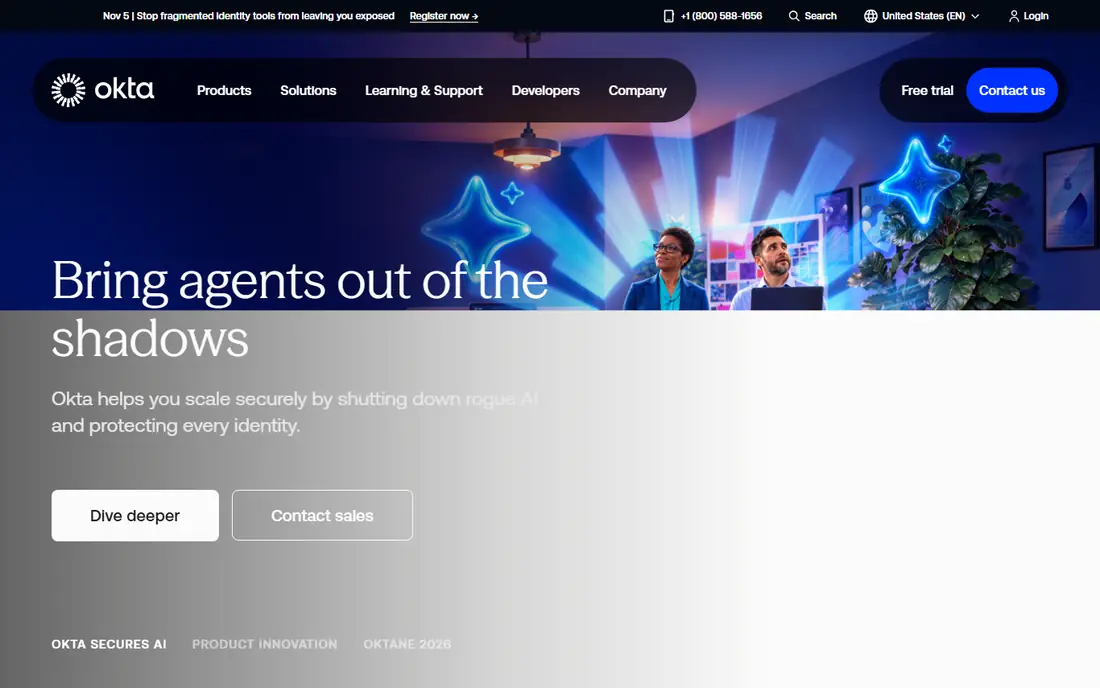
Okta is the best known workforce identity platform, and its strength is breadth. It offers single sign-on, multi factor authentication, lifecycle management, and access governance, with thousands of pre built integrations. That makes it a strong choice for companies that use a mix of vendors and do not want identity tied to one cloud provider.
The catch is cost structure. The Starter suite starts at $6 per user per month billed annually, with a $1,500 annual minimum, which makes it less attractive for very small teams. Larger teams should map which features sit in each tier, since adaptive MFA and governance arrive at higher prices.
- Large pre built app catalogue
- SSO, MFA, lifecycle, and governance options
- Vendor neutral, so it works across Google, Microsoft, and other stacks
- Annual billing with a $1,500 annual minimum
- Costs rise as governance and threat features are added
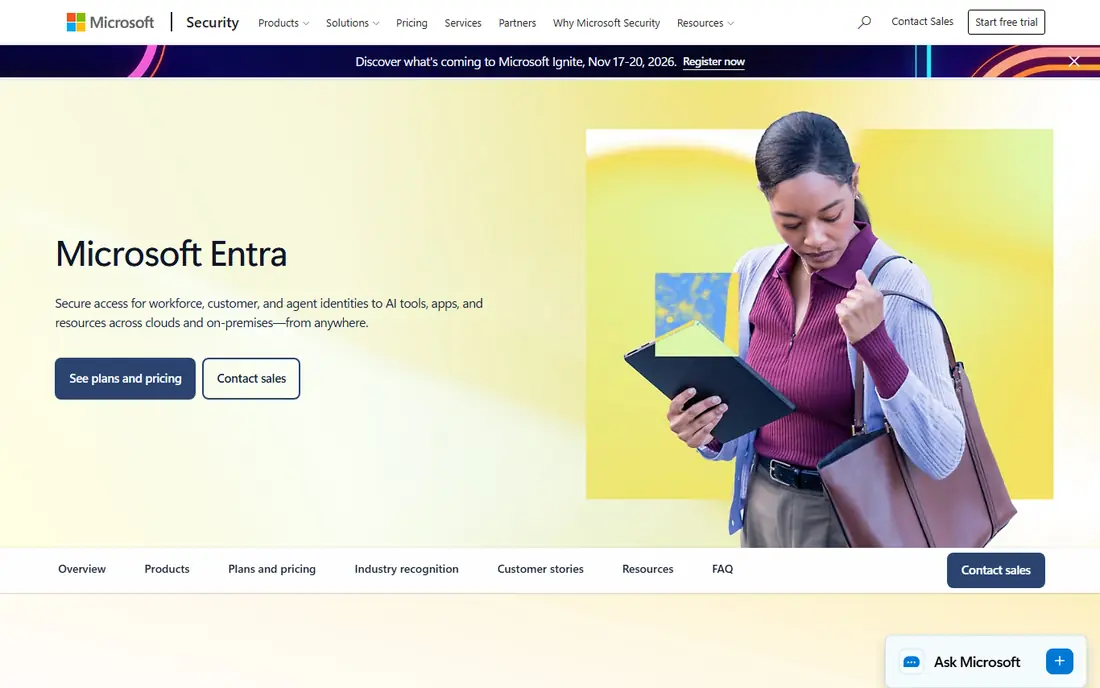
Microsoft Entra ID, formerly Azure Active Directory, is the obvious pick for organisations already running Microsoft 365. It provides SSO, MFA, Conditional Access, and device based policies across Microsoft apps and many third party apps. For many firms, the marginal cost is low, since core identity features ride along with licences they already buy.
The trade-off is ecosystem fit. Google Workspace first companies or multi cloud teams may find Okta or Ping more neutral, and Entra licence tiers can be confusing, with P1 and P2 features bundled in different Microsoft 365 plans. Check what you already own before buying a separate tier.
- Deep Microsoft 365 and Azure integration
- Conditional Access and MFA built in
- Often already included in existing licences
- Less natural for Google first or multi cloud estates
- Advanced tiers need careful licence mapping

Auth0, now part of Okta as Okta Customer Identity Cloud, is built for customer facing authentication. Developers can add login, social sign-in, passwordless options, and enterprise connections to a web or mobile app, without building auth from scratch. The free tier up to 25,000 monthly active users makes it easy to start.
Paid plans start at $35 per month for Essentials with up to 500 monthly active users on some tiers, and costs rise with user count and enterprise identity provider connections. Auth0 suits product teams building customer apps, while workforce teams should compare Okta Workforce Identity or Entra instead.
- Developer friendly customer login
- Social, passwordless, and enterprise connections
- Free tier up to 25,000 monthly active users
- Pricing jumps as active users and enterprise connections grow
- Workforce use is not its main job
Cisco Duo is the MFA first choice on this list. It adds strong multi factor authentication, including push approvals and phishing resistant options, to existing directories and apps, often with minimal change to the current setup. The free tier covers up to 10 users, and Essentials starts at $3 per user per month billed annually.
Duo is less of a full identity platform than Okta or Entra. It does not offer native lifecycle management or governance, so larger firms often pair it with a directory or identity governance tool. For a team that mainly needs MFA quickly, Duo is hard to beat for speed and simplicity.
- Quick MFA deployment
- Duo Mobile app is familiar to users
- Free tier up to 10 users
- Device trust options on higher tiers
- Full SSO and lifecycle features need higher tiers
- No native identity governance
Ping Identity suits large organisations with complex needs: on premises apps, multiple clouds, federation with partners, and strict compliance rules. Its federation and access management tools handle cases where a simple SSO product would struggle, such as partner logins and legacy protocols.
The downside is opacity and effort. Pricing is quote based, and implementation usually needs experienced identity engineers or a partner. Smaller teams will find Okta, Entra, or Duo simpler and cheaper. Ping earns its place for enterprises where complexity, not price, is the main problem.
- Strong federation and hybrid support
- Handles complex legacy and multi cloud estates
- Enterprise grade access management
- Sales led pricing with little public detail
- Implementation needs skilled identity staff
OneLogin, now part of One Identity, is a mid market workforce identity tool focused on simple SSO and MFA. It suits companies that want single sign-on for common apps without the full governance stack of a large enterprise platform. Pricing from $4 per user per month for advanced bundles keeps it accessible for mid sized teams.
The trade-off is depth. Very large or highly regulated estates may need Ping or Okta for federation, governance, or privileged access. OneLogin is best for teams that want a clean, affordable SSO rollout and do not need complex lifecycle workflows.
- Simple SSO and MFA setup
- Mid market friendly pricing
- Good app catalogue for common business tools
- Smaller ecosystem than Okta or Entra
- Advanced governance features are limited
JumpCloud combines identity with device management, which suits small teams replacing on premises Active Directory. It manages users, devices, SSO, and MFA from one cloud console, across Windows, Mac, and Linux. The free tier up to 10 users and 10 devices lets small teams test it properly.
Device management plans start at $9 per user per month billed annually, so costs rise with headcount and device count. JumpCloud is a strong fit for modern small businesses with remote staff and mixed devices, and a weaker fit for large enterprises with deep governance needs.
- Cloud directory plus device management
- Works across Windows, Mac, and Linux
- Free tier up to 10 users and 10 devices
- Device management pricing adds up
- Less suited to very large enterprises with complex governance needs
Keycloak is the open source option for teams that want full control. It offers SSO, MFA, social login, user federation, and identity brokering, and it can be self hosted on your own servers or cloud. There is no licence fee, which appeals to startups, nonprofits, and teams with strict data residency rules.
The cost is operational. Your team must install, patch, back up, and scale Keycloak, and handle security updates promptly. That is a good trade for technical teams, and a poor trade for small businesses without IT staff. Keycloak earns its place as the control and cost option, with eyes open about the work involved.
- Free and open source
- SSO, MFA, social login, and federation
- Full control over hosting and data
- You run, patch, and scale it yourself
- Needs technical staff and time
How we picked these
We compared official pricing pages, product documentation, and independent identity comparisons for 2026. We favoured tools that are actively maintained, offer SSO and MFA, and serve a clear audience, whether workforce, customer, or both. We excluded tools that only offer password management or a single authenticator app with no admin platform.
We also separated workforce and customer pricing, since per user and per monthly active user models are not directly comparable. A tool that looks cheap for employees can be expensive for customers, and vice versa.
How to choose authentication software
Decide workforce, customer, or both
Workforce tools charge per employee and focus on SSO, lifecycle, and governance. Customer tools charge per monthly active user and focus on signup, social login, and scale. If you need both, you may need two products, or a vendor like Okta that offers both lines separately.
Check MFA, recovery, and admin controls
Strong MFA should include phishing resistant options like passkeys and FIDO2 keys, not just SMS codes. Also check account recovery, admin roles, audit logs, and how quickly you can revoke access when someone leaves. These controls matter more than a long feature list.
Test with a pilot group
Roll out to a small pilot group first, including remote staff and non technical users. Check login success, help desk tickets, and time to provision and deprovision accounts. A pilot reveals friction that a sales demo will not show.
FAQ
What is the best authentication software?
Okta suits vendor neutral workforce identity, Microsoft Entra ID suits Microsoft 365 shops, Auth0 suits customer apps, and Cisco Duo suits fast MFA. The best tool depends on whether you manage employees, customers, or both, and on your existing stack.
What is the best authentication platform for small businesses?
Cisco Duo and JumpCloud offer free tiers up to 10 users, which suit very small teams. Microsoft Entra ID may already be included in a Microsoft 365 plan. For customer apps, Auth0 free tier up to 25,000 monthly active users is a strong starting point.
What is the best authentication tool for customer login?
Auth0 is the clearest customer focused choice here, with developer tools, social login, and passwordless options. Keycloak is a free self hosted alternative for technical teams. Workforce tools like Okta and Entra can also handle some customer cases, but pricing and features differ.
Is SMS a safe second factor?
SMS is better than no second factor, but it is weaker than app based codes, push approvals, and passkeys, since SIM swap and phishing attacks can defeat it. Prefer authenticator apps, hardware keys, or passkeys where possible, and keep SMS as a fallback only.
What is the difference between SSO and MFA?
Single sign-on lets a user sign in once and access many apps. Multi factor authentication requires a second proof, such as a phone approval or hardware key, in addition to a password. SSO improves convenience, MFA improves security, and most teams need both.
Do I need a paid plan to start?
Not always. Auth0, Duo, JumpCloud, Entra, and Keycloak offer free tiers or free use, and Okta, Ping, and OneLogin offer trials. Start free or on trial, pilot with a small group, and pay only when user count or features require it.