8 Best Biometric Authentication Software Options in 2026
Compare the best biometric authentication software for workforce login, passkeys, face and fingerprint checks, with pricing and privacy notes for 2026.
- Editor's choice
 Beyond Identity
Passwordless workforce login
Starts at$6 per user per monthVisit beyondidentity.comFull review - Great alternative
 Microsoft Entra ID
Microsoft 365 workforce identity
Starts at$6 per user per monthVisit microsoft.comFull review - Also consider
 Okta
Broad workforce identity and MFA
Starts at$2 per user per monthVisit okta.comFull review
TL;DR:
- Biometric authentication covers different jobs, including workforce login, customer verification and fraud prevention.
- Passkeys and FIDO2 support matter more than a single biometric type, because they decide how widely a tool works.
- Biometric data is sensitive, so consent, storage, retention and legal compliance need review before rollout.
- Workforce tools and customer verification tools are priced differently, often per user versus per verification.
- A fallback login method is essential, because fingerprints and faces can fail, change or be unavailable.
Quick comparison
| Tool | Best for | Starts at | Free plan? | |
|---|---|---|---|---|
| Beyond Identity | Passwordless workforce login | $6 per user per month | Yes | Visit |
| Microsoft Entra ID | Microsoft 365 workforce identity | $6 per user per month | Yes | Visit |
| Okta | Broad workforce identity and MFA | $2 per user per month | Free trial | Visit |
 HYPR | True passwordless workforce MFA | See website | No | Visit |
 iProov | High-assurance face verification | See website | No | Visit |
 FaceTec | 3D face matching for builders | See website | No | Visit |
 Sumsub | Identity verification with biometrics | $1.35 per verification | No | Visit |
 Daon | Omnichannel biometric identity | See website | No | Visit |
The best biometric authentication software
Biometric authentication sounds like one product, but buyers usually need one of several things. Some need employees to sign in with a fingerprint, face or passkey instead of a password. Others need to verify a new customer with a selfie and ID check. The tools below cover those jobs, and the right pick depends on which job you are buying for.
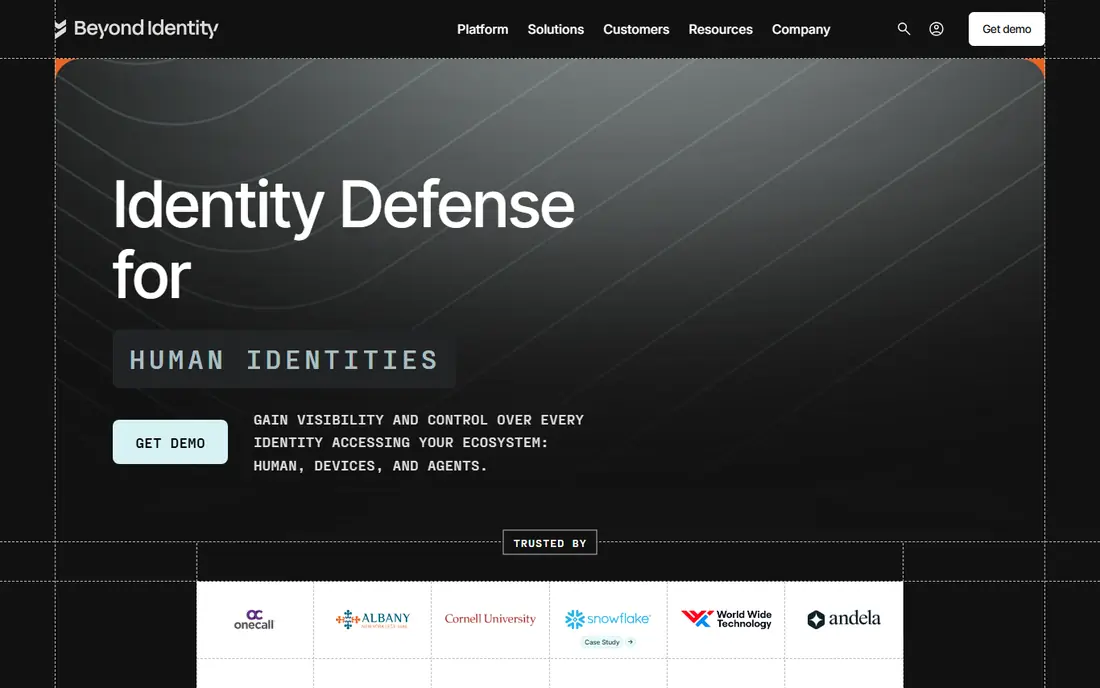
Beyond Identity focuses on device-bound, passwordless authentication for employees. Instead of a password that can be phished or shared, access is tied to a device and a biometric or PIN check on that device, with FIDO2 and WebAuthn support. That design reduces common credential attacks while keeping sign-in fast for staff who already use a phone or laptop biometric.
The pricing structure is unusually clear for this category. Recent comparisons cite a free passwordless tier and an advanced workforce plan at $6 per user per month, plus a customer plan priced per monthly active user. Larger rollouts still need planning around device enrollment, lost devices and help desk recovery, because passwordless systems shift support work rather than removing it entirely.
- Device-bound passkeys and FIDO2 support
- Free passwordless tiers for workforce and customers
- Device trust signals for access decisions
- Advanced workforce pricing adds cost at scale
- Setup needs identity and device planning
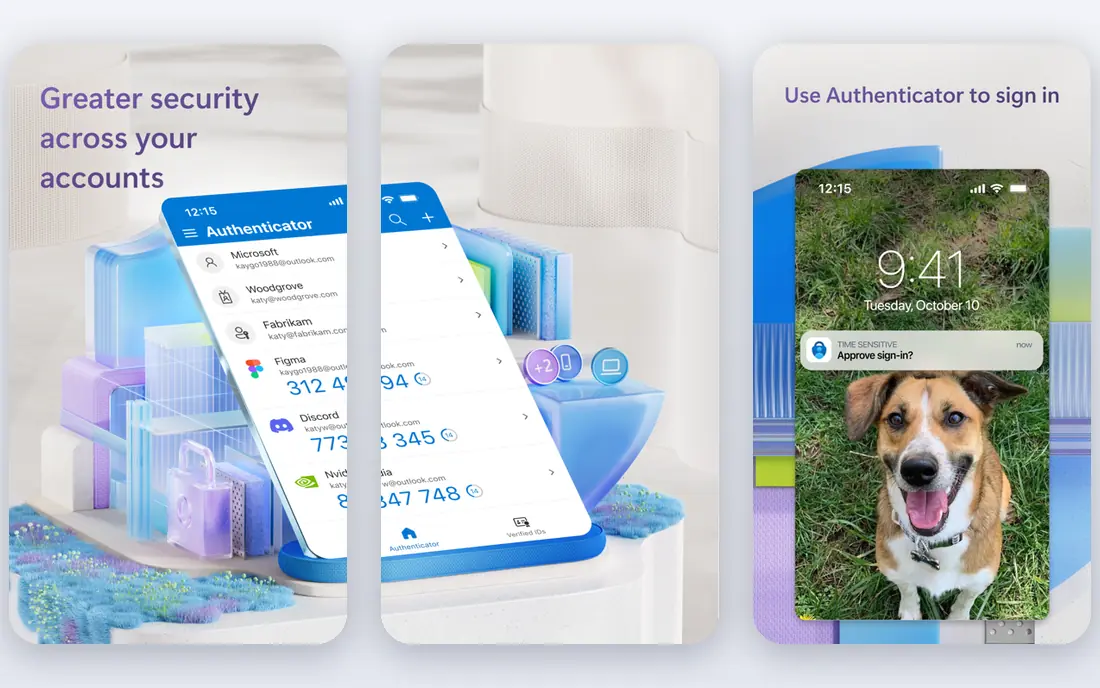
Microsoft Entra ID, formerly Azure Active Directory, is the identity layer for Microsoft 365, Windows and many SaaS apps. It supports Windows Hello biometrics, passkeys, phishing-resistant MFA and Conditional Access, which lets admins require stronger checks based on device, location or risk. For a company already on Microsoft 365, Entra ID is often already in place, which lowers adoption friction.
Pricing starts with a free tier for basic identity, while P1 at $6 per user per month adds Conditional Access and hybrid identity in recent listings, and P2 adds identity protection features. The main watch point is stacking, because some advanced features assume higher Microsoft 365 licensing. If your stack is Microsoft-centered, Entra ID integrates more deeply than a third-party tool. If it is not, compare Okta first.
- Deep Microsoft 365 and Windows Hello integration
- Conditional Access policies
- Broad app integration for Microsoft shops
- Advanced features can require higher Microsoft licensing
- Admin portals feel sprawling
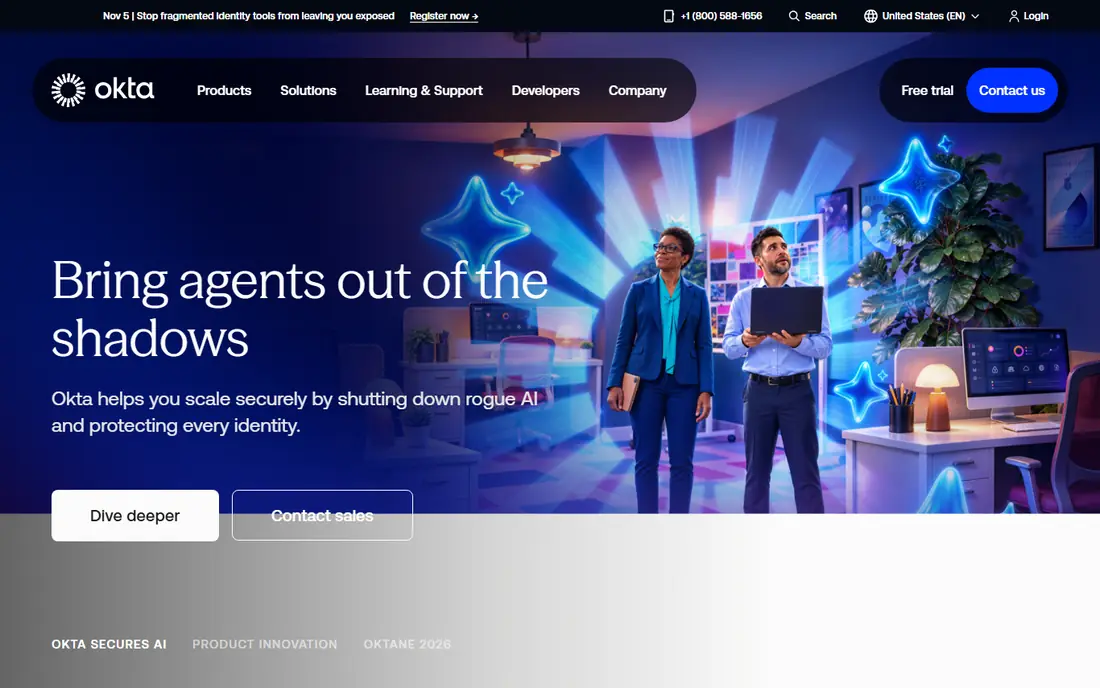
Okta is a workforce identity platform that supports single sign-on, MFA including biometric and passkey options, and lifecycle management for joining, moving and leaving staff. Its integration catalog is a practical advantage, because most common SaaS apps already connect, which reduces custom work during rollout. Adaptive MFA can step up authentication when risk signals suggest a login needs extra checking.
Published starting prices in recent comparisons put single sign-on around $2 per user per month, with MFA and lifecycle features adding cost and full suites running higher. That modular pricing is flexible, but it also means the final bill depends on which modules you choose. Okta fits teams that want a best-of-breed identity provider outside a single vendor ecosystem, and that can manage a phased rollout.
- Very large app integration catalog
- Adaptive MFA and lifecycle management
- Proven at enterprise scale
- Costs rise as modules are added
- Enterprise sales process for full suites
HYPR Authenticate is built for organizations that want true passwordless workforce MFA, without keeping a password fallback that attackers can target. It uses device-based authentication, supports FIDO2 and WebAuthn, and supports external security keys for high-assurance cases. That strict approach appeals to large enterprises and regulated teams that want to remove passwords from the login path entirely.
The trade-off is commitment. Pricing is quote-based, with no public free tier identified in recent comparisons, so budgeting requires a sales conversation. Rollout also needs careful planning for device loss, new hires and shared devices, because a system with no password fallback must have a clear recovery process. For teams ready for that discipline, HYPR offers a focused passwordless path.
- Passwordless design with no password fallback
- FIDO2 and WebAuthn support
- Hardware-backed authenticator options
- Pricing is quote-based
- Rollout needs strong device and recovery planning
iProov specializes in high-assurance face verification, where the risk is not just a wrong password but a spoofed face, a replayed video or an injected image. Its checks are designed for remote identity verification in banking, government and other high-trust settings, where a failed check has real financial or legal consequences. That focus separates it from general MFA tools that treat biometrics as a convenience feature.
Pricing is quote and volume-based, which fits enterprise buyers but makes it hard for a small team to budget from a web page. iProov is not the first pick for a small company that only wants fingerprint login for staff. It is the pick when remote verification must stand up to fraud attempts and when the buyer can test liveness performance with real user samples.
- Strong liveness and anti-spoofing focus
- Built for government and banking use
- Works for remote onboarding and login checks
- Quote and volume-based pricing
- Overkill for simple employee login
FaceTec sells a face authentication component rather than a complete workforce login product. Developers embed its 3D face matching and liveness checks into their own apps, which suits banks, fintech firms and platform builders that need biometric verification inside a product they already own. Its anti-spoofing approach has been tested through bounty programs, which matters for builders facing organized fraud attempts.
The limit is scope. FaceTec is an SDK license, so a buyer needs developers, a product roadmap and a plan for enrollment, fallback and data handling. A small business looking for a ready sign-in box will find Beyond Identity, Entra ID or Okta simpler. A product team building verification into its own app will value the control FaceTec provides.
- 3D face matching component for apps
- Bounty-tested anti-spoofing claims
- Designed to embed in builder stacks
- SDK licensing, not a ready-made login product
- Integration work required
Sumsub is a verification platform where biometric checks connect to identity verification, fraud prevention and ongoing monitoring, rather than sitting alone. A selfie face match can feed risk decisions across onboarding and later high-risk actions, which helps regulated businesses in finance, crypto, mobility and gaming manage compliance and fraud in one workflow. Recent listings cite a starting price of $1.35 per verification.
That per-verification model is clear for variable onboarding volume, but it can grow quickly for a business verifying thousands of users a month. Sumsub also fits customer verification better than employee login, so workforce buyers should compare it with identity platforms first. For customer onboarding, its combination of document checks, biometrics and monitoring is the reason to shortlist it.
- Biometrics tied to identity verification and fraud checks
- Broad country coverage
- Per-verification pricing fits variable volume
- Per-check costs add up at high volume
- More verification-focused than workforce login
Daon offers an omnichannel biometric identity platform used by banks, telecoms and other large organizations. Customers can verify and authenticate across mobile apps, web and other channels with a consistent identity record, which helps when the same person interacts through several touchpoints. That breadth is useful for large customer bases where channel switching is common.
Daon is an enterprise platform, so pricing and implementation are handled through sales and project work rather than a self-serve starter plan. Small teams that need a quick workforce login tool will find simpler options on this list. Large organizations with complex identity, fraud and channel requirements will appreciate a platform built for that scale.
- Biometrics across mobile, web and call channels
- Strong fit for banks and telecoms
- Platform approach for identity lifecycle
- Enterprise pricing and implementation
- Less suited to small-team quick deployment
How we picked these
We compared official feature pages, pricing pages, standards support, privacy documentation and public reviews. We favored tools with FIDO2 or WebAuthn support, clear liveness or anti-spoofing claims where relevant, and published pricing where available, noting quote-based pricing honestly. We separated workforce login tools from customer verification tools, because buying the wrong category is the most common mistake in this market. We did not test biometric accuracy hands-on, and buyers should run a pilot with their own users and devices.
Buying guide: privacy, consent and fallback planning
Biometric data deserves more care than a password, because a person cannot reset a fingerprint or face in the same way. Before rollout, check what biometric data is stored, where it is stored, whether it stays on the device or moves to a server, and how long it is retained. Ask for the vendor privacy policy and data processing terms in writing, and check local rules that may apply, including US state biometric privacy laws and, for international users, GDPR requirements.
Plan consent and enrollment carefully
Explain in plain language what will be collected, why it is needed, and how a person can opt out or use an alternative. Enrollment should be accessible, with help for users whose biometrics do not read well, and with a clear process for re-enrollment after injury, device change or aging. A system that works for most staff but leaves some people locked out will create support and fairness problems.
Build a fallback that does not weaken security
Every biometric system needs a fallback for failed reads, lost devices and new hires. A fallback that simply reverts to a weak password can undo the security gain, so use phishing-resistant options such as security keys, managed device checks or supervised recovery. Test recovery during a pilot, not after a company-wide launch, and train help desk staff on the exact steps.
Test with real users and devices
Biometric performance varies by device, lighting, age and environment. Run a pilot with the phones, laptops and readers your team actually uses, and measure failure rates, enrollment time and support tickets. Check accessibility, including users who cannot use a particular biometric type, and confirm that alternative methods are treated as first-class options, not afterthoughts.
FAQ
What is biometric authentication software?
Biometric authentication software verifies identity using a physical or behavioral trait, such as a fingerprint, face, voice or iris pattern. Workforce tools use it for login, often with passkeys or FIDO2, while verification tools use it to check a new customer against an ID document. The trait itself is sensitive data, so storage and consent handling matter as much as accuracy.
Is biometric authentication safer than passwords?
It can be, when it uses device-bound passkeys, liveness checks and phishing-resistant standards. A fingerprint or face alone is not automatically safe, because photos, replays and injection attacks can spoof weak checks. Look for FIDO2 support, liveness evidence and a fallback plan, rather than judging a tool by the biometric type alone.
Do I need consent to use biometric data?
In many cases, yes, and legal duties vary by location and use case. US state laws such as Illinois BIPA impose specific consent and retention duties, and international rules add further requirements. Get legal advice for your locations, publish a clear notice, and keep retention and deletion records.
What happens if a fingerprint or face check fails?
A good system offers an alternative method, such as a security key, a managed device check or supervised recovery. Failed reads happen for many reasons, including wet hands, poor lighting, device changes and injury. Test failure rates in a pilot and make sure the fallback is secure and accessible.
Can biometric data be stolen or reused?
Biometric templates can be sensitive if stored poorly, which is why many workforce systems keep the biometric on the device and share only a cryptographic proof. Ask vendors where templates live, how they are protected, and how they are deleted when a user leaves. Avoid systems that store raw images without a clear need and retention limit.
Which biometric tool is best for a small business?
For workforce login, Beyond Identity, Microsoft Entra ID or Okta are practical starting points, depending on your existing stack. For customer verification, Sumsub fits variable onboarding volume. Small teams should start with a free tier or trial, pilot with real devices, and avoid enterprise verification platforms until volume justifies quote-based pricing.
Sources
- https://tech-insider.org/beyond-identity-vs-hypr-vs-transmit-security-2026/
- https://rssfeeds.cloudsite.builders/2026/09/28/top-10-best-biometric-authentication-solutions-in-2026-ranked-scored/
- https://www.beyondidentity.com
- https://www.microsoft.com/en-us/security/business/microsoft-entra
- https://www.okta.com
- https://www.hypr.com
- https://www.iproov.com
- https://www.facetec.com
- https://sumsub.com
- https://www.daon.com