Best Advanced Authentication Software in 2026: Prices, Free Plans and 5 Picks
Best advanced authentication software: 5 contenders ranked by fit, with entry costs and free tiers. Concise write-ups of every option. Budget notes included.
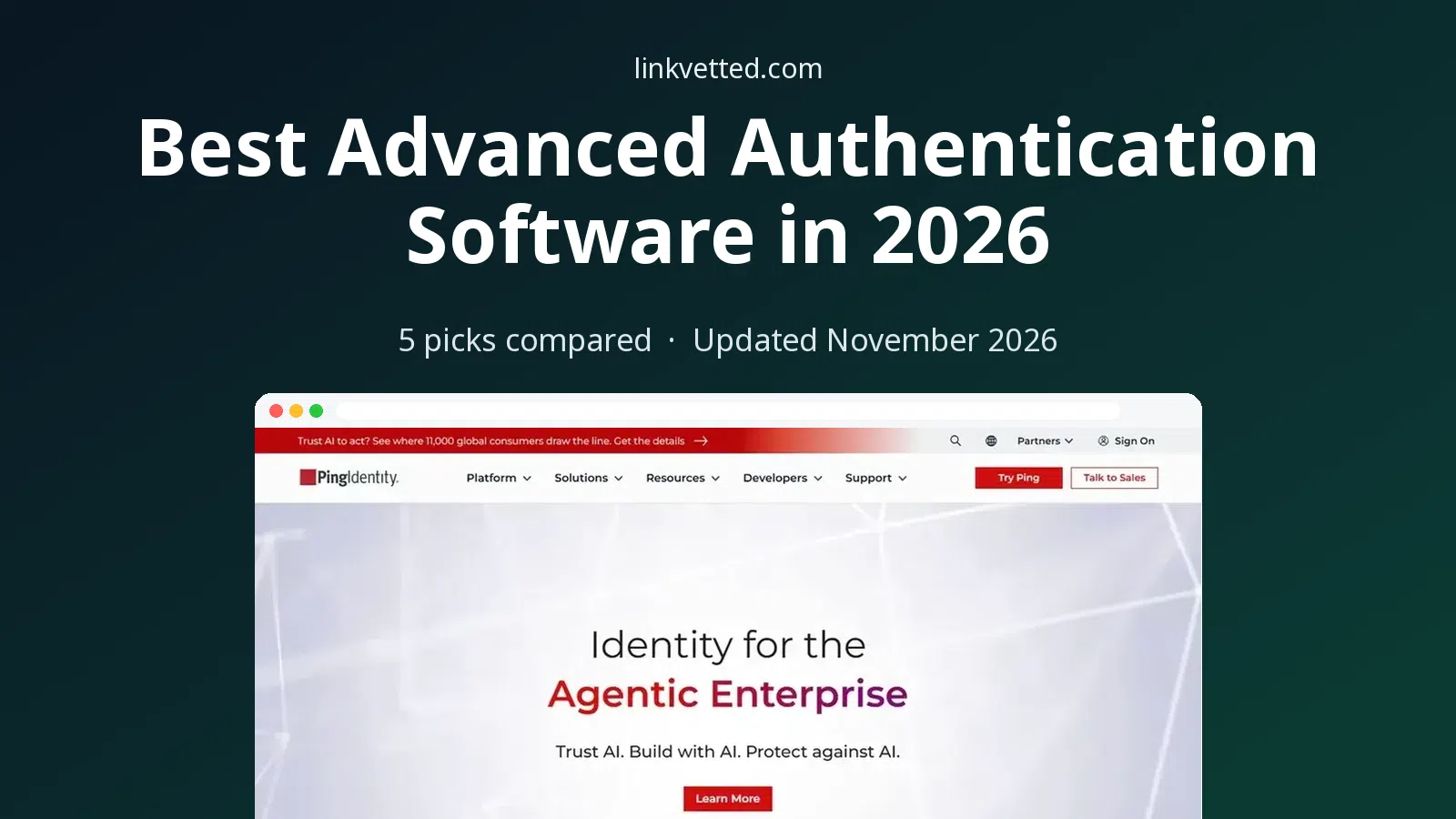
- Editor's choice
 Ping Identity
Frictionless customer and workforce identity
Starts atSee websiteVisit pingidentity.comFull review - Great alternative
 Microsoft Entra ID
Microsoft-centric identity and Zero Trust
Starts atSee websiteVisit microsoft.comFull review - Also consider
 Okta Workforce Identity
Wide workforce and customer identity
Starts at$6 per user a monthVisit okta.comFull review
Direct answer
Ping Identity is the first pick on this list for Frictionless customer and workforce identity. Listed starting prices: Okta Workforce Identity from $6 per user a month, Duo Security from $3 per user a month and OneLogin from $3 per user a month. For a different need, Microsoft Entra ID covers Microsoft-centric identity and Zero Trust and Okta Workforce Identity covers wide workforce and customer identity. The full list of 5 tools follows, with prices and free plan facts.
TL;DR:
- Number one here is Ping Identity, a fit for Frictionless customer and workforce identity.
- OneLogin suits accessible workforce and partner IAM.
- Starting prices begin at $3 per user per month with Duo Security.
- Duo Security stands alone as the one tool in this list with a free plan.
Last checked November 2026. Prices and plan details were read from the vendors' own pages in November 2026; vendors change plans often, so confirm the current price on the vendor site before you buy.
Quick comparison
| Tool | Best for | Starts at | Free plan? | |
|---|---|---|---|---|
| Ping Identity | Frictionless customer and workforce identity | See website | Not stated | Visit |
| Microsoft Entra ID | Microsoft-centric identity and Zero Trust | See website | Not stated | Visit |
| Okta Workforce Identity | Wide workforce and customer identity | $6 per user a month | Free trial | Visit |
| Duo Security | Phishing-resistant MFA and device trust | $3 per user a month | Yes | Visit |
 OneLogin | Accessible workforce and partner IAM | $3 per user a month | Free trial | Visit |
The 5 tools in detail
This LinkVetted guide covers 5 options for advanced authentication software. Each profile lists a starting price, free plan details, strengths and drawbacks, so you can drop poor fits quickly.
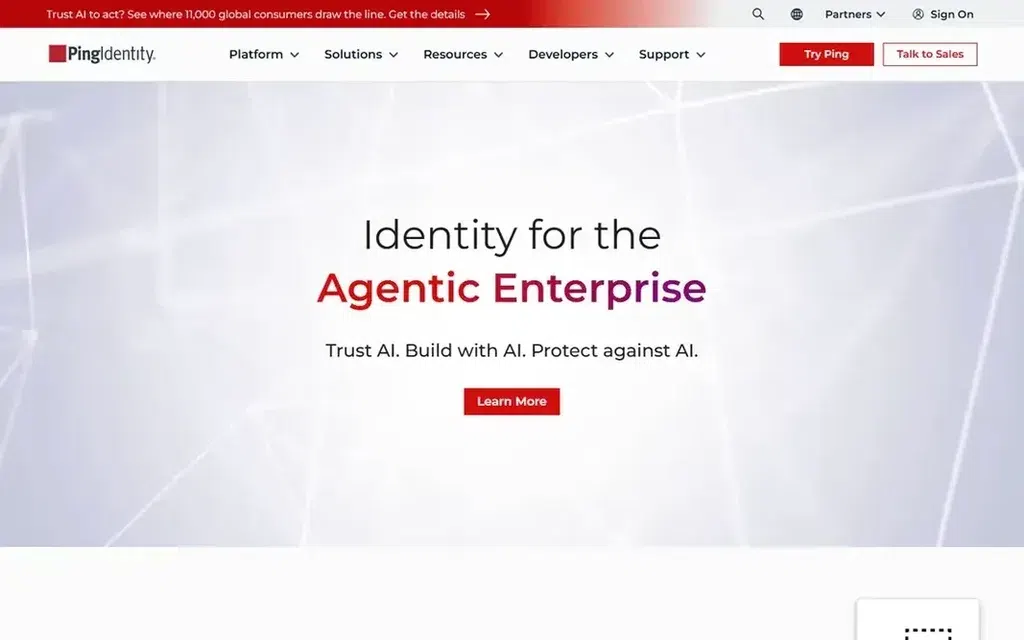
Pick Ping Identity if this describes you: Frictionless customer and workforce identity. Its documented aim is protecting users and every digital interaction whereas keeping experiences frictionless.
Trade-offs to know: Feature scope needs scoping against requirements.
It fits bigger organizations that require authentication and access control spanning workforce and customer-facing applications, particularly where smooth sign-in is a business requirement. Check the vendor site for Ping Identity pricing; none is listed in this comparison. On free options: Not stated.
- Emphasis on frictionless user experiences
- Identity security across digital interactions
- Enterprise-oriented deployment effort
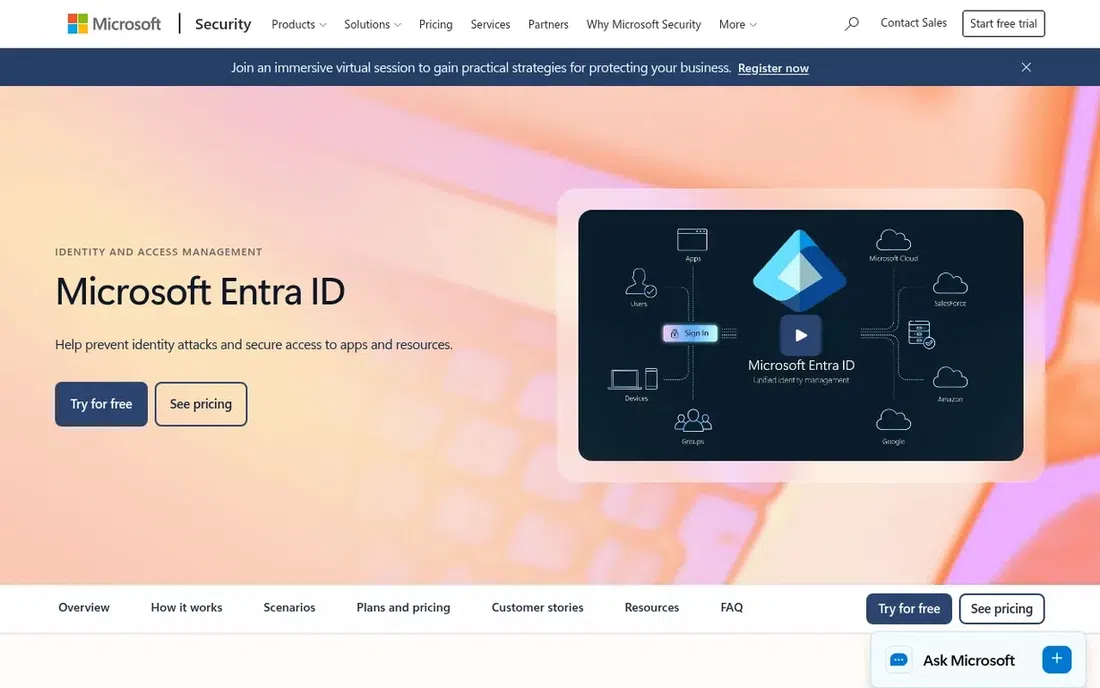
Microsoft Entra ID was built for Microsoft-centric identity and Zero Trust. Microsoft Entra ID, formerly Azure AD, is a cloud identity and access management service. Its documented focus is strengthening identity security, preventing identity attacks and supporting single sign-on and Zero Trust.
Worth adding: the system gives the most value when your directory, devices and applications already live in the Microsoft ecosystem. Some advanced protections sit behind higher licensing levels. Teams with heterogeneous, non-Microsoft estates may prefer a vendor-neutral product. This comparison lists no price for Microsoft Entra ID; ask the vendor. Free options: Not stated.
What to check first: Best value inside the Microsoft ecosystem.
- Zero Trust and identity attack prevention focus
- Cloud IAM with SSO built in
- Advanced controls need licensing review
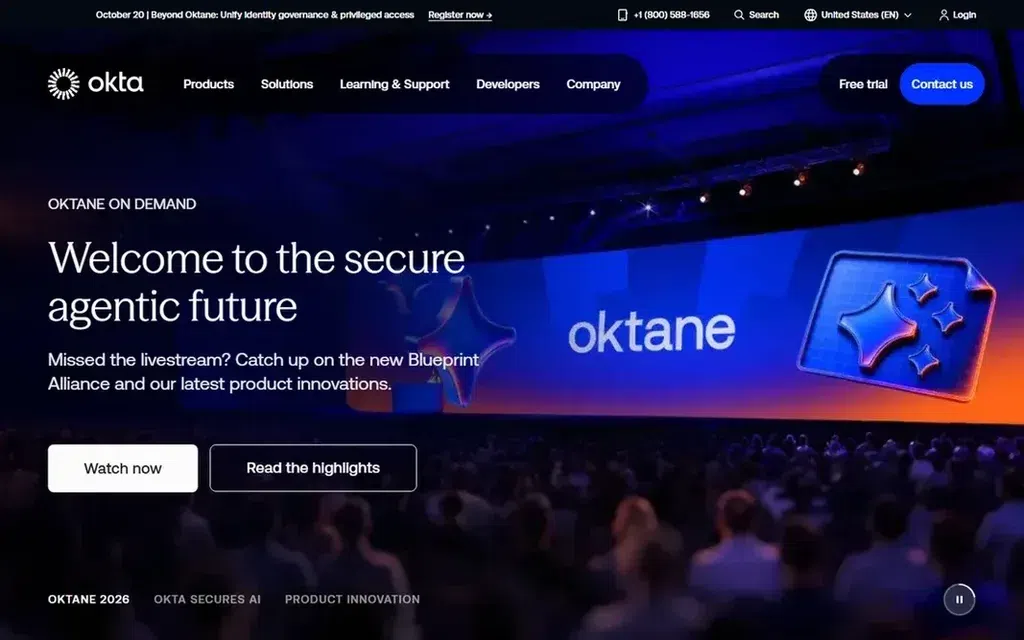
Okta Workforce Identity targets wide workforce and customer identity. Okta Workforce Identity is a cloud identity system for securing employee, customer and AI access.
If your requirements are narrow, like MFA only, a focused tool may be more straightforward to run. For everyday use, the breadth of the product means setup and continuing administration demand real identity expertise, and smaller teams may find the surface area bigger than they need. What you pay to start with Okta Workforce Identity: $6 per user per month. As for free access: Free trial.
Drawbacks to consider: Configuration depth can overwhelm small teams.
- Unified workforce and customer identity systems
- Capable access and authentication automation
- Full value relies on careful integration planning
Duo Security
Best for: Phishing-resistant MFA and device trust
Duo Security was built for Phishing-resistant MFA and device trust. Duo Security, part of Cisco, secures workforce access and defends against advanced identity threats with IAM, phishing-resistant MFA, SSO, passwordless authentication and device trust.
Entry price for Duo Security: $3 per user per month. Duo Security includes a free tier.
What to check first: Narrower governance depth than full IAM suites.
- SSO and passwordless in one offering
- MFA
- Value relies on endpoint coverage
OneLogin makes the most sense for accessible workforce and partner IAM. OneLogin is an identity and access management product for securing workforce, customer and partner data.
On cost, OneLogin starts like this: $3 per user per month. As for free access: Free trial.
Honest limits: Less emphasis on AI agent identity.
- Positioned for budget-conscious organizations
- IAM for workforce
- Advanced governance may need additional tooling
Selection criteria
Things to verify first
- Confirm the entry price on the vendor page. For Ping Identity and Microsoft Entra ID that means a quote rather than a fixed price.
- Look at the free plan from Duo Security closely: its caps decide whether it is usable for real work.
- Run a trial of Okta Workforce Identity and OneLogin with real work before paying for a year; your own workflow is the best test.
- Before choosing Ping Identity, weigh its main limit: enterprise-oriented deployment effort.
- Work out what Okta Workforce Identity costs with your real seat count, add-ons and usage, not just the entry price.
- Check how data leaves OneLogin: formats, limits and whether exports are available on every plan.
FAQ
Is Ping Identity the right pick for everyone comparing advanced authentication software?
No single tool suits every team. Ping Identity comes first because it fits Frictionless customer and workforce identity, while Microsoft Entra ID suits Microsoft-centric identity and Zero Trust and Okta Workforce Identity suits broad workforce and customer identity. Match the tool to your own size, budget and workflow before deciding.
Do these tools publish their prices?
Not all of them. Ping Identity and Microsoft Entra ID publish no starting price, so expect a quote request for those. The rest, Okta Workforce Identity included, show a starting price, though seats and billing terms still change the final cost.
What separates advanced authentication software from entry-level MFA tools?
Advanced products combine authentication with access policy, directory integration, device trust and commonly governance workflows. Decide which capabilities you need before shortlisting.
What is the cheapest option for advanced authentication software in this list?
On published monthly entry prices, Duo Security is the lowest here at $3 per user per month. Entry price is only part of the cost, because seats, add-ons and billing terms can change the total. All 5 picks in this advanced authentication software comparison list a starting price, free plan details and the main limits on their cards above.
How are the tools for advanced authentication software ordered?
Ping Identity sits first and OneLogin last because the order follows typical fit for advanced authentication software, then price clarity and free access. It is a judgement call, so read each profile for fit and limits.
Sources
- https://www.pingidentity.com
- https://www.microsoft.com/en-us/security/business/identity-access/microsoft-entra-id
- https://www.okta.com
- https://duo.com
- https://www.onelogin.com