Best Alternatives to GitHub Advanced Security in 2026: 8 Tools Compared
Looking for the best alternatives to GitHub Advanced Security? We compare 8 code security tools on SAST, secrets, supply chain, and pricing for teams in 2026.
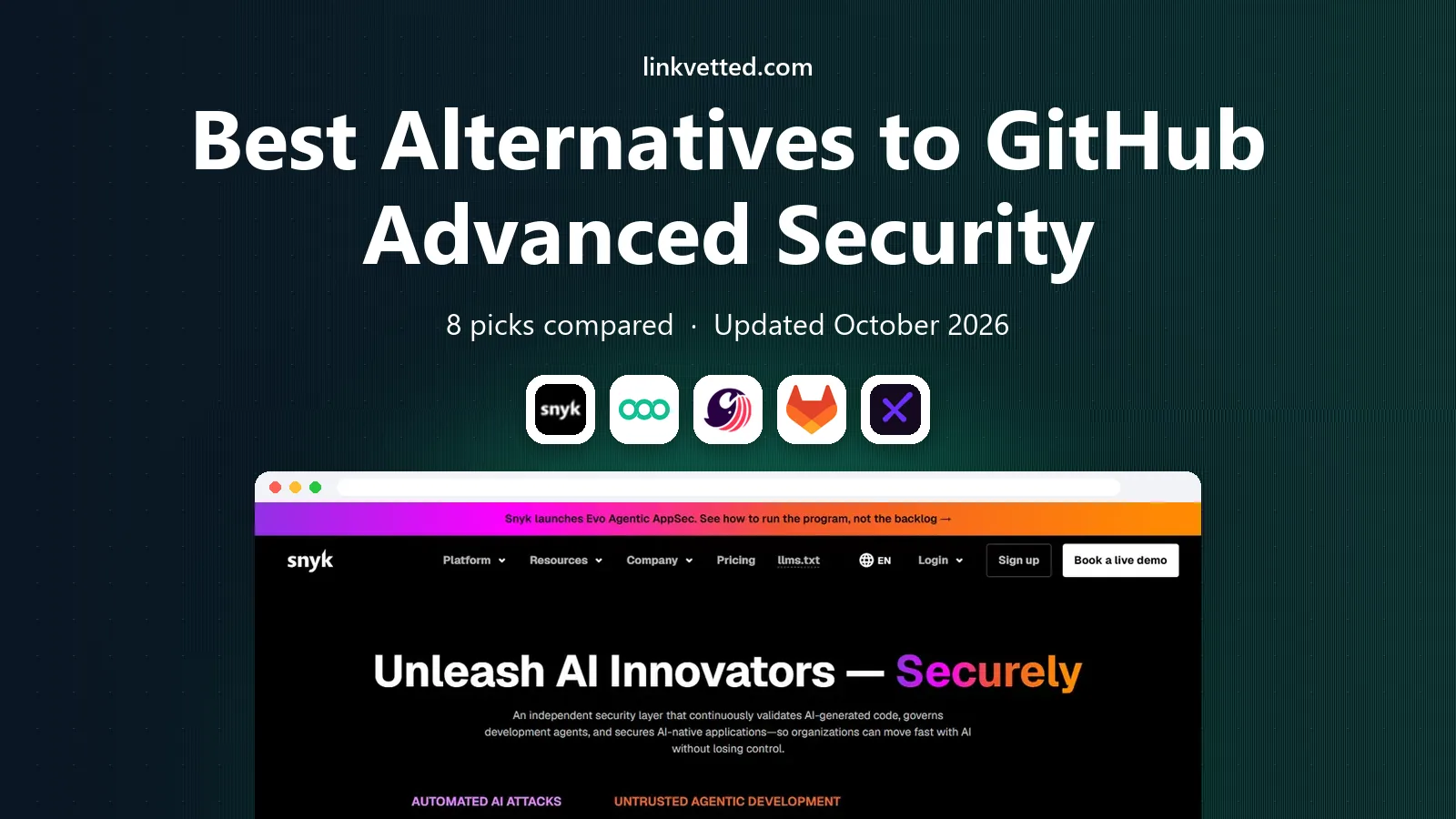
- Editor's choice
 Snyk
All-round developer security platform
Starts atFreeVisit snyk.ioFull review - Great alternative
 Semgrep
Custom rules and fast SAST
Starts atFreeVisit semgrep.devFull review - Also consider
 SonarQube
Code quality and security gates together
Starts atFreeVisit sonarsource.comFull review
TL;DR:
- Snyk is the best all-round alternative, covering code, open source dependencies, containers, and infrastructure in one developer-friendly platform.
- Semgrep is the best pick for custom rules and fast SAST, with a generous free tier for small teams.
- SonarQube Cloud and SonarQube self-hosted suit teams that want code quality and security gates together.
- GitLab Ultimate, Checkmarx, and Veracode suit larger or regulated teams that need deep enterprise controls and compliance reporting.
- Codacy and Mend round out the list for budget-friendly quality plus security and for supply chain depth.
Quick comparison
| Tool | Best for | Starts at | Free plan? | |
|---|---|---|---|---|
| Snyk | All-round developer security platform | Free | Yes | Visit |
| Semgrep | Custom rules and fast SAST | Free | Yes | Visit |
| SonarQube | Code quality and security gates together | Free | Yes | Visit |
 GitLab | Security built into DevOps | See website | Free trial | Visit |
 Checkmarx One | Enterprise AppSec depth and compliance | See website | No | Visit |
 Veracode | Regulated enterprise scanning | See website | No | Visit |
 Codacy | Budget quality and security in one tool | Free | Yes | Visit |
 Mend | Supply chain and open source depth | See website | Free trial | Visit |
The best alternatives to GitHub Advanced Security
GitHub Advanced Security adds code scanning with CodeQL, secret scanning, and dependency review to GitHub, priced per committer. Teams that use another Git host, that want deeper supply chain coverage, or that need custom rules often look elsewhere. The tools below cover static analysis, secrets, and software composition, and each one fits a different team size and workflow.

Snyk is our pick for most teams leaving GitHub Advanced Security, because it covers the widest set of risks in one place. Snyk Code scans source code, Snyk Open Source checks dependencies, and additional products cover containers and infrastructure as code. Findings appear in IDEs and pull requests, with fix suggestions that developers can apply without leaving their workflow.
The free tier is limited in test counts, which suits individuals and small trials. Team pricing starts at $25 per developer per month, with a developer range that pushes larger teams to Enterprise quotes. SSO sits on higher tiers, which is a common complaint. For a team that wants one security platform across code and dependencies, Snyk is the most complete alternative.
- Covers code, dependencies, containers, and infrastructure
- Strong IDE and pull request integration
- Free tier for individuals
- Team plan starts at $25 per developer per month
- SSO and some enterprise controls need higher tiers
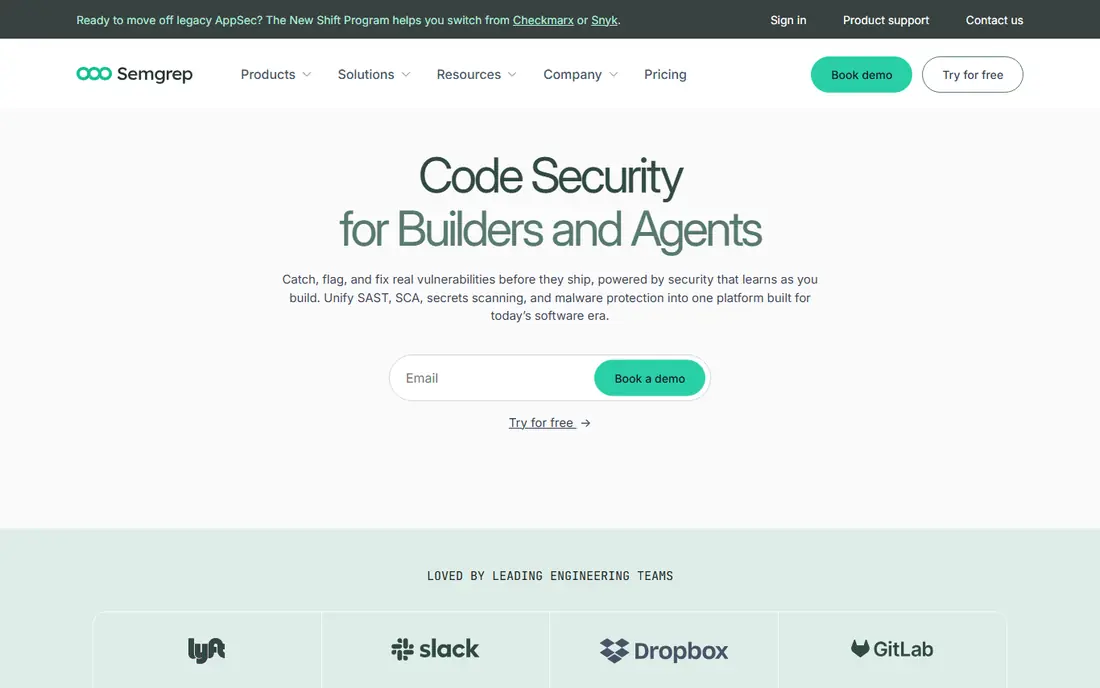
Semgrep appeals to teams that want to write their own security rules. Its open source engine is free, and the managed platform adds Pro rules, cross-file analysis, AI triage, and supply chain reachability. Custom rules let a team ban risky APIs, enforce framework patterns, and catch issues that generic scanners miss. Scans are fast, which helps keep pull request checks from slowing development.
The free tier covers up to 10 contributors, which suits small teams well. Paid tiers charge per contributor for Code, Supply Chain, and Secrets separately, so total cost depends on which products you enable. For a team that values rule control and speed over a single bundled price, Semgrep is a strong GitHub Advanced Security alternative.
- Free tier for up to 10 contributors
- Custom rules are first class
- Fast scans with AI triage
- Paid Code tier is $30 per contributor per month
- Supply chain and secrets are separate products

SonarQube combines code quality and security in a way that pure security scanners do not. It checks bugs, code smells, duplication, and security hotspots, then enforces quality gates that can block a merge when standards drop. That combination suits teams that want one gate for both maintainability and security, rather than two separate reports.
The Community Build is free and self-hosted, which is a strong starting point. SonarQube Cloud offers a managed option, while paid self-hosted editions add security analysis depth and scale with lines of code. Teams that only need security scanning may find SonarQube broader than necessary, but teams that care about quality and security together will value the shared workflow.
- Free Community Build for self-hosting
- Quality gates in pull requests
- Broad language support
- Advanced security features need paid tiers
- Pricing scales with lines of code on self-hosted plans
GitLab Ultimate includes a broad security suite that rivals GitHub Advanced Security, with SAST, dependency scanning, container scanning, secret detection, and DAST. Because security lives inside the same platform as planning, code, CI, and deployment, teams can set policies, track vulnerabilities, and enforce approvals without stitching tools together.
The catch is tier. Many security features require Ultimate, which is priced for larger teams and sold by quote for many accounts. Teams that already use GitLab for DevOps get the most value, since security adds to a platform they already pay for. Teams on GitHub or another host would need to migrate DevOps as well as security, which is a larger decision.
- SAST, dependency, container, and secret scanning in one DevOps platform
- Security policies and dashboards
- Full security suite needs Ultimate tier
- Best value only for teams already using GitLab
Checkmarx One is an enterprise application security platform that covers SAST, software composition, API security, container security, and infrastructure scanning. It suits regulated industries and large companies that need detailed compliance reports, audit trails, and broad language coverage, including older languages that newer tools may not support well.
There is no free tier and no self-serve signup, so evaluation starts with a sales conversation. Pricing is quote based and typically enterprise level, which makes Checkmarx a poor fit for small teams. For a large organization that needs a defensible AppSec program and can fund it, Checkmarx One is one of the deepest alternatives to GitHub Advanced Security.
- Deep SAST, SCA, API, and IaC coverage
- Strong compliance reporting
- Broad language support
- No free tier or self-serve entry
- Enterprise pricing is quote based and high for small teams
Veracode offers SAST, DAST, SCA, and manual penetration testing services, with a focus on enterprises that need verified security posture for customers and auditors. Binary scanning is a differentiator, since it can check compiled code even when source is not available. That matters for teams that buy third-party components or work with legacy systems.
Pricing is quote based, with SAST-only plans often starting at enterprise levels and full suites costing considerably more. There is no free tier for small teams. Veracode is best for organizations where compliance reporting and vendor assurance matter more than developer speed or low entry cost.
- Binary and source scanning
- DAST and SCA
- Long track record in regulated industries
- No free tier
- Pricing is quote based
- Setup and triage can feel heavy for small teams
Codacy is a budget-friendly option that combines code quality and security checks in pull requests. The free developer tier lets individuals and small teams start quickly, and Pro pricing starts at $15 per user per month, which undercuts several rivals. It supports many languages and integrates with common Git hosts and CI tools.
Depth is the trade-off. Codacy does not match Snyk on supply chain reachability or Checkmarx on enterprise AppSec depth. For a small or mid-sized team that wants a single affordable tool for quality and basic security, Codacy is a practical GitHub Advanced Security alternative. Larger teams with strict compliance needs should look at Snyk, GitLab, or Checkmarx instead.
- Free developer tier
- Pro from $15 per user per month
- Quality plus security checks
- Depth is less than Snyk or Checkmarx for enterprise AppSec
- Some features need higher tiers
Mend, formerly WhiteSource, focuses on software composition analysis, which is the open source dependency risk that GitHub dependency review only partly covers. It tracks vulnerabilities, licences, and compliance across dependencies, and it offers automated remediation for many issues. That depth matters for teams with large dependency trees or strict licence policies.
Mend also offers SAST and other AppSec products, but its reputation rests on supply chain. Pricing is quote based for many plans, with trials available. For a team whose main GitHub Advanced Security gap is dependency risk, Mend is a strong specialist pick. Pair it with Semgrep or SonarQube for code scanning if you need both sides covered well.
- Strong SCA and open source licence coverage
- Automated remediation
- Broad ecosystem support
- Pricing is quote based for many plans
- SAST depth is less central than SCA
How we picked these
We compared official product pages, pricing pages, and documentation for each tool, plus current code security comparison guides for 2026. We favored tools that are actively maintained, that scan code or dependencies in pull requests, and that represent different approaches, from developer platforms to enterprise suites to budget tools. We excluded tools that only lint one language or only check licences without vulnerability data, since those do not replace GitHub Advanced Security as a whole.
What to check before you switch
Start with the risks you actually need to cover. GitHub Advanced Security bundles code scanning, secret scanning, and dependency review, but teams often need only two of those well, or need one of them much deeper. List your languages, your Git host, and your compliance needs, then match a tool to that list. A tool that scans your main language poorly is a bad pick no matter how good its marketing looks.
Trial on a real repository
Run a trial on a real repository with known issues, not a demo project. Check false positive rates, fix quality, pull request speed, and how findings are triaged. A scanner that floods developers with low-value alerts will be ignored, which is worse than a narrower scanner that developers trust. Check secret scanning separately, since some tools treat secrets as an add-on rather than a core feature.
Price per contributor honestly
Security pricing is usually per developer or per contributor, with minimums and tier jumps that change the total. GitHub Advanced Security pricing is per committer, so compare like for like. Count active contributors, not total employees, and ask what happens when a contributor leaves or a repository is archived. For enterprise tools, get a written quote for your contributor count before committing.
FAQ
What is the best alternative to GitHub Advanced Security?
Snyk is the best all-round alternative for most teams, thanks to code, dependency, container, and infrastructure coverage in one platform. Semgrep is best for custom rules, SonarQube is best for quality plus security, and GitLab is best for teams already on GitLab. Enterprise teams should also evaluate Checkmarx and Veracode.
Are GitHub Advanced Security alternatives free?
Some offer free tiers, including Snyk, Semgrep, SonarQube Community Build, and Codacy. Free tiers usually limit tests, contributors, or features, so they suit individuals and small teams. Production use at scale normally needs a paid plan, priced per developer or contributor.
Does Semgrep replace CodeQL?
For many teams, yes, especially when custom rules matter. Semgrep scans quickly, supports custom rules as a first-class feature, and adds AI triage and supply chain reachability on paid tiers. CodeQL offers deep semantic analysis for supported languages, so teams with complex data flow needs should trial both on a real codebase.
Can I use Snyk without GitHub?
Yes. Snyk integrates with GitHub, GitLab, Bitbucket, Azure DevOps, and other hosts, plus IDEs and CI tools. That host flexibility is a key reason teams choose Snyk over a GitHub-only security add-on.
Which tool is best for secret scanning?
GitHub secret scanning is strong, but Semgrep Secrets, GitLab secret detection, and Snyk Code all cover secrets in code and pull requests. Check whether secrets are included in the base plan or sold as a separate product, and test detection on a sample repository with known secret patterns before choosing.
Do these tools work with GitLab or Bitbucket?
Most do, including Snyk, Semgrep, SonarQube, Codacy, and Mend. GitLab security features work best inside GitLab itself. Check the integration page for your host before buying, since depth of pull request integration varies by host.