Top 6 Stream Analytics Software for Remote Teams for 2026 (Prices and Free Plans)
Compare 6 best stream analytics software for remote teams, with prices, free plans and who each fits. Each tool gets a one-line verdict. Jump to the table.
- Editor's choiceAzure Stream Analytics
Live analytics on Azure and edge
Starts atSee websiteVisit azure.microsoft.comFull review - Great alternative
 Apache Flink
Stateful stream processing engine
Starts atSee websiteVisit flink.apache.orgFull review - Also consider
 Google Cloud Dataflow
Completely managed autoscaling stream processing
Starts atSee websiteVisit cloud.google.comFull review
Direct answer
Start with Azure Stream Analytics if you need live analytics on Azure and edge. Listed starting prices: Confluent Cloud from $385 a month. Look at Apache Flink for Stateful stream processing engine, and at Google Cloud Dataflow for completely managed autoscaling stream processing. The full list of 6 tools follows, with prices and free plan facts.
TL;DR:
- Top of the list is Azure Stream Analytics, which targets real-time analytics on Azure and edge.
- Confluent Cloud is the one to check for managed Kafka streaming system.
- A free plan is available from 2 of the 6 tools: Amazon Kinesis, Confluent Cloud.
- The cheapest monthly starting price in the list is $385 per month, offered by Confluent Cloud.
- Apache Kafka comes with a trade-off: needs operational expertise to run.
Last checked November 2026. Prices and plan details were read from the vendors' own pages in November 2026; vendors change plans often, so confirm the current price on the vendor site before you buy.
Quick comparison
| Tool | Best for | Starts at | Free plan? | |
|---|---|---|---|---|
| Azure Stream Analytics | Live analytics on Azure and edge | See website | Free trial | Visit |
| Apache Flink | Stateful stream processing engine | See website | Not stated | Visit |
| Google Cloud Dataflow | Completely managed autoscaling stream processing | See website | Not stated | Visit |
 Apache Kafka | Open source streaming backbone | See website | Not stated | Visit |
| Amazon Kinesis | AWS-native streaming data pipelines | See website | Yes | Visit |
 Confluent Cloud | Managed Kafka streaming system | $385 a month | Yes | Visit |
The best stream analytics software for remote teams
LinkVetted put together this guide to stream analytics software for remote teams for readers who want a clear shortlist without reading every vendor page. It compares 6 tools on starting price, free plans, who each one suits and where each one falls short.
Azure Stream Analytics
Best for: Live analytics on Azure and edge
Azure Stream Analytics was built for live analytics on Azure and edge. Worth adding: edge scenarios need extra setup and management.
The main drawbacks: Edge deployments add configuration steps.
If your organization is not standardized on Azure, a cloud-neutral or open source choice may be a better fit. In daily use, the service is targeted at scenarios where low-latency insights matter across distributed locations. Azure Stream Analytics shows no starting price here, so confirm the cost on the vendor site. Free options: Free trial.
- Runs analytics from cloud to edge
- Live processing on streaming data
- Tied to the Azure ecosystem
Think of Apache Flink for Stateful stream processing engine. Apache Flink is an open source engine for stateful computations over data streams.
Points against: Security patching is the team's responsibility.
Teams without dedicated engineering resources may struggle with deployment and tuning. Flink demands operational expertise and continuing maintenance, including security updates. Pricing for Apache Flink is not stated here, so ask the vendor for current figures. Free options: Not stated.
- Suited to complicated event processing
- Stateful computations over data streams
- Needs engineering expertise to operate
Google Cloud Dataflow
Best for: Completely managed autoscaling stream processing
Think of Google Cloud Dataflow for completely managed autoscaling stream processing. Dataflow is most convenient within the Google Cloud ecosystem; multi-cloud teams may need additional integration work.
Drawbacks to consider: Managed model limits infrastructure control.
Google Cloud Dataflow is a completely managed streaming analytics service that aims to cut latency and processing time through autoscaling and live data processing. The service is built for teams that value managed scaling over practical infrastructure control. Pricing for Google Cloud Dataflow is not stated here, so ask the vendor for current figures. Free plan details: Not stated.
- Completely managed streaming analytics
- Cuts latency and processing time
- Most useful for Google Cloud users
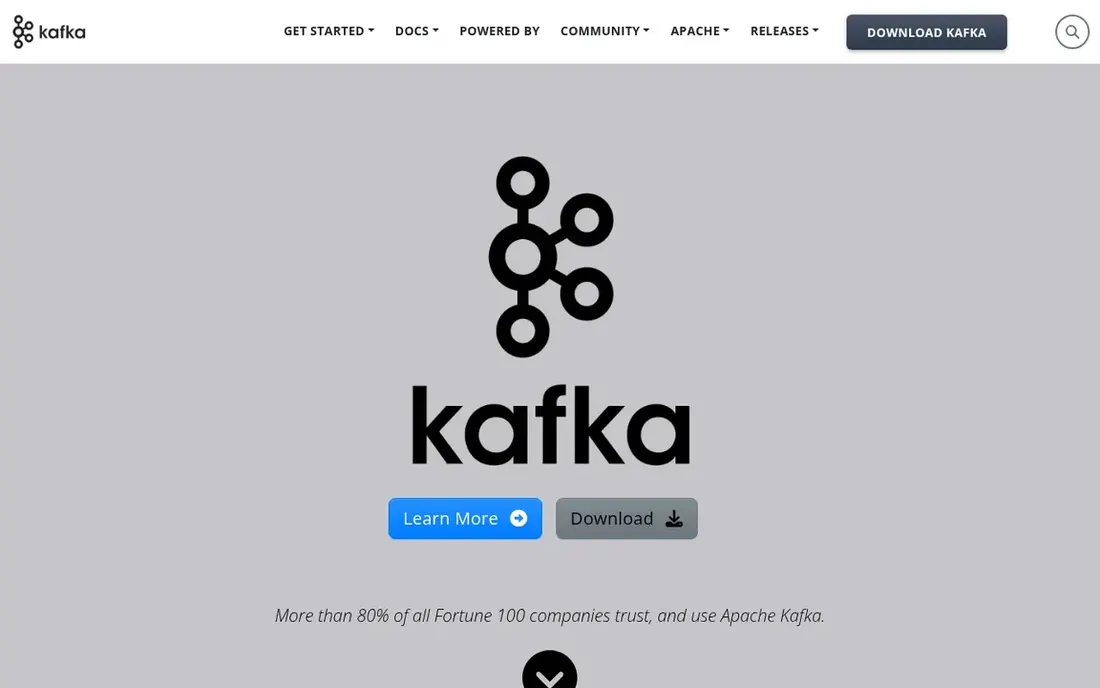
Apache Kafka targets open source streaming backbone. Kafka is commonly chosen when teams need a durable, scalable backbone that plenty of downstream analytics tools can link to.
For everyday use, Apache Kafka is an open source distributed event streaming system used to build live data pipelines and streaming applications. Worth adding: consider a managed product or a cloud-native service if you prefer less operational overhead. Pricing for Apache Kafka is not stated here, so ask the vendor for current figures. On free options: Not stated.
Honest limits: Needs operational expertise to run.
- Widely adopted event streaming product
- Supports high-throughput data pipelines
- Managed choices add complexity
Amazon Kinesis
Best for: AWS-native streaming data pipelines
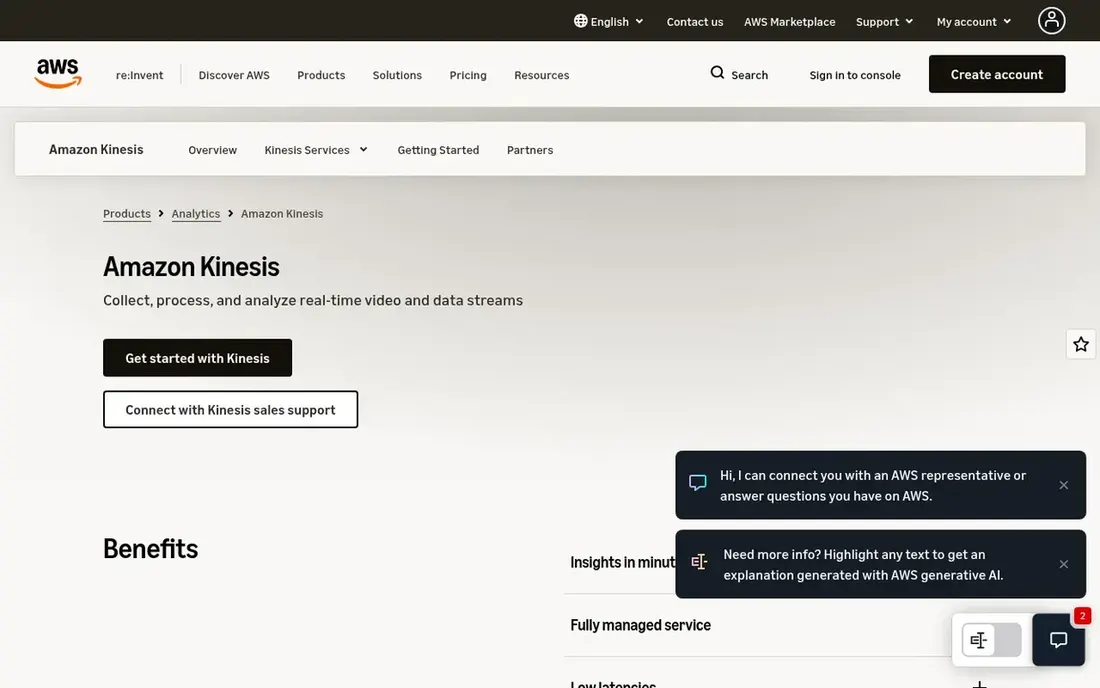
Amazon Kinesis makes the most sense for AWS-native streaming data pipelines. Remote teams already working in AWS will find it a natural fit for ingesting and processing continuous data without leaving the cloud environment. It also needs some AWS expertise to configure pipelines effectively.
Upsides: Collects and examines streaming data.
Watch-outs: Best fit chiefly within AWS environments.
Amazon Kinesis is a service for collecting streaming data, building live data pipelines, and analyzing video and data streams. It is made for log analytics, event analytics, and IoT analytics. This comparison lists no price for Amazon Kinesis; ask the vendor. A free plan is available with Amazon Kinesis.
- Plugs into AWS services
- IoT analytics
- Needs familiarity with AWS tooling
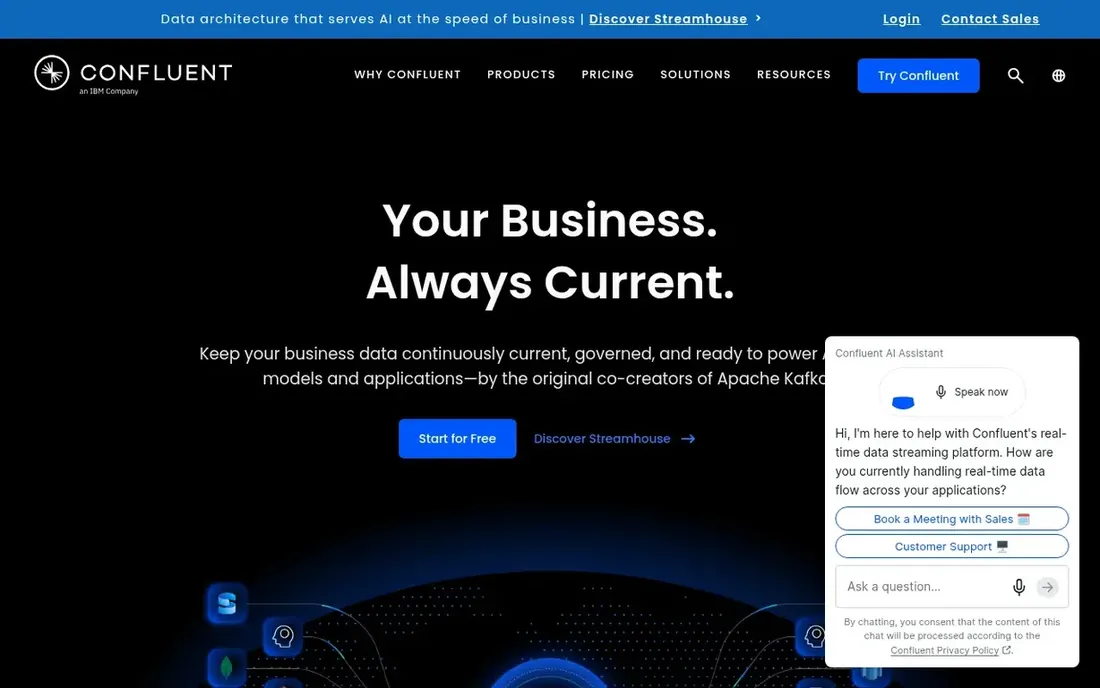
Confluent Cloud makes the most sense for managed Kafka streaming system. Confluent Cloud is a live data streaming product that lets teams stream, link, process, govern, and query live data in one unified environment.
Smaller teams with entry-level streaming requirements might find a lighter tool sufficient. Also, evaluate whether your team needs the full governance and connectivity features before committing. Confluent Cloud starts at: $385 per month. You can start on Confluent Cloud without paying.
Where it falls short: May be more than straightforward pipelines need.
- Cuts operational burden of Kafka
- Unified product for streaming and governance
- Vendor-managed service ties you to a provider
What went into this list
LinkVetted looked at what each vendor publishes: pricing, plan limits, feature coverage for stream analytics software for remote teams and stated drawbacks. No hands-on testing is claimed. Seat minimums, billing terms and add-ons can move the real cost, so the starting prices here are a guide and not a quote. Order on the page follows fit for the typical buyer first, then price transparency and free access. Your own requirements should decide the final pick.
What to confirm before you sign up
- Confirm the entry price on the vendor page. For Azure Stream Analytics, Apache Flink, Google Cloud Dataflow and others that means a quote rather than a fixed price.
- Check what the free option really includes: Amazon Kinesis and Confluent Cloud offer a free plan, and usage caps differ.
- Run a trial of Azure Stream Analytics with real work before paying for a year; your own workflow is the best test.
- Before choosing Azure Stream Analytics, weigh its main limit: tied to the Azure ecosystem.
- Check whether the features you need in Amazon Kinesis sit on the entry plan or only on higher tiers.
- Compare total cost, not headline price: for Google Cloud Dataflow, add extra seats, add-ons and any usage-based charges.
FAQ
What should remote teams look for in stream analytics software?
Remote teams should prioritize accessibility, clear documentation, and low operational overhead. Also consider how well the tool integrates with your existing cloud and data tools.
How are the tools for stream analytics software for remote teams ordered?
The order follows typical fit for stream analytics software for remote teams, with Azure Stream Analytics first and Confluent Cloud last, then price clarity and free access. It is editorial judgement, not a score, so another team could rank the tools differently.
What is the cheapest option for stream analytics software for remote teams in this list?
On published monthly entry prices, Confluent Cloud is the lowest here at $385 per month. Entry price is only part of the cost, because seats, add-ons and billing terms can change the total. For the full picture, the cards above cover all 6 entries of this stream analytics software for remote teams list, including price, free plan and limits.
Is Azure Stream Analytics the right pick for everyone comparing stream analytics software for remote teams?
No single tool suits every team. Azure Stream Analytics comes first because it fits real-time analytics on Azure and edge, while Apache Flink suits Stateful stream processing engine and Google Cloud Dataflow suits fully managed autoscaling stream processing. Match the tool to your own size, budget and workflow before deciding.
Which options for stream analytics software for remote teams have a free plan?
Amazon Kinesis and Confluent Cloud offer a free plan in this list. Free plans usually cap users, projects or features, so check the limits on the vendor page. One other tool offers a trial instead.
Sources
- https://azure.microsoft.com/en-us/products/stream-analytics
- https://flink.apache.org
- https://cloud.google.com/dataflow
- https://kafka.apache.org
- https://aws.amazon.com/kinesis
- https://www.confluent.io