5 Stream Analytics Software for Small Business Worth Shortlisting in 2026
Best stream analytics software for small business in 2026: 5 tools with starting prices, free plans and limits. Read the caveats before you buy. Plain facts.
- Editor's choice
 Fathom Analytics
Straightforward, privacy-first website analytics
Starts at$15 a monthVisit usefathom.comFull review - Great alternative
 Databox
Unified performance dashboards and AI workflows
Starts at$79 a monthVisit databox.comFull review - Also consider
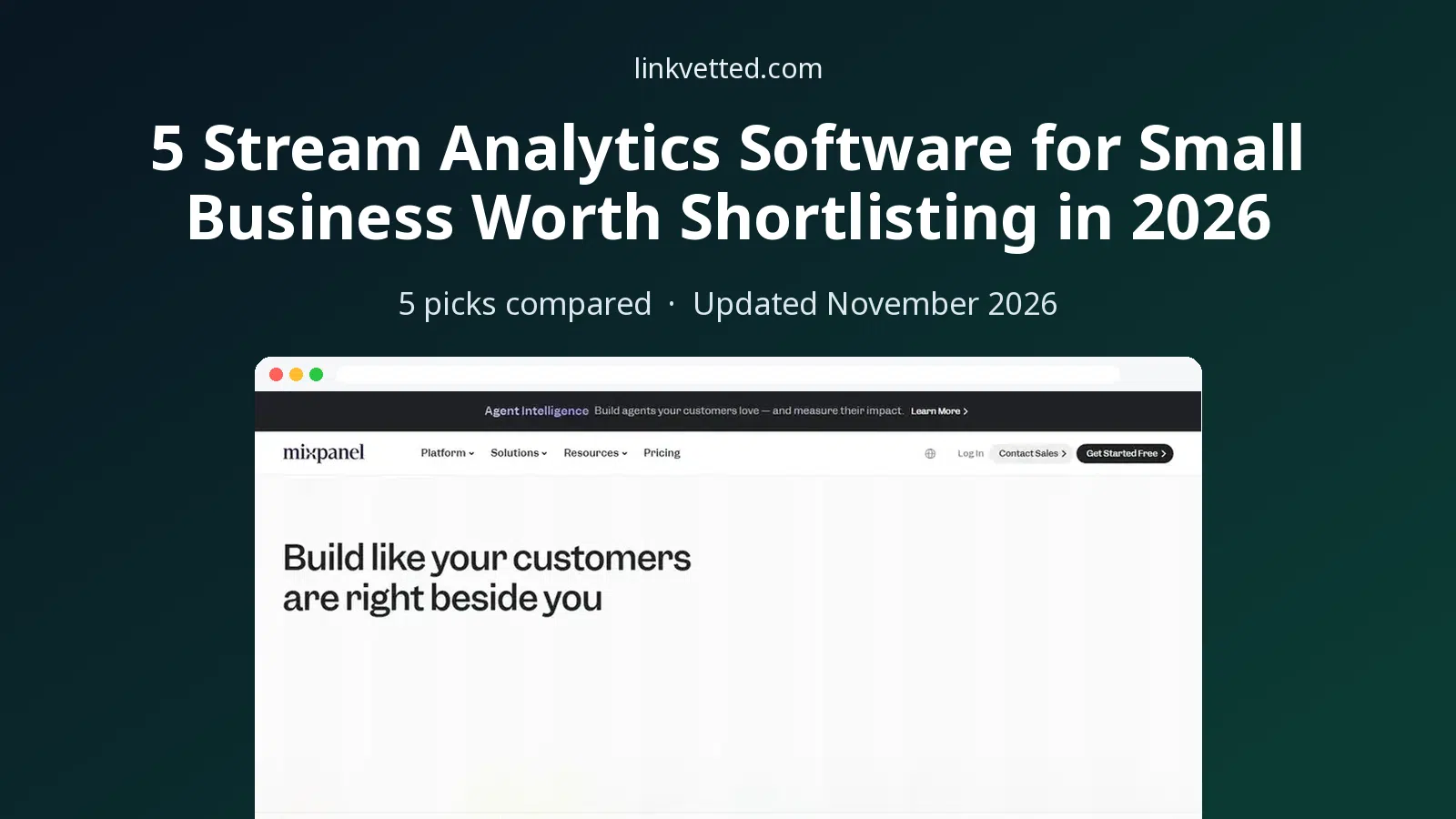
 Mixpanel
Product teams needing deep event analytics
Starts at$100 a monthVisit mixpanel.comFull review
Direct answer
This list puts Fathom Analytics first for straightforward, privacy-first website analytics. Listed starting prices: Fathom Analytics from $15 a month, Databox from $79 a month and Mixpanel from $100 a month. Databox fits unified performance dashboards and AI workflows; Mixpanel fits product teams needing deep event analytics. Prices, free plans and limits for all 5 tools follow.
TL;DR:
- This list starts with Fathom Analytics, which is built for straightforward, privacy-first website analytics.
- Mixpanel stands alone as the one tool in this list with a free plan.
- For the cheapest start, look at Fathom Analytics: $15 per month.
- Plausible Analytics suits privacy-friendly, light web analytics.
Last checked November 2026. Prices and plan details were read from the vendors' own pages in November 2026; vendors change plans often, so confirm the current price on the vendor site before you buy.
Quick comparison
| Tool | Best for | Starts at | Free plan? | |
|---|---|---|---|---|
| Fathom Analytics | Straightforward, privacy-first website analytics | $15 a month | Free trial | Visit |
| Databox | Unified performance dashboards and AI workflows | $79 a month | Free trial | Visit |
| Mixpanel | Product teams needing deep event analytics | $100 a month | Yes | Visit |
 Adobe Analytics | Enterprise-level digital experience analytics | See website | Not stated | Visit |
 Plausible Analytics | Privacy-friendly, light web analytics | See website | Not stated | Visit |
Tool-by-tool breakdown
If you are comparing stream analytics software for small business, this page covers 5 tools in one place: what each is best for, what it costs to start, whether it has a free plan, and the main limit to know about.
Where Fathom Analytics fits: straightforward, privacy-first website analytics. It is built for small companies that value simplicity and visitor privacy. Worth adding: Fathom Analytics is a good match for entry-level website traffic analysis and may lack the advanced features needed for in-depth product analytics.
The main drawbacks: Restricted advanced analytics features.
It does not offer session replay or experiment tools. Firms requiring in-depth user behavior insights might need a more full option. In practice, the product provides clear, essential metrics without collecting personal data. Entry price for Fathom Analytics: $15 per month. As for free access: Free trial.
- Sustainable and straightforward
- Privacy-focused and GDPR compliant
- May not support in-depth event tracking
Choose Databox for unified performance dashboards and AI workflows. Databox is an agentic analytics platform that brings performance data, business context, and AI workflows together, enabling teams to act quicker. It is a strong match for small firms that require to consolidate data from multiple sources into unified dashboards.
Databox is primarily a reporting and dashboarding tool, so it may not supply the deep behavioral analytics of dedicated product analytics systems. It depends on integrations with other data sources, which can need initial setup. The product emphasizes collaboration and AI-assisted decision-making. Starting cost for Databox: $79 per month. On free options: Free trial.
Limits to weigh: Concentrates on reporting instead of deep analytics.
- Brings performance data and business context together
- AI workflows for quicker team actions
- May need integration setup
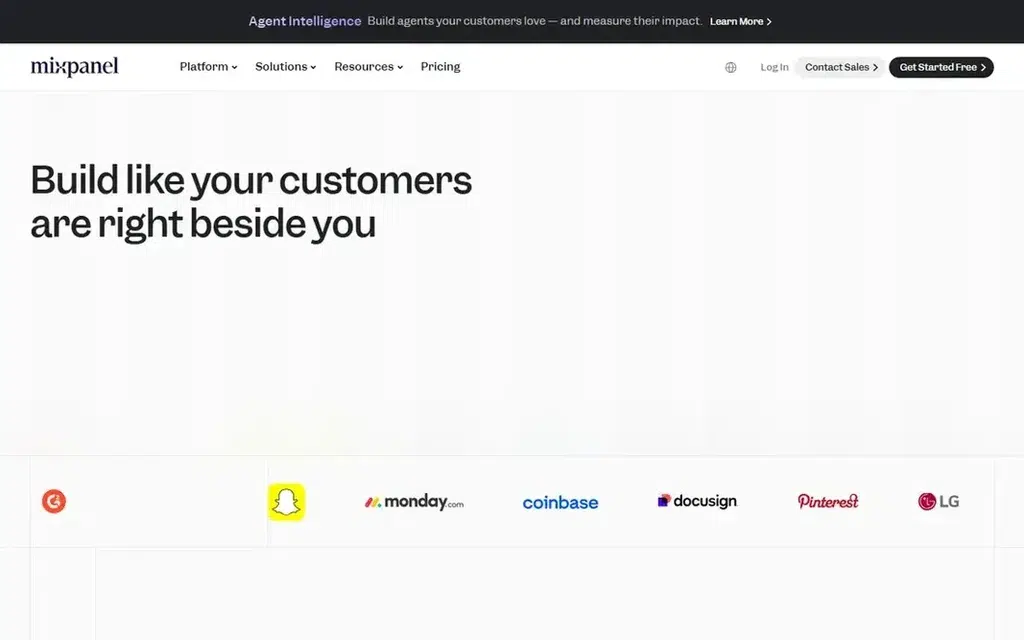
Think of Mixpanel for product teams needing deep event analytics. Small companies with a digital product focus will find it especially handy for tracking events and user journeys. Its advanced features might be overkill for companies that only need entry-level website analytics.
As for the details, consider more straightforward tools if you lack dedicated analytics staff. It is aimed at teams that want to understand user behavior in depth and optimize product experiences. The starting price for Mixpanel: $100 per month. A free plan is available with Mixpanel.
What to check first: Advanced features can be complicated for beginners.
- AI-powered insights for quicker analysis
- Merges analytics with session replay and experiments
- May need technical setup for event tracking
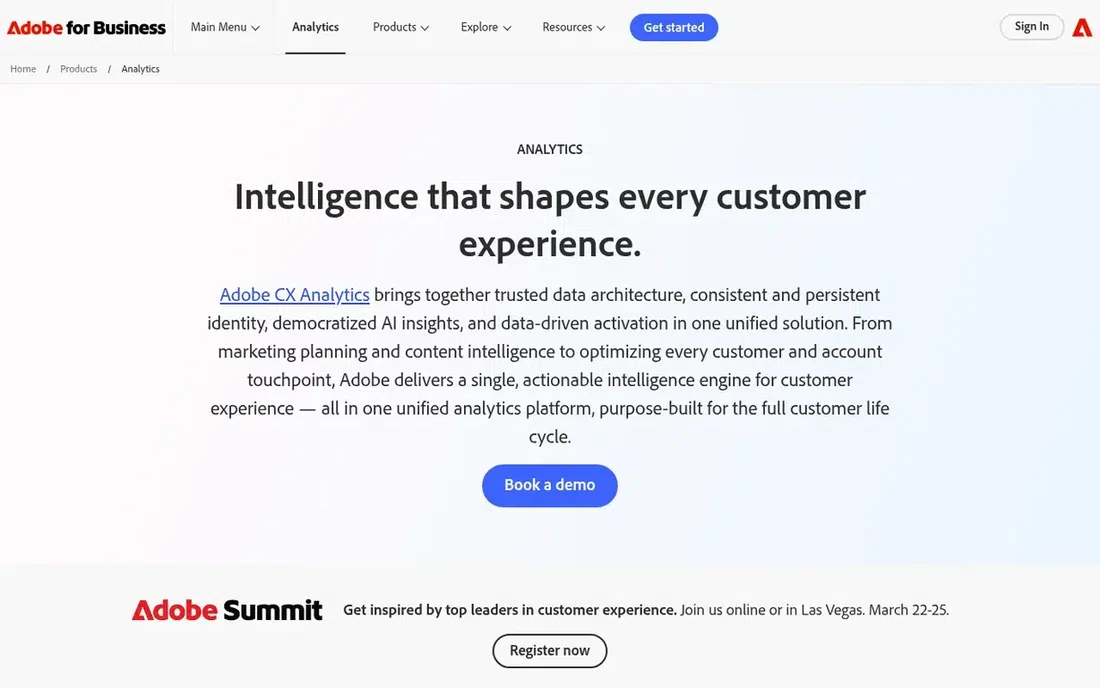
Adobe Analytics is a good fit for enterprise-level digital experience analytics. Adobe Analytics is an enterprise digital experience analytics product that brings together customer data, measures digital marketing performance, and optimizes journeys with AI-powered insights.
Worth adding: Adobe Analytics is commonly considered heavy for small firms due to its complexity and implementation requirements. It may need dedicated analytics personnel to fully utilize its capabilities. Pricing for Adobe Analytics is not stated here, so ask the vendor for current figures. Free options: Not stated.
Where it falls short: Typically built for bigger organizations.
- AI-powered insights for journey optimization
- Brings together customer data across channels
- Can be complex and resource-intensive to implement
Think of Plausible Analytics for privacy-friendly, light web analytics. Plausible Analytics is a light and open-source Google Analytics alternative that prioritizes privacy and data ownership. It is suited for small companies that require straightforward, clear website analytics without compromising visitor privacy.
In daily use, the tool gives you essential metrics in a straightforward interface. In practice, Plausible concentrates on entry-level web analytics and may not offer the depth of product analytics tools for event tracking or user journey analysis. It is not intended for complicated behavioral analysis. Beyond that, firms needing advanced product insights should look at more feature-rich systems. Plausible Analytics shows no starting price here, so confirm the cost on the vendor site. Free access: Not stated.
Drawbacks to consider: May lack advanced features like session replay.
- Privacy-focused with data ownership
- Light and open-source
- Less in-depth than product analytics tools
How we built this list
For each of the 5 tools we noted price, free plan or trial, fit for stream analytics software for small business and the main limit, using vendor pages and documentation. Plan names, prices and limits change often. Treat the figures here as a starting point and verify them with the vendor. Tools are placed by general fit for stream analytics software for small business, with price clarity and free access as tie-breakers. A different team can reasonably rank them differently.
A buyer's checklist
- Get a written quote from Adobe Analytics and Plausible Analytics; the list shows no starting price for them.
- Test the free plan from Mixpanel against your real workload before relying on it.
- Use real work to test the free trial from Fathom Analytics and Databox, rather than a demo project.
- Before choosing Fathom Analytics, weigh its main limit: restricted advanced analytics features.
- Check the support hours and onboarding help Fathom Analytics offers; smaller vendors vary a lot here.
- Check the integration list for Plausible Analytics against the tools you run today, and note which ones need a higher plan.
FAQ
How do I choose the right stream analytics tool for my small business?
Consider your primary goals, like product optimization, marketing analysis, or privacy compliance. Evaluate simplicity, feature depth, and integration needs. Start with a tool that matches your team's technical capacity and scale as you grow.
Can I try these tools before paying?
Often, yes. Mixpanel has a free plan and Fathom Analytics and Databox offer a free trial. Use your own data and a real task during the test, and check what the free tier or trial limits before you rely on it.
Are privacy-focused analytics tools sufficient for small firms?
Privacy-focused tools like Plausible and Fathom supply essential website metrics without collecting personal data. They are sufficient for entry-level traffic analysis but may lack advanced features like user-level event tracking.
Which options for stream analytics software for small business have a free plan?
Mixpanel is the only tool in this list with a free plan. Free plans usually cap users, projects or features, so check the limits on the vendor page. Several others offer a trial instead.
What is the cheapest option for stream analytics software for small business in this list?
On published monthly entry prices, Fathom Analytics is the lowest here at $15 per month. Entry price is only part of the cost, because seats, add-ons and billing terms can change the total. Prices, free plan details and limits for all 5 tools in this stream analytics software for small business roundup sit on the individual cards above.
Do these tools publish their prices?
Not all of them. Adobe Analytics and Plausible Analytics publish no starting price, so expect a quote request for those. The rest, Fathom Analytics included, show a starting price, though seats and billing terms still change the final cost.
Sources
- https://usefathom.com
- https://databox.com
- https://mixpanel.com
- https://business.adobe.com/products/analytics/adobe-analytics.html
- https://plausible.io