Best RFID Software in 2026: 9 Tools Compared
Compare the best RFID software for inventory, assets, and supply chain tracking. We checked readers, integrations, and pricing for operations teams today.
- Editor's choice
 Zebra MotionWorks
Multi-technology asset tracking
Starts atSee websiteVisit zebra.comFull review - Great alternative
 Impinj Platform
RAIN RFID infrastructure
Starts atSee websiteVisit impinj.comFull review - Also consider
 Xemelgo
Manufacturing traceability
Starts atSee websiteVisit xemelgo.comFull review
TL;DR:
- Zebra MotionWorks suits firms already using Zebra readers and printers, with multi-technology tracking in one view.
- Xemelgo suits manufacturers that need item-level traceability and rules for production and shipping.
- BarTender is the labeling choice when RFID encoding must work with existing printing and data systems.
- Most enterprise RFID software is quote-based, so price readers, tags, and implementation together, not just the software.
- Start with one site and one workflow, such as receiving or cycle counting, before rolling RFID out company-wide.
Quick comparison
| Tool | Best for | Starts at | Free plan? | |
|---|---|---|---|---|
| Zebra MotionWorks | Multi-technology asset tracking | See website | No | Visit |
| Impinj Platform | RAIN RFID infrastructure | See website | No | Visit |
| Xemelgo | Manufacturing traceability | See website | No | Visit |
 BarTender | RFID label design and printing | See website | Free trial | Visit |
 Avancir | Configurable real-time tracking | See website | No | Visit |
 Asset Panda | Asset tracking with RFID support | See website | Free trial | Visit |
 EnvisionWare | Library RFID systems | See website | No | Visit |
 SATO | Retail and logistics labeling | See website | No | Visit |
 Terso Solutions | Healthcare RFID inventory | See website | No | Visit |
The best RFID software
RFID software turns tag reads into usable records: where an item is, when it moved, and what should happen next. These nine tools cover retail, manufacturing, libraries, healthcare, and general asset tracking.
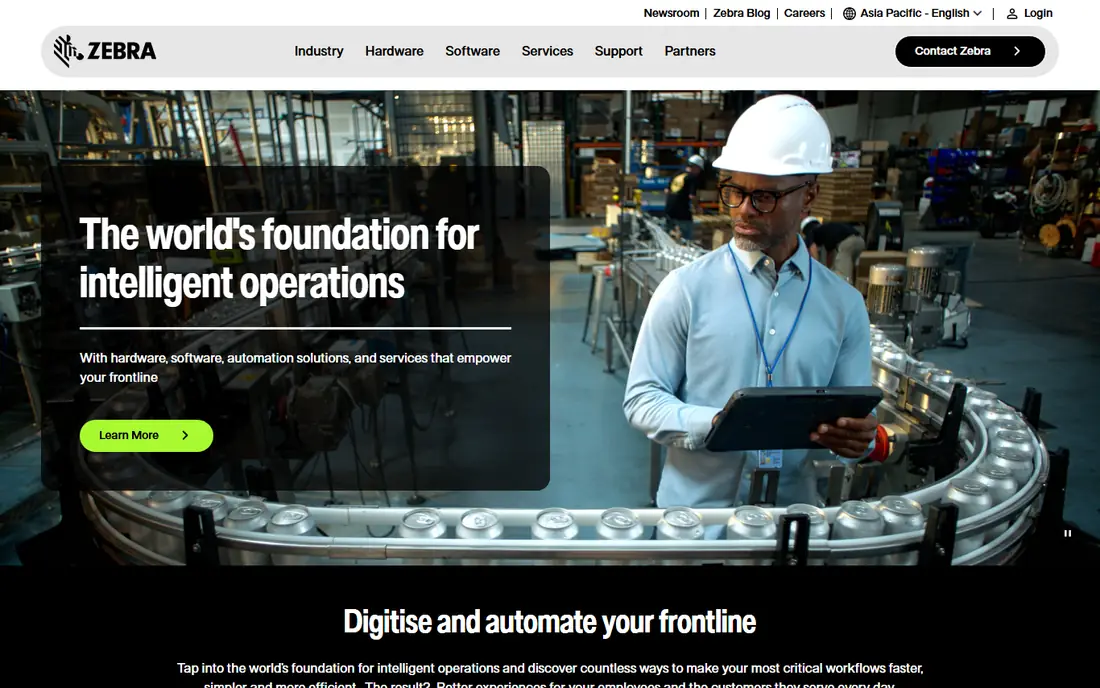
Zebra MotionWorks is an enterprise platform that pulls location data from several sensor types into one view. A hospital, warehouse, or factory can track equipment, pallets, and people without running a separate system for each technology. Data feeds into existing business applications, so a location event can trigger a workflow or an alert.
This is an integration project, not a boxed product. Pricing is quoted per deployment, and you still buy tags and readers separately. Firms already invested in Zebra hardware get the smoothest path.
- Combines RFID, Bluetooth, and ultra-wideband tracking
- Works with Zebra hardware
- Feeds business systems
- Quote-based pricing
- Tags and readers are separate purchases
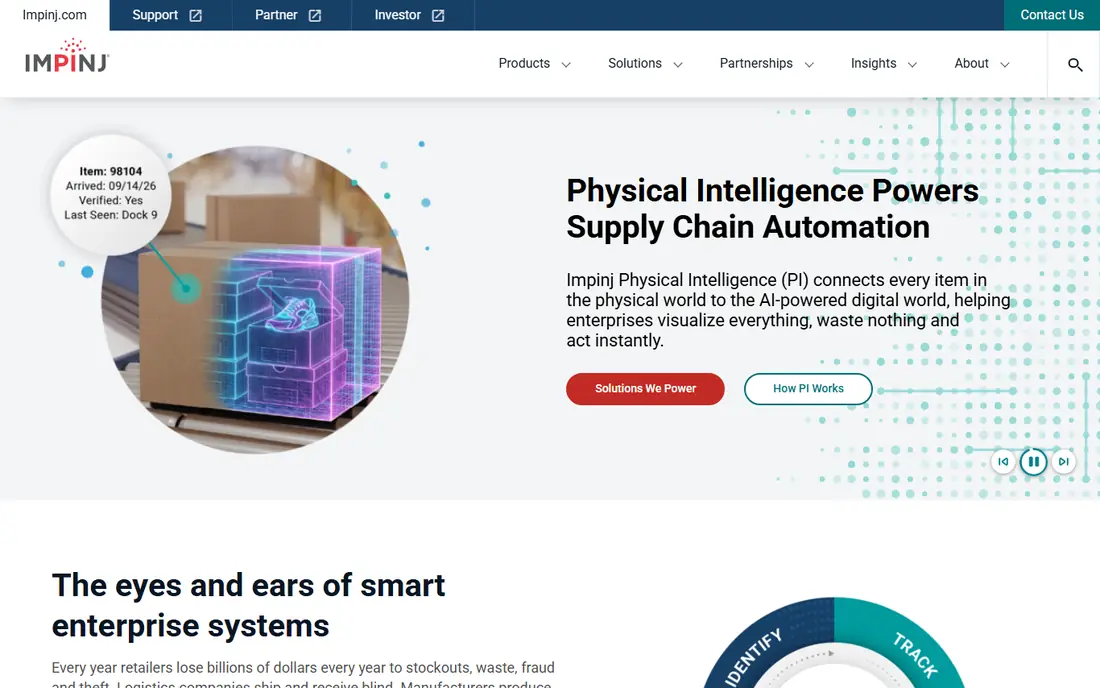
Impinj builds the RAIN RFID chips, readers, and platform software that many other vendors build on. Its readers handle high tag volumes in warehouses, stores, and supply chains, and its platform helps partners turn raw reads into item data. If you are building an RFID system from components, Impinj is a core supplier to evaluate.
Impinj alone is not a finished inventory app for most buyers. You will pair it with application software from a partner or an in-house team. For a large deployment where read performance matters, that foundation is worth getting right.
- Industry-leading RAIN RFID readers and chips
- Strong partner ecosystem
- High read reliability
- Platform focus means you still need application software
- Pricing is quote-based
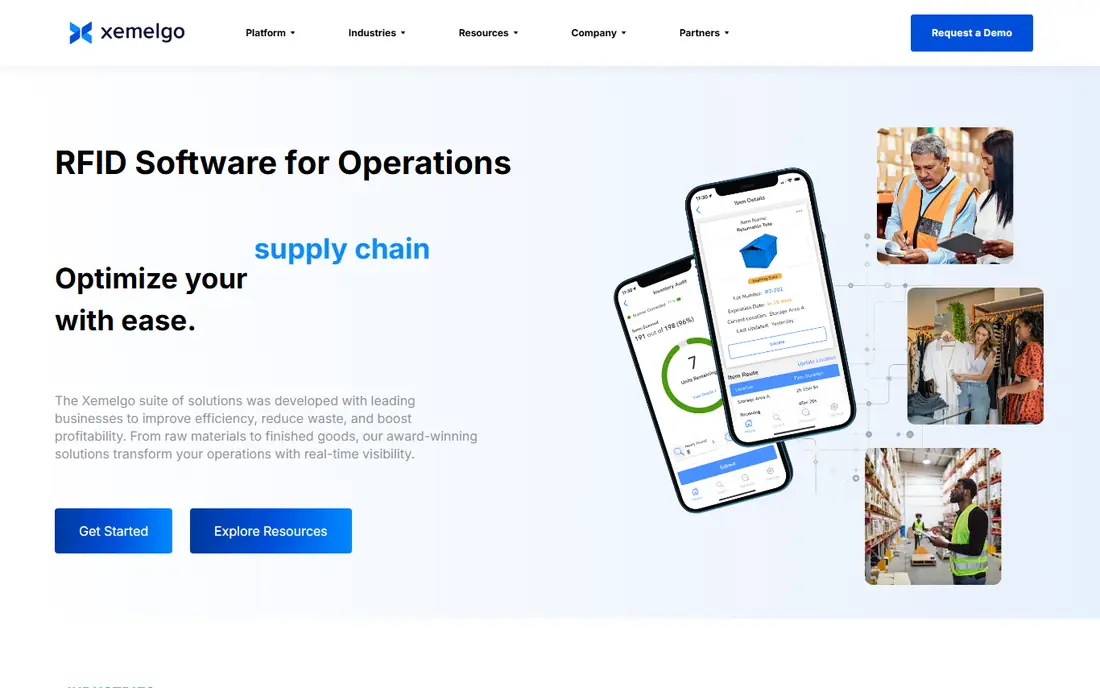
Xemelgo is built for manufacturers and supply chain teams that need to know the history of each item, not just a count. Its rules engine can flag a wrong shipment, a missed step, or a quality hold as items move through production and distribution. That item-level view helps with recalls, audits, and customer proof of delivery.
Smaller firms may find the price and setup heavy for simple asset counting. For a manufacturer with traceability duties, the rules and history features are the main reason to choose it.
- Item-level traceability
- Rules engine for production and shipping
- Works with common readers
- Quote-based pricing
- Best value at manufacturing scale
BarTender, from Seagull Scientific, is the labeling standard for many supply chains. It designs labels, encodes RFID tags, pulls data from databases, and manages printing across sites. That combination matters when a label must carry both a barcode and an encoded tag that match the same record.
BarTender is a labeling and printing platform first, not a full asset tracking system. Pair it with a tracking tool if you need location history, and use BarTender where accurate, compliant labels are the priority.
- Label design plus RFID encoding
- Database links
- Central print management
- Full enterprise features cost more
- Setup takes care for complex data
Avancir offers configurable real-time tracking as a cloud service, with automations and alerts built on reader data. Fixed readers at doors and handheld readers for counts can feed the same system, which suits warehouses and yards that need live visibility without a large IT project. Public pricing and a SaaS model make budgeting simpler than some enterprise quotes.
As a smaller vendor, it lacks the partner depth of the largest platforms. For a mid-size operation that wants configurable tracking without enterprise complexity, it is worth a demo on your own site.
- Configurable tracking and alerts
- SaaS model
- Connects fixed and handheld readers
- Smaller vendor than Zebra or Impinj
- Pricing is not published
Asset Panda is a general asset tracking platform that supports barcode and RFID workflows for IT, facilities, and operations teams. You can build custom asset records, run audits from a mobile app, and report on location, owner, and maintenance history. That breadth suits firms that track many asset types, not just RFID-tagged items.
RFID performance depends on the readers and tags you pair with it, so plan hardware with the vendor. For a team that needs one asset system for everything, Asset Panda is a practical middle ground.
- Asset records with barcode and RFID support
- Mobile app for audits
- Custom fields and reports
- RFID depth depends on hardware setup
- Pricing is quote-based
EnvisionWare builds RFID software for libraries, covering tag encoding, inventory validation, and links to circulation systems. Self-check stations, security gates, and inventory wands work with the same item records, which helps staff find misshelved books and speed up checkouts. That library focus means workflows match how libraries actually work.
General warehouses and retailers should look elsewhere. For a library system planning an RFID rollout, a purpose-built vendor reduces the customization a general tool would need.
- Built for libraries
- Encoding, validation, and circulation links
- Self-check support
- Library focus limits general use
- Pricing is quote-based
SATO pairs RFID printers and labels with software for retail, logistics, and manufacturing. That hardware-plus-software pairing helps when a project needs consistent printing across stores or warehouses, with tags encoded at the point of labeling. Global support also matters for firms with sites in several countries.
Check which software product fits your workflow, since SATO offers several lines for different uses. For a labeling-heavy rollout, the combined printer and software approach can simplify support.
- Printers and RFID solutions together
- Retail and logistics focus
- Global support network
- Software depth varies by product line
- Pricing is quote-based
Terso Solutions builds RFID inventory systems for healthcare, including automated cabinets and tracking for high-value supplies, implants, and pharmaceuticals. Staff can see stock levels, usage, and expiry in real time, which cuts stockouts and manual counts. Compliance reporting helps with audits and recalls.
Other industries will find the healthcare focus too narrow. For a hospital or clinic managing expensive, regulated inventory, a purpose-built system is safer than adapting a general tracker.
- Built for healthcare inventory
- Automated cabinets and tracking
- Compliance reporting
- Healthcare focus limits general use
- Pricing is quote-based
How we picked these
We compared official product pages, reader compatibility, integration options, and use cases, plus public user feedback on deployment and support. We favored tools with clear hardware compatibility and real operational workflows, rather than tag or reader listings alone. We did not install each system on a live site, so run a pilot with your own tags, readers, and items before a full rollout.
What to check before you buy RFID software
Hardware compatibility
Confirm your readers, handhelds, printers, and tag types work with the software before you buy either side. A mismatch in frequency, protocol, or reader driver can stall a project. Ask for a compatibility list in writing and test with your actual tags.
Integration and data flow
RFID data is only useful if it reaches your warehouse, ERP, or asset system. Check connectors, APIs, and how the software handles duplicate reads, missed reads, and offline handhelds. A pilot on one workflow will expose integration gaps early.
Total project cost
Price tags, readers, printers, software, and implementation together. Tags are cheap per unit but add up at scale, and readers are a major capital cost. A software price that looks low can hide a large hardware bill, so budget the full system.
Pilot one workflow before a full rollout
The safest RFID rollout starts small. Tag one product line, one storeroom, or one receiving dock, and run it alongside your current counting method for a few weeks. Compare the RFID counts with manual counts, note where reads are missed, and fix tag placement and reader position before you expand. That pilot also gives you real numbers for tag costs, read rates, and staff time saved, which makes the business case for a wider rollout much easier to defend.
FAQ
What is the best RFID software?
Zebra MotionWorks suits multi-technology enterprise tracking, Xemelgo suits manufacturing traceability, and BarTender suits RFID labeling. Libraries pick EnvisionWare, healthcare picks Terso, and general asset teams pick Asset Panda. The best choice follows your industry and workflow.
How much does RFID software cost?
Most enterprise RFID software is quote-based, with retail software reported around $200 to $500 per store per month in some cases. Add readers, which can cost $800 or more each, plus tags and implementation, to get the full project cost.
Do I need RFID software and hardware together?
Yes. Software reads and manages tag data, but you still need compatible readers, antennas, printers, and tags. Buy the system as a package where possible, or confirm compatibility in writing before mixing vendors.
What is the difference between RFID and barcode tracking?
Barcodes need a line of sight and a scan of each item, while RFID can read many tags at once without direct sight. RFID suits bulk counts, gate reads, and real-time location, while barcodes suit low-cost, low-volume tracking.
Can RFID software integrate with my ERP?
Most enterprise tools offer ERP and warehouse integrations through connectors or APIs, including links to SAP, NetSuite, and Microsoft Dynamics in some cases. Confirm your exact ERP version and data fields in a pilot before committing.