Best Software for Spin Forming Simulation (2026): 5 Picks Checked on Vendor Pages
Best software for spin forming simulation: 5 tools compared on price, free plans and fit. Each profile ends with a plain caveat. Skim the table first.
- Editor's choiceSimcenter 3D
Integrated multidisciplinary CAE engineering
Starts atPricing on requestVisit plm.sw.siemens.comFull review - Great alternativeFORGE
Hot and cold forming simulation
Starts atPricing on requestVisit transvalor.comFull review - Also considerDEFORM
Dedicated forming process simulation
Starts atPricing on requestVisit deform.comFull review
Direct answer
Our first pick is Simcenter 3D, best for integrated multidisciplinary CAE engineering. Alternatives: FORGE for hot and cold forming simulation, and DEFORM for dedicated forming process simulation. The other 2 tools in the list cover narrower or pricier cases. None of these vendors publish plan prices, so pricing is on request for every option.
TL;DR:
- Simcenter 3D takes the first slot, best suited to integrated multidisciplinary CAE engineering.
- No starting price is shown for any of the 5 tools, Simcenter 3D and AutoForm included, so plan time for sales calls.
- For sheet metal forming and assembly, AutoForm is worth a look.
- One limit worth knowing about ANSYS Mechanical: Forming-specific tooling not the focus.
- Simcenter 3D, AutoForm and the 3 others all need a premium plan or a trial, since no free plan is listed.
Last checked November 2026. Pricing on request: vendors did not publish plan prices when this guide was last checked (November 2026), so ask each vendor for a written quote.
Quick comparison
| Tool | Best for | Starts at | Free plan? | |
|---|---|---|---|---|
| Simcenter 3D | Integrated multidisciplinary CAE engineering | Pricing on request | Not stated | Visit |
| FORGE | Hot and cold forming simulation | Pricing on request | Not stated | Visit |
| DEFORM | Dedicated forming process simulation | Pricing on request | Not stated | Visit |
| ANSYS Mechanical | General structural FEA of forming setups | Pricing on request | Not stated | Visit |
| AutoForm | Sheet metal forming and assembly | Pricing on request | Not stated | Visit |
Software for Spin Forming Simulation, one by one
Choosing software for spin forming simulation usually comes down to price, fit and limits. This LinkVetted guide sets 5 tools side by side on those three points, with the facts kept short and checkable.
Simcenter 3D
Best for: Integrated multidisciplinary CAE engineering
Simcenter 3D is designed for integrated multidisciplinary CAE engineering. Simcenter 3D from Siemens is described as a thorough, completely integrated CAE option for complicated, multidisciplinary product performance engineering, including structures and electromagnetic analysis.
Trade-offs to know: Best value within Siemens workflows.
Its positioning is wide multidisciplinary CAE instead of forming process specialization, so dedicated forming material models and process steps are not the emphasis. Simcenter 3D shows no starting price here, so confirm the cost on the vendor site. Free options: Not stated.
- Handles structures and emag
- Completely integrated CAE option
- Wide scope, not forming-specific
FORGE
Best for: Hot and cold forming simulation
In short, FORGE is for hot and cold forming simulation. FORGE from Transvalor is an industrial software solution for simulation of hot and cold forming processes. That process orientation makes it relevant to teams studying deformation under forming conditions, including spin forming and related metalworking operations, with an emphasis on industrial process analysis.
Watch-outs: Pitched at forging-type processes.
Worth adding: pick FORGE when industrial forming process simulation is the central requirement and a specialized environment is preferred. The software is positioned around hot and cold forming, so its fit for every spin forming variant should be confirmed with the vendor. It is not a general-purpose structural product, so unrelated structural studies may need separate tools. No starting price is listed for FORGE here; confirm pricing on the vendor site. As for free access: Not stated.
- Industrial forming simulation focus
- Process-oriented software
- Not a general structural product
DEFORM
Best for: Dedicated forming process simulation
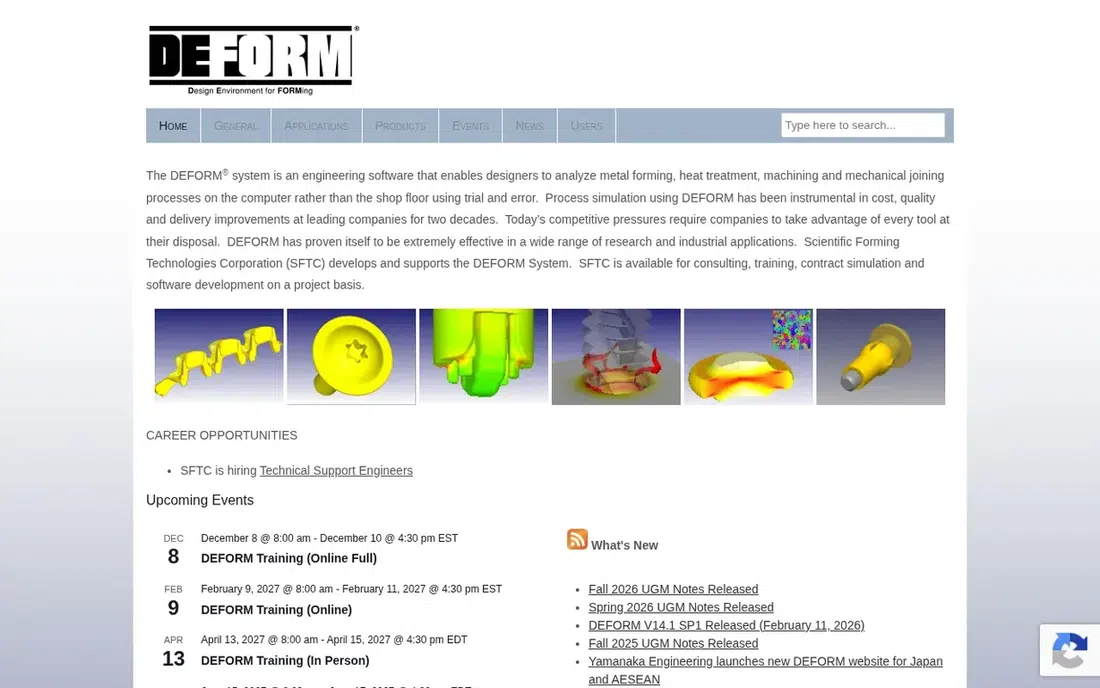
Choose DEFORM for dedicated forming process simulation. A dedicated forming tool is narrower than a full structural FEA system, so teams needing coupled structural, thermal or electromagnetic studies elsewhere may need extra software.
This comparison lists no price for DEFORM; ask the vendor. Free plan details: Not stated.
What to check first: Less suited to unrelated structural work.
- Pitched at metalworking analysis
- Concentrated on forming process simulation
- Narrower than general FEA products
ANSYS Mechanical
Best for: General structural FEA of forming setups
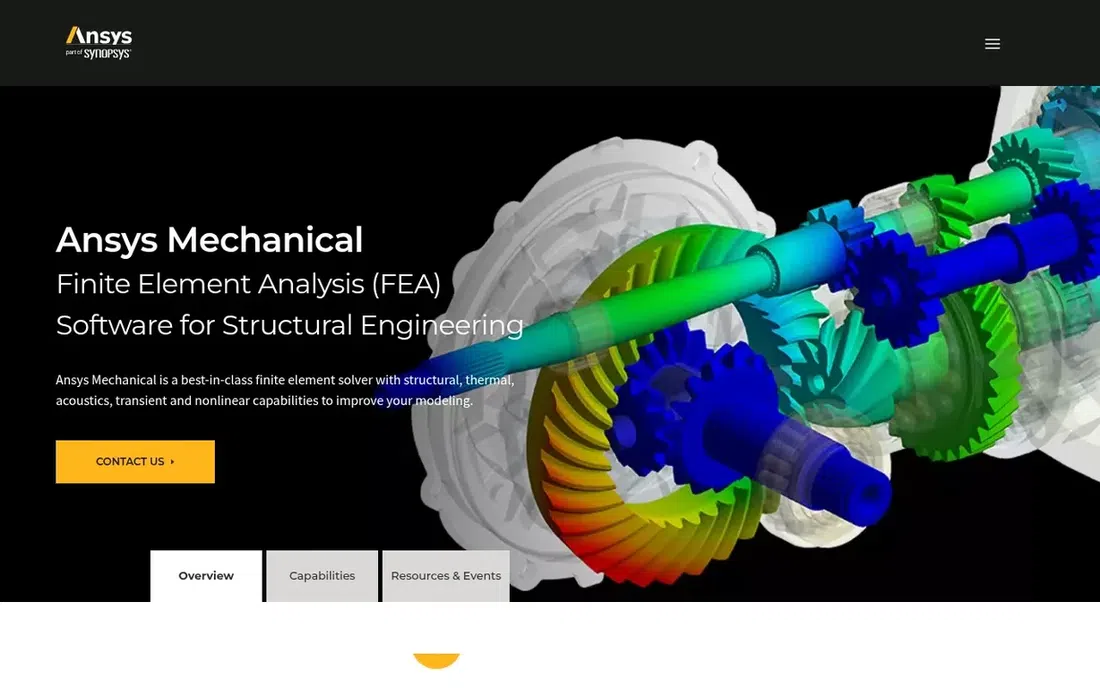
ANSYS Mechanical targets general structural FEA of forming setups. ANSYS Mechanical is a structural finite element analysis product aimed at complicated engineering problems, including both implicit and explicit structural analysis.
The main drawbacks: Forming-specific tooling not the focus.
Since it is a general structural solver, it does not package forming-specific material models or process templates as its central focus. Beyond that, for spin forming studies, that range lets teams model tooling stress, workpiece deformation and related structural behavior within one environment. No starting price is listed for ANSYS Mechanical here; confirm pricing on the vendor site. Free options: Not stated.
- Wide structural engineering coverage
- Implicit and explicit structural analysis
- Needs careful model setup
AutoForm
Best for: Sheet metal forming and assembly
AutoForm is built with sheet metal forming and assembly in mind. Teams working on sheet-based forming problems can use it to evaluate process feasibility and boost designs digitally.
Its stated scope is sheet metal forming and BiW assembly, so spin forming of tubular or rotated parts is not the headline use case. Pick AutoForm when sheet metal forming and assembly evaluation are the primary tasks. Check the vendor site for AutoForm pricing; none is listed in this comparison. On free options: Not stated.
What to check first: Centered on sheet metal processes.
- Supports process digitalization
- Spans BiW assembly evaluation
- Spin forming is not the stated focus
How we chose
LinkVetted looked at what each vendor publishes: pricing, plan limits, feature coverage for software for spin forming simulation and stated drawbacks. No hands-on testing is claimed. Where a vendor does not publish a price, the entry says quote. Where a price depends on seats or billing term, the entry says so. The sequence is a judgement call: typical use case first, then pricing transparency, then free access. Use the profiles to check fit.
What to check before you buy
- Confirm the entry price with every vendor: no tool from Simcenter 3D to AutoForm shows a fixed starting price.
- Read the limits listed for Simcenter 3D first: wide scope, not forming-specific.
- Check the integration list for DEFORM against the tools you run today, and note which ones need a higher plan.
- Check the support hours and onboarding help AutoForm offers; smaller vendors vary a lot here.
- Total up the real monthly cost of FORGE, including add-ons, extra users and usage-based fees.
FAQ
Do these tools publish their prices?
No. None of the tools, from Simcenter 3D to AutoForm, shows a fixed starting price here, so budget time for quotes.
Is Simcenter 3D the right pick for everyone comparing software for spin forming simulation?
No single tool suits every team. Simcenter 3D comes first because it fits integrated multidisciplinary CAE engineering, while FORGE suits hot and cold forming simulation and DEFORM suits dedicated forming process simulation. Match the tool to your own size, budget and workflow before deciding.
Does any tool for software for spin forming simulation here have a free plan?
A permanent free plan is not offered by Simcenter 3D, AutoForm or the other tools here. Plan a short evaluation period instead.
Can I try these tools before paying?
Not by default. None of the tools, from Simcenter 3D to AutoForm, lists a free plan or a free trial here, so ask each vendor for a demo before committing.
Sources
- https://plm.sw.siemens.com/en-US/simcenter/mechanical-simulation/simcenter-3d
- https://www.transvalor.com/en/forge
- https://www.deform.com
- https://www.ansys.com/products/structures/ansys-mechanical
- https://www.autoform.com