Best Submission Software (2026): 5 Picks Checked on Vendor Pages
Need the best submission software? We compare 5 tools on cost, free access and who each suits. Each pick comes with its main catch. Reviewed in November 2026.
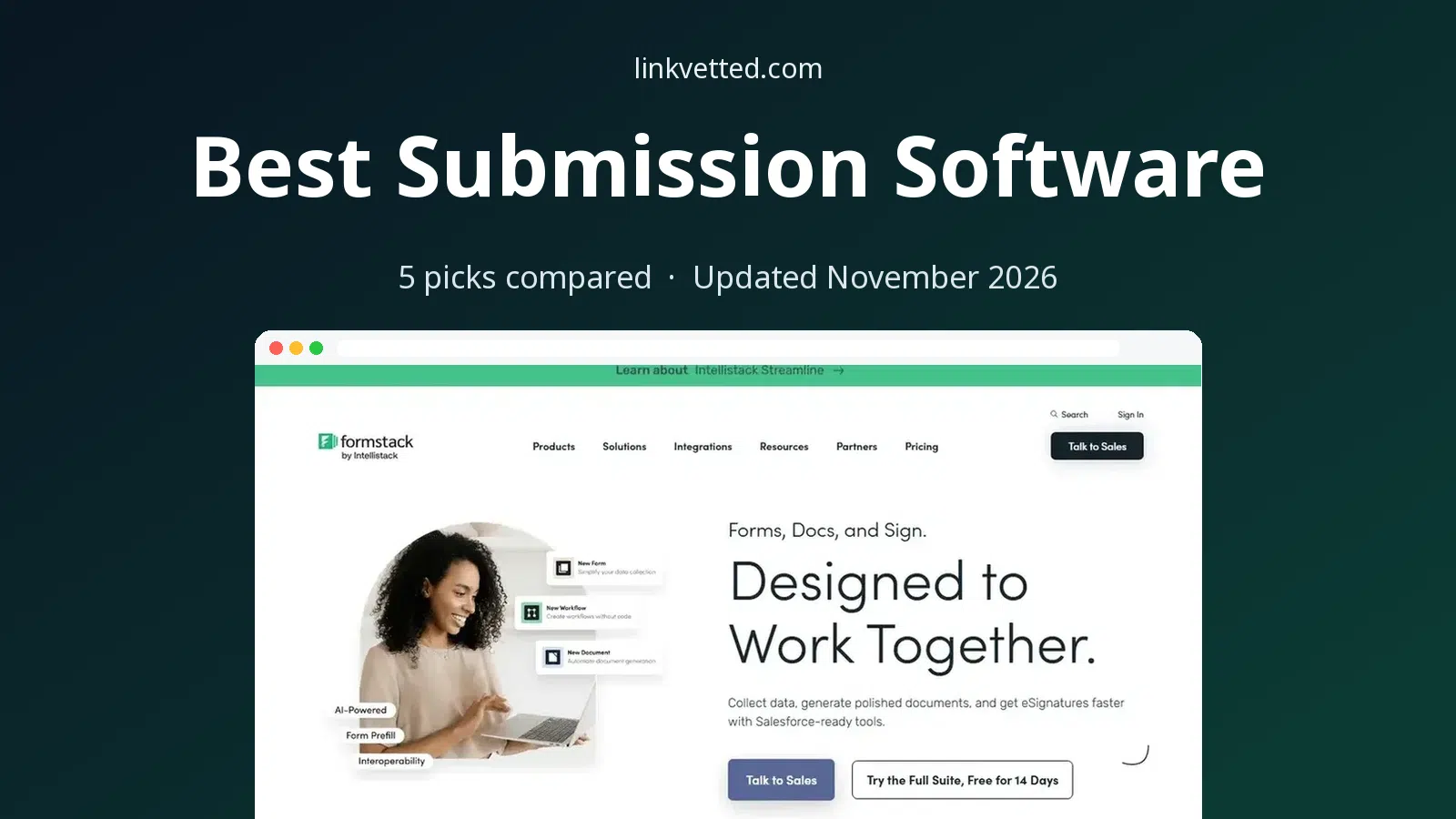
- Editor's choice
 Formstack
Forms with documents and e-signatures
Starts at$83 a monthVisit formstack.comFull review - Great alternativeGravity Forms
WordPress-native form building
Starts at$59 per yearVisit gravityforms.comFull review - Also consider
 Cognito Forms
Forms with approvals and automation
Starts at$24 a monthVisit cognitoforms.comFull review
Direct answer
Our first pick is Formstack, best for Forms with documents and e-signatures. Listed starting prices: Formstack from $83 a month, Gravity Forms from $59 per year and Cognito Forms from $24 a month. Alternatives: Gravity Forms for WordPress-native form building, and Cognito Forms for Forms with approvals and automation. The other 2 tools in the list cover narrower or pricier cases.
TL;DR:
- Formstack sits first on this list: Forms with documents and e-signatures.
- The lowest published monthly entry price here is $24 per month, from Cognito Forms.
- What to know about Cognito Forms first: less suited to purely conversational forms.
- Only 2 of the 5 tools have a free plan (Cognito Forms, Jotform), so check the caps.
Last checked November 2026. Prices and plan details were read from the vendors' own pages in November 2026; vendors change plans often, so confirm the current price on the vendor site before you buy.
Quick comparison
| Tool | Best for | Starts at | Free plan? | |
|---|---|---|---|---|
| Formstack | Forms with documents and e-signatures | $83 a month | Free trial | Visit |
| Gravity Forms | WordPress-native form building | $59 per year | No | Visit |
| Cognito Forms | Forms with approvals and automation | $24 a month | Yes | Visit |
| WPForms | AI-assisted WordPress forms | $49.50 a year | Not stated | Visit |
 Jotform | General-purpose online form building | $34 a month | Yes | Visit |
Submission Software, one by one
LinkVetted compared 5 tools for submission software. The goal is a practical shortlist: published prices, free plan facts, best-fit use cases and honest limits for every entry.
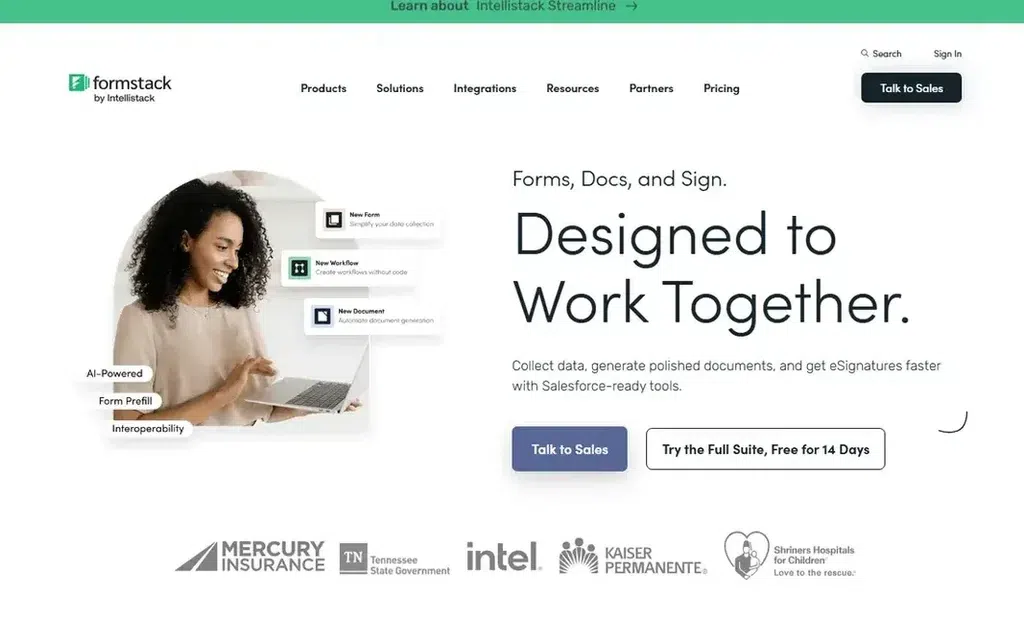
Formstack is aimed squarely at Forms with documents and e-signatures. Its homepage positions it for organizations that want to simplify processes securely and easily.
Choose Formstack when document creation and signatures are central to the process and you want those pieces under one roof. What you pay to start with Formstack: $83 per month. Free plan details: Free trial.
Watch-outs: Broader product may be more than straightforward forms need. Strengths: docs and e-signatures.
- Merges forms
- Secure
- Setup can involve several components
Gravity Forms
Best for: WordPress-native form building
Choose Gravity Forms for WordPress-native form building. Gravity Forms is a form builder plugin for WordPress, positioned on its homepage as simple to use, secure and steady.
The main drawbacks: Not usable outside WordPress.
Advanced extras and customization can add setup effort. Choose Gravity Forms when WordPress is your product and you want forms managed within it. Entry price for Gravity Forms: $59 per year. Gravity Forms has no permanent free option.
- Custom form creation
- Aimed at WordPress
- Needs a WordPress site
Cognito Forms is built with Forms with approvals and automation in mind. Sites built on WordPress may prefer a native plugin like Gravity Forms.
The workflow features add power but also complexity, so very straightforward forms may be faster to build elsewhere. Starting cost for Cognito Forms: $24 per month. You can start on Cognito Forms without paying.
What to check first: Less suited to purely conversational forms.
- Supports file uploads and signatures
- Approval steps available
- Advanced logic may take time to learn
WPForms
Best for: AI-assisted WordPress forms
Think of WPForms for AI-assisted WordPress forms. Its homepage describes it as an AI-powered plugin for creating forms on WordPress sites.
In practice, like any WordPress plugin, it needs a WordPress site and does not serve standalone web pages. Entry price for WPForms: $49.50 per year. Free access: Not stated.
Where it is weaker: Feature depth relies on add-ons.
- AI plus drag-and-drop builder
- Aimed at WordPress sites
- Restricted to WordPress sites

Jotform is aimed squarely at general-purpose online form building. Jotform is an online form builder for creating forms and surveys without coding.
From a buyer's view, consider Jotform when breadth and simplicity matter most. In daily use, since Jotform aims at a broad audience, very specialized workflow or document needs may push you toward a dedicated product. The starting price for Jotform: $34 per month. Jotform includes a free tier.
The main drawbacks: Wide feature set can feel busy.
- Takes care of forms and surveys
- Fast setup for beginners
- Advanced workflows may need other tools
How we compared the tools
The comparison looks at four things: starting price, free access, how well the feature set matches submission software, and the main limit of each tool. Where a vendor does not publish a price, the entry says quote. Where a price depends on seats or billing term, the entry says so. The order reflects how well each tool fits the most common buying scenario for submission software, then price clarity, then free plan access. It is a starting point, not a verdict.
A buyer's checklist
- Confirm the entry price on the vendor page: Cognito Forms starts at $24 per month, but seat counts and billing terms change the total.
- Look at free plan limits closely: Cognito Forms and Jotform have one, and the caps decide whether it is usable for real work.
- Use real work to test the free trial from Formstack, rather than a demo project.
- Read the limits listed for Formstack first: broader system may be more than straightforward forms need.
- Confirm the exact Gravity Forms plan that includes your must-have features.
- Pick one real project and run it in Cognito Forms first; a small pilot shows fit faster than a checklist.
FAQ
How are the tools for submission software ordered?
The order follows typical fit for submission software, with Formstack first and Jotform last, then price clarity and free access. It is editorial judgement, not a score, so another team could rank the tools differently.
What is the cheapest option for submission software in this list?
On published monthly entry prices, Cognito Forms is the lowest here at $24 per month. Entry price is only part of the cost, because seats, add-ons and billing terms can change the total. Each of the 5 options in this Submission software guide has its own card above with the price, free plan and limits.
Is Formstack the right pick for everyone comparing submission software?
No single tool suits every team. Formstack comes first because it fits Forms with documents and e-signatures, while Gravity Forms suits WordPress-native form building and Cognito Forms suits Forms with approvals and automation. Match the tool to your own size, budget and workflow before deciding.
Which tools deal with approvals and e-signatures?
Formstack merges forms, document generation and e-signatures, whereas Cognito Forms supports approvals, signatures and file uploads. These suit teams that require submissions to move through review or sign-off.
Which options for submission software have a free plan?
On this list, Cognito Forms and Jotform include a free plan. Caps on seats, usage or features are common, so test the free plan against your real workload. One other tool offers a trial instead. All 5 picks in this Submission software comparison list a starting price, free plan details and the main limits on their cards above.
Sources
- https://www.formstack.com
- https://www.gravityforms.com
- https://www.cognitoforms.com
- https://wpforms.com
- https://www.jotform.com