Best Software for Residential Property Management in 2026: 8 Tools Compared
We compared the best software for residential property management, from rent collection and leasing to accounting and maintenance for landlords and managers.

- Editor's choice
 AppFolio
Large portfolios and growth
Starts at$1.49 per unit per monthVisit appfolio.comFull review - Great alternative
 Buildium
Growing management companies
Starts at$62 per monthVisit buildium.comFull review - Also consider
 DoorLoop
Easy all-in-one management
Starts at$69 per monthVisit doorloop.comFull review
TL;DR:
- Portfolio size decides the pick more than any single feature, since tools built for 500 units can overwhelm a landlord with ten doors.
- Rent collection, tenant screening, and maintenance tracking are the core trio to test first, before add-on features.
- Per-unit pricing looks cheap at small scale but adds up fast, so compare the monthly total at your actual unit count.
- Free tools suit self-managing landlords, while management companies usually need owner portals and full accounting.
- Always test the tenant and owner portals, not just the manager dashboard, since those users live in the product too.
Quick comparison
| Tool | Best for | Starts at | Free plan? | |
|---|---|---|---|---|
| AppFolio | Large portfolios and growth | $1.49 per unit per month | No | Visit |
| Buildium | Growing management companies | $62 per month | No | Visit |
| DoorLoop | Easy all-in-one management | $69 per month | No | Visit |
 Yardi Breeze | Small portfolios on Yardi | $1 per unit per month | No | Visit |
 TurboTenant | Independent landlords on a budget | Free | Yes | Visit |
 RentRedi | Flat-price self management | $29.95 per month | No | Visit |
 Innago | Free core tools for landlords | Free | Yes | Visit |
 Rent Manager | Complex and mixed portfolios | See website | No | Visit |
The best software for residential property management
Residential property management software should cut the busywork of rent, leasing, maintenance, and owner reporting without forcing you into a system built for someone else's business. The tools below cover self-managing landlords through large management companies. We compared official pricing pages, feature lists, and plan details to build this list.

AppFolio is the pick for management companies that have moved past spreadsheets and need one system for leasing, rent, accounting, and maintenance. Its automation handles routine steps such as application screening, rent reminders, and owner reporting, which frees staff to handle exceptions rather than paperwork. The mobile app for inspections and maintenance also helps field teams work without returning to a desk.
The main drawback is access. With a 50-unit minimum and per-unit pricing, a small landlord will pay more than needed and may never use the deeper reporting. Implementation also takes planning, since accounting setup and portal configuration reward a careful rollout. For companies at or above that size, though, the depth is hard to match.
- Deep automation for leasing and accounting
- Strong owner and tenant portals
- Mobile inspections
- 50-unit minimum locks out small landlords
- Higher total cost at scale
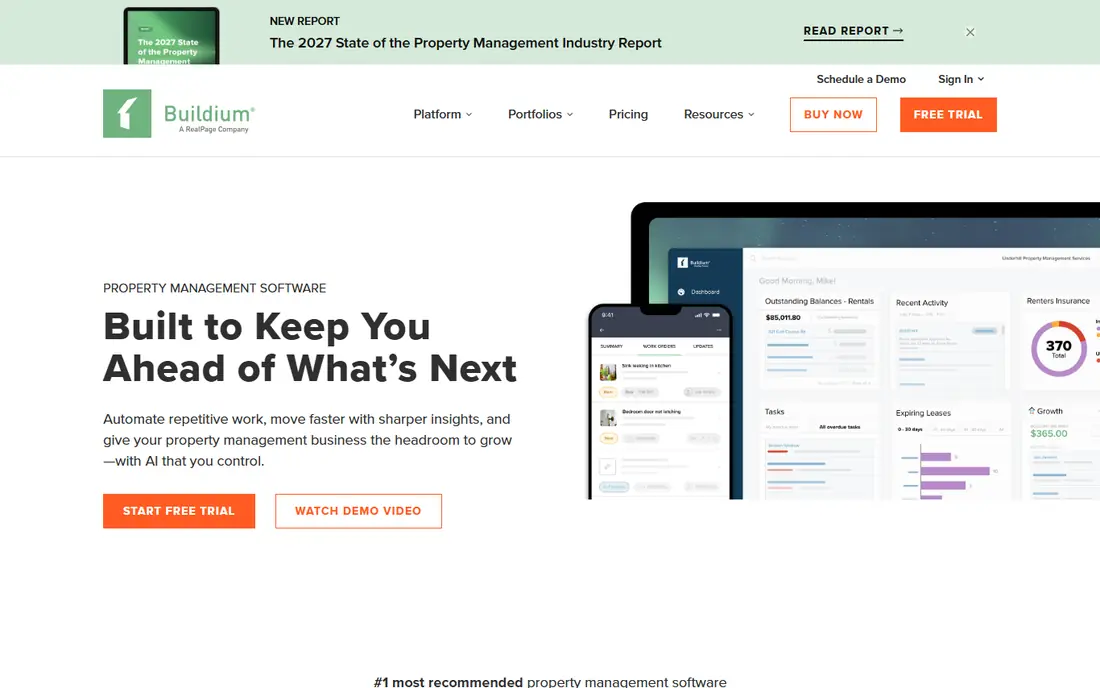
Buildium has served property managers for years, and that maturity shows in its accounting and owner reporting. Managers get rent collection, leasing, maintenance tracking, and trust accounting in one place, with owner portals that keep clients informed without constant emails. The published pricing tiers also make budgeting simpler than with quote-only rivals.
Newer tools look fresher and move faster in places, and Buildium can feel less modern by comparison. Some advanced features and payment options add cost on top of the base plan, so the monthly total deserves a close read. For a growing company that values proven accounting over a flashy interface, it remains a solid core choice.
- Published tier pricing
- Full accounting and owner portals
- Long track record
- Interface feels dated next to newer rivals
- Some features cost extra

DoorLoop is built for managers who want a modern tool without a long training period. Rent collection, applications, leases, maintenance requests, and accounting sit in one dashboard, and the interface is clear enough that new staff can pick it up quickly. That ease of use matters when turnover is high or when owners need to check reports themselves.
Larger companies with complex accounting or multi-entity structures may find AppFolio or Rent Manager deeper. DoorLoop pricing also climbs as units and tiers grow, so a company should model the cost at its expected size rather than at signup. For small and mid-size managers, the balance of ease and coverage is strong.
- Modern interface that is quick to learn
- Rent, leasing, and maintenance in one place
- Helpful onboarding
- Less depth than AppFolio for very large portfolios
- Pricing rises with units and tiers
Yardi Breeze brings the Yardi name to smaller landlords and managers who do not need the full Voyager platform. It covers online rent payments, applications, leases, maintenance, and accounting, with owner and tenant portals included. For a landlord who plans to grow into a larger Yardi setup, starting here keeps future migration simpler.
The $100 monthly minimum means very small portfolios pay more per unit than the headline rate suggests. The feature set is also more traditional than DoorLoop or TurboTenant, with less emphasis on flashy extras. If accounting accuracy and a known brand matter most, Breeze is a steady, practical pick.
- Yardi accounting strength at a small scale
- Online payments and portals
- Room to grow into Yardi Voyager
- $100 monthly minimum
- Fewer modern extras than some rivals
TurboTenant is the best starting point for an independent landlord who wants free rent collection, listings, applications, and lease tools. The free plan covers the core workflow without a monthly fee, and paid tiers add features such as advanced screening and state-specific leases. That low barrier makes it easy to test with one property before committing.
It is not designed for a management company with many owners, trust accounting, and complex reporting. Tenants may also pay some screening and payment fees, so landlords should read the fee details before advertising a listing. For a landlord managing their own rentals, the free core tools are genuinely useful and hard to beat on price.
- Genuine free plan for core tools
- Rental applications and screening
- No per-unit cap on free tools
- Paid tiers needed for deeper features
- Not built for management companies
RentRedi suits landlords who want one flat price instead of per-unit math. Rent collection, tenant screening, maintenance tracking, and lease tools come together in a mobile-friendly package. That simplicity helps landlords who manage their own units alongside a day job and need to check rent or a repair request from a phone.
The trade-off is depth for management companies, since owner portals and multi-client accounting are not its focus. The lowest monthly rate also requires annual billing, so the month-to-month cost is higher. For self-managers who want predictable pricing and core tools done well, RentRedi is a clear, budget-friendly option.
- Flat monthly price
- Rent collection and screening included
- Mobile-friendly for landlords on the go
- Less owner-portal depth than manager tools
- Annual billing gives the lowest price
Innago gives landlords capable software at no monthly cost for core use, which makes it a strong alternative to paid tools for small portfolios. Landlords can list units, screen tenants, collect rent online, and track maintenance without a subscription. Setup is quick, and the interface stays focused on the tasks landlords actually repeat each month.
Advanced accounting, deeper reporting, and management-company workflows are thinner here than in Buildium or AppFolio. Landlords with many owners or complex books will outgrow it, and paid extras should be checked before relying on a feature. For a small landlord who wants free, working tools without a sales call, Innago is worth a trial.
- Free rent collection and screening tools
- Simple setup
- No monthly fee for core use
- Fewer advanced accounting features
- Support and extras vary by plan
Rent Manager is the tool for companies with portfolios that do not fit a simple template, such as mixed residential, commercial, and association units. Its accounting, reporting, and workflow options can be shaped to unusual structures, and integrations extend it further. Companies that have struggled to fit other tools to their books often land here.
That flexibility comes with a learning curve and a quote-based price, plus implementation costs that can run into thousands of dollars. Small landlords should look elsewhere, since the setup effort only pays off at scale. For a professional company with complex needs and staff to run the system, Rent Manager offers control that simpler tools cannot match.
- Highly configurable for mixed portfolios
- Strong accounting and reporting
- Open integrations
- Quote-based pricing
- Steepest learning curve on this list
How we picked these
We compared official pricing pages, feature lists, and plan details for tools that handle residential rentals in the United States. We favored tools with rent collection, leasing, maintenance, and accounting coverage, and we included both free landlord tools and manager-grade platforms so different portfolio sizes are served. Prices shown are published starting prices where vendors list them, and See website is used where pricing is by quote.
How to choose for your portfolio size
Start with an honest unit count and a growth plan for the next two years. A landlord with under ten units usually does best with a free or flat-price tool, while a company crossing 50 units needs owner portals, trust accounting, and staff permissions. Buying the larger tool too early wastes money, and buying the smaller tool too late wastes time on migration.
Test the full workflow, not just the dashboard. Post a listing, run an application and screening, collect a test payment, log a maintenance request, and send an owner report. Note where steps feel slow or require workarounds, since those friction points repeat every month. Also check payment fees, since card and ACH charges can add a meaningful monthly cost that the subscription price hides.
Ask about support and migration before you sign. A tool with strong onboarding and data import help will save weeks, while a tool with thin support can stall a rollout. Confirm contract length, cancellation terms, and how your data exports if you leave, since switching property software is harder than switching a simple app.
FAQ
What does residential property management software do?
It handles the repeat work of managing rentals, including listings, applications, screening, leases, rent collection, maintenance requests, accounting, and owner reporting. The exact mix varies, with landlord tools covering the basics and manager tools adding trust accounting and owner portals.
How much should a small landlord expect to pay?
Many small landlords pay nothing for core tools on a free plan, or a flat fee in the range of $15 to $30 per month for paid landlord tools. Management-company tools start higher and often charge per unit, so the total depends on unit count and plan tier.
Is per-unit pricing or flat pricing better?
Flat pricing is simpler and cheaper for small portfolios, while per-unit pricing can suit larger companies that want costs to scale with revenue. Compare the total monthly bill at your actual unit count, including payment fees, rather than comparing headline rates alone.
Do tenants have to pay fees to use these tools?
It depends on the tool and the payment method. Some platforms let landlords absorb ACH fees while tenants pay screening or card fees, and others pass certain fees to tenants. Read the fee schedule for each tool before choosing, and tell tenants clearly what they will pay.
Can I switch tools later if my portfolio grows?
Yes, but migration takes planning, since leases, tenant records, payment history, and accounting data must move cleanly. Ask any new vendor about import help, accounting setup, and data export options before you commit to a switch.
Do these tools handle maintenance requests?
Yes, most tools on this list include maintenance tracking, with tenants submitting requests and managers assigning vendors. The depth varies, from simple request logs to full vendor management and inspection tools, so test that workflow if maintenance is a large part of your work.