6 Best Aerodynamic Simulation Software for 2026, Vetted and Compared
6 tools for the best aerodynamic simulation software, compared on pricing, free plans and best-fit use. Every pick gets a straight assessment. Clear verdicts.

- Editor's choice
 OpenFOAM
Open-source CFD adaptability
Starts atPricing on requestVisit openfoam.comFull review - Great alternativeAnsys CFX
Turbomachinery aerodynamics
Starts atPricing on requestVisit ansys.comFull review - Also consider
 Ansys Fluent
Advanced physics and accuracy
Starts atPricing on requestVisit ansys.comFull review
Direct answer
This list puts OpenFOAM first for open-source CFD flexibility. Look at Ansys CFX for Turbomachinery aerodynamics, and at Ansys Fluent for advanced physics and accuracy. Free plan facts and limits for all 6 tools follow. None of these vendors publish plan prices, so pricing is on request for every option.
TL;DR:
- OpenFOAM takes the first slot, best suited to open-source CFD flexibility.
- Every tool from OpenFOAM to Simcenter STAR-CCM+ works by quote, with no list price shown.
- For integrated multiphysics simulation, Simcenter STAR-CCM+ is worth a look.
- Neither OpenFOAM nor Simcenter STAR-CCM+, nor any of the other 4 tools, has a permanent free plan; trials and quotes are the norm.
Last checked November 2026. Pricing on request: vendors did not publish plan prices when this guide was last checked (November 2026), so ask each vendor for a written quote.
Quick comparison
| Tool | Best for | Starts at | Free plan? | |
|---|---|---|---|---|
| OpenFOAM | Open-source CFD adaptability | Pricing on request | Not stated | Visit |
| Ansys CFX | Turbomachinery aerodynamics | Pricing on request | Not stated | Visit |
| Ansys Fluent | Advanced physics and accuracy | Pricing on request | Not stated | Visit |
 COMSOL Multiphysics | Multiphysics coupling | Pricing on request | Not stated | Visit |
| CONVERGE | Eliminating grid generation bottleneck | Pricing on request | Not stated | Visit |
| Simcenter STAR-CCM+ | Integrated multiphysics simulation | Pricing on request | Not stated | Visit |
The best aerodynamic simulation software
This LinkVetted guide covers 6 options for aerodynamic simulation software. Each profile lists a starting price, free plan details, strengths and drawbacks, so you can drop poor fits quickly.
In short, OpenFOAM is for open-source CFD adaptability. OpenFOAM is the official open-source CFD toolbox, offering many different solvers and utilities for aerodynamic simulation.
Drawbacks to consider: Restricted official support.
It is a strong match for researchers and engineers who require full control over their simulation setup and are comfortable with command-line interfaces and C++ customization. This comparison lists no price for OpenFOAM; ask the vendor. Free access: Not stated.
- Highly configurable
- Open-source and free to use
- Needs programming knowledge
Ansys CFX
Best for: Turbomachinery aerodynamics
Ansys CFX is built with Turbomachinery aerodynamics in mind. Ansys CFX is a computational fluid dynamics software program that provides quick, steady, and accurate turbomachinery simulations. It is especially well-suited for aerodynamic analysis of rotating components for example compressors, turbines, and fans.
Points against: Less general-purpose than Fluent.
If your work extends beyond turbomachinery, consider a broader solver. CFX is more specialized than general-purpose CFD tools like Fluent. So it may not be the best fit for external aerodynamics or non-rotating applications. Check the vendor site for Ansys CFX pricing; none is listed in this comparison. Free plan details: Not stated.
- Solid rotating machinery support
- Industry-leading CFD
- Commercial license required
Ansys Fluent works best for advanced physics and accuracy. It is widely used in aerodynamics for simulating complicated flows around vehicles and aircraft.
The tool suits engineers and analysts who require dependable, high-fidelity results and can invest time in learning its full feature set. Check the vendor site for Ansys Fluent pricing; none is listed in this comparison. Free plan details: Not stated.
Watch-outs: Commercial license required.
- Advanced physics modeling
- Unmatched accuracy
- Steep ramp-up time for beginners
COMSOL Multiphysics is a good fit for Multiphysics coupling. COMSOL Multiphysics is a simulation product that permits users to model real-world designs, devices, and processes with multiphysics software.
Whereas COMSOL gives you CFD capabilities, it may not match dedicated CFD tools in specialized aerodynamic features or solver performance for large-scale external flows. COMSOL Multiphysics shows no starting price here, so confirm the cost on the vendor site. Trial and free access: Not stated.
Honest limits: Commercial license required.
- Wide application coverage
- Couples fluid flow with other physics
- CFD capabilities may be less specialized
CONVERGE
Best for: Eliminating grid generation bottleneck
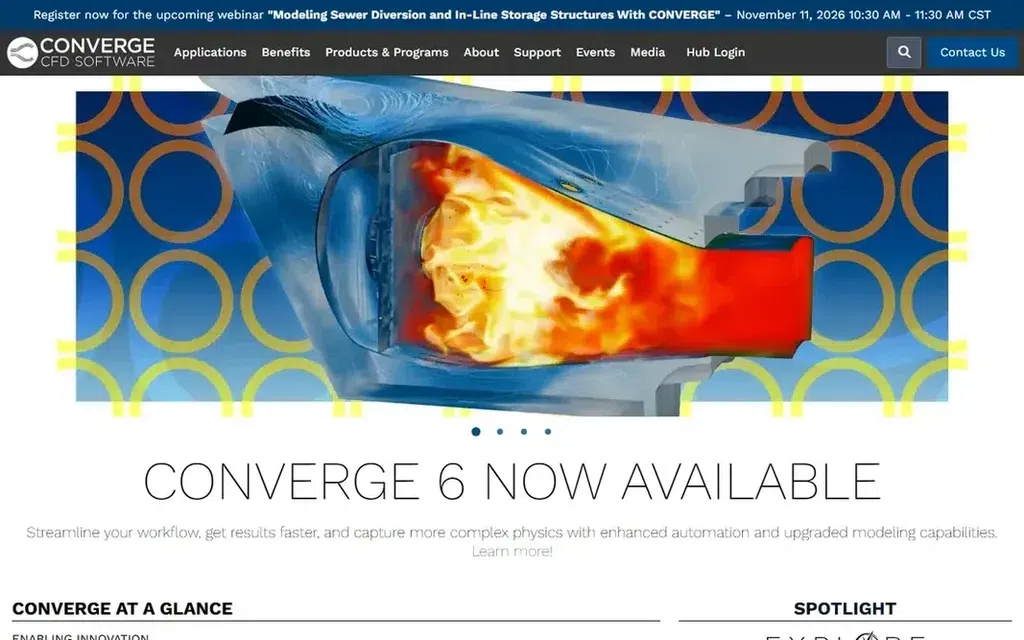
CONVERGE is built with eliminating grid generation bottleneck in mind. CONVERGE CFD is a revolutionary CFD software that eliminates the grid generation bottleneck from the simulation process. It is especially handy for aerodynamic applications involving complicated moving parts, like rotating machinery or adaptive geometries.
If you prefer a more traditional CFD workflow or need open-source adaptability, consider other choices. As a commercial product, CONVERGE needs a license, and its unique approach may need training for new users. For everyday use, the tool suits users who want to cut preprocessing time and focus on simulation results. No starting price is listed for CONVERGE here; confirm pricing on the vendor site. Free options: Not stated.
Drawbacks to consider: Commercial license required.
- Manages moving boundaries well
- Innovative CFD approach
- Less familiar to some engineers
Simcenter STAR-CCM+
Best for: Integrated multiphysics simulation
Choose Simcenter STAR-CCM+ for integrated multiphysics simulation. If your focus is purely on external aerodynamics with minimal multiphysics, a more specialized tool might be more straightforward.
Worth adding: the product's breadth can mean a steeper ramp-up time and higher setup effort for straightforward aerodynamic cases. Check the vendor site for Simcenter STAR-CCM+ pricing; none is listed in this comparison. Trial and free access: Not stated.
What to check first: Commercial license required.
- Solid for complicated products
- Integrated CFD environment
- Needs training for full use
How we chose
For each of the 6 tools we noted price, free plan or trial, fit for aerodynamic simulation software and the main limit, using vendor pages and documentation. Prices and plan limits come from vendor pages and can change, so confirm them on the vendor site before you buy. Tools are placed by general fit for aerodynamic simulation software, with price clarity and free access as tie-breakers. A different team can reasonably rank them differently.
Things to verify first
- Request quotes from OpenFOAM, Simcenter STAR-CCM+ and the others; the list shows no fixed prices.
- Before choosing OpenFOAM, weigh its main limit: needs programming knowledge.
- Involve the people who will use Ansys Fluent daily; a short pilot beats a long feature checklist.
- Confirm minimum seats and billing terms with OpenFOAM before you commit to an annual plan.
- Before rolling out Simcenter STAR-CCM+, verify the integrations your workflow depends on.
FAQ
What is the best aerodynamic simulation software for beginners?
The first pick on this list is OpenFOAM, because it suits open-source CFD adaptability. Ansys CFX is better for Turbomachinery aerodynamics, and Ansys Fluent for advanced physics and accuracy. Check price and limits against your own needs before choosing.
Do these tools publish their prices?
No. None of the tools, from OpenFOAM to Simcenter STAR-CCM+, shows a fixed starting price here, so budget time for quotes.
Does any tool for aerodynamic simulation software here have a free plan?
A permanent free plan is not offered by OpenFOAM, Simcenter STAR-CCM+ or the other tools here. Plan a short evaluation period instead.
Can I try these options before paying?
Not by default. None of the tools, from OpenFOAM to Simcenter STAR-CCM+, lists a free plan or a free trial here, so ask each vendor for a demo before committing.
Can open-source CFD software handle aerodynamic simulations?
Yes, OpenFOAM is a capable open-source CFD toolbox used for aerodynamic simulations. It gives you many different solvers and is highly configurable, though it may lack the refined support of commercial tools.
How are the tools for aerodynamic simulation software ordered?
The order follows typical fit for aerodynamic simulation software, with OpenFOAM first and Simcenter STAR-CCM+ last, then price clarity and free access. It is editorial judgement, not a score, so another team could rank the tools differently.
Sources
- https://www.openfoam.com
- https://www.ansys.com/products/fluids/ansys-cfx
- https://www.ansys.com/products/fluids/ansys-fluent
- https://www.comsol.com/comsol-multiphysics
- https://convergecfd.com
- https://plm.sw.siemens.com/en-US/simcenter/fluids-thermal-simulation/star-ccm