Best Warehouse Simulation Software in 2026: 9 Tools Compared
We compared the best warehouse simulation software for layout, throughput and automation planning, with prices, trials and practical tips for operations teams.
- Editor's choice
 FlexSim
3D warehouse modelling
Starts atSee websiteVisit flexsim.comFull review - Great alternative
 AnyLogic
Multi method simulation
Starts atSee websiteVisit anylogic.comFull review - Also consider
 Simio
Warehouse and supply chain models
Starts atSee websiteVisit simio.comFull review
TL;DR:
- Warehouse simulation tests a layout, staffing plan or automation choice on a computer before you move racks or buy equipment.
- FlexSim, AnyLogic and Simio lead for detailed 3D warehouse models, while Arena and Plant Simulation suit industrial engineering teams.
- Most serious tools price by quote, so budget for licences, training and model building time, not just software cost.
- Start with a small model of one bottleneck, such as receiving or picking, before modelling a whole site.
Quick comparison
| Tool | Best for | Starts at | Free plan? | |
|---|---|---|---|---|
| FlexSim | 3D warehouse modelling | See website | Free trial | Visit |
| AnyLogic | Multi method simulation | See website | Free trial | Visit |
| Simio | Warehouse and supply chain models | See website | Free trial | Visit |
 Siemens Plant Simulation | Factory and warehouse planning | See website | Free trial | Visit |
 Arena Simulation | Process flow simulation | See website | Free trial | Visit |
 Simcad Pro | Warehouse layout simulation | See website | Free trial | Visit |
 Visual Components | 3D factory and warehouse layout | See website | Free trial | Visit |
 Dassault DELMIA | Large scale operations planning | See website | No | Visit |
 Simul8 | Fast process simulation | See website | Free trial | Visit |
The best warehouse simulation software
A warehouse simulation lets you test what happens if order volume rises, a new conveyor goes in, or staffing changes, without disrupting live work. The tools below range from focused warehouse modellers to broad simulation platforms.
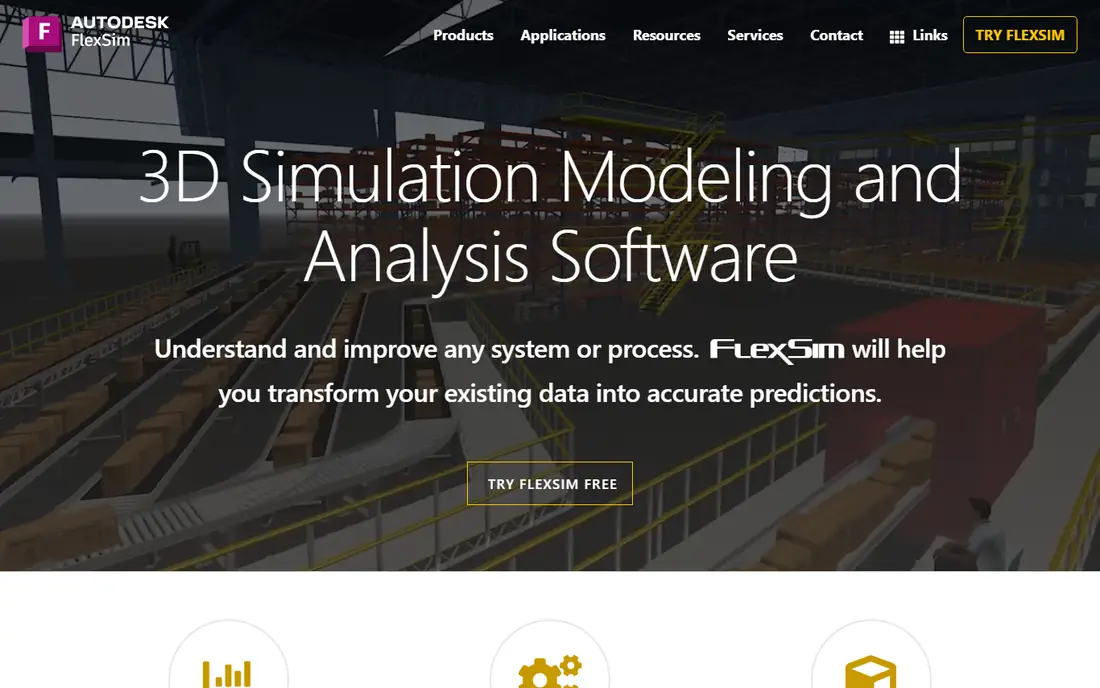
FlexSim is a popular pick for warehouse work because its 3D library includes racks, conveyors, forklifts and operators that you can drag into a model and connect quickly. Watching a model run in 3D makes bottlenecks visible in a way a spreadsheet never does, which helps operations managers explain a change to finance or safety teams. Its reporting also tracks throughput, dwell time and resource use clearly.
Pricing is by quote, and a complex model with automation still needs training and careful data work. FlexSim fits best for teams that will build and reuse models, not for a one off sketch. For warehouse layout and throughput testing, it is our pick for most operations teams.
- Strong 3D warehouse library
- Intuitive drag and drop building
- Good reporting
- Quote only pricing
- Needs training for complex models
AnyLogic stands out because it supports several simulation methods in one platform. A warehouse team can model discrete events such as order arrivals, agent behavior such as forklift drivers, and broader system effects such as demand swings, all in linked models. That flexibility helps when a warehouse problem touches supply chain, staffing and transport together.
Flexibility brings complexity, and new users face a steeper learning curve than with a warehouse only tool. AnyLogic fits best for engineering teams or consultants who model varied problems, not just warehouses. For a team that needs one platform for many simulation jobs, it is a powerful choice.
- Combines discrete event, agent and system dynamics
- Strong analytics
- Flexible modelling
- Steeper learning curve
- Quote based for full use
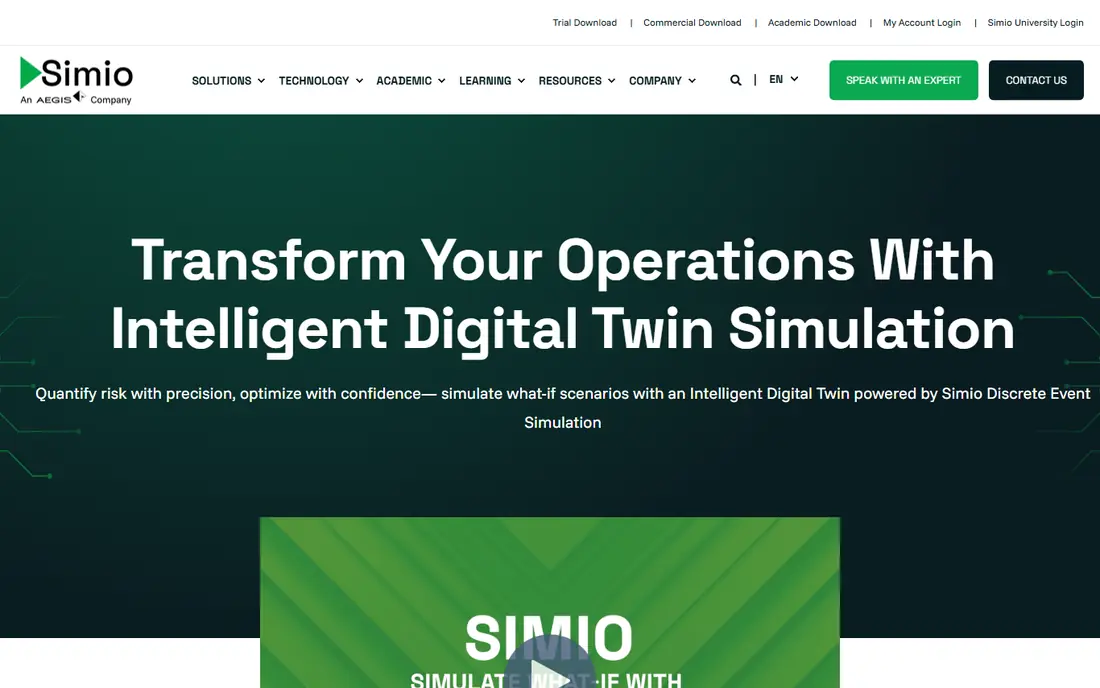
Simio uses object based modelling, so you build a warehouse from reusable objects such as servers, conveyors and vehicles, then set their behavior with clear properties. That approach speeds up model building once you learn it, and its supply chain features help link warehouse work to inbound and outbound flows. The 3D animation also makes results easy to present to non technical managers.
Pricing is by quote, and its user community is smaller than that of Arena or AnyLogic, so finding worked examples takes more effort. Simio fits best for teams that want a modern, object based tool for warehouse and supply chain models. For that job, it is a strong and growing option.
- Object based modelling
- Good supply chain features
- 3D animation
- Quote only pricing
- Smaller community than older tools
Siemens Plant Simulation, part of the Siemens Tecnomatix range, is built for detailed factory and logistics planning, including warehouses that feed production lines. It models material flow, buffers, transport and resource use in depth, and it links well to other Siemens planning tools. For a large manufacturer, that depth and integration matter.
Small warehouses will find it heavy and costly, with enterprise pricing and a long setup. Plant Simulation fits best for industrial engineering teams in larger companies that already use Siemens tools. For that audience, its analytical depth is a clear strength.
- Deep manufacturing and logistics modelling
- Siemens integration
- Detailed analysis
- Enterprise pricing and setup
- Complex for small warehouses
Arena, from Rockwell Automation, has a long history in process simulation, and its flowchart style modelling suits teams that think in process steps. A warehouse team can map receiving, putaway, picking, packing and shipping as linked steps, then test staffing, equipment and layout changes against real order data. Its reporting is solid, and its academic and industrial use means many engineers already know it.
Its 3D visuals are weaker than FlexSim, so presentations may need extra work to look convincing. New users also face a learning curve, though training material is plentiful. Arena fits best for engineering teams that value process logic and reporting over flashy 3D views.
- Long track record in process simulation
- Flowchart modelling
- Strong reporting
- 3D visuals are weaker than FlexSim
- Learning curve for new users
Simcad Pro focuses on warehouse, manufacturing and layout simulation, with interactive 3D models that managers can explore while a simulation runs. That focus means its warehouse objects and layout tools feel purpose built, rather than adapted from a general platform. For a team that mainly needs warehouse layout and flow testing, that focus saves time.
The vendor is smaller than Siemens or Rockwell, so support and community resources are more limited. Pricing is by quote, so a demo and a clear scope are needed before budgeting. For warehouse specific work, Simcad Pro is still a practical and focused option worth trialling.
- Focused on warehouse and layout work
- Interactive 3D
- Dynamic simulation
- Smaller vendor than Siemens or Rockwell
- Pricing by quote
Visual Components is known for 3D factory simulation, including robots, conveyors and automated storage, which makes it useful for warehouses planning automation. A team can test a robotic picking cell or an automated storage layout in 3D before buying hardware, and spot reach, collision and flow problems early. Its visuals are clear enough for stakeholder presentations.
For a simple manual warehouse, its automation depth may be more than needed, and pricing is by quote. Visual Components fits best when automation is part of the plan, not just rack layout. For automation heavy warehouses, it is a strong choice.
- Strong 3D layout and robotics modelling
- Good for automation planning
- Clear visuals
- Automation focus may exceed simple warehouse needs
- Quote pricing
DELMIA, from Dassault Systemes, covers manufacturing operations planning at enterprise scale, including warehouse and logistics simulation as part of a wider system. It models production, material flow and workforce planning in detail, and it integrates with product design and manufacturing data. For a large company planning a whole network, that breadth is valuable.
Cost and complexity rule it out for most small warehouses. DELMIA fits best for large manufacturers with dedicated engineering teams and existing Dassault tools. For that audience, its depth and integration justify the investment, but smaller teams should choose a focused warehouse tool instead.
- Broad manufacturing operations suite
- Detailed simulation
- Enterprise integration
- Enterprise cost and complexity
- Not a small warehouse tool
Simul8 is a faster, lighter option for process simulation, including warehouse flows such as receiving, picking and dispatch. Models can be built quickly from process steps, and results show queues, utilization and throughput in clear charts. That speed suits teams that need answers in days, not months, and want to test several staffing or layout options.
Its 3D visuals and warehouse specific objects are more limited than FlexSim, so it is less suited to detailed automation modelling. Simul8 fits best for process focused teams that value speed and clarity over detailed 3D animation. For quick throughput and staffing tests, it is a practical pick.
- Fast to build process models
- Clear results
- Good for service and logistics flows
- 3D visuals are limited
- Warehouse specific objects are fewer
How we picked these
We compared official product pages, trial offers and industry use for simulation tools that model warehouses, not just general business process tools. We favored tools still sold in 2026, with warehouse objects or process modelling suited to receiving, picking and shipping, and we noted quote only pricing where it applies. Where a price could not be verified, we listed it as See website.
What to check before you buy
Start with data, not software. A simulation is only as good as its order volumes, processing times, staffing patterns and layout dimensions, so gather those before you demo a tool. Test the tool on one bottleneck first, such as picking, and check whether its results match what you see on the floor. If the model cannot reproduce current performance, it will not predict future performance well.
Also budget for training and model building time, and check whether the vendor offers warehouse templates or consulting help. A tool with good templates will get you to a useful model faster than a blank platform. Finally, involve safety and operations staff early, since a layout that looks efficient on screen may create real world hazards or awkward travel paths.
FAQ
What is the best warehouse simulation software for a small warehouse?
For a small warehouse, FlexSim or Simul8 often fit best, depending on whether you want detailed 3D modelling or fast process results. Both offer trials, so test them on one real bottleneck before buying. A small warehouse should avoid enterprise platforms that need a dedicated engineering team.
What is the top warehouse simulation software for automation planning?
For automation planning, FlexSim, Visual Components and Siemens Plant Simulation are strong, since they model conveyors, robots and automated storage in detail. Test the specific automation you plan, such as a robotic cell, in a trial model. Automation models need accurate cycle times, so gather vendor data first.
How much does warehouse simulation software cost?
Most serious tools price by quote, based on licence type, users and modules, so costs vary widely. Budget for the licence, training and the time to build and validate a model, which often costs more than the software alone. Trials and academic licences can lower the entry cost for testing.
Do I need engineering skills to use warehouse simulation software?
Basic models can be built with drag and drop tools and training, but accurate models need data skills and warehouse knowledge. Many teams start with vendor training and a consultant built first model, then learn to update it themselves. Do not expect a useful model on day one without data preparation.
Can simulation replace a physical warehouse trial?
Simulation reduces risk, but it does not fully replace a physical trial, especially for safety, ergonomics and real worker behavior. Use simulation to narrow options to the best two or three, then test the winner in a limited physical pilot. That pairing gives both speed and real world confidence.
What data do I need for a warehouse simulation?
You need layout dimensions, rack and equipment details, order volumes by time, processing times for each step, staffing patterns and travel speeds. Start with recent order data and time studies for the bottleneck you model. Clean, recent data matters more than a perfect model of the whole site.