Best Software Development in US in 2026: Prices, Free Plans and 6 Picks
Need the best software development in us? We compare 6 tools on cost, free access and who each suits. Clear notes on pricing gaps and limits. Facts only.

- Editor's choice
 GitLab
Governed end-to-end lifecycle control
Starts at$29 per user a monthVisit about.gitlab.comFull review - Great alternative
 CircleCI
Automatic validation and delivery
Starts at$15 per monthVisit circleci.comFull review - Also consider
 Bitbucket
Git hosting within Atlassian workflows
Starts atSee websiteVisit bitbucket.orgFull review
Direct answer
GitLab comes first here, mainly for governed end-to-end lifecycle control. Listed starting prices: GitLab from $29 per user a month, CircleCI from $15 per month and Visual Studio from $45 per user a month. Look at CircleCI for automatic validation and delivery, and at Bitbucket for Git hosting within Atlassian workflows. The remaining 3 options are covered below with prices and limits.
TL;DR:
- GitLab sits first on this list: governed end-to-end lifecycle control.
- Free plans exist at 3 of 6 tools (GitLab, CircleCI, GitHub).
- One limit worth knowing about CircleCI: not a code host or IDE.
- GitHub suits wide code hosting and collaboration.
Last checked November 2026. Prices and plan details were read from the vendors' own pages in November 2026; vendors change plans often, so confirm the current price on the vendor site before you buy.
Quick comparison
| Tool | Best for | Starts at | Free plan? | |
|---|---|---|---|---|
| GitLab | Governed end-to-end lifecycle control | $29 per user a month | Yes | Visit |
| CircleCI | Automatic validation and delivery | $15 per month | Yes | Visit |
| Bitbucket | Git hosting within Atlassian workflows | See website | Not stated | Visit |
 Visual Studio | Full IDE for Microsoft-oriented development | $45 per user a month | Not stated | Visit |
 Jira | Project planning and tracking at scale | See website | Not stated | Visit |
 GitHub | Wide code hosting and collaboration | $4 per user per month | Yes | Visit |
The 6 tools in detail
LinkVetted compared 6 tools for software development in us. The goal is a practical shortlist: published prices, free plan facts, best-fit use cases and honest limits for every entry.

GitLab is aimed squarely at governed end-to-end lifecycle control. GitLab presents itself as an intelligent orchestration system with context and governance for the whole software lifecycle, geared toward teams and agents shipping trusted software quicker.
The main drawbacks: Breadth can complicate setup.
If you primarily need straightforward repository hosting and community visibility, a more straightforward choice like GitHub may be the better fit. In practice, the product's scope means configuration choices multiply as teams grow, which can slow smaller groups. Price to start with GitLab: $29 per user per month. GitLab offers a free plan.
- Context and governance across lifecycle
- Single product for plenty of stages
- May be more than small teams need
CircleCI makes the most sense for automated validation and delivery. It suits engineering groups that want a dedicated continuous integration and delivery layer alongside their repository and planning tools, particularly where quick feedback on each change matters.
CircleCI does not replace code hosting, planning or editing tools, so it belongs in a broader stack. What you pay to start with CircleCI: $15 per month. CircleCI has a free plan.
Trade-offs to know: Not a code host or IDE.
- Focus on production-ready delivery
- Suits continuous integration workflows
- Needs pipeline configuration effort
Bitbucket serves Git hosting within Atlassian workflows. Bitbucket is Atlassian's Git-based code hosting service, widely known for storing repositories and supporting collaboration and review workflows. Its public documentation and community footprint are smaller than those of bigger hosting systems.
Honest limits: Fewer details documented on homepage.
So teams wanting deep open source visibility may look elsewhere. Also, evaluate it primarily as part of an Atlassian-centered toolchain instead of as a standalone community hub. Check the vendor site for Bitbucket pricing; none is listed in this comparison. On free options: Not stated.
- Connects with Atlassian tools
- Supports team collaboration
- Smaller community than some rivals
Visual Studio
Best for: Full IDE for Microsoft-oriented development
Visual Studio is aimed squarely at full IDE for Microsoft-oriented development. Developers working primarily in Java or Kotlin should compare it with a language-focused IDE before committing.
Drawbacks to consider: Heavier than light editors.
In practice, Visual Studio is Microsoft's integrated development environment and code editor, with tools and services intended to make app development simpler across systems and languages. The full IDE can feel heavy for fast edits or small scripts, where a lighter editor is frequently enough. The starting price for Visual Studio: $45 per user per month. Trial and free access: Not stated.
- Supports plenty of systems and languages
- IDE and code editor choices
- Best value within its ecosystem
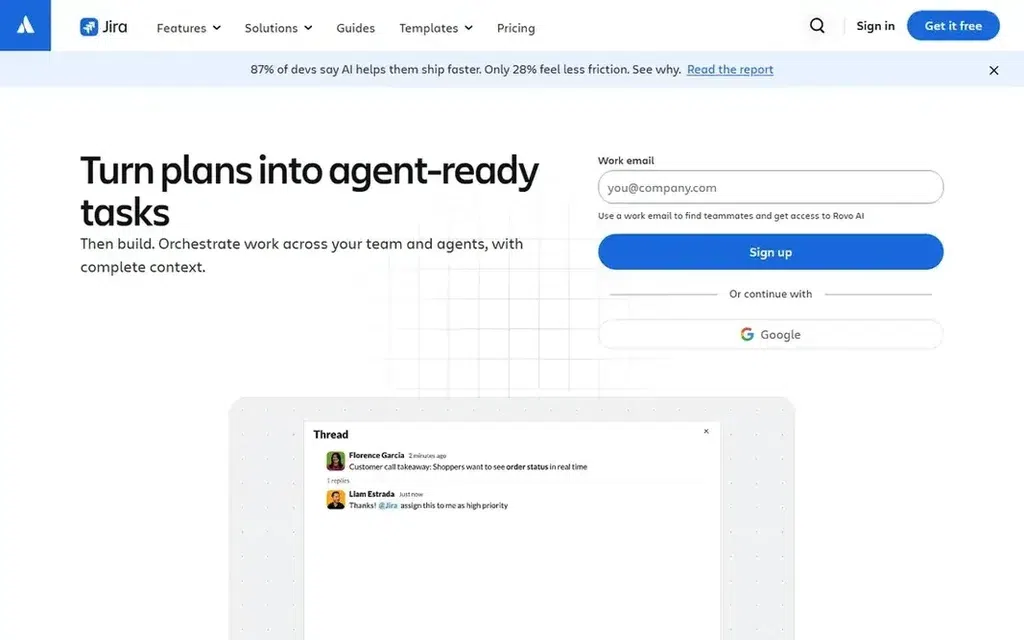
Think of Jira for project planning and tracking at scale. Jira does not host repositories or replace an IDE, so it works as part of a wider toolchain instead of alone.
It pairs naturally with separate code hosting and delivery tools. This comparison lists no price for Jira; ask the vendor. As for free access: Not stated.
Where it falls short: Configuration can grow complicated.
- AI agents help orchestrate projects
- Suits cross-team coordination
- Not a code hosting product

GitHub is built with wide code hosting and collaboration in mind. Teams with strict lifecycle governance requirements may prefer a product built around end-to-end controls, so weigh GitHub against GitLab if compliance is central to your process.
Price to start with GitHub: $4 per user per month. A free plan is available with GitHub.
Points against: Advanced governance needs extras.
- Widely adopted developer product
- AI-powered assistance built in
- Numerous features can feel sprawling
Our selection method
For each of the 6 tools we noted price, free plan or trial, fit for software development in us and the main limit, using vendor pages and documentation. Treat prices as a snapshot: vendors change plans often, so check the vendor site for the figure that applies today. Tools are placed by general fit for software development in us, with price clarity and free access as tie-breakers. A different team can reasonably rank them differently.
Pre-purchase checklist
- Get a written quote from Bitbucket and Jira; the list shows no starting price for them.
- Look at free plan limits closely: GitLab, CircleCI and GitHub have one, and the caps decide whether it is usable for real work.
- Read the limits listed for GitLab first: breadth can complicate setup.
- Confirm the exact Visual Studio plan that includes your must-have features.
- Before rolling out GitLab, verify the integrations your workflow depends on.
FAQ
Can I try these tools before paying?
Often, yes. GitLab, CircleCI and GitHub have a free plan. Use your own data and a real task during the test, and check what the free tier or trial limits before you rely on it. Each of the 6 options in this software development in us guide has its own card above with the price, free plan and limits.
What should small teams prioritize?
Small teams frequently benefit from fewer tools with more straightforward setup, like a single hosting product plus a light editor. Governance-heavy systems may add overhead early, so match capability to your actual workflow and revisit as you grow.
How does Jira fit with code hosting tools?
Jira takes care of planning, tracking and coordination instead of storing code. Plenty of teams link it to a hosting system like Bitbucket or GitHub so project work and code changes stay linked, though the integration depth varies.
How are the tools for software development in us ordered?
GitLab sits first and GitHub last because the order follows typical fit for software development in us, then price clarity and free access. It is a judgement call, so read each profile for fit and limits.
What is the cheapest option for software development in us in this list?
On published monthly entry prices, GitHub is the lowest here at $4 per user per month. Entry price is only part of the cost, because seats, add-ons and billing terms can change the total. All 6 picks in this software development in us comparison list a starting price, free plan details and the main limits on their cards above.
Do these tools publish their prices?
Not all of them. Bitbucket and Jira publish no starting price, so expect a quote request for those. The rest, GitLab included, show a starting price, though seats and billing terms still change the final cost.
Sources
- https://about.gitlab.com
- https://circleci.com
- https://bitbucket.org
- https://visualstudio.microsoft.com
- https://www.atlassian.com/software/jira
- https://github.com