Top 5 API Development Tools for Remote Teams for 2026 (Prices and Free Plans)
5 best API development tools for remote teams, compared on pricing, free plans and best-fit use. Each pick comes with its main catch. Current for November 2026.
- Editor's choice
 Apigee
Managed API management at scale
Starts atSee websiteVisit cloud.google.comFull review - Great alternative
 Insomnia
Lean open source API client
Starts at$12 per user a monthVisit insomnia.restFull review - Also consider
 Postman
All-in-one API collaboration
Starts at$9 a monthVisit postman.comFull review
Direct answer
Our first pick is Apigee, best for managed API management at scale. Listed starting prices: Insomnia from $12 per user a month, Postman from $9 a month and Stoplight from $44 a month. Look at Insomnia for lean open source API client, and at Postman for all-in-one API collaboration. All 5 tools are compared below on price, free plan and limits.
TL;DR:
- Apigee takes the first slot, best suited to managed API management at scale.
- A free plan is available from 2 of the 5 tools: Insomnia, Postman.
- Before buying Apigee, weigh this: enterprise-oriented setup and overhead.
- ReadMe is the one to check for developer-friendly API documentation.
Last checked November 2026. Prices and plan details were read from the vendors' own pages in November 2026; vendors change plans often, so confirm the current price on the vendor site before you buy.
Quick comparison
| Tool | Best for | Starts at | Free plan? | |
|---|---|---|---|---|
| Apigee | Managed API management at scale | See website | Not stated | Visit |
| Insomnia | Lean open source API client | $12 per user a month | Yes | Visit |
| Postman | All-in-one API collaboration | $9 a month | Yes | Visit |
 Stoplight | Design-first OpenAPI workflows | $44 a month | Free trial | Visit |
 ReadMe | Developer-friendly API documentation | See website | Not stated | Visit |
API Development Tools for Remote Teams compared in detail
LinkVetted compared 5 API development tools for remote teams. The goal is a practical shortlist: published prices, free plan facts, best-fit use cases and honest limits for every entry.
Apigee is a good fit for managed API management at scale. Apigee is Google Cloud's API management option for building, managing and securing APIs across use cases, environments and scale, with a focus on operating APIs at high performance. Distributed teams that need centralized policy, security and traffic management around production APIs fit it well.
It is pitched at organizations running APIs as shared infrastructure instead of solo developers testing requests. Apigee is a management layer, not a light client, so small teams may find its operational overhead unnecessary. It assumes you already have APIs to govern and a cloud strategy to match. No starting price is listed for Apigee here; confirm pricing on the vendor site. Free plan details: Not stated.
Drawbacks to consider: Enterprise-oriented setup and overhead.
- Build
- Backed by Google Cloud infrastructure
- Heavier than a straightforward development client
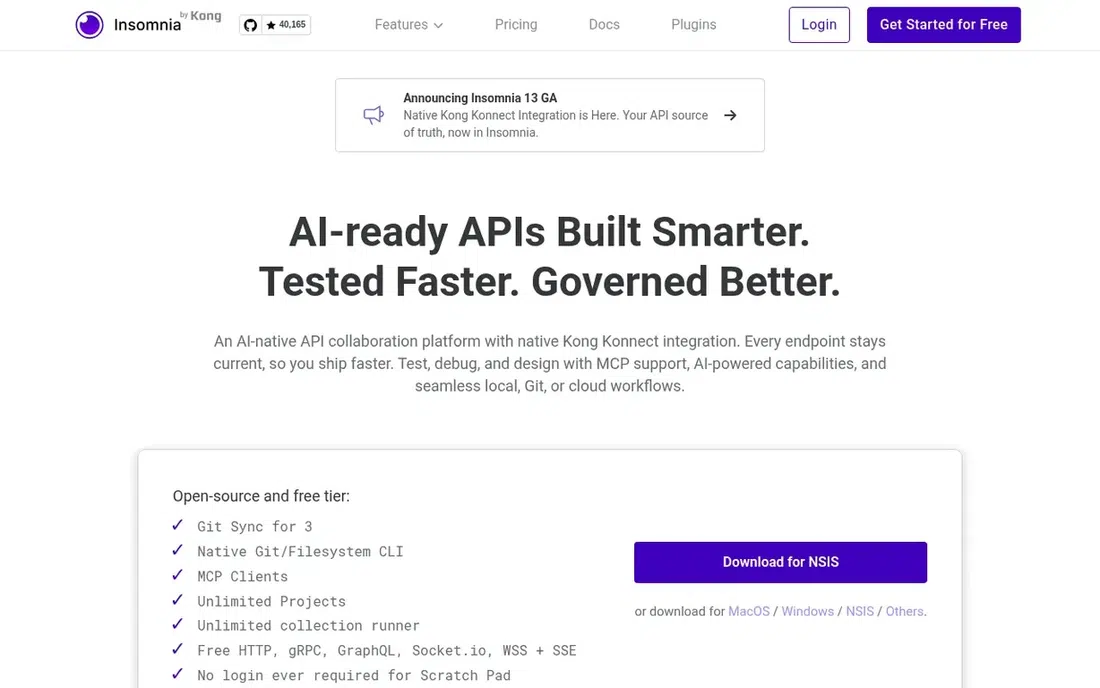
In short, Insomnia is for lean open source API client. Insomnia is a client first, so teams needing deep API governance, design linting or enterprise gateway management will likely pair it with other tools.
Insomnia is a collaborative API development system and a leading open source client for HTTP, REST, GraphQL, gRPC, SOAP and WebSockets. Starting cost for Insomnia: $12 per user per month. A free plan is available with Insomnia.
Where it is weaker: Less depth in governance and lifecycle management.
- Uncluttered request workflow
- SOAP and WebSockets
- Collaboration features are narrower than full products
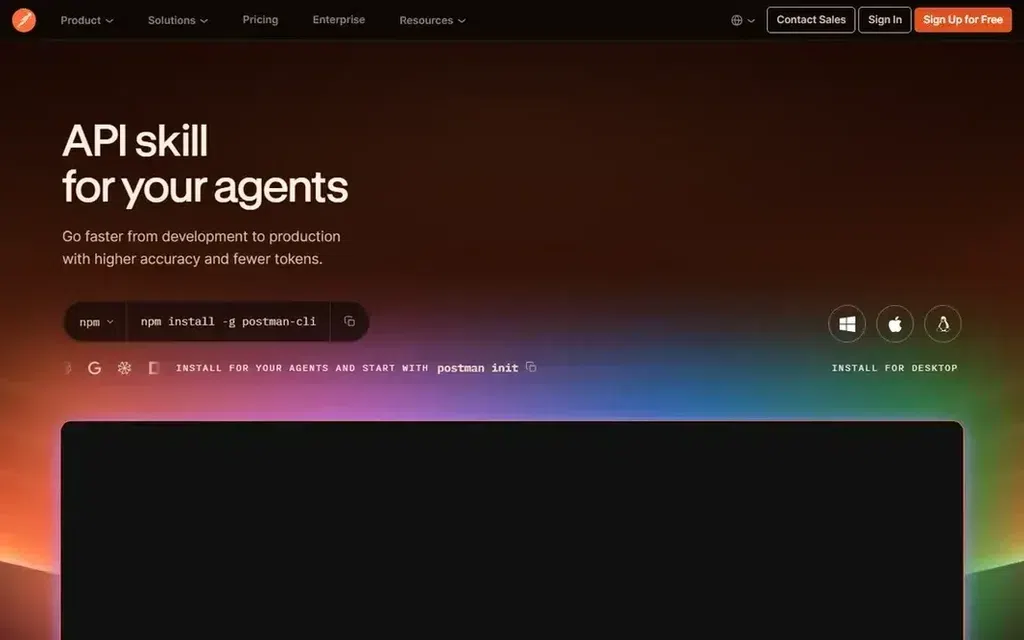
Postman was built for all-in-one API collaboration. Postman is an API engineering product built to move teams from development to production with accuracy and fewer wasted steps.
Best features of Postman: Shared workspaces for distributed teams.
Remote teams benefit from shared collections, environments and workspaces that keep requests and tests in one place, so members in different locations can review the same work. On top of that, pick a lighter client when your workflow is largely manual request testing. Price to start with Postman: $9 per month. A free plan is available with Postman.
Limits to weigh: Large workspaces need governance discipline.
- Wide protocol and integration coverage
- Supports design
- Feature depth can feel heavy for small teams
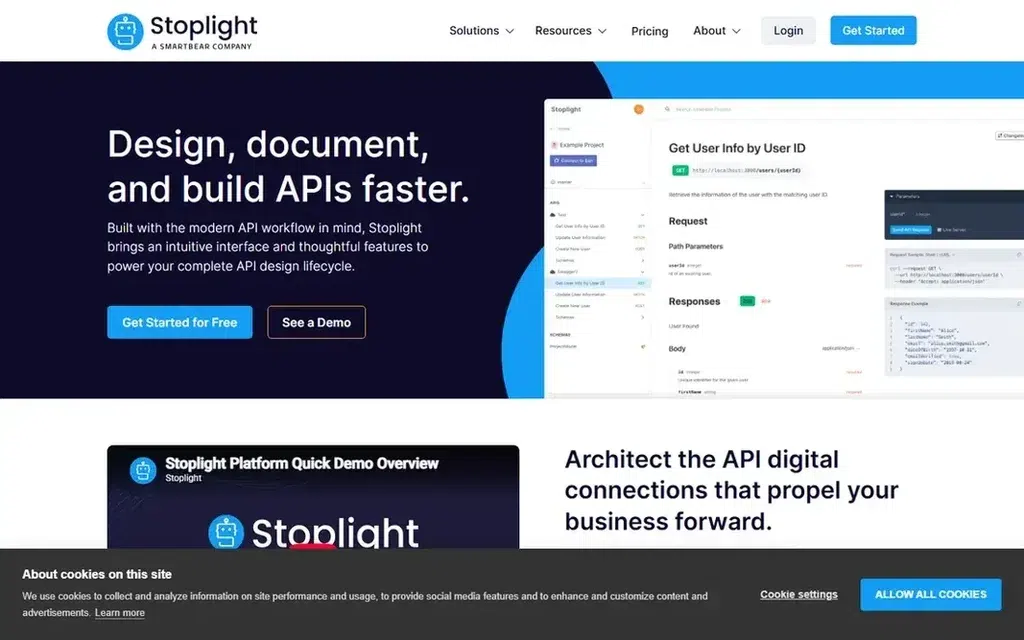
Think of Stoplight for design-first OpenAPI workflows. Stoplight leans heavily toward OpenAPI-centered design, so teams working chiefly with other description formats or ad hoc testing may not use most of it.
On cost, Stoplight starts like this: $44 per month. As for free access: Free trial.
Trade-offs to know: May overlap with existing documentation tools.
- Centralized system for distributed teams
- Mock servers accelerate parallel work
- Centered on OpenAPI-centric workflows
ReadMe is built with developer-friendly API documentation in mind. ReadMe helps teams build beautiful, interactive API documentation that developers enjoy using. Documentation quality relies on keeping specs and examples current, which takes continuing ownership.
On top of that, for remote teams, a shared documentation hub keeps onboarding and reference material consistent no matter where members are located, and interactive elements let readers try requests straight. On top of that, pick it when developer-facing docs are the gap, and combine it with a development tool for testing and a gateway for runtime control. ReadMe shows no starting price here, so confirm the cost on the vendor site. As for free access: Not stated.
The main drawbacks: not a testing client.
- Concentrated on clear developer experience
- Interactive documentation developers can explore
- Needs accurate specs to stay handy
What went into this list
Pre-purchase checklist
- Get a written quote from Apigee and ReadMe; the list shows no starting price for them.
- Read the fine print on the free plans from Insomnia and Postman; seat, project and feature caps differ.
- Run a trial of Stoplight with real work before paying for a year; your own workflow is the best test.
- Before choosing Apigee, weigh its main limit: enterprise-oriented setup and overhead.
- Make sure Insomnia lets you export your data in a format another tool can read.
- Confirm minimum seats and billing terms with Apigee before you commit to an annual plan.
FAQ
Is Apigee the right pick for everyone comparing API development tools for remote teams?
No single tool suits every team. Apigee comes first because it fits managed API management at scale, while Insomnia suits lean open source API client and Postman suits all-in-one API collaboration. Match the tool to your own size, budget and workflow before deciding.
How are the tools for API development tools for remote teams ordered?
Apigee sits first and ReadMe last because the order follows typical fit for API development tools for remote teams, then price clarity and free access. It is a judgement call, so read each profile for fit and limits.
Which options for API development tools for remote teams have a free plan?
On this list, Insomnia and Postman include a free plan. Caps on seats, usage or features are common, so test the free plan against your real workload. One other tool offers a trial instead. All 5 picks in this API development tools for remote teams comparison list a starting price, free plan details and the main limits on their cards above.
Which API tool is a good match for a completely remote team?
The first pick on this list is Apigee, because it suits managed API management at scale. Insomnia is better for lean open source API client, and Postman for all-in-one API collaboration. Check price and limits against your own needs before choosing.
What is the cheapest option for API development tools for remote teams in this list?
On published monthly entry prices, Postman is the lowest here at $9 per month. Entry price is only part of the cost, because seats, add-ons and billing terms can change the total. For the full picture, the cards above cover all 5 entries of this API development tools for remote teams list, including price, free plan and limits.
Sources
- https://cloud.google.com/apigee
- https://insomnia.rest
- https://www.postman.com
- https://stoplight.io
- https://readme.com