Top 5 API Mocking for Frontend Teams for 2026 (Prices and Free Plans)
Comparing the best API mocking for frontend teams? 5 contenders, each with entry cost, free tier and best-fit buyer. Short verdicts, no fluff. Updated for 2026.
- Editor's choiceMirage JS
Mocking APIs inside JavaScript apps
Starts atSee websiteVisit miragejs.comFull review - Great alternative
 Beeceptor
No-code mock servers from prompts or traffic
Starts at$10 a monthVisit beeceptor.comFull review - Also considerMSW (Mock Service Worker)
Request interception in browser and Node.js
Starts atSee websiteVisit mswjs.ioFull review
Direct answer
Mirage JS comes first here, mainly for Mocking APIs inside JavaScript apps. Listed starting prices: Beeceptor from $10 a month, Stoplight from $44 a month and Postman from $9 a month. Beeceptor is the stronger choice for no-code mock servers from prompts or traffic, while MSW (Mock Service Worker) suits request interception in browser and Node.js. Details, prices and limits for the rest of the 5 tools are below.
TL;DR:
- Mirage JS sits first on this list: Mocking APIs inside JavaScript apps.
- Free plans exist at 2 of 5 tools (Beeceptor, Postman).
- Postman is the lowest-priced starter here at $9 per month.
- One limit worth knowing about Beeceptor: depends on a hosted service.
Last checked November 2026. Prices and plan details were read from the vendors' own pages in November 2026; vendors change plans often, so confirm the current price on the vendor site before you buy.
Quick comparison
| Tool | Best for | Starts at | Free plan? | |
|---|---|---|---|---|
| Mirage JS | Mocking APIs inside JavaScript apps | See website | Not stated | Visit |
| Beeceptor | No-code mock servers from prompts or traffic | $10 a month | Yes | Visit |
| MSW (Mock Service Worker) | Request interception in browser and Node.js | See website | Not stated | Visit |
 Stoplight | Mock servers from OpenAPI descriptions | $44 a month | Free trial | Visit |
 Postman | Mocking inside a shared API workflow | $9 a month | Yes | Visit |
Every option for API mocking for frontend teams explained
Choosing API mocking for frontend teams usually comes down to price, fit and limits. This LinkVetted guide sets 5 tools side by side on those three points, with the facts kept short and checkable.
Mirage JS
Best for: Mocking APIs inside JavaScript apps
Mirage JS is a good fit for Mocking APIs inside JavaScript apps. Coverage of newer request patterns relies on the library's own development.
Where it shines: Supports building.
When interception must work across browser and Node.js with minimal app coupling, MSW is frequently the closer match. This comparison lists no price for Mirage JS; ask the vendor. Trial and free access: Not stated. What to check first: Tied to JavaScript application code.
- Aimed at frontend developers
- Testing and demos
- Less suited to shared service-level mocks
Where Beeceptor fits: no-code mock servers from prompts or traffic. Beeceptor is a hosted service for creating mock APIs, with the vendor describing AI-powered mock servers generated from prompts or real traffic. It supports REST, SOAP, GraphQL and gRPC and needs no code or dependencies.
Also, code-based libraries offer finer control for test-specific behavior. Frontend teams can use it to stand up endpoints rapidly for demos, QA handoffs or early integration work before backend services are ready. For everyday use, pick a local or in-code choice when mocks must ship with the frontend codebase or run entirely offline. Price to start with Beeceptor: $10 per month. Beeceptor has a free plan.
Where it shines: Produces mock servers rapidly.
Trade-offs to know: Depends on a hosted service.
- No code or dependencies required
- GraphQL and gRPC
- Less control than code-based mocking
MSW (Mock Service Worker)
Best for: Request interception in browser and Node.js
MSW (Mock Service Worker) makes the most sense for request interception in browser and Node.js. Choose a server-style tool when other teams or clients must also consume the same mock endpoints. Teams have to understand how request interception works in the browser and in Node.js, which adds a learning step.
Honest limits: Needs familiarity with service worker concepts.
It is a library instead of a hosted mock service, so sharing mocks across non-JavaScript clients is not its focus. It intercepts network requests so frontend applications can be built, tested and demoed without a live API, whereas the application code keeps making ordinary requests. No starting price is listed for MSW (Mock Service Worker) here; confirm pricing on the vendor site. Trial and free access: Not stated.
- Suits tests and local development
- Works in browser and Node.js
- Not a hosted mock service
Choose Stoplight for mock servers from OpenAPI descriptions. The spec-first model means someone must write and maintain the OpenAPI descriptions before mocks are handy. That upfront effort can outweigh the benefit for small or short-lived frontend tasks.
Honest limits: More than mocking for small teams.
More specifically, teams that just need fast ad hoc stubs may prefer a tool built around immediate mock creation. The vendor states that no specialized knowledge is required. For frontend teams, it suits when mock behavior should follow a shared API description, so mocks, docs and contracts stay aligned as the API evolves. On top of that, Stoplight is an OpenAPI design and documentation management product where teams build descriptions, documentation and mock servers in one centralized place. Stoplight pricing: $44 per month. Free access: Free trial.
Reasons to shortlist it: Creates OpenAPI descriptions and docs.
- Centralized system for API work
- Mock servers generated from specs
- Spec-first approach layers on upfront work
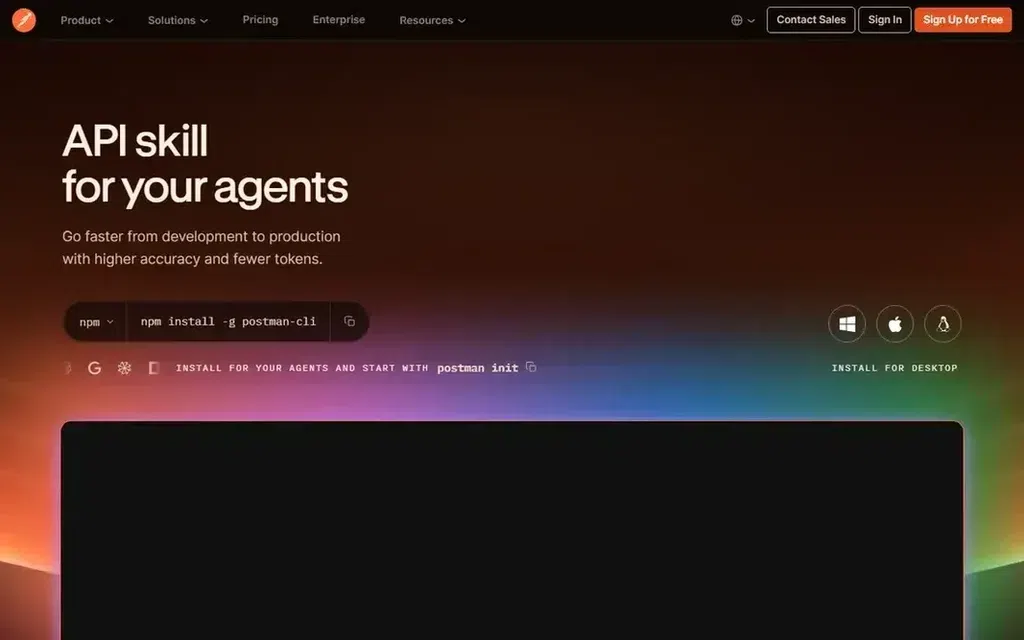
Pick Postman if this describes you: mocking inside a shared API workflow. Postman is an API engineering system that includes design, testing and mock servers in one place. Also, the system is broader than mocking alone, so teams that only need light request interception in a frontend test suite may find it indirect.
It also asks for some discipline in organizing collections and environments. Beyond that, for frontend teams, it suits when mock endpoints have to live next to the API collections that backend teams maintain. So both sides work from the same definitions. What you pay to start with Postman: $9 per month. Postman includes a free tier.
Points against: Heavier than a single-purpose mocking library.
- Shared workspaces for frontend and backend teams
- Wide protocol and collection support
- Setup can feel complicated for small frontend tasks
How we built this list
LinkVetted used vendor pricing pages and product documentation as the base, then compared plans, free access and documented limits for 5 tools. Figures are shown as the vendors publish them. Billing terms, seat minimums and add-ons can change the real cost. Tools are placed by general fit for API mocking for frontend teams, with price clarity and free access as tie-breakers. A different team can reasonably rank them differently.
Things to verify first
- Get a written quote from Mirage JS and MSW (Mock Service Worker); the list shows no starting price for them.
- Read the fine print on the free plans from Beeceptor and Postman; seat, project and feature caps differ.
- Use real work to test the free trial from Stoplight, rather than a demo project.
- Before choosing Mirage JS, weigh its main limit: tied to JavaScript application code.
- See whether Beeceptor offers onboarding or training, and whether it is included in the price.
- Confirm that MSW (Mock Service Worker) connects to the apps your team already uses, on the plan you would actually buy.
FAQ
Can I try these tools before paying?
Often, yes. Beeceptor and Postman have a free plan and Stoplight offers a free trial. Use your own data and a real task during the test, and check what the free tier or trial limits before you rely on it.
How are the API mocking for frontend teams ordered?
Mirage JS sits first and Postman last because the order follows typical fit for API mocking for frontend teams, then price clarity and free access. It is a judgement call, so read each profile for fit and limits.
Which API mocking for frontend teams have a free plan?
Beeceptor and Postman offer a free plan in this list. Free plans usually cap users, projects or features, so check the limits on the vendor page. One other tool offers a trial instead.
What should teams check before choosing a mocking tool?
Look at supported protocols, where mocks are stored, how collaboration works and whether mocks can run in both development and test environments. Confirm current capabilities on the vendor site.
Is Mirage JS the right pick for everyone comparing API mocking for frontend teams?
No single tool suits every team. Mirage JS comes first because it fits Mocking APIs inside JavaScript apps, while Beeceptor suits no-code mock servers from prompts or traffic and MSW (Mock Service Worker) suits request interception in browser and Node.js. Match the tool to your own size, budget and workflow before deciding.
Sources
- https://miragejs.com
- https://beeceptor.com
- https://mswjs.io
- https://stoplight.io
- https://www.postman.com