Best Services for High API Traffic Frontend Cloud in 2026: 8 Platforms Compared
We compare the best service for high api traffic frontend cloud in 2026, covering edge caching, rate limits, bandwidth pricing and global performance.
- Editor's choice
 Cloudflare
High-traffic edge hosting
Starts atFreeVisit cloudflare.comFull review - Great alternative
 Vercel
Next.js frontend apps
Starts at$20 per user per monthVisit vercel.comFull review - Also consider
 Netlify
Flat-priced team hosting
Starts at$19 per monthVisit netlify.comFull review
TL;DR:
- Cloudflare is the best value for high traffic, thanks to its large edge network and generous free bandwidth.
- Vercel is the best choice for Next.js apps, while Netlify suits teams that want flat team pricing.
- For API-heavy frontends, cache strategy and rate limiting matter more than raw hosting speed.
- Always model bandwidth, function calls and egress together, because the cheapest headline plan can become the dearest bill.
Quick comparison
| Tool | Best for | Starts at | Free plan? | |
|---|---|---|---|---|
| Cloudflare | High-traffic edge hosting | Free | Yes | Visit |
| Vercel | Next.js frontend apps | $20 per user per month | Yes | Visit |
| Netlify | Flat-priced team hosting | $19 per month | Yes | Visit |
 Fastly | Real-time cache control | See website | Free trial | Visit |
 AWS CloudFront | AWS-based frontends | See website | Free trial | Visit |
 Akamai | Enterprise global delivery | See website | Free trial | Visit |
 Google Cloud CDN | Google Cloud frontends | See website | Free trial | Visit |
 Azure Front Door | Microsoft Azure frontends | See website | Free trial | Visit |
The best services for high API traffic frontend cloud
We compared platforms that host a frontend, serve it close to users, and handle large volumes of API calls without falling over or producing surprise bills.
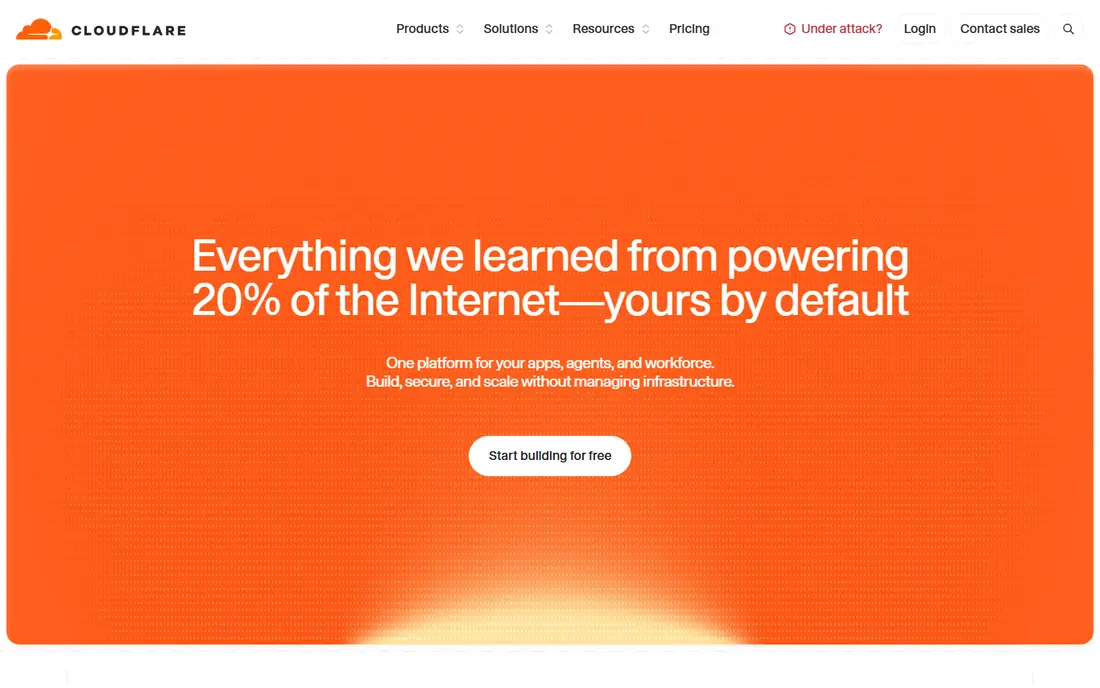
Cloudflare is our pick for high API traffic because its edge network spans hundreds of cities, and its free plan includes generous bandwidth for static sites. Pages hosts the frontend, Workers run API logic at the edge, and tools such as KV, D1 and R2 cover caching, data and storage without leaving the platform. Built-in DDoS protection is a real benefit when traffic spikes are hostile, not just popular.
The trade-off is the Workers runtime, which is based on V8 isolates rather than full Node.js, so some Node libraries need adaptation. Paid plans from $5 to $20 per month add higher limits and team features. For a frontend that must stay fast and cheap under heavy load, Cloudflare is hard to beat.
- Large global edge network
- Generous free bandwidth
- Built-in DDoS protection
- Workers use a different runtime from Node.js
- Dashboard can feel deep for beginners
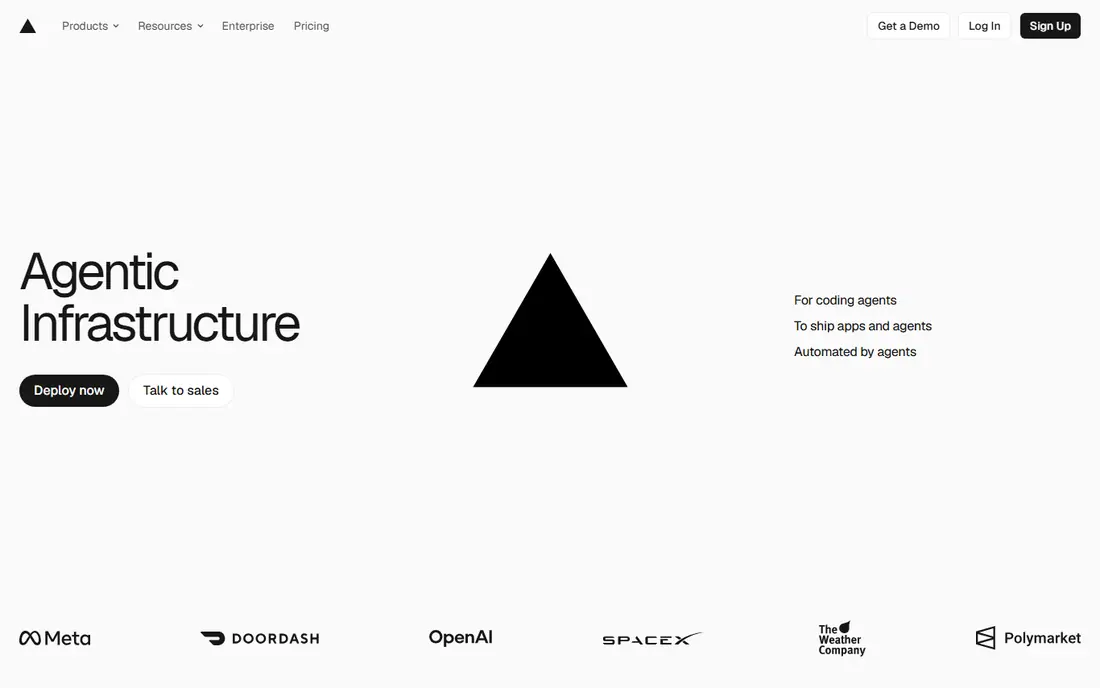
Vercel is the natural home for Next.js, since the same company builds both. Deployments, previews, edge middleware, serverless functions and caching work together with little configuration, which is why many product teams choose it for production frontends. The Hobby plan gives 100 GB of bandwidth per month for non-commercial projects, while Pro at $20 per user per month is the realistic plan for commercial high-traffic sites.
Per-seat pricing is the catch for larger teams, and high API traffic can push function and bandwidth usage above included limits. If your app is Next.js and your team is small, Vercel's developer experience justifies the price. Larger teams should model seat and usage costs together.
- Best Next.js integration
- Fast previews
- Strong edge and serverless features
- Per-seat pricing adds up for teams
- Bandwidth overages need watching
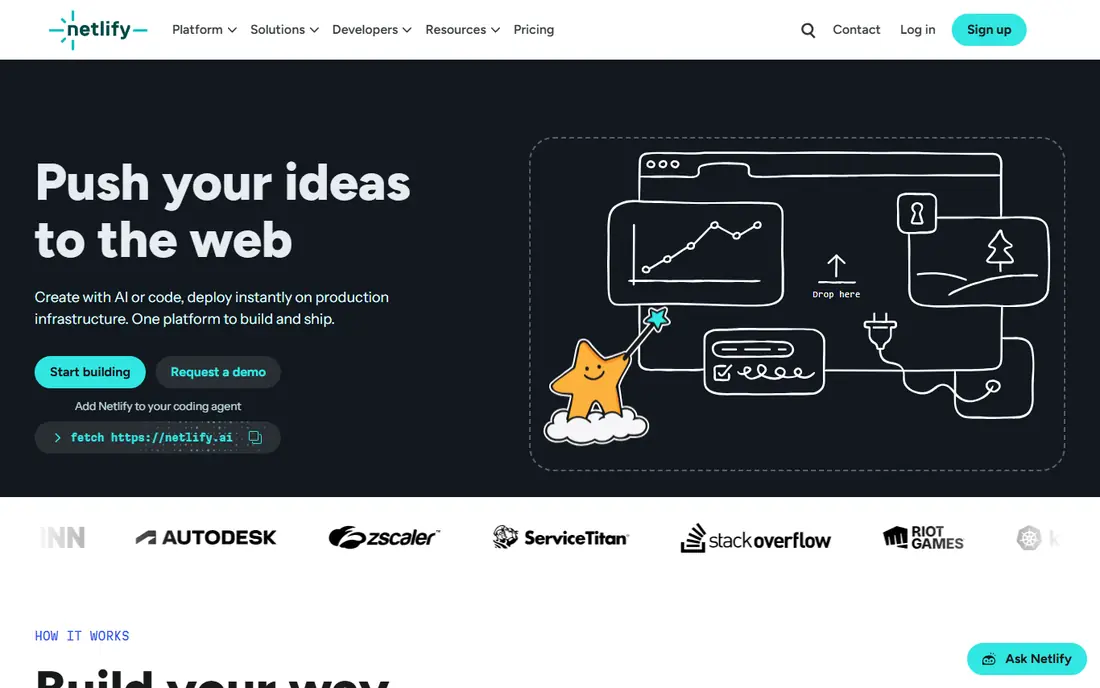
Netlify suits teams that want predictable team pricing. Pro at $19 per month covers unlimited team members, which beats per-seat rivals once you pass a couple of developers. Git-based deploys, preview URLs, serverless functions, edge functions, forms and a managed database cover most frontend needs in one place.
The free plan gives 300 credits per month, which covers small sites but not high traffic. For API-heavy apps, Netlify functions handle moderate loads well, but very high API volumes may be cheaper behind Cloudflare or a dedicated API gateway. For content and marketing sites with real API needs, Netlify is a strong, calm choice.
- Flat Pro pricing for teams
- Built-in forms and identity
- Easy previews
- Free bandwidth is metered by credits
- Heavy API use may need another backend
Fastly is the pick when cache control is the product. Its edge platform purges cached content in near real time, which matters for news, commerce and live data where stale content is a bug. Programmable edge logic lets teams run API routing, authentication checks and response shaping close to users, cutting origin load.
Fastly is less of a beginner frontend host than Cloudflare Pages or Netlify, and larger use is priced by quote. Teams with edge engineers, or with content that changes constantly, will get the most from it. Simpler static sites will not need this level of control.
- Instant cache purging
- Programmable edge
- Strong real-time features
- Pricing by quote for larger use
- Setup needs more edge expertise
AWS CloudFront is the right CDN for frontends already built on AWS. It serves static assets and API responses from edge locations worldwide, integrates with S3, API Gateway and Lambda, and supports edge functions for routing and authentication. For teams that already use AWS for storage, compute and databases, keeping delivery in the same cloud simplifies security and billing.
The pricing model is usage-based, covering requests, data transfer and edge function calls, so a traffic spike produces a larger bill rather than a flat fee. The AWS console also takes learning. For AWS-native teams with high API traffic, CloudFront remains a solid, proven choice.
- Deep AWS integration
- Global network
- Lambda at edge for API logic
- Pay-as-you-go pricing needs careful modelling
- Console is complex
Akamai operates one of the largest content delivery networks in the world, and it is built for enterprises where downtime or slow delivery has a direct revenue cost. Its platform combines CDN delivery, edge compute, security and API protection, which suits large commerce, media and SaaS frontends with global audiences and strict performance targets.
Small teams will find Akamai heavy and expensive, with pricing by quote and a sales-led process. For a large frontend with high API traffic, complex security needs and a global user base, Akamai's scale and support are the point. For a startup, start with Cloudflare or Vercel instead.
- Huge global network
- Enterprise security and performance features
- Proven at scale
- Enterprise pricing and contracts
- Overkill for small sites
Google Cloud CDN serves frontend assets and API responses from Google's global network, with load balancing and caching in one system. For teams already running backends on Google Cloud, it keeps traffic inside Google's network, which can improve latency and simplify architecture. Integration with Cloud Storage, Compute Engine and Kubernetes Engine is straightforward.
Like AWS CloudFront, pricing is usage-based, so model requests and egress for your real traffic before committing. Teams outside Google Cloud gain less from the integration and may prefer a cloud-neutral edge provider. Inside Google Cloud, it is a natural, capable choice.
- Tight Google Cloud integration
- Global anycast network
- Cache and load balancing together
- Usage-based pricing
- Best value inside Google Cloud, less so outside it
Azure Front Door acts as a global entry point for web apps and APIs hosted in Azure, with routing, load balancing, caching and web application firewall features. It suits teams that run frontends and APIs on Azure App Service, Azure Functions or containers, and that want one global front door with health-based routing across regions.
Pricing is usage-based, covering requests, data transfer and rules, so high API traffic needs a cost model, not just a performance test. Multi-cloud teams may prefer Cloudflare or Fastly as a neutral layer. For Azure-native frontends, Front Door is the coherent, well-integrated option.
- Global entry point for Azure apps
- Built-in WAF and routing
- Microsoft integration
- Usage-based pricing
- Azure-centred, so multi-cloud teams gain less
How we picked these
We compared official pricing, documentation and feature pages for frontend hosting and edge delivery platforms available in October 2026. We kept only platforms that can serve a frontend globally, handle API traffic at scale, and offer caching, routing or edge compute, not just static file storage. Prices are list prices where published, and See website where vendors price by quote or usage.
How to choose for high API traffic
Start by separating static traffic from API traffic. Static assets should be cached at the edge for as long as possible, while API responses need a clear caching, revalidation and rate-limiting plan. A platform that is fast for static files can still struggle if every API call hits your origin, so test with real API patterns, not just a homepage load.
Cache, rate limit and protect the origin
Use edge caching for public API responses where safe, set sensible time-to-live values, and purge on change rather than disabling cache altogether. Add rate limiting per client and per endpoint, plus a web application firewall for public APIs. These controls protect your origin and your bill during spikes, whether the spike is real users or abuse.
Model the full bill
Add bandwidth, function invocations, edge compute time, data transfer and any per-seat fees into one model. Compare that model at your current traffic, at double traffic, and at ten times traffic. A platform that looks cheap at low volume can become expensive under load, and a platform with a higher flat fee can be cheaper at scale.
Test failure, not just speed
Check what happens when an origin region fails, when a cache purge is needed, and when traffic doubles in an hour. Look for health checks, multi-region routing, instant purge and clear status pages. Speed in a demo is easy; graceful handling of a bad day is what high-traffic teams actually pay for.
FAQ
What is the best service for high API traffic frontend hosting?
Cloudflare is our value pick for high traffic, Vercel is best for Next.js apps, and Netlify suits teams that want flat pricing. The right choice depends on your framework, your cloud, and whether API traffic or static traffic dominates your bill.
Should I use a CDN for API traffic?
Yes, for many APIs. A CDN and edge layer can cache public responses, absorb spikes, add rate limiting and reduce origin load. Private, user-specific responses should not be cached publicly, but they still benefit from edge routing, security and DDoS protection.
How much does high-traffic frontend hosting cost?
It varies widely. Cloudflare offers a free tier with generous bandwidth, Vercel Pro is $20 per user per month plus usage, and Netlify Pro is $19 per month plus usage. Enterprise CDN and cloud providers price by usage or quote, so model your bandwidth and API calls before choosing.
Is Vercel or Netlify better for high traffic?
Vercel is stronger for Next.js and for teams that want the deepest framework integration. Netlify is stronger for teams that want flat team pricing and built-in forms and identity. Both handle high traffic, but both need usage monitoring, so check bandwidth and function limits at your real volume.
Do I need edge functions for a frontend?
Not always. Static sites and simple frontends do fine without them. Edge functions help when you need authentication checks, A/B routing, localisation, API aggregation or response shaping close to users. If your API logic is complex, a dedicated backend or API gateway may still be the better home for it.