Best Safe Data Recovery Software (2026): 5 Picks Checked on Vendor Pages
5 tools for the best safe data recovery software, compared on pricing, free plans and best-fit use. Concise write-ups of every option. Updated for 2026.
- Editor's choiceMiniTool Power Data Recovery
Windows and Mac data loss situations
Starts atSee websiteVisit minitool.comFull review - Great alternative
 R-Studio
RAID and network recovery
Starts atSee websiteVisit r-studio.comFull review - Also considerWondershare Recoverit
AI-powered recovery on Windows and Mac
Starts at$99.95 a yearVisit recoverit.wondershare.comFull review
Direct answer
Our first pick is MiniTool Power Data Recovery, best for Windows and Mac data loss situations. Listed starting prices: Wondershare Recoverit from $99.95 a year. R-Studio is better for RAID and network recovery, and Wondershare Recoverit is better for AI-powered recovery on Windows and Mac. All 5 tools are compared below on price, free plan and limits.
TL;DR:
- Number one here is MiniTool Power Data Recovery, a fit for Windows and Mac data loss situations.
- Check the limits for Wondershare Recoverit before you commit: AI features may need a license.
- Wondershare Recoverit stands alone as the one tool in this list with a free plan.
- For wide device and server recovery, EaseUS Data Recovery Wizard is worth a look.
- Expect to ask for a quote from MiniTool Power Data Recovery, R-Studio, Disk Drill and EaseUS Data Recovery Wizard; the other tools show a starting price.
Last checked November 2026. Prices and plan details were read from the vendors' own pages in November 2026; vendors change plans often, so confirm the current price on the vendor site before you buy.
Quick comparison
| Tool | Best for | Starts at | Free plan? | |
|---|---|---|---|---|
| MiniTool Power Data Recovery | Windows and Mac data loss situations | See website | Not stated | Visit |
| R-Studio | RAID and network recovery | See website | Not stated | Visit |
| Wondershare Recoverit | AI-powered recovery on Windows and Mac | $99.95 a year | Yes | Visit |
 Disk Drill | Mac-focused recovery with free scanning | See website | Not stated | Visit |
| EaseUS Data Recovery Wizard | Wide device and server recovery | See website | Not stated | Visit |
The full safe data recovery software list
This LinkVetted guide covers 5 options for safe data recovery software. Each profile lists a starting price, free plan details, strengths and drawbacks, so you can drop poor fits quickly.
MiniTool Power Data Recovery
Best for: Windows and Mac data loss situations
MiniTool Power Data Recovery makes the most sense for Windows and Mac data loss situations. The tool centres on typical data loss scenarios and may not include enterprise server recovery.
The main drawbacks: May be less known for server recovery.
This comparison lists no price for MiniTool Power Data Recovery; ask the vendor. On free options: Not stated.
- Supports Windows 11, 10, 8, 7, Mac
- Deals with several data loss scenarios
- Recovery limits may apply without a license
In short, R-Studio is for RAID and network recovery. For entry-level file recovery, more straightforward tools are more approachable.
Drawbacks to consider: Advanced features need expertise.
Worth adding: pick R-Studio when you need RAID or network recovery and have the technical background to use it effectively. Pricing for R-Studio is not stated here, so ask the vendor for current figures. Free options: Not stated.
- Supports network and RAID recovery
- Available for Windows, Mac, Linux
- Interface may be technical
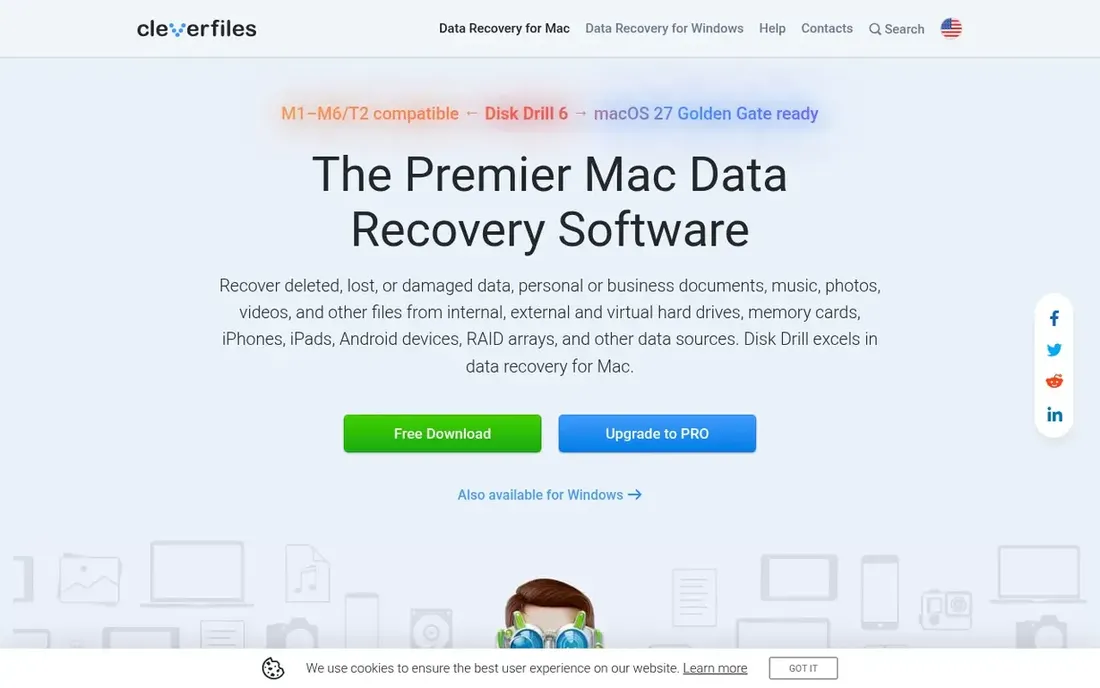
Disk Drill works best for Mac-focused recovery with free scanning. Disk Drill is data recovery software for macOS that can recover deleted or lost data from any storage device, plus iOS and Android devices.
Points against: Windows version is less emphasized.
Whereas Disk Drill supports plenty of devices, its primary focus on macOS means Windows users may find other tools more tailored. For everyday use, pick Disk Drill if you are on a Mac and want to preview recoverable files before deciding. No starting price is listed for Disk Drill here; confirm pricing on the vendor site. On free options: Not stated.
- Free scanning to preview recoverable data
- Optimized for macOS
- Recovery may need a premium license
EaseUS Data Recovery Wizard
Best for: Wide device and server recovery
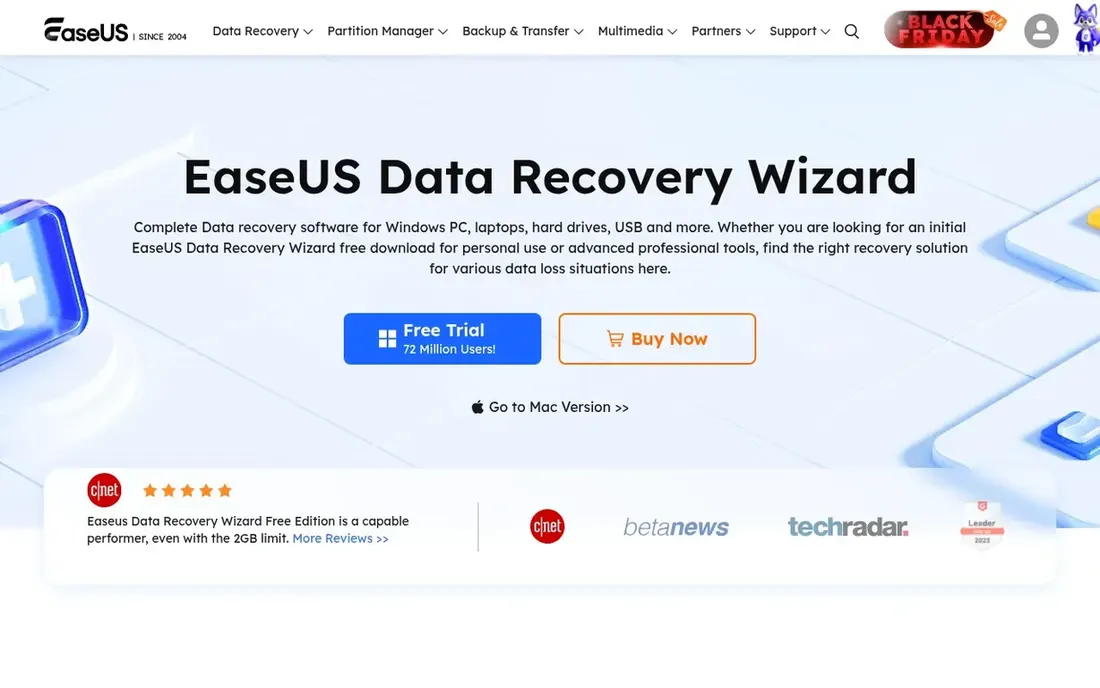
EaseUS Data Recovery Wizard is built with wide device and server recovery in mind. EaseUS Data Recovery Wizard is a data recovery suite that supports recovery from Windows PCs, Macs, hard drives, SSDs, NAS devices, iOS and Android devices, and SQL and Exchange servers.
Where it falls short: May need a license for full recovery.
It suits users who require a single tool to handle numerous storage types and systems, particularly in mixed-device environments. EaseUS Data Recovery Wizard shows no starting price here, so confirm the cost on the vendor site. Free access: Not stated.
- Supports Windows, Mac, NAS, iOS, Android, servers
- Manages HDDs, SSDs
- Interface can feel complicated for beginners
How the list was put together
What to check before you buy
- Confirm the entry price on the vendor page. For MiniTool Power Data Recovery, R-Studio, Disk Drill and EaseUS Data Recovery Wizard that means a quote rather than a fixed price.
- Test the free plan from Wondershare Recoverit against your real workload before relying on it.
- Before choosing MiniTool Power Data Recovery, weigh its main limit: Recovery limits may apply without a license.
- Test the integrations you rely on with Wondershare Recoverit before committing; some connectors sit on upper tiers.
- Run a one or two week pilot of EaseUS Data Recovery Wizard with the people who will use it every day.
FAQ
Which options for safe data recovery software have a free plan?
Wondershare Recoverit is the only tool in this list with a free plan. Free plans usually cap users, projects or features, so check the limits on the vendor page. Each of the 5 options in this safe data recovery software guide has its own card above with the price, free plan and limits.
What makes data recovery software safe to use?
Safe data recovery software should avoid writing to the drive you are recovering from and should offer previews before recovery. Always check that the tool supports your specific device and file system.
Do these tools publish their prices?
Not all of them. MiniTool Power Data Recovery, R-Studio, Disk Drill and EaseUS Data Recovery Wizard publish no starting price, so expect a quote request for those. The rest, Wondershare Recoverit included, show a starting price, though seats and billing terms still change the final cost.
How are the tools for safe data recovery software ordered?
MiniTool Power Data Recovery sits first and EaseUS Data Recovery Wizard last because the order follows typical fit for safe data recovery software, then price clarity and free access. It is a judgement call, so read each profile for fit and limits.
Can I try these options before paying?
Often, yes. Wondershare Recoverit has a free plan. Use your own data and a real task during the test, and check what the free tier or trial limits before you rely on it. All 5 picks in this safe data recovery software comparison list a starting price, free plan details and the main limits on their cards above.
How do I choose between Windows and Mac recovery tools?
Start by confirming which operating systems the tool supports. Consider your primary device and any cross-platform needs, like recovering from mobile devices.
Sources
- https://www.minitool.com/data-recovery-software
- https://www.r-studio.com
- https://recoverit.wondershare.com
- https://www.cleverfiles.com
- https://www.easeus.com/data-recovery-software