Best Self Service Analytics Tools for 2026: Our 5 Vetted Picks
5 best self service analytics tools, compared on pricing, free plans and best-fit use. Costs and caveats sit beside each pick. Current for November 2026.
- Editor's choice
 ThoughtSpot
Search and AI driven insights
Starts at$25 per user a monthVisit thoughtspot.comFull review - Great alternative
 Domo
Connecting and governing data for AI
Starts atSee websiteVisit domo.comFull review - Also consider
 Qlik Sense
Analytics with integrated data preparation
Starts atSee websiteVisit qlik.comFull review
Direct answer
Start with ThoughtSpot if you need search and AI driven insights. Listed starting prices: ThoughtSpot from $25 per user a month and Tableau from $15 per user a month. Alternatives: Domo for connecting and governing data for AI, and Qlik Sense for analytics with integrated data preparation. Prices, free plans and limits for all 5 tools follow.
TL;DR:
- ThoughtSpot sits first on this list: search and AI driven insights.
- Just one of the 5 tools, Tableau, has a free plan.
- Tableau comes with a trade-off: advanced modeling can need training.
- Amazon QuickSight suits AWS native business intelligence.
- For the cheapest start, look at Tableau: $15 per user per month.
Last checked November 2026. Prices and plan details were read from the vendors' own pages in November 2026; vendors change plans often, so confirm the current price on the vendor site before you buy.
Quick comparison
| Tool | Best for | Starts at | Free plan? | |
|---|---|---|---|---|
| ThoughtSpot | Search and AI driven insights | $25 per user a month | Free trial | Visit |
| Domo | Connecting and governing data for AI | See website | Free trial | Visit |
| Qlik Sense | Analytics with integrated data preparation | See website | Not stated | Visit |
 Tableau | Visual exploration and wide data connectivity | $15 per user a month | Yes | Visit |
 Amazon QuickSight | AWS native business intelligence | See website | Not stated | Visit |
The best self service analytics tools
LinkVetted compared 5 self service analytics tools. The goal is a practical shortlist: published prices, free plan facts, best-fit use cases and honest limits for every entry.
ThoughtSpot is a good fit for search and AI driven insights. ThoughtSpot describes itself as an agentic analytics product with AI agents, automatic insights and embedded intelligence.
Downsides: Advanced customization can need effort.
On top of that, users accustomed to traditional drag-and-drop tools may need time to adapt to a search first workflow. More specifically, deep customization and governance still need planning. Starting cost for ThoughtSpot: $25 per user per month. Trial and free access: Free trial.
- Agentic analytics with AI agents
- Embedded intelligence choices
- Search driven model may need user training
Pick Domo if this describes you: connecting and governing data for AI. Domo offers AI and data products that help organizations link, move and prepare data from plenty of sources. Its homepage emphasizes governed data for AI agents and accelerating business critical insights.
Organizations with narrow dashboard needs might prefer a more straightforward tool. In daily use, since Domo spans multiple data functions, new users may need time to learn the product. No starting price is listed for Domo here; confirm pricing on the vendor site. On free options: Free trial.
Where it falls short: Governance configuration takes effort.
- Data preparation and access expansion
- Focus on governed data for AI agents
- Product breadth needs onboarding
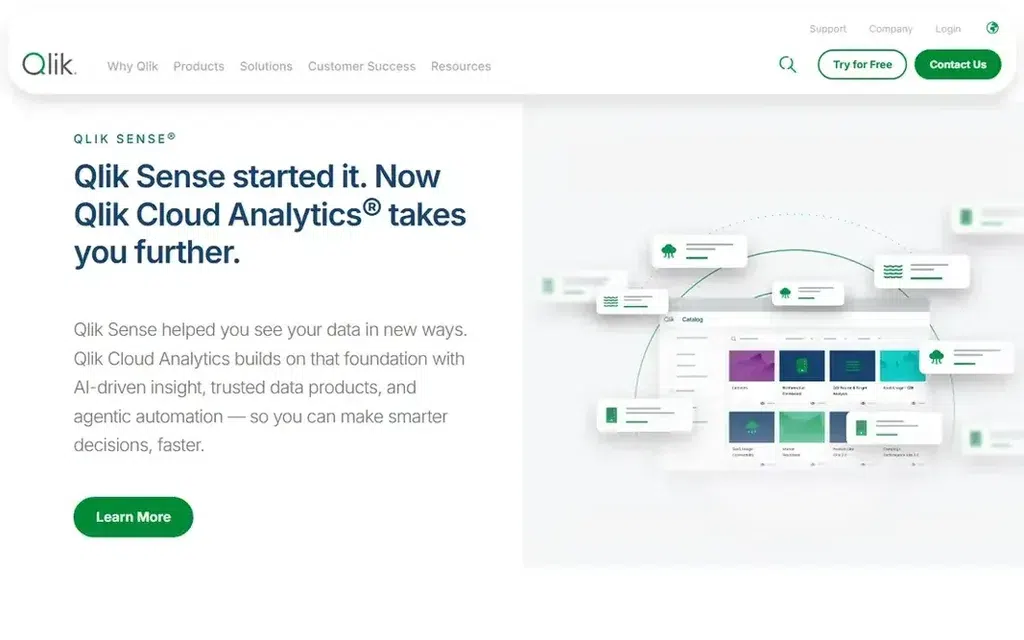
Qlik Sense is designed for analytics with integrated data preparation. Qlik Sense is part of Qlik's data and analytics portfolio, which now contains Talend for data integration and quality.
It suits organizations that want analytics closely tied to data preparation and quality instead of a standalone visualization layer. Pricing for Qlik Sense is not stated here, so ask the vendor for current figures. Free access: Not stated.
Watch-outs: Needs governance planning.
- Associative exploration model
- End to end data integration and quality
- Feature breadth can overwhelm new users
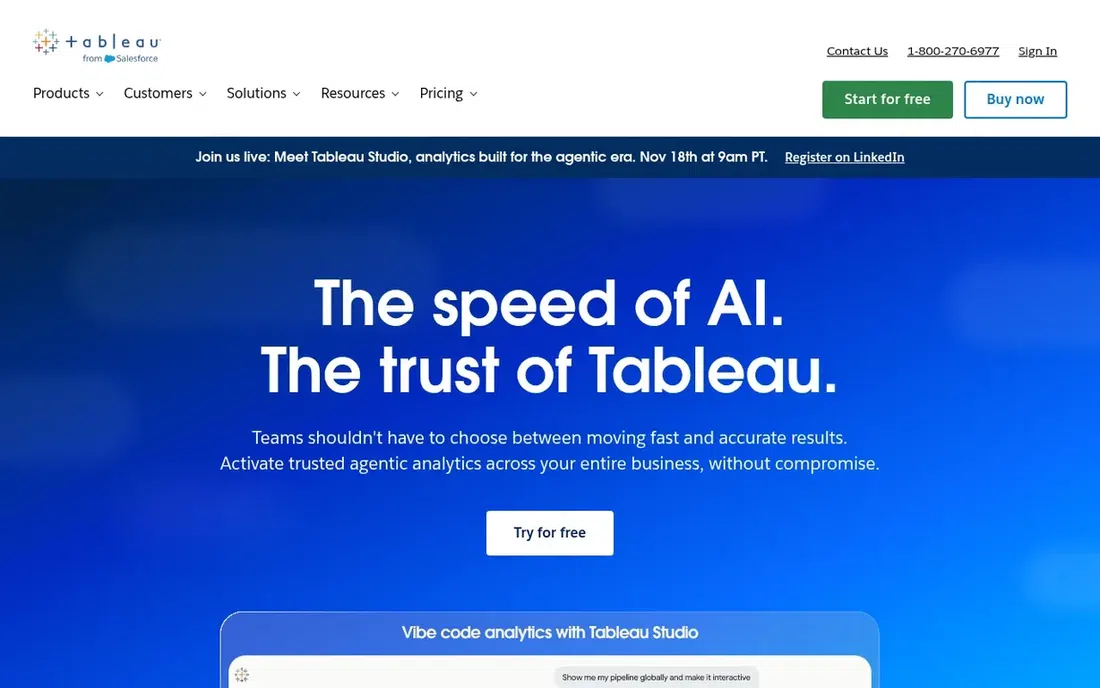
Tableau makes the most sense for visual exploration and wide data connectivity. Choose Tableau when visual discovery and sharing are central, and consider alternatives when embedded analytics or natural language search is the priority.
Honest limits: Governance setup takes planning.
Tableau is a business intelligence and analytics product built around visual exploration. In daily use, users link to databases, drag-and-drop fields to build charts, and publish dashboards for others. Tableau pricing: $15 per user per month. You can start on Tableau without paying.
- Drag-and-drop visualization building
- Connects to almost any database
- Advanced modeling can need training
Amazon QuickSight is a good fit for AWS native business intelligence. Choose QuickSight when your data lives on AWS and you want a native analytics choice that scales with your cloud footprint. From a buyer's view, Amazon QuickSight is AWS's AI powered business intelligence service.
Points against: Advanced authoring may need training.
Its homepage flags unified intelligence, actionable analytics and democratized data access for everyone. Teams outside AWS may find integration less natural than with cloud neutral tools. Check the vendor site for Amazon QuickSight pricing; none is listed in this comparison. As for free access: Not stated.
- AI powered business intelligence
- Democratized data access
- Best fit for AWS centric environments
How we compared the tools
What to check before you buy
- Confirm the entry price on the vendor page. For Domo, Qlik Sense and Amazon QuickSight that means a quote rather than a fixed price.
- Test the free plan from Tableau against your real workload before relying on it.
- Run a trial of ThoughtSpot and Domo with real work before paying for a year; your own workflow is the best test.
- Read the limits listed for ThoughtSpot first: search driven model may need user training.
- Pick one real project and run it in Tableau first; a small pilot shows fit faster than a checklist.
- List the apps you already depend on and check that Qlik Sense supports each one on the plan you would buy.
FAQ
What makes an analytics tool self service?
Look for drag-and-drop interfaces, governed data access and clear sharing controls. The tools compared here vary in how much setup they need.
Is ThoughtSpot the right pick for everyone comparing self service analytics tools?
No single tool suits every team. ThoughtSpot comes first because it fits search and AI driven insights, while Domo suits connecting and governing data for AI and Qlik Sense suits analytics with integrated data preparation. Match the tool to your own size, budget and workflow before deciding.
Do these tools publish their prices?
Not all of them. Domo, Qlik Sense and Amazon QuickSight publish no starting price, so expect a quote request for those. The rest, ThoughtSpot included, show a starting price, though seats and billing terms still change the final cost.
Can I try these options before paying?
Often, yes. Tableau has a free plan and ThoughtSpot and Domo offer a free trial. Use your own data and a real task during the test, and check what the free tier or trial limits before you rely on it. All 5 picks in this self service analytics tools comparison list a starting price, free plan details and the main limits on their cards above.
What is the cheapest option for self service analytics tools in this list?
On published monthly entry prices, Tableau is the lowest here at $15 per user per month. Entry price is only part of the cost, because seats, add-ons and billing terms can change the total. For the full picture, the cards above cover all 5 entries of this self service analytics tools list, including price, free plan and limits.
Sources
- https://www.thoughtspot.com
- https://www.domo.com
- https://www.qlik.com
- https://www.tableau.com
- https://aws.amazon.com/quicksight