Best Self Service BI Tools in 2026: Prices, Free Plans and 6 Picks
Weighing the best self service BI tools? We lined up 6 products by cost, free access and fit. Every pick includes one clear drawback. Checked this month.
- Editor's choiceIBM Cognos Analytics
AI-assisted reporting and dashboards
Starts atSee websiteVisit ibm.comFull review - Great alternative
 Domo
Governed data and dashboards in one system
Starts atSee websiteVisit domo.comFull review - Also consider
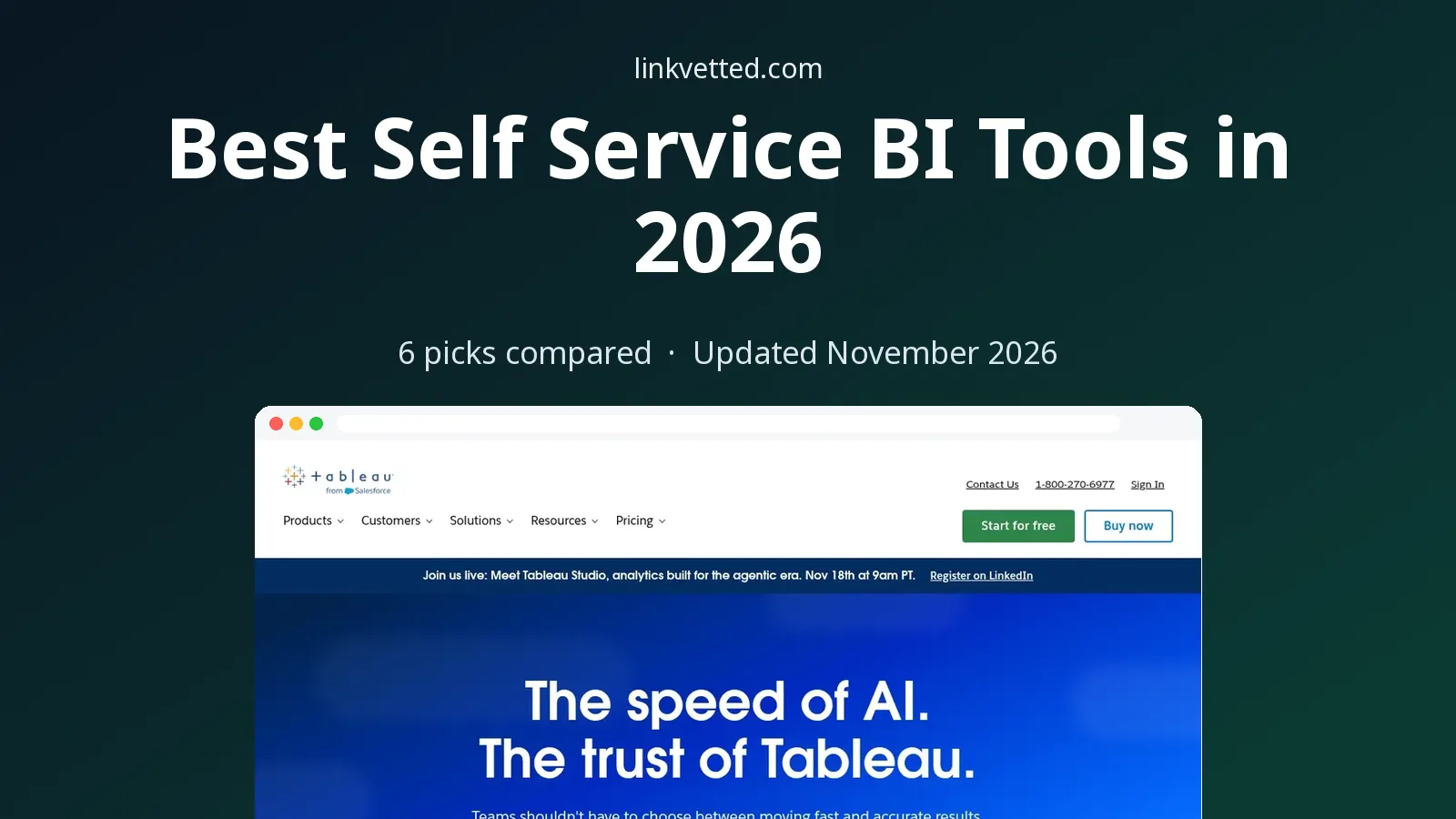
 Tableau
Visual exploration and dashboards
Starts at$15 per user per monthVisit tableau.comFull review
Direct answer
For AI-assisted reporting and dashboards, IBM Cognos Analytics is where this list starts. Listed starting prices: Tableau from $15 per user per month. Domo is better for governed data and dashboards in one platform, and Tableau is better for visual exploration and dashboards. The remaining 3 options are covered below with prices and limits.
TL;DR:
- Number one here is IBM Cognos Analytics, a fit for AI-assisted reporting and dashboards.
- For embedded analytics in products, Sisense is worth a look.
- A fair warning about Looker: tied to Google Cloud context.
- Tableau is the only tool of the 6 with a free plan.
Last checked November 2026. Prices and plan details were read from the vendors' own pages in November 2026; vendors change plans often, so confirm the current price on the vendor site before you buy.
Quick comparison
| Tool | Best for | Starts at | Free plan? | |
|---|---|---|---|---|
| IBM Cognos Analytics | AI-assisted reporting and dashboards | See website | Not stated | Visit |
| Domo | Governed data and dashboards in one system | See website | Free trial | Visit |
| Tableau | Visual exploration and dashboards | $15 per user per month | Yes | Visit |
 Looker | Governed and embedded analytics | See website | Not stated | Visit |
| SAP Analytics Cloud | BI with planning and predictive analysis | See website | Not stated | Visit |
 Sisense | Embedded analytics in products | See website | Free trial | Visit |
The full self service BI tools list
This LinkVetted guide covers 6 self service BI tools. Each profile lists a starting price, free plan details, strengths and drawbacks, so you can drop poor fits quickly.
IBM Cognos Analytics
Best for: AI-assisted reporting and dashboards
IBM Cognos Analytics works best for AI-assisted reporting and dashboards. IBM Cognos Analytics helps users explore data, build reports and produce dashboards with AI-driven insights targeted at spotting trends and supporting decisions. More specifically, Cognos carries the depth of a long-standing enterprise product.
Drawbacks to consider: Interface can feel dense.
So the interface and administration can feel heavy for small teams seeking fast, light dashboards. More specifically, groups prioritizing visual simplicity or embedded product analytics may prefer Tableau or Sisense. Check the vendor site for IBM Cognos Analytics pricing; none is listed in this comparison. Trial and free access: Not stated.
- Report and dashboard building
- Data exploration tools
- Administration needs planning
Domo is designed for governed data and dashboards in one product. Domo positions its platform around governed data for AI agents, with products to connect and move data from numerous sources, prepare and expand access for exploration, and accelerate business-critical insights.
Watch-outs: Feature depth varies by use.
Best features of Domo: Data connection and movement. Worth adding: teams wanting a focused visualization tool or analytics embedded in an existing product may find Tableau or Sisense a simpler fit. As for the details, a product spanning data integration, preparation and analytics needs deliberate governance and onboarding to avoid sprawl. This comparison lists no price for Domo; ask the vendor. Trial and free access: Free trial.
- Data preparation and access
- Business-critical insights
- Broad system needs governance
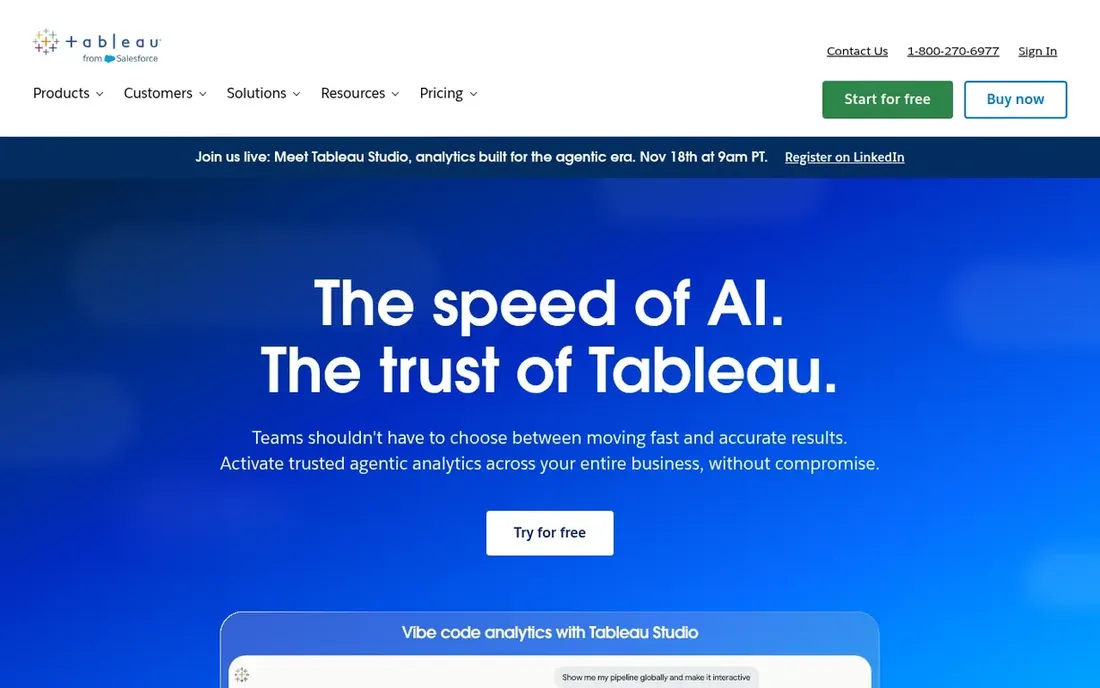
Tableau was built for visual exploration and dashboards. Users link to databases, drag-and-drop fields to build charts and dashboards, and share results with a click.
From a buyer's view, the adaptability that makes Tableau approachable can also produce sprawling workbooks that require governance and training to keep consistent. The starting price for Tableau: $15 per user per month. You can start on Tableau without paying.
Trade-offs to know: Advanced modeling needs training.
- Drag-and-drop visualization building
- Share dashboards with a click
- Governance needs setup
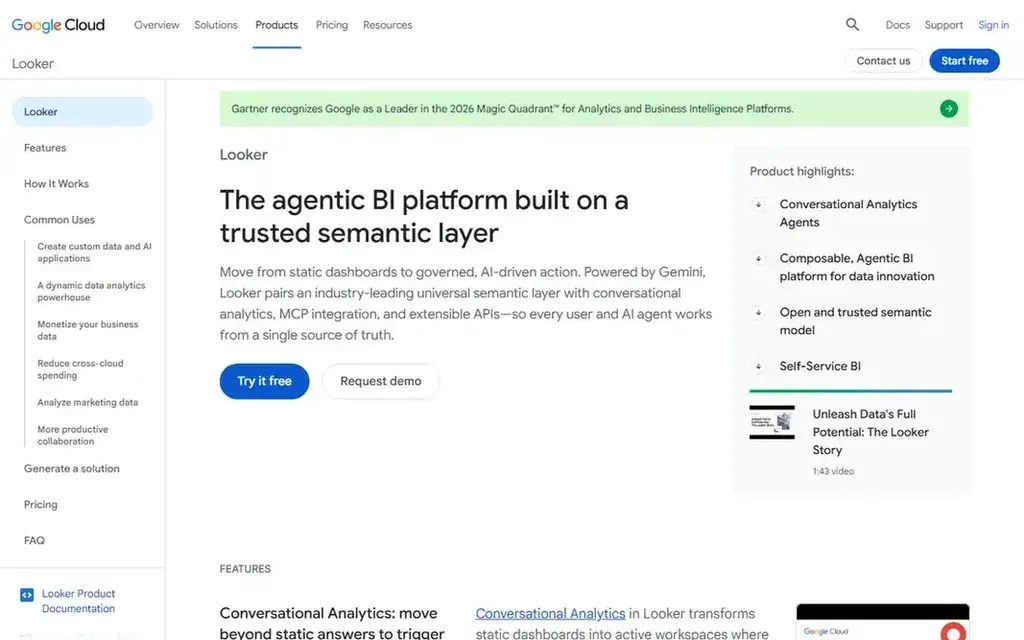
Looker serves governed and embedded analytics. Looker is Google Cloud's business intelligence and embedded analytics system. It brings together metrics through a trusted semantic layer and brings Gemini agents for assisted analysis.
In daily use, Looker's strength in governed modeling means setup relies on data modeling skills. The product is most natural for teams invested in Google Cloud. Pricing for Looker is not stated here, so ask the vendor for current figures. As for free access: Not stated.
Where it is weaker: Modeling needs expertise.
- Gemini agents on Google Cloud
- Trusted semantic layer
- Tied to Google Cloud context
SAP Analytics Cloud
Best for: BI with planning and predictive analysis
SAP Analytics Cloud is designed for BI with planning and predictive analysis. The product's breadth in planning and prediction can mean more configuration than a pure visualization tool needs.
What to check first: Configuration can be involved.
SAP Analytics Cloud does not show a starting price in this comparison, so check the vendor site for current pricing. Free access: Not stated.
- Planning capabilities
- Predictive analysis tools
- Best fit within SAP landscapes
Pick Sisense if this describes you: embedded analytics in products. Sisense gives AI-powered embedded analytics built to turn data into revenue, offering pro-code, low-code and no-code adaptability.
It suits software firms and product teams that want to place dashboards and insights inside their own applications whereas giving different skill levels appropriate ways to build and customize them. Check the vendor site for Sisense pricing; none is listed in this comparison. As for free access: Free trial.
Where it falls short: Embedding focus may exceed needs. What works well: AI-powered insights.
- Low-code and no-code choices
- Pro-code
- Setup relies on product context
How these tools were picked
Questions to settle before buying
- Confirm the entry price on the vendor page. For IBM Cognos Analytics, Domo, Looker and others that means a quote rather than a fixed price.
- Look at the free plan from Tableau closely: its caps decide whether it is usable for real work.
- Run a trial of Domo and Sisense with real work before paying for a year; your own workflow is the best test.
- Before choosing IBM Cognos Analytics, weigh its main limit: interface can feel dense.
- Verify that exporting from Looker is possible on your plan and covers all your records.
- Get the contract term, renewal terms and any onboarding fees from Sisense in writing.
FAQ
Which self service BI tools have a free plan?
Tableau is the only tool in this list with a free plan. Free plans usually cap users, projects or features, so check the limits on the vendor page. Several others offer a trial instead. Each of the 6 options in this self service BI tools guide has its own card above with the price, free plan and limits.
What is the cheapest option for self service BI tools in this list?
On published monthly entry prices, Tableau is the lowest here at $15 per user per month. Entry price is only part of the cost, because seats, add-ons and billing terms can change the total. All 6 picks in this self service BI tools comparison list a starting price, free plan details and the main limits on their cards above.
Do I need a semantic layer?
If numerous people report on the same numbers, governed definitions reduce conflicting dashboards, whereas smaller teams may start with more straightforward visualization tools.
Is IBM Cognos Analytics the right pick for everyone comparing self service BI tools?
No single tool suits every team. IBM Cognos Analytics comes first because it fits AI-assisted reporting and dashboards, while Domo suits governed data and dashboards in one platform and Tableau suits visual exploration and dashboards. Match the tool to your own size, budget and workflow before deciding.
Can I try these options before paying?
Often, yes. Tableau has a free plan and Domo and Sisense offer a free trial. Use your own data and a real task during the test, and check what the free tier or trial limits before you rely on it. For the full picture, the cards above cover all 6 entries of this self service BI tools list, including price, free plan and limits.
What makes a BI tool self-service?
Self-service BI lets business users explore data, build visualizations and share findings with restricted help from IT. Look for drag-and-drop interfaces, reusable data models and permission controls that keep shared metrics consistent.
Sources
- https://www.ibm.com/products/cognos-analytics
- https://www.domo.com
- https://www.tableau.com
- https://cloud.google.com/looker
- https://www.sap.com/products/technology-platform/cloud-analytics.html
- https://www.sisense.com