Self-Serve Analytics Tools in 2026: The 5 Best Options Side by Side
Compare 5 best Self-Serve analytics tools, with prices, free plans and who each fits. Price notes and drawbacks come with each one. Skim the table first.
- Editor's choice
 Tableau
Visual exploration across numerous databases
Starts at$15 per user a monthVisit tableau.comFull review - Great alternative
 Amplitude
Teams building self-improving products
Starts atSee websiteVisit amplitude.comFull review - Also consider
 Looker Studio
Free-form dashboards and shareable reports
Starts atSee websiteVisit lookerstudio.google.comFull review
Direct answer
This list puts Tableau first for visual exploration across numerous databases. Listed starting prices: Tableau from $15 per user a month, Mixpanel from $100 a month and Databox from $79 a month. If your case is different, Amplitude suits teams building self-improving products and Looker Studio suits free-form dashboards and shareable reports. Prices, free plans and limits for all 5 tools follow.
TL;DR:
- The list opens with Tableau, aimed at visual exploration across plenty of databases.
- Tableau has the lowest monthly starting price in this list: $15 per user per month.
- Databox is the one to check for agencies combining performance data with AI.
- Amplitude comes with a trade-off: broad scope can feel heavy for straightforward needs.
Last checked November 2026. Prices and plan details were read from the vendors' own pages in November 2026; vendors change plans often, so confirm the current price on the vendor site before you buy.
Quick comparison
| Tool | Best for | Starts at | Free plan? | |
|---|---|---|---|---|
| Tableau | Visual exploration across numerous databases | $15 per user a month | Yes | Visit |
| Amplitude | Teams building self-improving products | See website | Not stated | Visit |
| Looker Studio | Free-form dashboards and shareable reports | See website | Not stated | Visit |
 Mixpanel | Product teams wanting analytics plus replay | $100 a month | Yes | Visit |
 Databox | Agencies combining performance data with AI | $79 a month | Free trial | Visit |
5 Self-Serve analytics tools in detail
This LinkVetted guide covers 5 Self-Serve analytics tools. Each profile lists a starting price, free plan details, strengths and drawbacks, so you can drop poor fits quickly.
For visual exploration across numerous databases, Tableau is a natural candidate. Tableau is business intelligence and analytics software that helps people see and understand their data, connecting to almost any database with drag-and-drop visualization and one-click sharing. Tableau is a general BI tool instead of a product analytics product, so event tracking, session replay and experimentation are outside its core scope.
Also, Authoring rich visualizations takes practice, and self-serve users may need enablement. In practice, if your priority is understanding in-product behavior, a dedicated analytics tool is the better starting point. Tableau starts at: $15 per user per month. A free plan is available with Tableau.
Where it is weaker: Authoring has a ramp-up time.
- Sharing dashboards with a click
- Drag-and-drop visualization building
- Not a product event analytics tool
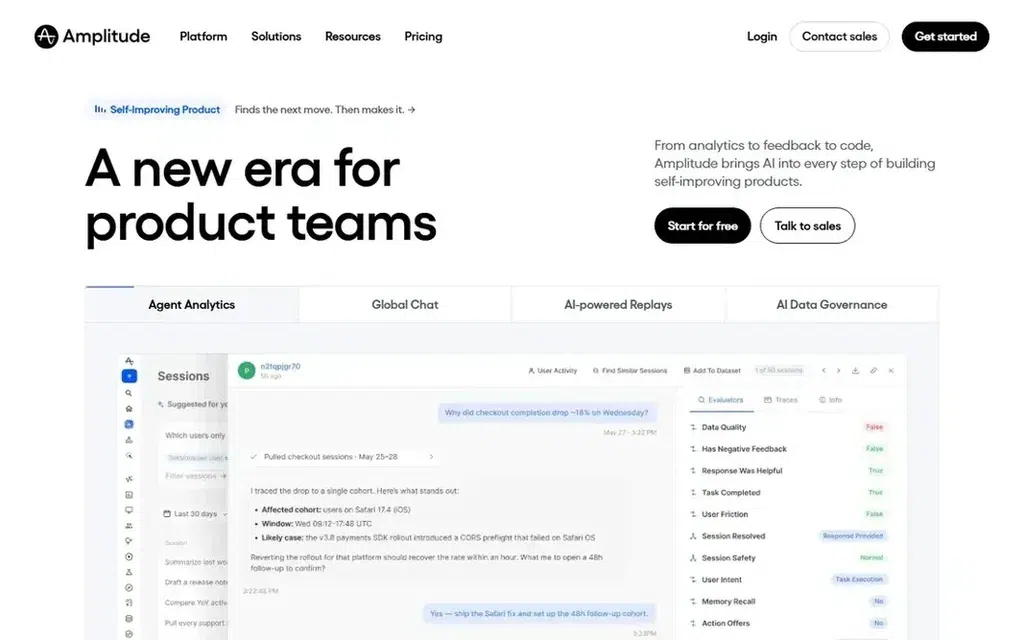
Amplitude targets teams building self-improving products. Confirm current capabilities on the vendor site before committing.
If you need light dashboards instead of a product intelligence workflow, a more straightforward tool may be simpler to adopt. Amplitude does not show a starting price in this comparison, so check the vendor site for current pricing. Trial and free access: Not stated.
Where it is weaker: Wide scope can feel heavy for straightforward needs.
- AI applied across the product-building steps
- Feedback and code in one flow
- Product focus over marketing reporting
Choose Looker Studio for free-form dashboards and shareable reports. Looker Studio is not a behavioral analytics engine on its own, so the depth of insight depends entirely on the sources you connect.
For everyday use, marketing and operations teams commonly use it to assemble a single dashboard across multiple platforms without deep technical work. Worth adding: if you want built-in exploration rather than dashboard assembly, look at the product-focused choices above. Pricing for Looker Studio is not stated here, so ask the vendor for current figures. On free options: Not stated.
Drawbacks to consider: Less deep behavioral analysis.
- Interactive dashboards from connected data
- Performs well as a reporting layer
- Relies on the data sources you link
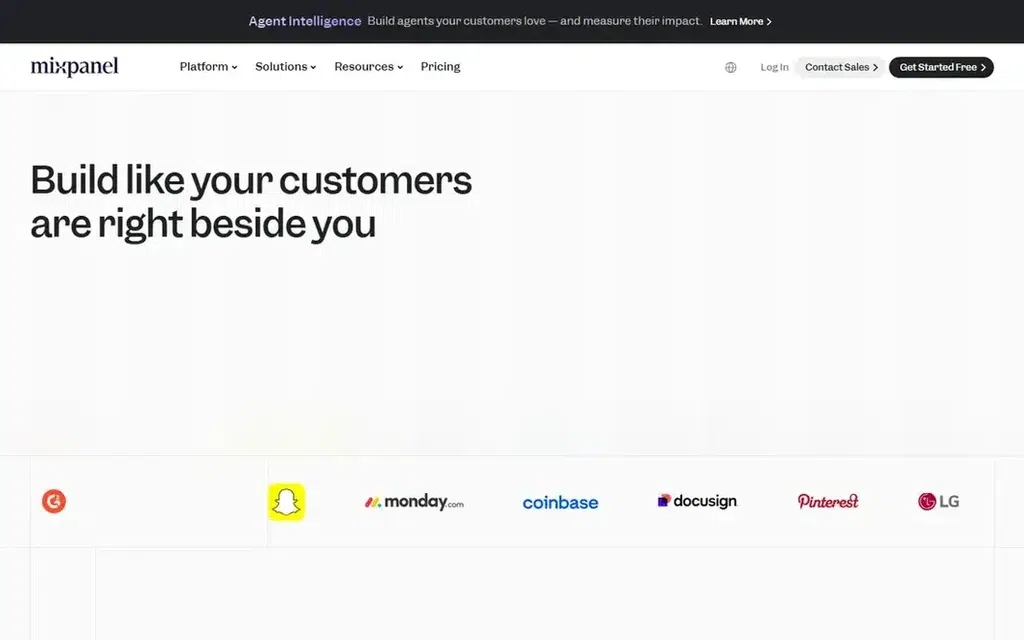
Mixpanel serves product teams wanting analytics plus replay. Mixpanel describes itself as a product intelligence system for the AI era, bringing analytics, session replay, experiments, feature flags and AI-powered insights together. Since Mixpanel is built around product events, teams with heavy marketing attribution or content reporting needs may find it narrower than a general web analytics suite.
Downsides: Product-centric instead of marketing-centric.
What users get: Merges analytics; session replay and experiments. From a buyer's view, setup needs deliberate event tracking, which takes upfront effort. For everyday use, self-serve exploration is central, so analysts and product managers can answer questions without waiting on engineering. Beyond that, consider another choice if your primary goal is executive dashboards across plenty of unrelated data sources. Starting cost for Mixpanel: $100 per month. Mixpanel has a free plan.
- Feature flags support release testing
- AI-powered insights surface patterns
- Event-based setup takes planning
Where Databox fits: agencies combining performance data with AI. The system orientation toward action makes it handy for recurring client or team reporting. Confirm supported integrations and workflow features on the vendor site before deciding.
Watch-outs: Value relies on connected sources.
In practice, Databox is oriented around performance reporting instead of granular in-product behavior analysis. So teams studying funnels or retention may need a second tool. Its usefulness relies on which sources you link. In practice, Databox describes itself as an agentic analytics system that brings performance data, business context and AI workflows together so teams or agents can act quicker. On cost, Databox starts like this: $79 per month. Free access: Free trial.
- AI workflows support quicker action
- Aimed at agencies and teams
- Less suited to deep product analysis
How we chose
For each of the 5 tools we noted price, free plan or trial, fit for Self-Serve analytics tools and the main limit, using vendor pages and documentation. Where a vendor does not publish a price, the entry says quote. Where a price depends on seats or billing term, the entry says so. Order on the page follows fit for the typical buyer first, then price transparency and free access. Your own requirements should decide the final pick.
Questions to settle before buying
- Confirm the entry price on the vendor page. For Amplitude and Looker Studio that means a quote rather than a fixed price.
- Read the fine print on the free plans from Tableau and Mixpanel; seat, project and feature caps differ.
- Run a trial of Databox with real work before paying for a year; your own workflow is the best test.
- Before choosing Tableau, weigh its main limit: Authoring has a learning curve.
- Check the integration list for Mixpanel against the tools you run today, and note which ones need a higher plan.
- Work out what Databox costs with your real seat count, add-ons and usage, not just the entry price.
FAQ
Which options for Self-Serve analytics tools have a free plan?
On this list, Tableau and Mixpanel include a free plan. Caps on seats, usage or features are common, so test the free plan against your real workload. One other tool offers a trial instead.
How do I evaluate setup effort before buying?
Review the vendor documentation for tracking plans, data connections and permissions, and note whether specialist help is generally needed. Enterprise-oriented tools tend to need more governance work than lighter self-serve choices.
Do these tools publish their prices?
Not all of them. Amplitude and Looker Studio publish no starting price, so expect a quote request for those. The rest, Tableau included, show a starting price, though seats and billing terms still change the final cost.
Can I try these options before paying?
Often, yes. Tableau and Mixpanel have a free plan and Databox offers a free trial. Use your own data and a real task during the test, and check what the free tier or trial limits before you rely on it.
How are the tools for Self-Serve analytics tools ordered?
Tableau sits first and Databox last because the order follows typical fit for Self-Serve analytics tools, then price clarity and free access. It is a judgement call, so read each profile for fit and limits.
Sources
- https://www.tableau.com
- https://amplitude.com
- https://lookerstudio.google.com
- https://mixpanel.com
- https://databox.com