Software for Trade Analytics and Replay in 2026: The 6 Best Options Side by Side
6 products for the best software for trade analytics and replay, ranked by fit, with starting costs and free tiers. With pricing notes and limits. No filler.
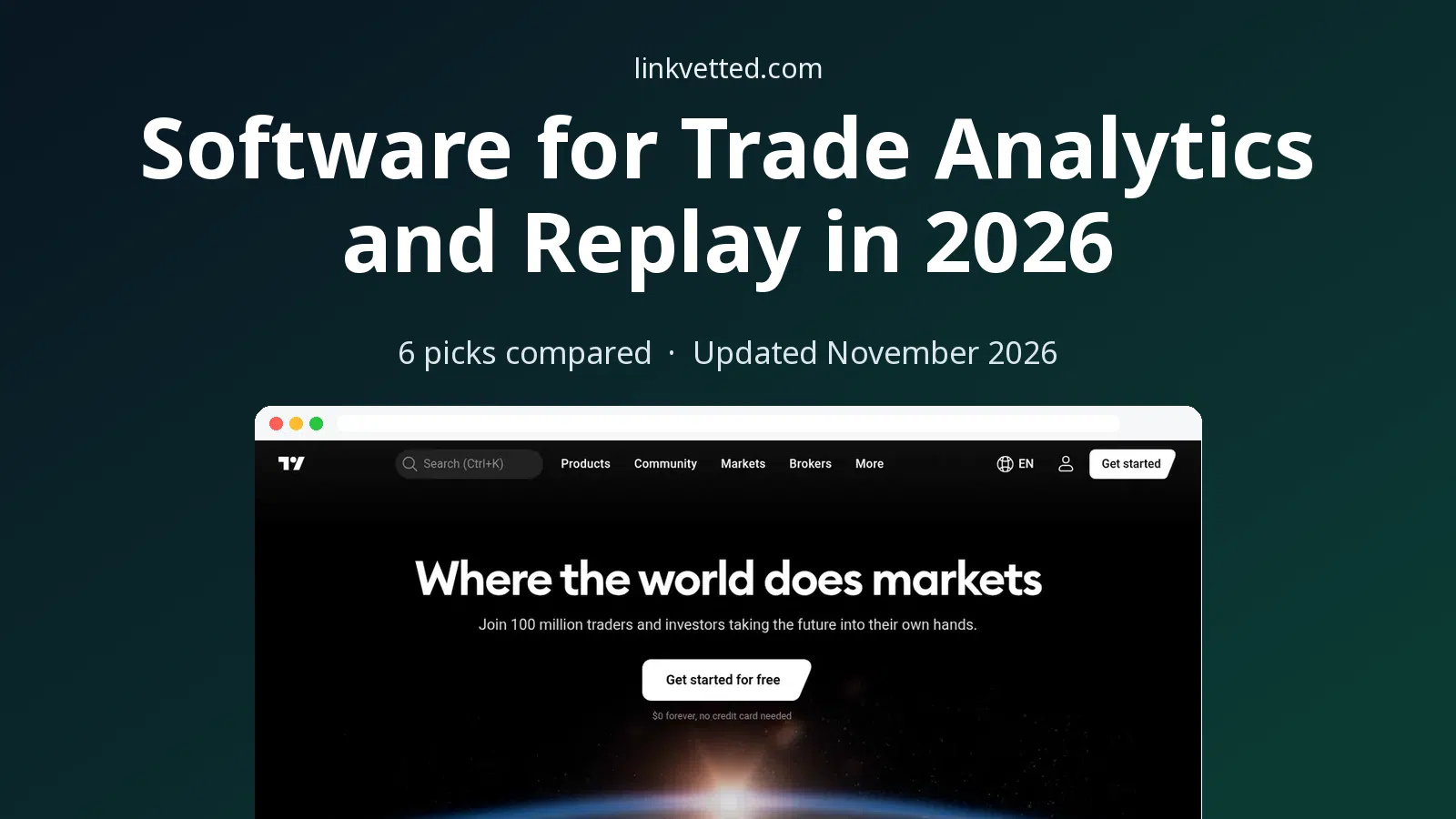
- Editor's choice
 TradeStation
Full-suite brokerage and advanced technology
Starts at$0.50 per contract per sideVisit tradestation.comFull review - Great alternativeBookmap
Live order flow visualization
Starts at$34 a monthVisit bookmap.comFull review - Also consider
 MultiCharts
Backtesting and algo trading
Starts at$99 a monthVisit multicharts.comFull review
Direct answer
For full-suite brokerage and advanced technology, TradeStation is where this list starts. Listed starting prices: TradeStation from $0.50 per contract per side, Bookmap from $34 a month and MultiCharts from $99 a month. Bookmap is the stronger choice for live order flow visualization, while MultiCharts suits Backtesting and algo trading. Prices, free plans and limits for all 6 tools follow.
TL;DR:
- TradeStation is the opening pick, best for full-suite brokerage and advanced technology.
- A fair warning about Jigsaw Trading: niche focus on futures.
- 4 of 6 tools offer a free plan: Bookmap, MultiCharts, TradingView, NinjaTrader.
- For futures trading with strategy testing, NinjaTrader is worth a look.
Last checked November 2026. Prices and plan details were read from the vendors' own pages in November 2026; vendors change plans often, so confirm the current price on the vendor site before you buy.
Quick comparison
| Tool | Best for | Starts at | Free plan? | |
|---|---|---|---|---|
| TradeStation | Full-suite brokerage and advanced technology | $0.50 per contract per side | Not stated | Visit |
| Bookmap | Live order flow visualization | $34 a month | Yes | Visit |
| MultiCharts | Backtesting and algo trading | $99 a month | Yes | Visit |
| Jigsaw Trading | Order flow and trade analytics education | $50 a month | No | Visit |
 TradingView | Charting and social market analysis | $12.95 a month | Yes | Visit |
 NinjaTrader | Futures trading with strategy testing | $99 a month | Yes | Visit |
Software for Trade Analytics and Replay profiles
If you are comparing software for trade analytics and replay, this page covers 6 tools in one place: what each is best for, what it costs to start, whether it has a free plan, and the main limit to know about.
TradeStation makes the most sense for full-suite brokerage and advanced technology. TradeStation supplies a full suite of advanced trading technology, online brokerage services, and education. It supports stocks, ETFs, choices, and futures, making it a versatile system for active traders.
In practice, TradeStation's comprehensive offerings can be overwhelming, and some features may need an active brokerage account. Its fee structure can be complicated to navigate. Worth adding: the system contains analytics and automation features right for strategy development. What you pay to start with TradeStation: $0.50 per contract per side. Free plan details: Not stated.
Limits to weigh: Complicated fee structure.
- Educational resources
- Brokerage services
- May need account
Bookmap
Best for: Live order flow visualization
Where Bookmap fits: live order flow visualization. It is especially handy for traders who want to understand market depth and order flow patterns. In daily use, the product spans futures and stocks, making it a valuable tool for scalpers and short-term traders.
The main drawbacks: May need powerful hardware.
In practice, Bookmap's specialization in order flow means it may not cater to traders concentrated on other analytics like fundamental data. Its visualizations can be resource-intensive. On cost, Bookmap starts like this: $34 per month. Bookmap offers a free plan.
- Futures and stocks coverage
- Live liquidity visualization
- Specialized focus on order flow
MultiCharts is a good fit for Backtesting and algo trading. MultiCharts is a trading platform for backtesting and automatic trading, offering advanced analytics, technical indicators, and strategy optimization. It is built for traders who develop and test systematic strategies.
MultiCharts is feature-rich but can be complicated for discretionary traders or those new to algorithmic trading. On top of that, the product supports a set of assets and supplies solid tools for quantitative analysis. The starting price for MultiCharts: $99 per month. MultiCharts has a free plan.
Trade-offs to know: Complicated for beginners.
- Automatic trading
- Advanced backtesting
- Concentrated on technical analysis
Jigsaw Trading
Best for: Order flow and trade analytics education
Jigsaw Trading was built for order flow and trade analytics education. Jigsaw Trading supplies trading tools for futures traders, including order flow software, market intelligence, and trader education. Its analytics focus on understanding market behavior through order flow.
Honest limits: Niche focus on futures.
Jigsaw Trading is tailored to futures and order flow, so it may not suit traders in other markets or those seeking broader analytics. The educational component is solid, but the software's scope is narrower than some multi-asset products. Entry price for Jigsaw Trading: $50 per month. Jigsaw Trading has no free tier.
- Trader education
- Order flow software
- Restricted asset coverage

TradingView was built for charting and social market analysis. Its super-charting tools and community features make it well suited to traders who value collaboration and visual analysis. Beyond that, traders seeking deep market microstructure or advanced replay may have to complement it with other software.
It remains a capable starting point for general market analysis. Whereas TradingView excels at charting and social interaction, its order flow and replay capabilities are less specialized than dedicated analytics tools. TradingView cost at the entry level: $12.95 per month. Free access exists with TradingView.
Where it is weaker: Replay features may need upgrade.
- Supercharged charting
- Social network integration
- Restricted order flow depth
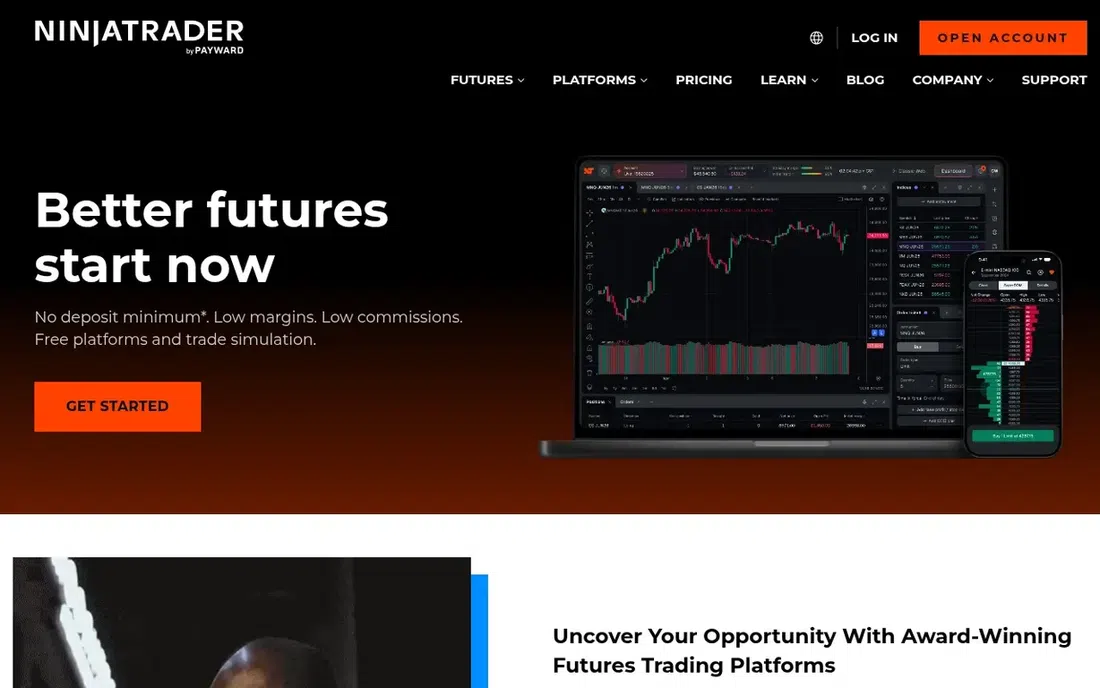
For futures trading with strategy testing, NinjaTrader is a natural candidate. NinjaTrader is a futures brokerage and trading product that emphasizes learning, understanding trading performance, and testing strategies. Worth adding: the product is well-suited for futures traders who want an integrated environment for execution, analytics, and simulation.
As for the details, with AI assistance, it helps traders refine their approach. More specifically, for those centred on futures and strategy development, it offers a solid set of tools, but others might prefer products with broader asset coverage. NinjaTrader is primarily oriented toward futures, so traders in other asset classes may find it less thorough. Its advanced features can need time to master. NinjaTrader starts at: $99 per month. A free plan is available with NinjaTrader.
Highlights: Strategy backtesting. Trade-offs to know: Ramp-up time for advanced features.
- AI-powered insights
- Futures brokerage integration
- Concentrated on futures
How the list was put together
Pricing pages, product documentation and feature lists were the main sources, and every entry carries at least one honest drawback. Prices and plan limits come from vendor pages and can change, so confirm them on the vendor site before you buy. Tools are placed by general fit for software for trade analytics and replay, with price clarity and free access as tie-breakers. A different team can reasonably rank them differently.
Before you commit
- Prices are a starting point; TradingView shows $12.95 per month to start, so verify what your seat count would cost.
- Read the fine print on the free plans from Bookmap, MultiCharts, TradingView and NinjaTrader; seat, project and feature caps differ.
- Read the limits listed for TradeStation first: may require account.
- Work out what MultiCharts costs with your real seat count, add-ons and usage, not just the entry price.
- Check whether the features you need in Jigsaw Trading sit on the entry plan or only on higher tiers.
FAQ
Which options for software for trade analytics and replay have a free plan?
Bookmap, MultiCharts, TradingView and NinjaTrader offer a free plan in this list. Free plans usually cap users, projects or features, so check the limits on the vendor page.
Is TradeStation the right pick for everyone comparing software for trade analytics and replay?
No single tool suits every team. TradeStation comes first because it fits full-suite brokerage and advanced technology, while Bookmap suits real-time order flow visualization and MultiCharts suits Backtesting and algo trading. Match the tool to your own size, budget and workflow before deciding.
Can I try these tools before paying?
Often, yes. Bookmap, MultiCharts, TradingView and NinjaTrader have a free plan. Use your own data and a real task during the test, and check what the free tier or trial limits before you rely on it.
Which tool is a good match for order flow analytics?
This list starts with TradeStation, which fits full-suite brokerage and advanced technology. For other needs, Bookmap is aimed at real-time order flow visualization, and MultiCharts at Backtesting and algo trading. Check each tool's price and main limit first.
What is the cheapest option for software for trade analytics and replay in this list?
On published monthly entry prices, TradingView is the lowest here at $12.95 per month. Entry price is only part of the cost, because seats, add-ons and billing terms can change the total. Prices, free plan details and limits for all 6 tools in this software for trade analytics and Replay roundup sit on the individual cards above.
Sources
- https://www.tradestation.com
- https://bookmap.com
- https://www.multicharts.com
- https://www.jigsawtrading.com
- https://www.tradingview.com
- https://ninjatrader.com