Ruby on Rails IDE in 2026: The 6 Best Options Side by Side
Best ruby on rails IDE, compared. 6 tools with published prices, free plans and limits. Trade-offs are spelled out for each entry. Refreshed for 2026.
- Editor's choice
 Sublime Text
Quick, light text editing
Starts atPricing on requestVisit sublimetext.comFull review - Great alternative
 Visual Studio Code
Extensible cross-language editing
Starts atPricing on requestVisit code.visualstudio.comFull review - Also consider
 Nova
Native Mac editing experience
Starts atPricing on requestVisit nova.appFull review
Direct answer
Sublime Text is the first pick on this list for quick, light text editing. For a different need, Visual Studio Code covers Extensible cross-language editing and Nova covers native Mac editing experience. The full list of 6 tools follows, with free plan facts. None of these vendors publish plan prices, so pricing is on request for every option.
TL;DR:
- Sublime Text sits first on this list: quick, lightweight text editing.
- What to know about Atom first: officially sunset and archived.
- For dedicated Ruby and Rails development, RubyMine is worth a look.
- Every tool from Sublime Text to RubyMine works by quote, with no list price shown.
- Neither Sublime Text nor RubyMine, nor any of the other 4 tools, has a permanent free plan; trials and quotes are the norm.
Last checked November 2026. Pricing on request: vendors did not publish plan prices when this guide was last checked (November 2026), so ask each vendor for a written quote.
Quick comparison
| Tool | Best for | Starts at | Free plan? | |
|---|---|---|---|---|
| Sublime Text | Quick, light text editing | Pricing on request | Not stated | Visit |
| Visual Studio Code | Extensible cross-language editing | Pricing on request | Not stated | Visit |
| Nova | Native Mac editing experience | Pricing on request | Not stated | Visit |
 Atom | Legacy projects only | Pricing on request | Not stated | Visit |
 Neovim | Customizable Vim-based workflows | Pricing on request | Not stated | Visit |
| RubyMine | Dedicated Ruby and Rails development | Pricing on request | Not stated | Visit |
The 6 tools in detail
LinkVetted put together this guide to ruby on rails IDE for readers who want a clear shortlist without reading every vendor page. It compares 6 tools on starting price, free plans, who each one suits and where each one falls short.
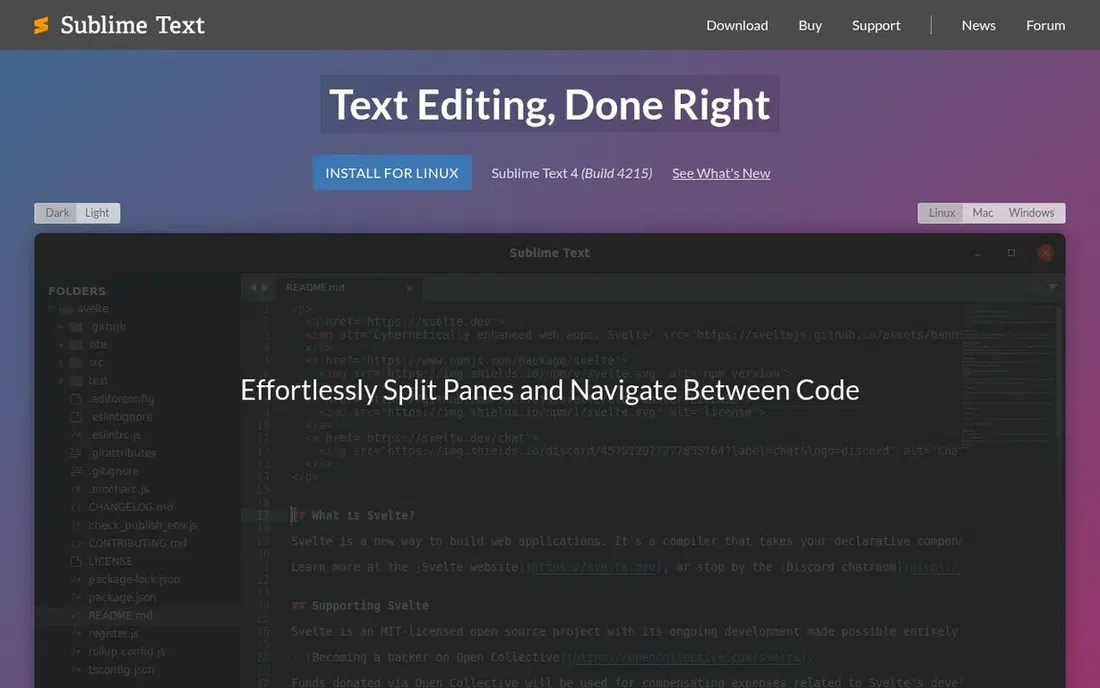
Sublime Text is aimed squarely at quick, light text editing. Sublime Text describes itself as a sophisticated text editor for code, markup and prose.
Its appeal for Rails work is speed and simplicity: it opens rapidly, stays responsive with large files and lets you shape the environment through packages. Sublime Text is a general editor, so Rails-specific navigation, testing and debugging need external packages and manual setup. Check the vendor site for Sublime Text pricing; none is listed in this comparison. On free options: Not stated.
Trade-offs to know: Features rely on packages.
Highlights: Takes care of code.
- Markup and prose
- Highly configurable
- Restricted Rails awareness from day one
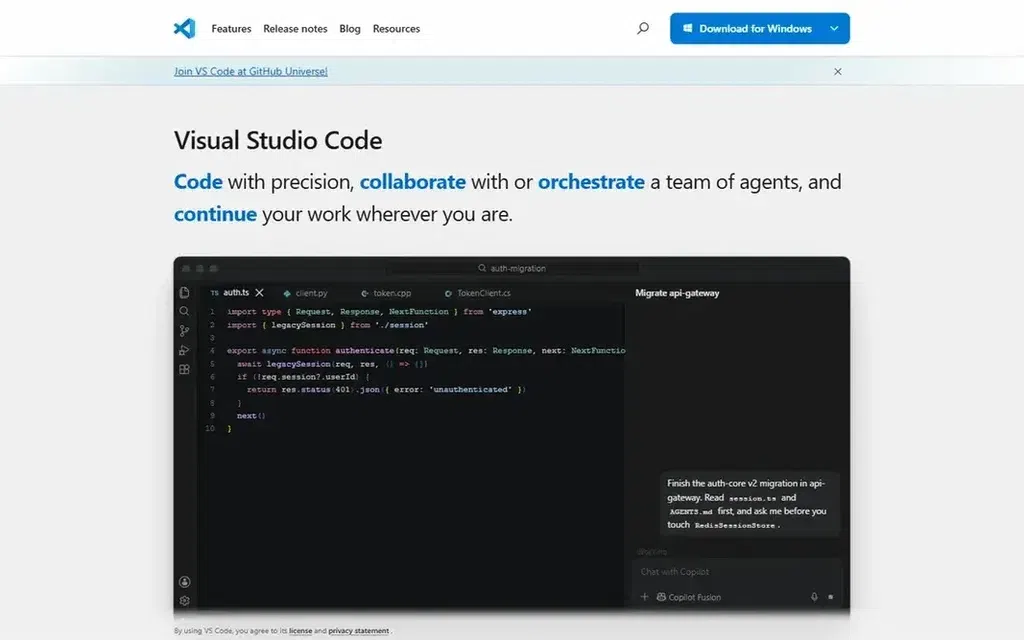
Visual Studio Code is designed for Extensible cross-language editing. Visual Studio Code is a widely used code editor concentrated on precision editing, collaboration with agents and continuing work across environments.
Because Rails awareness comes from extensions instead of the core editor, quality varies and setup takes effort. For everyday use, developers who want framework-specific refactoring and debugging without plugin tuning should look at RubyMine instead. Visual Studio Code does not show a starting price in this comparison, so check the vendor site for current pricing. Trial and free access: Not stated.
Downsides: Configuration can grow over time.
- Large extension ecosystem
- Works across operating systems
- Rails support relies on extensions
Nova serves native Mac editing experience. Rails-specific features also rely on extensions instead of deep framework integration, which matters if you want built-in refactoring and test tooling.
Drawbacks to consider: Rails support via extensions.
On top of that, Nova is a native Mac code editor from Panic, presented as beautiful, quick and adaptable. Nova does not show a starting price in this comparison, so check the vendor site for current pricing. On free options: Not stated.
- Built by Panic
- Quick and adaptable editing
- Mac only
Pick Atom if this describes you: legacy projects only. Some developers still encounter it in existing setups or older documentation and want to understand where it suits.
Honest limits: No continuing development.
Atom is an open-source, hackable text editor that was widely used for web development, including Rails projects, thanks to its package system and approachable interface. Pricing for Atom is not stated here, so ask the vendor for current figures. As for free access: Not stated.
- Open-source editor with package support
- Familiar hackable interface
- Officially sunset and archived
Neovim is aimed squarely at customizable Vim-based workflows. That adaptability is also the cost: a productive Rails environment relies on configuration you maintain yourself, and behavior can shift as plugins change.
Trade-offs to know: Needs configuration effort.
This comparison lists no price for Neovim; ask the vendor. Free access: Not stated.
- Keeps Vim editing model
- Hyperextensible plugin architecture
- Not Rails-specific by default
RubyMine
Best for: Dedicated Ruby and Rails development
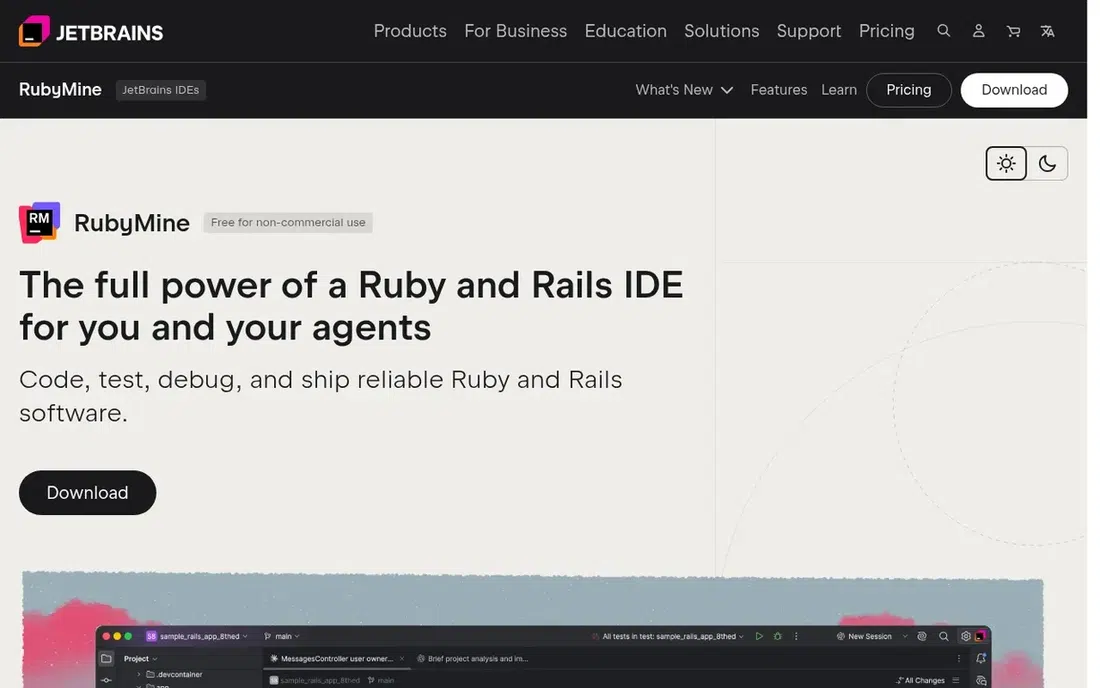
RubyMine works best for dedicated Ruby and Rails development. The trade-off is weight: a full IDE consumes more memory and startup time than a lean text editor, which matters on older machines or when you switch projects frequently.
What to check first: Commercial JetBrains product.
It handles coding, testing, debugging and shipping code, whether you work manually or with an agent. Check the vendor site for RubyMine pricing; none is listed in this comparison. As for free access: Not stated.
- Deep Rails-aware code understanding
- Integrated testing and debugging
- Heavier resource footprint than plain editors
How we compared the tools
We compared the tools on published pricing, free plan or trial availability, feature coverage for ruby on rails IDE, and the limits each vendor documents. Where a vendor does not publish a price, the entry says quote. Where a price depends on seats or billing term, the entry says so. Position on the page reflects fit for a typical buyer first, with price clarity and free access breaking ties. Treat it as a guide, not a ruling.
A buyer's checklist
- Ask each vendor, from Sublime Text to RubyMine, for a written quote; none of them publishes a starting price.
- Read the limits listed for Sublime Text first: limited Rails awareness from day one.
- Check the support hours and onboarding help Atom offers; smaller vendors vary a lot here.
- Price Nova for your actual team size; headline prices rarely include add-ons or overage.
- Confirm the exact Neovim plan that includes your must-have features.
FAQ
Does any tool for ruby on rails IDE here have a free plan?
A permanent free plan is not offered by Sublime Text, RubyMine or the other tools here. Plan a short evaluation period instead.
Can I try these tools before paying?
Not by default. None of the tools, from Sublime Text to RubyMine, lists a free plan or a free trial here, so ask each vendor for a demo before committing.
Do these tools publish their prices?
No. None of the tools, from Sublime Text to RubyMine, shows a fixed starting price here, so budget time for quotes.
How are the tools for ruby on rails IDE ordered?
Sublime Text sits first and RubyMine last because the order follows typical fit for ruby on rails IDE, then price clarity and free access. It is a judgement call, so read each profile for fit and limits.
Is a dedicated IDE better than a code editor for Rails?
A dedicated IDE for example RubyMine understands Rails conventions and bundles refactoring, navigation and debugging, which cuts setup work. General editors like VS Code or Sublime Text can match much of that through extensions but need configuration and continuing maintenance.
Sources
- https://www.sublimetext.com
- https://code.visualstudio.com
- https://nova.app
- https://atom.io
- https://neovim.io
- https://www.jetbrains.com/ruby