5 Best Restaurant Inventory Management Software for Remote Teams for 2026, Vetted and Compared
Best restaurant inventory management software for remote teams in 2026: 5 contenders with entry costs and free tiers. Short verdicts, no fluff. Decide faster.
- Editor's choice
 Crunchtime
Operations suite with inventory inside
Starts atSee websiteVisit crunchtime.comFull review - Great alternative
 Lightspeed Restaurant
POS with built-in management insights
Starts atSee websiteVisit lightspeedhq.comFull review - Also consider
 Restaurant365
Accounting plus inventory in one suite
Starts atSee websiteVisit restaurant365.comFull review
Direct answer
Crunchtime is the first pick on this list for operations suite with inventory inside. Listed starting prices: MarketMan from $249 a month and MarginEdge from $350 per location per month. Lightspeed Restaurant is the stronger choice for POS with built-in management insights, while Restaurant365 suits accounting plus inventory in one suite. Prices, free plans and limits for all 5 tools follow.
TL;DR:
- Crunchtime takes the first slot, best suited to operations suite with inventory inside.
- MarketMan is the lowest-priced starter here at $249 per month.
- A permanent free plan is missing from all 5 tools, Crunchtime and MarginEdge included; plan for a trial or a premium start.
- MarginEdge is the one to check for automatic invoice processing and cost tracking.
Last checked November 2026. Prices and plan details were read from the vendors' own pages in November 2026; vendors change plans often, so confirm the current price on the vendor site before you buy.
Quick comparison
| Tool | Best for | Starts at | Free plan? | |
|---|---|---|---|---|
| Crunchtime | Operations suite with inventory inside | See website | Not stated | Visit |
| Lightspeed Restaurant | POS with built-in management insights | See website | Not stated | Visit |
| Restaurant365 | Accounting plus inventory in one suite | See website | Not stated | Visit |
 MarketMan | Automatic counts and recipe costing | $249 a month | No | Visit |
 MarginEdge | Automatic invoice processing and cost tracking | $350 per location per month | Not stated | Visit |
Restaurant Inventory Management Software for Remote Teams profiles
Short on time? The summary and table above give the quick view of 5 restaurant inventory management software for remote teams, and the profiles that follow give the detail behind each entry.
Crunchtime is a good fit for operations suite with inventory inside. If your only need is counts and invoice capture, a focused inventory product will be more straightforward to run.
Check the vendor site for Crunchtime pricing; none is listed in this comparison. Free access: Not stated.
Downsides: Suite breadth brings complexity.
- Suited to multi-unit oversight
- Inventory within a wider toolset
- Inventory is one module among numerous
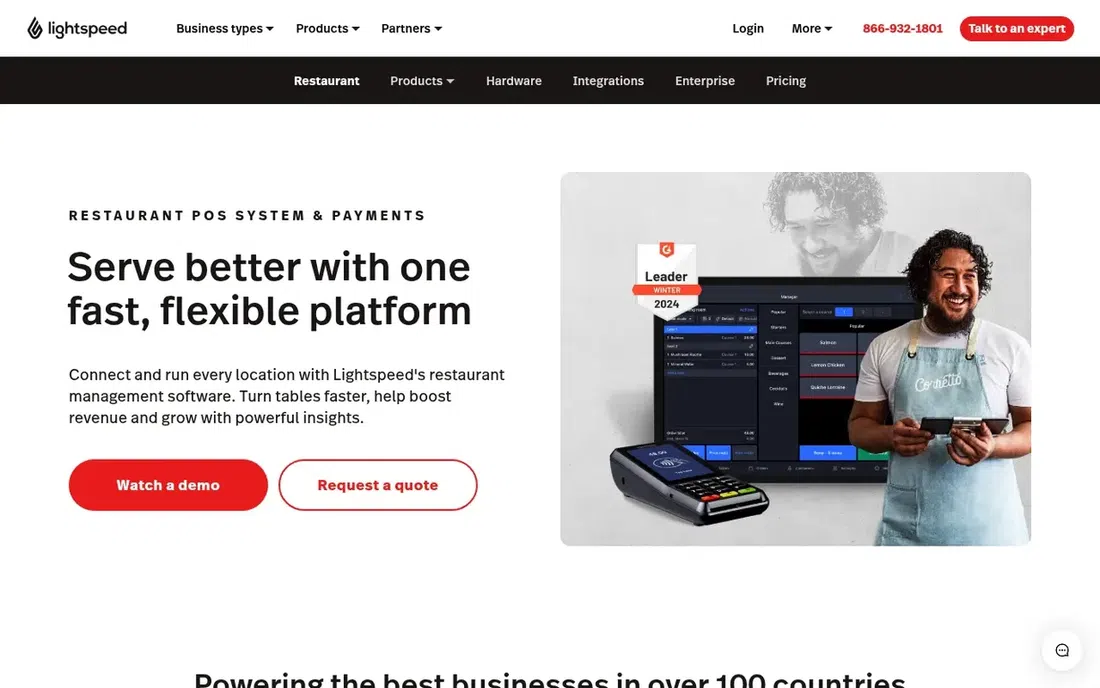
Lightspeed Restaurant makes the most sense for POS with built-in management insights. Lightspeed Restaurant is an adaptable, configurable point of sale that pairs payments with a restaurant management product and reporting insights.
Remote managers can review sales and operational data from the same system that rings up orders. Inventory sits inside a POS-centered ecosystem, so teams wanting deep purchasing and recipe costing may need extras or a dedicated tool. Check the vendor site for Lightspeed Restaurant pricing; none is listed in this comparison. On free options: Not stated.
Where it is weaker: Inventory is part of a POS ecosystem.
- Payments and management combined
- Adaptable
- Customization needs configuration
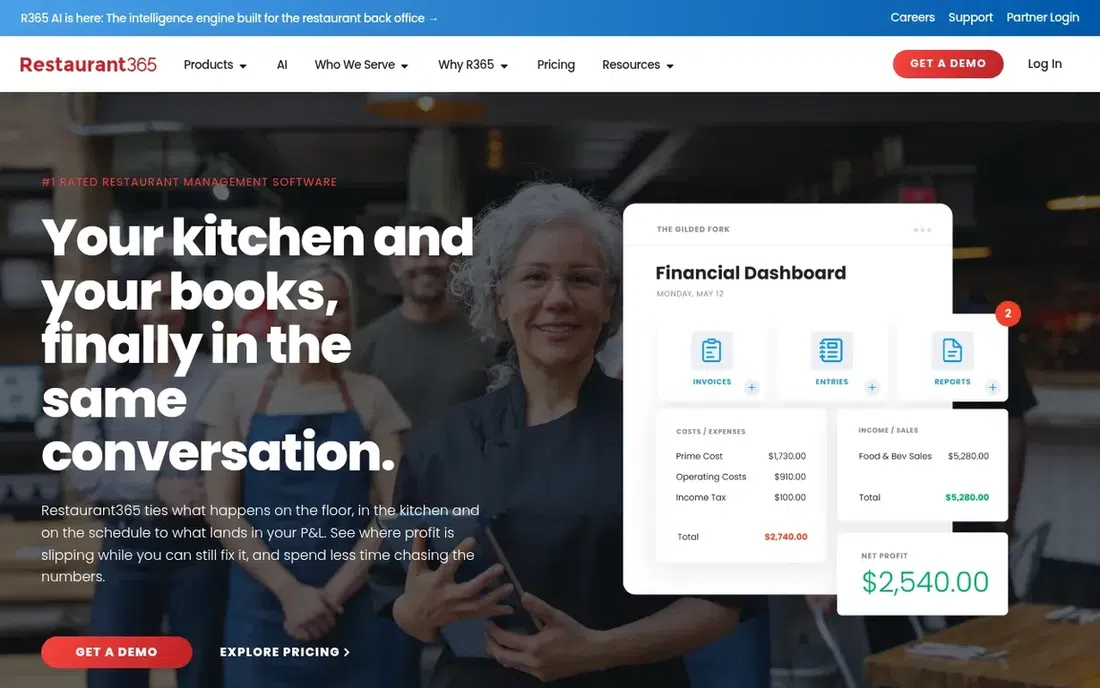
Think of Restaurant365 for accounting plus inventory in one suite. Restaurant365 is a cloud-based restaurant management system that merges accounting, operations and workforce tools. For remote teams, that means inventory and cost data sit alongside financial reporting instead of in a separate system.
Honest limits: Inventory is one part of a larger system.
Since it spans accounting, operations and workforce, the product is bigger than a pure inventory tool and may be more than a single-site restaurant needs. For everyday use, teams wanting only counts and invoice capture should weigh a focused inventory product instead. No starting price is listed for Restaurant365 here; confirm pricing on the vendor site. On free options: Not stated.
- Workforce tools included
- Spans accounting and operations
- Wide scope can overwhelm small teams
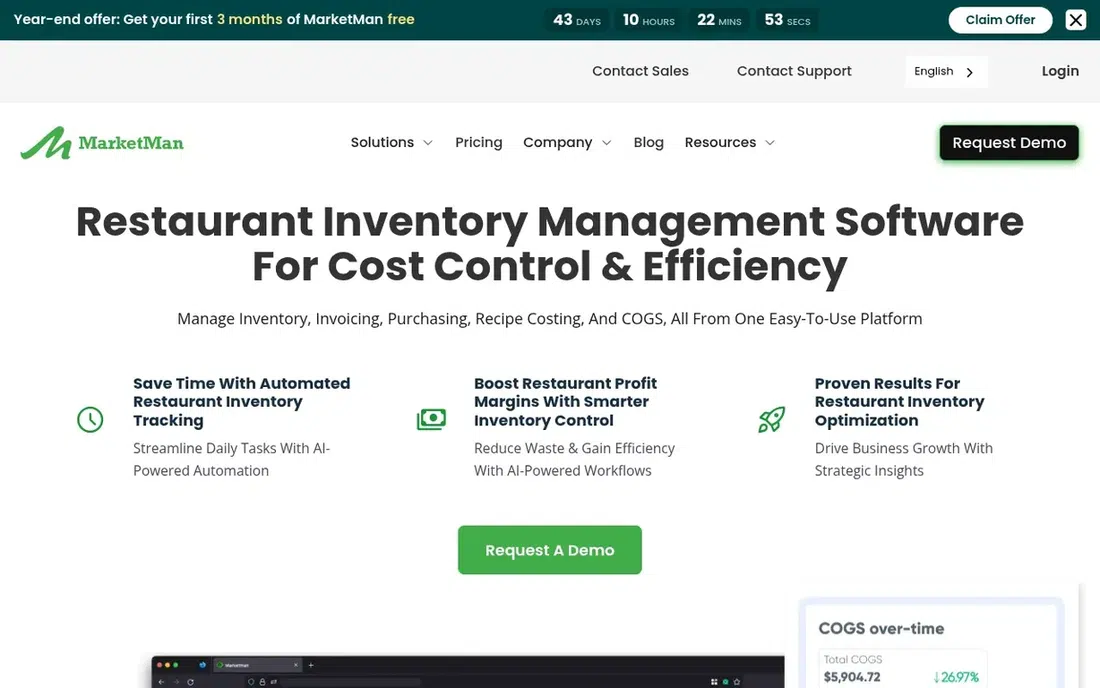
MarketMan is designed for automated counts and recipe costing. Automatic counts, invoice capture and live recipe costing provide remote teams a shared view of stock and margins without relying on paper sheets.
If you chiefly need a full accounting and payroll backbone instead of inventory depth, a broader management suite is the better fit. Also, the system relies on disciplined item and vendor setup before its automation pays off, so very small teams may find onboarding heavy. MarketMan cost at the entry level: $249 per month. MarketMan does not include a free plan.
Points against: Demo needed to see full scope.
- Live recipe costing
- Invoice capture included
- Needs setup of item data
MarginEdge serves automatic invoice processing and cost tracking. It suits operators who want quick, low-touch cost visibility and who prefer a back-office specialist over a full management suite.
Watch-outs: Narrower than full operations suites.
Its strength is invoices and cost tracking instead of scheduling, payroll or point of sale, so it fits best alongside other systems. Entry price for MarginEdge: $350 per location per month. Free access: Not stated.
- Instant answers about costs
- Automatic invoice processing
- Depends on steady invoice flow
How these tools were picked
Pre-purchase checklist
- Get a written quote from Crunchtime, Lightspeed Restaurant and Restaurant365; the list shows no starting price for them.
- Read the limits listed for Crunchtime first: suite breadth brings complexity.
- Work out what MarginEdge costs with your real seat count, add-ons and usage, not just the entry price.
- Confirm the exact Restaurant365 plan that includes your must-have features.
- Check the integration list for Crunchtime against the tools you run today, and note which ones need a higher plan.
FAQ
How are the tools for restaurant inventory management software for remote teams ordered?
The order follows typical fit for restaurant inventory management software for remote teams, with Crunchtime first and MarginEdge last, then price clarity and free access. It is editorial judgement, not a score, so another team could rank the tools differently.
What is the cheapest option for restaurant inventory management software for remote teams in this list?
On published monthly entry prices, MarketMan is the lowest here at $249 per month. Entry price is only part of the cost, because seats, add-ons and billing terms can change the total. Prices, free plan details and limits for all 5 tools in this restaurant inventory management software for remote teams roundup sit on the individual cards above.
Is Crunchtime the right pick for everyone comparing restaurant inventory management software for remote teams?
No single tool suits every team. Crunchtime comes first because it fits operations suite with inventory inside, while Lightspeed Restaurant suits POS with built-in management insights and Restaurant365 suits accounting plus inventory in one suite. Match the tool to your own size, budget and workflow before deciding.
Can I try these tools before paying?
Not by default. None of the tools, from Crunchtime to MarginEdge, lists a free plan or a free trial here, so ask each vendor for a demo before committing.
Sources
- https://www.crunchtime.com
- https://www.lightspeedhq.com/pos/restaurant
- https://www.restaurant365.com
- https://www.marketman.com
- https://www.marginedge.com