Best Inventory Management Software With Barcode Scanner in 2026: 8 Tools Compared
best inventory management software with barcode scanner compared: 8 tools for scanning, stock counts and multi-channel stock, with pricing and pros and cons.

- Editor's choice
 Sortly
Visual mobile inventory tracking
Starts at$49 per monthVisit sortly.comFull review - Great alternative
 Cin7
Multi-channel sellers and wholesalers
Starts atSee websiteVisit cin7.comFull review - Also consider
 Zoho Inventory
Multichannel ecommerce on a budget
Starts atSee websiteVisit zoho.comFull review
TL;DR:
- A good barcode scanner workflow covers receiving, picking, stock counts, and transfers, not just looking up one item at a time.
- Phone cameras work well for small teams, while dedicated scanners suit warehouses with high volume and rough conditions.
- Multi-location and multi-channel stock sync matters once you sell on more than one store or marketplace.
- Test scanning on your own labels and devices before you buy, since barcode formats, lighting, and label quality vary.
Quick comparison
| Tool | Best for | Starts at | Free plan? | |
|---|---|---|---|---|
| Sortly | Visual mobile inventory tracking | $49 per month | Yes | Visit |
| Cin7 | Multi-channel sellers and wholesalers | See website | Free trial | Visit |
| Zoho Inventory | Multichannel ecommerce on a budget | See website | Yes | Visit |
 inFlow Inventory | B2B and wholesale stock | See website | Free trial | Visit |
 Katana | Manufacturers and makers | See website | Free trial | Visit |
 BoxHero | Real-time multi-location stock | $20 per team per month | Yes | Visit |
 ASAP Systems | Barcode asset tracking | $45 per user per month | Free trial | Visit |
 Square | Small retail with point of sale | Free | Yes | Visit |
The best inventory management software with barcode scanner
We compared official pricing pages, feature lists, and public reviews for inventory tools with real barcode scanning, not just a barcode field. Each tool below can scan items on a phone or a dedicated scanner, but they differ in stock depth, sales channels, and price.

Sortly is our pick for small teams that want inventory tracking without a steep learning curve. Items are shown with photos, folders, and custom fields, so staff can spot the right item fast. The mobile app scans barcodes and QR codes for check-ins, counts, and transfers, which suits retail, construction, and healthcare teams that work away from a desk.
Reporting is the main limit. Sortly covers the basics and exports to CSV or PDF, but teams that need forecasting or deep analytics may outgrow it. The mobile app also lacks some bulk actions found on the web. For simple, visual, phone-first inventory work, Sortly is hard to beat for ease of use.
- Photo-driven item lists
- Mobile barcode and QR scanning
- Easy for non-technical teams
- Reporting is basic for heavy analytics
- Mobile app lacks some web bulk actions

Cin7 suits product sellers that juggle online stores, marketplaces, warehouses, and wholesale orders. Stock stays in step across channels, and order management covers routing, picking, packing, and shipping. Integrations with Shopify, Amazon, QuickBooks, and Xero help a growing seller avoid manual stock updates.
The trade-off is cost and complexity. Cin7 is priced for growing businesses, and the interface takes time to learn, especially for a team moving from spreadsheets. Support response times have also drawn mixed reviews. For a multi-channel seller with real volume, that depth is worth the investment.
- Real-time stock across channels and warehouses
- Order and warehouse management
- Many integrations
- Higher price and learning curve
- Interface feels busy for small teams
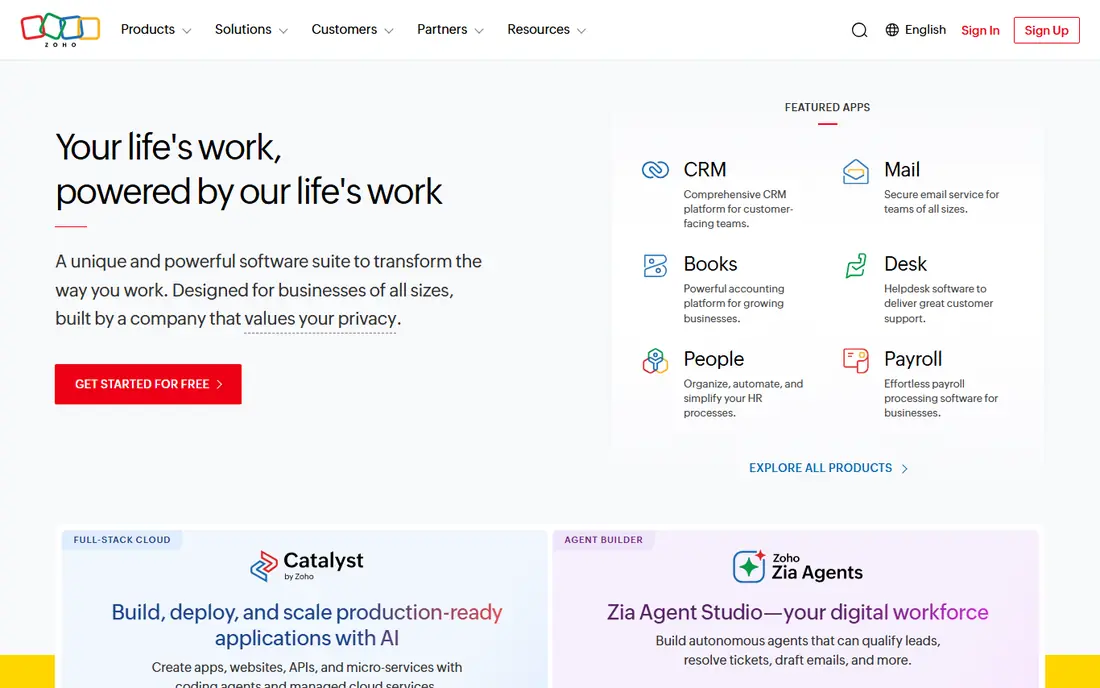
Zoho Inventory is a strong budget option for ecommerce sellers that already use Zoho tools or want a low-cost start. It syncs stock across Amazon, Shopify, and other channels, supports barcode scanning on mobile, and handles purchase orders, shipments, and stock adjustments. The free plan lets a very small seller start without a monthly fee.
The free plan caps monthly orders, so growing sellers will need a paid tier. Some advanced warehouse and automation features also sit higher up. For a small ecommerce team that wants solid stock control at a low entry cost, Zoho Inventory offers good value.
- Free plan for small order volumes
- Barcode scanning in the mobile app
- Strong ecommerce integrations
- Free plan caps monthly orders
- Advanced features need higher tiers
inFlow Inventory suits wholesalers and B2B sellers that need clear stock control and customer pricing. The interface is clean, barcode scanning works well for receiving and counts, and B2B ordering tools help teams that sell to other businesses. That focus makes it a good fit for distributors and suppliers.
Ecommerce and multi-channel depth is less than Cin7, so a seller with many marketplaces may need extra tools. Some integrations also need workarounds. For a B2B team that values a clear interface and solid barcode workflows, inFlow is a practical choice.
- Clean interface with strong barcode scanning
- B2B ordering and pricing
- Good for wholesalers
- Ecommerce depth is less than Cin7
- Some integrations need workarounds
Katana is built for manufacturers, makers, and small production teams that need to track raw materials, work in progress, and finished goods. Barcode scanning helps with stock moves and production steps, and the system links materials to finished products so stock levels stay honest. That production view is missing from most retail inventory tools.
Pure retailers will find Katana more than they need, and pricing scales with volume, so costs grow as production grows. For a team that makes products rather than only reselling them, Katana connects inventory to production in a way that saves manual tracking.
- Raw material and production tracking
- Barcode scanning for stock and production
- Good for makers
- Less suited to pure retail
- Pricing scales with sales orders and users
BoxHero suits teams that need real-time stock across warehouses or stores, with batch and serial tracking for traceability. Low stock alerts, transfers, and stock valuation methods such as FIFO and LIFO help wholesalers and manufacturers keep stock honest. The low team price makes it affordable for a small team that needs more control than a spreadsheet.
The interface is plain compared with photo-driven tools such as Sortly, and some users note limits on multiple barcodes per product. Data entry for a large catalog also takes time at the start. For a team that values stock accuracy and traceability over looks, BoxHero is strong value.
- Low team price
- Real-time stock across locations
- Batch and serial tracking
- Interface is plain and text-first
- Products are capped at one barcode each in some views
ASAP Systems suits healthcare, education, government, and manufacturing teams that track assets and inventory with barcodes at the center. The mobile app works well across phones, tablets, and dedicated scanners, and data can be imported from spreadsheets and exported in common formats. Configurable reports help teams shape tracking to their own workflows.
The interface feels dated next to newer tools, and integrations with accounting and ecommerce platforms are thinner. Some users also report occasional slowdowns. For barcode-driven asset control at a moderate price, ASAP Systems remains a solid, practical choice.
- Strong barcode and asset tracking
- Good mobile app for Android and iOS
- Flexible reports and imports
- Interface feels dated
- Fewer accounting and ecommerce integrations
Square is the simplest path for a small shop that already uses Square for payments. Basic inventory is included free, with barcode scanning for retail items, stock alerts, and simple reporting. Staff can sell, scan, and track stock from the same system, which keeps a small retail setup simple.
Inventory depth is limited compared with Cin7 or inFlow, especially for multi-warehouse or manufacturing work. Advanced inventory features sit on paid plans, and wholesalers will outgrow Square quickly. For a small retail shop that wants point of sale and basic stock in one free start, Square is a sensible choice.
- Free basic inventory with point of sale
- Barcode scanning for retail items
- Easy for small shops
- Inventory depth is limited for wholesalers
- Advanced stock tools need paid plans
How we picked these
We compared official pricing pages, feature lists, and public reviews for inventory tools with barcode scanning that are still sold and supported in 2026. We favored tools that scan on a phone or dedicated scanner, handle receiving, counts, and transfers, and offer a clear price or free tier. Where pricing was not published, we marked it as See website rather than guessing.
How to choose inventory software with a barcode scanner
Start with your scanning job, not the software brand. Count how many scans happen per day, where they happen, and whether staff use phones or need rugged scanners. A small shop can rely on phone cameras, while a warehouse with thousands of scans needs dedicated scanners, good lighting support, and fast batch scanning. Test your own labels, including damaged or small labels, before you commit.
Next, check stock logic. A tool should handle locations, variants, batches, serial numbers, and low-stock alerts in the way your business actually works. If you sell on several channels, stock must sync in real time to avoid overselling. If you manufacture, materials and finished goods must stay linked. A scanning feature alone does not fix stock logic that does not match your workflow.
Finally, plan the setup. Import your catalog cleanly, print or buy labels that match your scanner, and train staff on receiving, picking, and counts as one routine. A short pilot in one location or product line will reveal label, scanner, and workflow problems before they affect all stock. The tool that survives a real count with your labels is the right one.
FAQ
Do I need a dedicated barcode scanner or can I use a phone?
A phone camera works well for small teams with modest scan volumes, since most inventory apps scan barcodes and QR codes on iOS and Android. Dedicated scanners are faster, more reliable in low light, and tougher for warehouse use. Choose based on daily scan volume and working conditions, not price alone.
What barcode types do inventory tools support?
Most tools support common retail and warehouse formats, including UPC, EAN, Code 128, and QR codes, though support varies by app and scanner. Check your label format against the vendor list before buying, and test a sample label in the app. If you use supplier barcodes, confirm the tool can map them to your items.
Can barcode inventory software track multiple locations?
Yes, most tools on this list support multiple locations, warehouses, or stores, with transfers between them. Check whether multi-location stock is included in the starting plan or needs a higher tier, and whether stock counts can be done per location. Real-time sync matters most when stock moves often.
How do I start with barcode inventory from spreadsheets?
Import your catalog with item names, SKUs, quantities, and barcodes, then print labels for items that lack them. Start with a full count in one location to set a clean baseline, then use scanning for receiving and sales from that point on. A clean import saves more time than any single feature.
Is barcode scanning enough for stock accuracy?
Scanning reduces manual entry errors, but accuracy also depends on clean data, regular counts, and clear receiving and picking routines. Schedule cycle counts for fast-moving items and audit high-value stock more often. The best results come from scanning plus a simple, repeatable routine.