5 Best Software for Office Work for 2026, Vetted and Compared
Weighing the best software for office work? We lined up 5 products by cost, free access and fit. Trade-offs are spelled out for each entry. Plain facts.
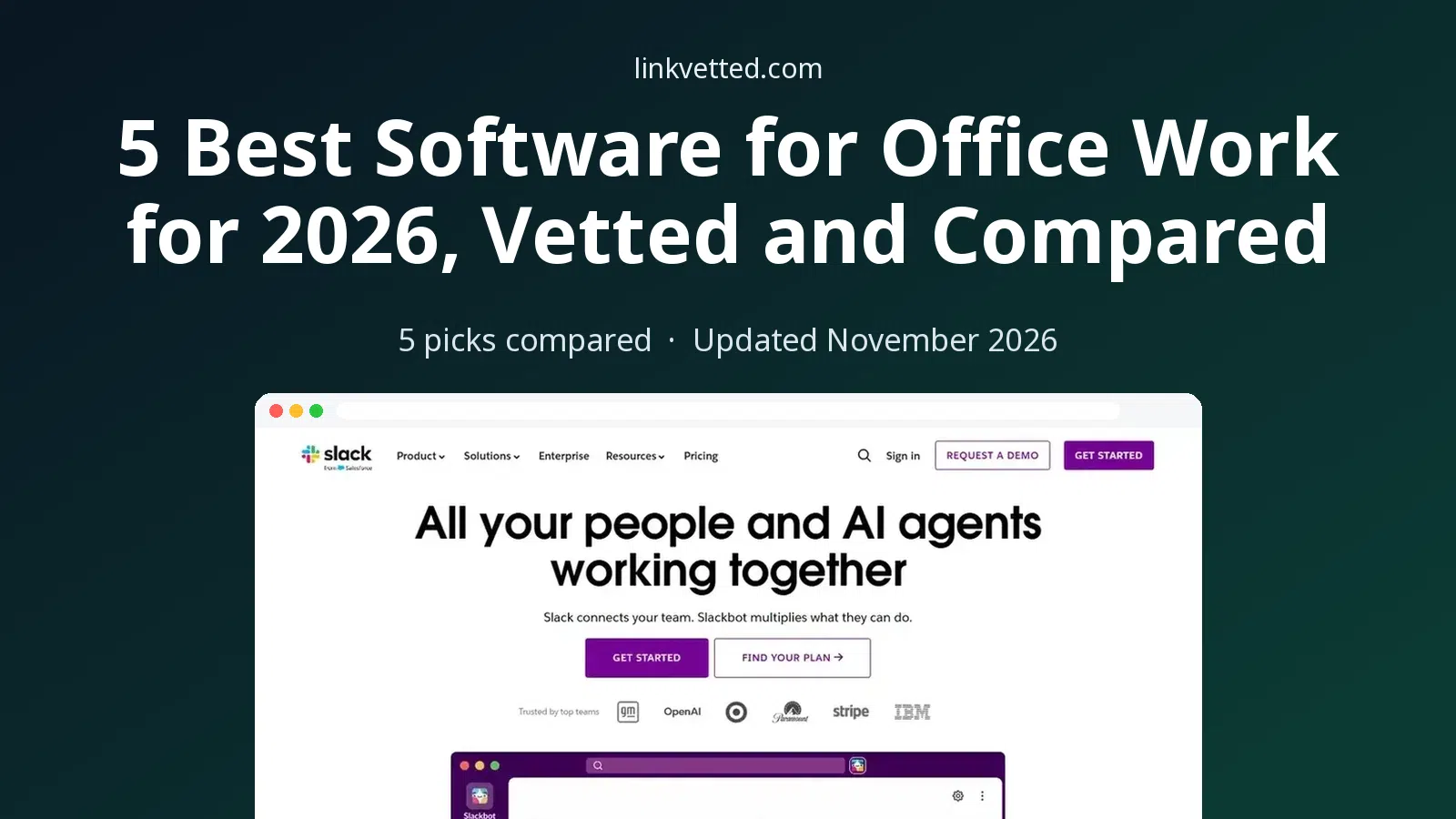
- Editor's choice
 Slack
Team messaging and workflow automation
Starts at$4.38 per user per monthVisit slack.comFull review - Great alternative
 Notion
Adaptable notes, docs, and wikis
Starts at$10 per member per monthVisit notion.comFull review - Also consider
 Zoom Workplace
Video meetings and connected collaboration
Starts atSee websiteVisit zoom.comFull review
Direct answer
Our first pick is Slack, best for team messaging and workflow automation. Listed starting prices: Slack from $4.38 per user per month, Notion from $10 per member per month and Trello from $5 per user per month. For a different need, Notion covers adaptable notes, docs, and wikis and Zoom Workplace covers video meetings and connected collaboration. The other 2 tools in the list cover narrower or pricier cases.
TL;DR:
- Slack takes the first slot, best suited to team messaging and workflow automation.
- For the cheapest start, look at Slack: $4.38 per user per month.
- For all-in-one documents, email, and meetings, Microsoft 365 is worth a look.
- A free plan is available from 3 of the 5 tools: Slack, Notion, Trello.
- A fair warning about Slack: Notification overload is simple to build.
Last checked November 2026. Prices and plan details were read from the vendors' own pages in November 2026; vendors change plans often, so confirm the current price on the vendor site before you buy.
Quick comparison
| Tool | Best for | Starts at | Free plan? | |
|---|---|---|---|---|
| Slack | Team messaging and workflow automation | $4.38 per user per month | Yes | Visit |
| Notion | Adaptable notes, docs, and wikis | $10 per member per month | Yes | Visit |
| Zoom Workplace | Video meetings and connected collaboration | See website | Not stated | Visit |
 Trello | Straightforward visual boards and to-do tracking | $5 per user per month | Yes | Visit |
 Microsoft 365 | All-in-one documents, email, and meetings | See website | Free trial | Visit |
Our 5 picks for software for office work
This LinkVetted guide covers 5 options for software for office work. Each profile lists a starting price, free plan details, strengths and drawbacks, so you can drop poor fits quickly.
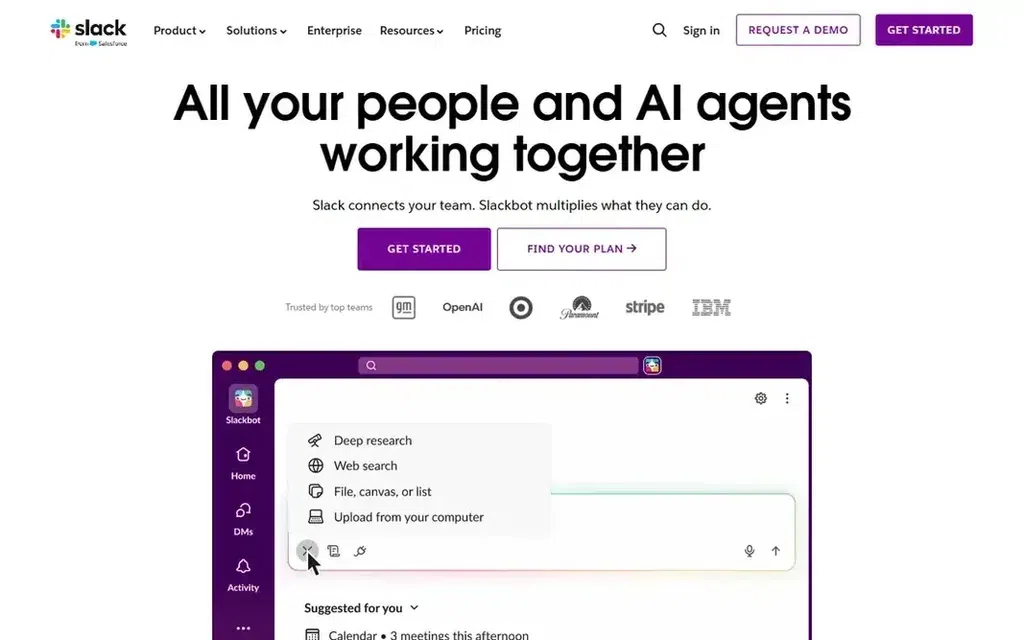
Slack is aimed squarely at team messaging and workflow automation. Busy channels create a lot of notifications, and finding an old decision in a long history can take effort except when your team sets conventions.
It is a communication layer, not a document editor, so you still need a separate productivity suite. What you pay to start with Slack: $4.38 per user per month. You can start on Slack without paying.
Points against: Notification overload is simple to produce.
- AI features geared toward saving time
- Channels keep conversations organized by topic
- Long message histories can be hard to search
Choose Notion for adaptable notes, docs, and wikis. Notion is an AI workspace where teams build custom agents, search across connected apps, and automate busywork. It blends documents, notes, and databases so a team can shape a wiki, project tracker, or meeting-notes system from the same building blocks.
Drawbacks to consider: Can become cluttered without conventions.
It is not a replacement for a full document suite or dedicated meeting software. Beyond that, choose Notion when knowledge sharing and custom internal pages matter more than heavy spreadsheet or presentation work. Price to start with Notion: $10 per member per month. A free plan is available with Notion.
- Highly adaptable to team workflows
- Merges notes, docs, databases
- Adaptability needs upfront structure decisions
Zoom Workplace is aimed squarely at video meetings and connected collaboration. Zoom Workplace is a collaboration product centered on video meetings and extended with chat, VoIP phone, webinars, whiteboard, contact center, and events.
Downsides: Best features assume steady bandwidth.
Best features of Zoom Workplace: Dependable video meetings and webinars. Video quality still depends on connection stability, and teams that seldom meet live may find messaging tools more central. Beyond that, the product has grown wide, so administrators face real configuration work to set up the modules they need. Zoom Workplace shows no starting price here, so confirm the cost on the vendor site. On free options: Not stated.
- Does well for hybrid and remote teams
- Chat, phone
- Plenty of modules to configure for administrators
Trello is designed for straightforward visual boards and to-do tracking. Trello is a visual task tool built around boards, cards, and lists, with Inbox and Planner views to capture and organize to-dos from anywhere, including mobile.
More specifically, as projects grow, boards with plenty of cards and lists become hard to scan, and dependencies or reporting are restricted compared to dedicated work management tools. Also, choose Trello when simplicity and a shared visual picture beat deep project features. What you pay to start with Trello: $5 per user per month. Trello includes a free tier.
Watch-outs: Restricted for complicated, multi-stage projects.
- Works well on mobile
- Boards and cards are simple to grasp
- Large boards need regular cleanup

Microsoft 365 is designed for all-in-one documents, email, and meetings. Microsoft 365 is a subscription suite of productivity apps and cloud services, positioned around world-class security and built-in AI. More specifically, teams already comfortable with Microsoft formats will find the transition minimal, and IT administrators get centralized management across the suite.
For everyday use, choose Microsoft 365 when file compatibility and a full desktop toolkit matter most. On top of that, if your work is largely light documents and shared calendars, a more straightforward browser-first suite may be simpler to run. Check the vendor site for Microsoft 365 pricing; none is listed in this comparison. Free options: Free trial.
Points against: Overlap between apps can confuse new users.
- Works across desktop, web, mobile
- Cloud services with security and AI features
- Feature set is large and takes time to learn
How these tools were picked
Selection started from tools commonly considered for software for office work, then narrowed to 5 that have clear pricing information or a clear quote process. Where a vendor does not publish a price, the entry says quote. Where a price depends on seats or billing term, the entry says so. Order on the page follows fit for the typical buyer first, then price transparency and free access. Your own requirements should decide the final pick.
Questions to settle before buying
- Ask Zoom Workplace and Microsoft 365 for a written quote, since no starting price is shown.
- Look at free plan limits closely: Slack, Notion and Trello have one, and the caps decide whether it is usable for real work.
- Use real work to test the free trial from Microsoft 365, rather than a demo project.
- Read the limits listed for Slack first: Notification overload is simple to build.
- Find out what support Slack includes on your plan, and whether onboarding help costs extra.
- Before rolling out Notion, verify the integrations your workflow depends on.
FAQ
What is the cheapest option for software for office work in this list?
On published monthly entry prices, Slack is the lowest here at $4.38 per user per month. Entry price is only part of the cost, because seats, add-ons and billing terms can change the total. All 5 picks in this software for office work comparison list a starting price, free plan details and the main limits on their cards above.
How are the tools for software for office work ordered?
The order follows typical fit for software for office work, with Slack first and Microsoft 365 last, then price clarity and free access. It is editorial judgement, not a score, so another team could rank the tools differently.
Can I try these tools before paying?
Often, yes. Slack, Notion and Trello have a free plan and Microsoft 365 offers a free trial. Use your own data and a real task during the test, and check what the free tier or trial limits before you rely on it. For the full picture, the cards above cover all 5 entries of this software for office work list, including price, free plan and limits.
Is Slack the right pick for everyone comparing software for office work?
No single tool suits every team. Slack comes first because it fits team messaging and workflow automation, while Notion suits flexible notes, docs, and wikis and Zoom Workplace suits video meetings and connected collaboration. Match the tool to your own size, budget and workflow before deciding.
Sources
- https://slack.com
- https://www.notion.com
- https://www.zoom.com
- https://trello.com
- https://www.microsoft.com/microsoft-365