Best Home Office Software in 2026: Prices, Free Plans and 5 Picks
Compare 5 picks for the best home office software, with prices, free plans and who each fits. Each listing flags where it falls short. Full profiles inside.
- Editor's choice
 Slack
Team chat and workflow automation
Starts at$4.38 per user a monthVisit slack.comFull review - Great alternative
 Notion
Custom AI workspace and knowledge base
Starts at$10 per member a monthVisit notion.comFull review - Also consider
 Microsoft 365
Full productivity suite with cloud services
Starts atSee websiteVisit microsoft.comFull review
Direct answer
For team chat and workflow automation, Slack is where this list starts. Listed starting prices: Slack from $4.38 per user a month, Notion from $10 per member a month and Trello from $5 per user a month. Notion is better for custom AI workspace and knowledge base, and Microsoft 365 is better for full productivity suite with cloud services. Prices, free plans and limits for all 5 tools follow.
TL;DR:
- Top of the list is Slack, which targets team chat and workflow automation.
- One limit worth knowing about Slack: chat-centric, not a document suite.
- Free plans exist at 3 of 5 tools (Slack, Notion, Trello).
- Slack is the lowest-priced starter here at $4.38 per user per month.
- For visual task and to-do tracking, Trello is worth a look.
Last checked November 2026. Prices and plan details were read from the vendors' own pages in November 2026; vendors change plans often, so confirm the current price on the vendor site before you buy.
Quick comparison
| Tool | Best for | Starts at | Free plan? | |
|---|---|---|---|---|
| Slack | Team chat and workflow automation | $4.38 per user a month | Yes | Visit |
| Notion | Custom AI workspace and knowledge base | $10 per member a month | Yes | Visit |
| Microsoft 365 | Full productivity suite with cloud services | See website | Free trial | Visit |
 Google Workspace | Secure online collaboration for teams | See website | Not stated | Visit |
 Trello | Visual task and to-do tracking | $5 per user a month | Yes | Visit |
The 5 tools in detail
LinkVetted put together this guide to home office software for readers who want a clear shortlist without reading every vendor page. It compares 5 tools on starting price, free plans, who each one suits and where each one falls short.
Slack is built with team chat and workflow automation in mind. Slack describes itself as an AI work system for managing projects, automating workflows and connecting teams securely.
It suits home offices that require persistent team chat and light automation around projects. Entry price for Slack: $4.38 per user per month. You can start on Slack without paying.
Trade-offs to know: not a document suite.
- Channel-based team communication
- Workflow automation features
- Chat-centric
Notion is aimed squarely at custom AI workspace and knowledge base. The homepage positions it as a place where teams get more done quicker, with customization at the center.
That adaptability means setup and structure are mostly up to the user, which can slow down people who want ready-made templates. Choose Notion when a connected, configurable workspace is the goal. Starting cost for Notion: $10 per member per month. Notion offers a free plan.
Where it falls short: Can become complicated for straightforward tasks.
- Custom agents and workspace building
- Search across connected apps
- Adaptable structure needs planning
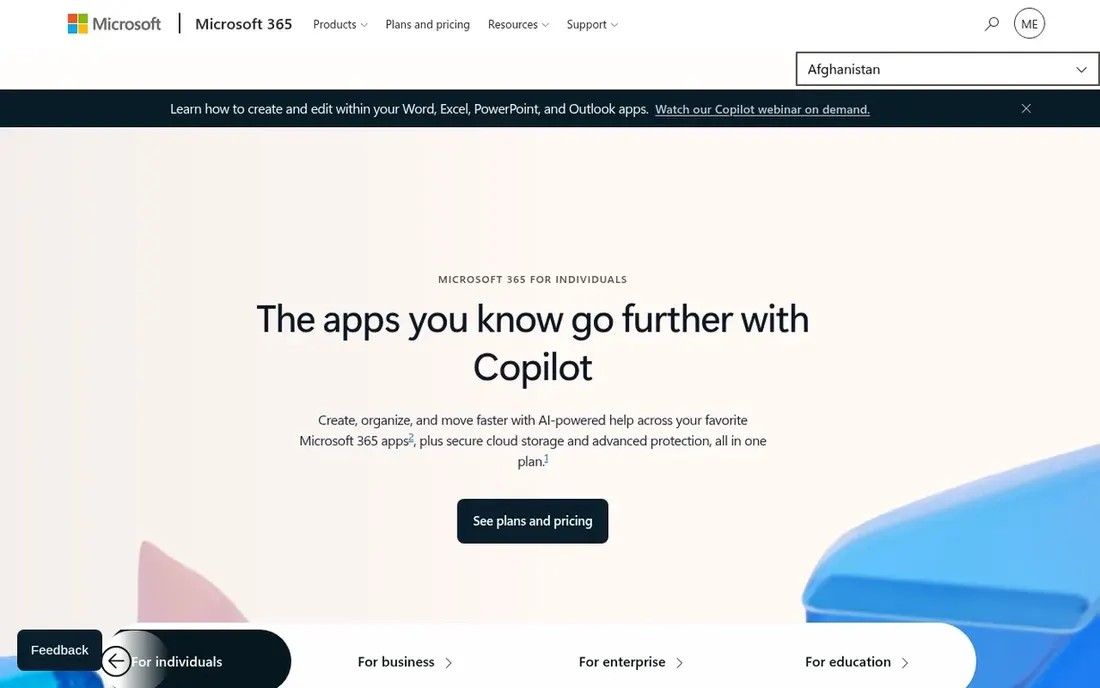
Microsoft 365 targets full productivity suite with cloud services. Anyone who prefers light browser-first tools may find a narrower choice simpler to run. In practice, the homepage frames it for individuals plus broader use.
What to check first: Needs account and setup.
Consider Microsoft 365 when a unified productivity stack matters more than minimal setup. Microsoft 365 is a subscription suite of productivity tools and cloud services, positioned by Microsoft around world-class security and feature-rich AI. Check the vendor site for Microsoft 365 pricing; none is listed in this comparison. As for free access: Free trial.
- AI features described on vendor page
- Familiar productivity apps in one subscription
- Wide suite may exceed straightforward needs
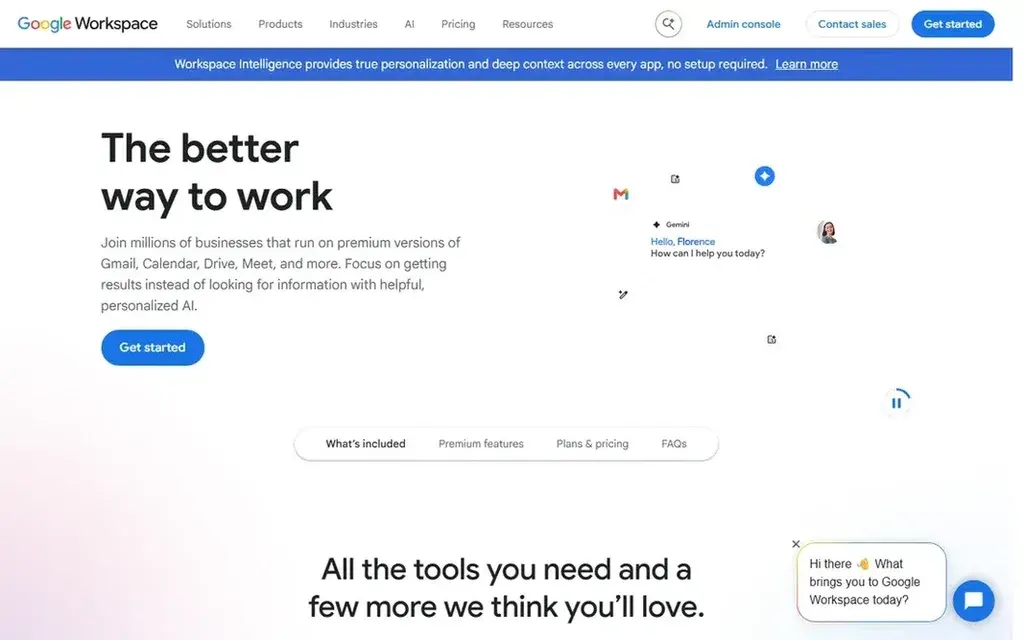
Google Workspace is designed for secure online collaboration for teams. Google Workspace is a suite of secure online productivity and collaboration tools. In daily use, the online-first model can be less comfortable for people who depend on desktop software or work offline frequently.
Google describes it as enabling teams of all sizes to do their best work, which makes it a natural fit for home offices that collaborate in live and prefer browser-based access. In daily use, pick Google Workspace when live collaboration and straightforward sharing are the priority. Check the vendor site for Google Workspace pricing; none is listed in this comparison. Trial and free access: Not stated.
Where it falls short: Online-first approach may not suit offline habits.
- Online productivity tools
- Scales across team sizes
- Admin setup required for teams
Choose Trello for visual task and to-do tracking. Trello is built around capturing, organizing and tackling to-dos from anywhere. It performs well for personal task lists and small team coordination.
Points against: Visual model may not suit document-heavy work.
More specifically, teams needing heavier work management may outgrow it. From a buyer's view, pick Trello when straightforward visual task tracking is the primary requirement. Entry price for Trello: $5 per user per month. Trello has a free plan.
- Board-based organization
- Works on mobile
- Restricted for complicated project workflows
What went into this list
Questions to settle before buying
- Get a written quote from Microsoft 365 and Google Workspace; the list shows no starting price for them.
- Look at free plan limits closely: Slack, Notion and Trello have one, and the caps decide whether it is usable for real work.
- Run a trial of Microsoft 365 with real work before paying for a year; your own workflow is the best test.
- Before choosing Slack, weigh its main limit: chat-centric, not a document suite.
- Confirm minimum seats and billing terms with Google Workspace before you commit to an annual plan.
- Confirm that Trello connects to the apps your team already uses, on the plan you would actually buy.
FAQ
How are the tools for home office software ordered?
The order follows typical fit for home office software, with Slack first and Trello last, then price clarity and free access. It is editorial judgement, not a score, so another team could rank the tools differently.
What is the best home office software overall?
For most readers this guide would start with Slack, built for team chat and workflow automation. Notion is the alternative for custom AI workspace and knowledge base, and Microsoft 365 for full productivity suite with cloud services. The right answer depends on budget and workflow.
Do these tools publish their prices?
Not all of them. Microsoft 365 and Google Workspace publish no starting price, so expect a quote request for those. The rest, Slack included, show a starting price, though seats and billing terms still change the final cost.
Can these tools work together in one home office?
Yes, numerous home offices combine a suite for example Microsoft 365 or Google Workspace with a chat tool and a task tool. Check integrations on each vendor site to confirm they link with what you already use.
Which tool is a good match for straightforward personal task tracking?
The first pick on this list is Slack, because it suits team chat and workflow automation. Notion is better for custom AI workspace and knowledge base, and Microsoft 365 for full productivity suite with cloud services. Check price and limits against your own needs before choosing.
Can I try these options before paying?
Often, yes. Slack, Notion and Trello have a free plan and Microsoft 365 offers a free trial. Use your own data and a real task during the test, and check what the free tier or trial limits before you rely on it.
Sources
- https://slack.com
- https://www.notion.com
- https://www.microsoft.com/microsoft-365
- https://workspace.google.com
- https://trello.com