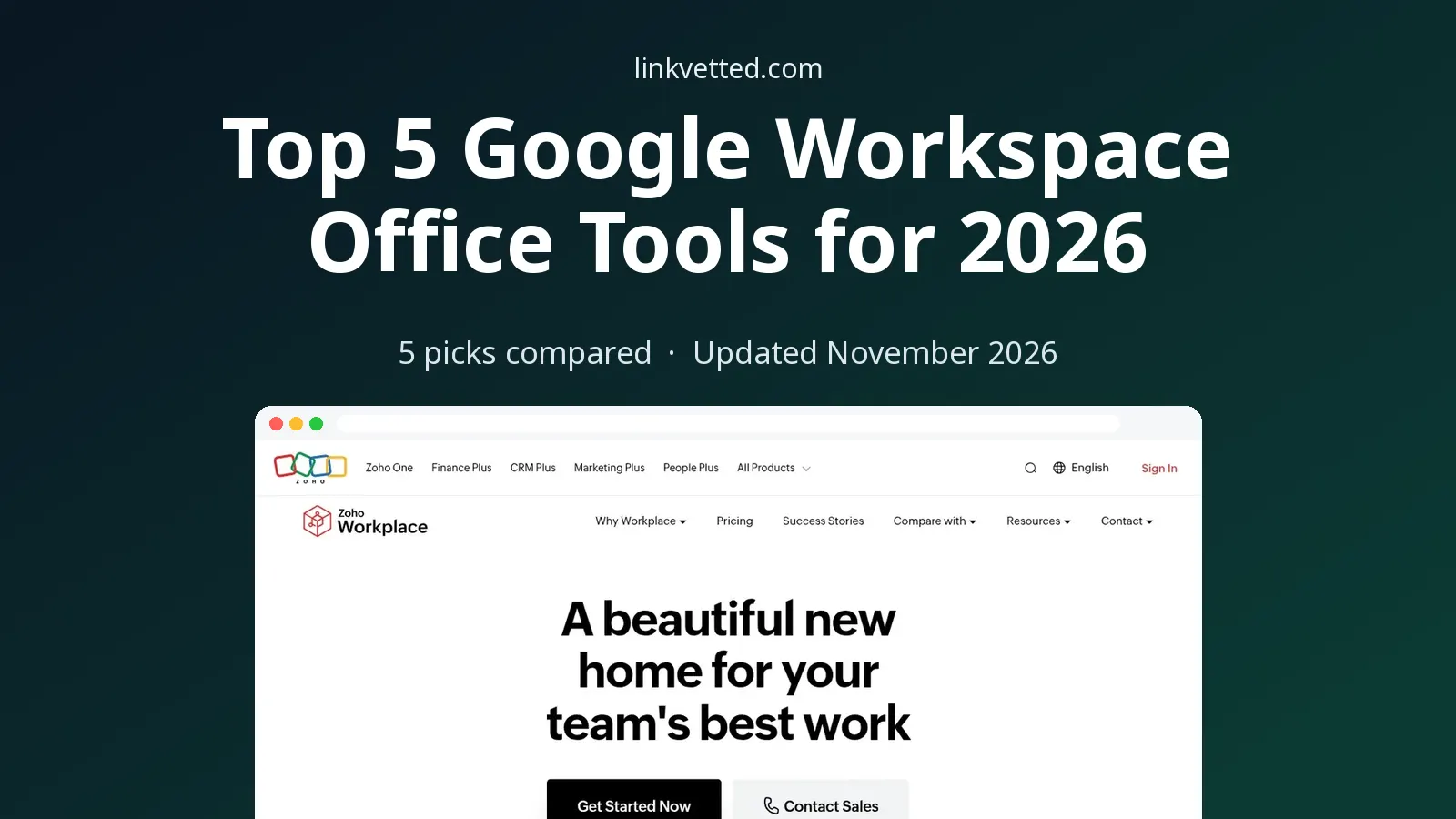
Top 5 Google Workspace Office Tools for 2026 (Prices and Free Plans)
Searching for the best Google workspace office tools? Here are 5 options with prices and free plans. Every profile names its biggest catch. Updated for 2026.
- Editor's choice
 Zoom Workplace
Video meetings, chat and phone in one system
Starts atSee websiteVisit zoom.comFull review - Great alternative
 Dropbox
Cloud storage and file sharing across devices
Starts at$9.99 a monthVisit dropbox.comFull review - Also consider
 Zoho Workplace
Bundled mail, chat and files in one suite
Starts at$1 per user a monthVisit zoho.comFull review
Direct answer
Zoom Workplace leads the list, best for video meetings, chat and phone in one product. Listed starting prices: Dropbox from $9.99 a month, Zoho Workplace from $1 per user a month and Notion from $10 per member a month. Look at Dropbox for cloud storage and file sharing across devices, and at Zoho Workplace for bundled mail, chat and files in one suite. The remaining 2 options are covered below with prices and limits.
TL;DR:
- Number one here is Zoom Workplace, a fit for video meetings, chat and phone in one product.
- A fair warning about Zoho Workplace: interface differs from Google and Microsoft habits.
- Free plans exist at 2 of 5 tools (Zoho Workplace, Notion).
- The cheapest monthly starting price in the list is $1 per user per month, offered by Zoho Workplace.
Last checked November 2026. Prices and plan details were read from the vendors' own pages in November 2026; vendors change plans often, so confirm the current price on the vendor site before you buy.
Quick comparison
| Tool | Best for | Starts at | Free plan? | |
|---|---|---|---|---|
| Zoom Workplace | Video meetings, chat and phone in one system | See website | Not stated | Visit |
| Dropbox | Cloud storage and file sharing across devices | $9.99 a month | Free trial | Visit |
| Zoho Workplace | Bundled mail, chat and files in one suite | $1 per user a month | Yes | Visit |
 Notion | Docs, wikis and project workspaces in one place | $10 per member a month | Yes | Visit |
 Google Workspace | All-in-one cloud productivity and collaboration | See website | Not stated | Visit |
The best Google workspace office tools
LinkVetted compared 5 Google workspace office tools. The goal is a practical shortlist: published prices, free plan facts, best-fit use cases and honest limits for every entry.
Zoom Workplace makes the most sense for video meetings, chat and phone in one product. Zoom Workplace is a product for connecting teams through video meetings, chat, VoIP phone, webinars, whiteboard, contact center and events.
Honest limits: Document editing is not its focus.
Strengths: Video meetings, chat.
Worth adding: adding it chiefly pays off when webinar scale, phone service or dedicated meeting controls are essential. From a buyer's view, otherwise, the built-in meeting tool may handle everyday calls. Zoom Workplace shows no starting price here, so confirm the cost on the vendor site. As for free access: Not stated.
- Phone and webinars together
- One product for multiple communication modes
- Overlaps with meeting tools inside suites
For cloud storage and file sharing across devices, Dropbox is a natural candidate. Dropbox is a cloud storage and file sharing service for storing, syncing, signing and sharing files from any device. It sits alongside an office suite instead of replacing one, which makes it handy for large files, client handoffs and folders that require to be reachable from plenty of devices and apps.
As for the details, adding it primarily makes sense when external sharing, signing or cross-app sync are central to the workflow. As for the details, otherwise, the storage bundled with an existing suite may be enough. Dropbox is not a full document editor, so writing and spreadsheets still happen elsewhere. Its storage overlaps with what Google Workspace already bundles. Price to start with Dropbox: $9.99 per month. Free options: Free trial.
Where it falls short: Overlaps with storage already included in suites.
- Signing and sharing features built in
- Sync and share files from any device
- Not a document editor at its core
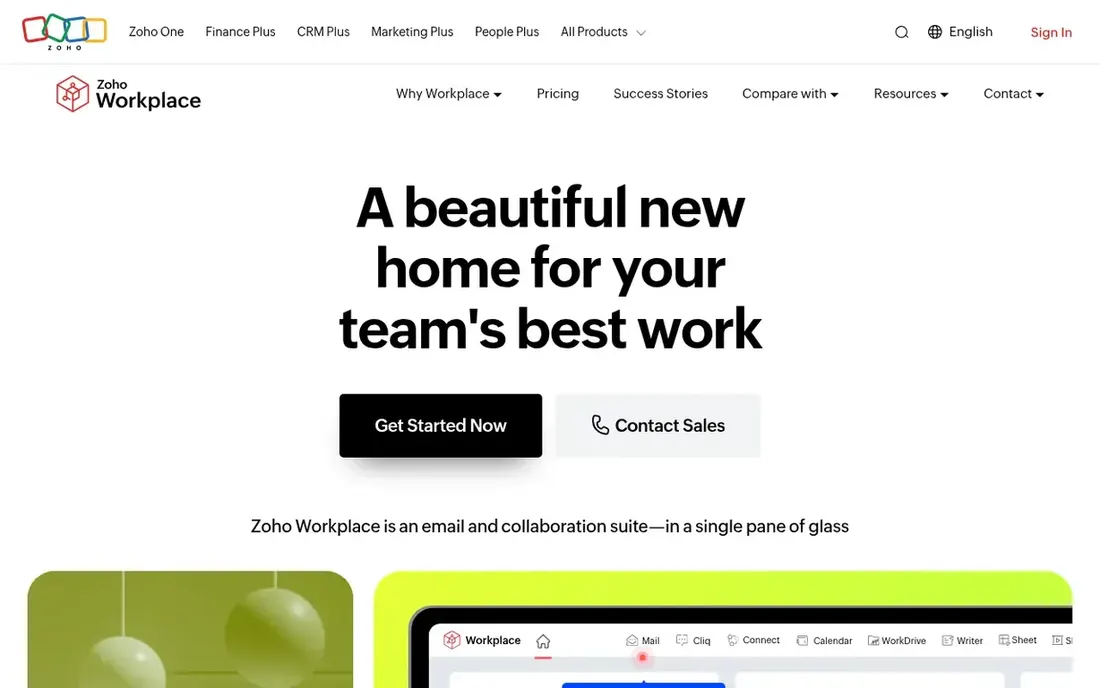
Choose Zoho Workplace for bundled mail, chat and files in one suite. Since the components ship together, teams can move between inbox, documents and calls without juggling separate subscriptions or logins.
Downsides: Integration with outside apps can need additional setup.
Entry price for Zoho Workplace: $1 per user per month. Free access exists with Zoho Workplace.
- Mail, chat, files
- Single place for collaboration across tools
- Interface differs from Google and Microsoft habits
Choose Notion for docs, wikis and project workspaces in one place. It suits groups that want a single home for internal knowledge and planning next to their document suite, particularly when they prefer configurable workspaces over rigid templates.
What works well: docs and databases.
The main drawbacks: Not a replacement for email or video meetings.
Live document editing is serviceable but less refined than dedicated word processors for formal documents. Starting cost for Notion: $10 per member per month. Notion includes a free tier.
- Search across connected apps
- Adaptable pages combining notes
- Can become complicated without structure
Google Workspace
Best for: All-in-one cloud productivity and collaboration
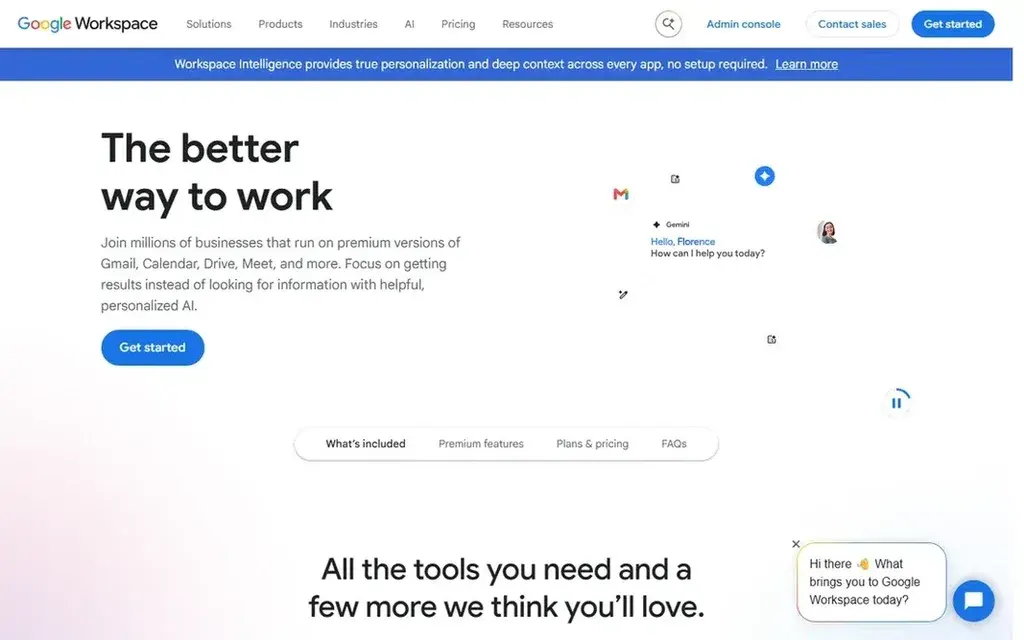
Google Workspace makes the most sense for all-in-one cloud productivity and collaboration. Google Workspace is the cloud productivity suite behind Gmail, Calendar, Drive, Docs, Sheets, Slides and Meet.
What to check first: Advanced formatting lags dedicated desktop suites.
For everyday use, pick Google Workspace when simplicity, sharing and browser access matter more than deep document formatting. More specifically, the suite is weaker for heavy desktop formatting, complicated spreadsheets and offline work, where installed applications still feel more capable. This comparison lists no price for Google Workspace; ask the vendor. As for free access: Not stated.
- Shared Drive permissions and admin controls
- Docs
- Offline editing is restricted compared to desktop apps
Our selection method
Each tool was reviewed on what its vendor publishes: price, plan limits, core features and stated drawbacks. We did not run hands-on tests. Figures are shown as the vendors publish them. Billing terms, seat minimums and add-ons can change the real cost. The order reflects how well each tool fits the most common buying scenario for Google workspace office tools, then price clarity, then free plan access. It is a starting point, not a verdict.
Pre-purchase checklist
- Ask Zoom Workplace and Google Workspace for a written quote, since no starting price is shown.
- Check what the free option really includes: Zoho Workplace and Notion offer a free plan, and usage caps differ.
- Take the trial from Dropbox and push a live task through it before you pay.
- Before choosing Zoom Workplace, weigh its main limit: document editing is not its focus.
- Before rolling out Dropbox, verify the integrations your workflow depends on.
- Test how quickly Google Workspace answers a pre-sales question; it hints at how support will feel later.
FAQ
How should a small team choose between these options?
Start with the work you do most: document editing, file exchange or meetings. Pick the core suite that deals with that best, then add one specialized tool only if a real gap remains.
Which options for Google workspace office tools have a free plan?
On this list, Zoho Workplace and Notion include a free plan. Caps on seats, usage or features are common, so test the free plan against your real workload. One other tool offers a trial instead.
What is the cheapest option for Google workspace office tools in this list?
On published monthly entry prices, Zoho Workplace is the lowest here at $1 per user per month. Entry price is only part of the cost, because seats, add-ons and billing terms can change the total.
How are the tools for Google workspace office tools ordered?
The order follows typical fit for Google workspace office tools, with Zoom Workplace first and Google Workspace last, then price clarity and free access. It is editorial judgement, not a score, so another team could rank the tools differently.
Do these tools publish their prices?
Not all of them. Zoom Workplace and Google Workspace publish no starting price, so expect a quote request for those. The rest, Dropbox included, show a starting price, though seats and billing terms still change the final cost.
Sources
- https://www.zoom.com
- https://www.dropbox.com
- https://www.zoho.com/workplace
- https://www.notion.com
- https://workspace.google.com