5 Best Google Workspace Utilities Software for 2026, Vetted and Compared
Best google workspace utilities software, compared. 5 tools with published prices, free plans and limits. Hidden costs and gaps are flagged. Jump to the table.
- Editor's choice
 monday.com
AI-assisted work management
Starts at$9 per seat a monthVisit monday.comFull review - Great alternative
 Grammarly
Writing assistance across apps
Starts at$12 USDVisit grammarly.comFull review - Also consider
 Aircall
Unified business calling and messaging
Starts at$30 per license/monthVisit aircall.ioFull review
Direct answer
monday.com comes first here, mainly for AI-assisted work management. Listed starting prices: monday.com from $9 per seat a month, Grammarly from $12 USD and Aircall from $30 per license/month. Grammarly is better for writing assistance across apps, and Aircall is better for unified business calling and messaging. All 5 tools are compared below on price, free plan and limits.
TL;DR:
- monday.com is the opening pick, best for AI-assisted work management.
- Slack is the lowest-priced starter here at $4.38 per user per month.
- Aircall comes with a trade-off: concentrated on communications, not documents.
- 4 of 5 tools offer a free plan: monday.com, Grammarly, Loom, Slack.
Last checked November 2026. Prices and plan details were read from the vendors' own pages in November 2026; vendors change plans often, so confirm the current price on the vendor site before you buy.
Quick comparison
| Tool | Best for | Starts at | Free plan? | |
|---|---|---|---|---|
| monday.com | AI-assisted work management | $9 per seat a month | Yes | Visit |
| Grammarly | Writing assistance across apps | $12 USD | Yes | Visit |
| Aircall | Unified business calling and messaging | $30 per license/month | Free trial | Visit |
 Loom | Fast screen recordings and async video | $18 per user per month | Yes | Visit |
 Slack | Team chat and workflow automation | $4.38 per user per month | Yes | Visit |
Google Workspace Utilities Software, one by one
LinkVetted compared 5 tools for google workspace utilities software. The goal is a practical shortlist: published prices, free plan facts, best-fit use cases and honest limits for every entry.
monday.com works best for AI-assisted work management. monday.com presents itself as an AI workspace where agents work side by side with people to execute, handle and operate work.
Drawbacks to consider: Can need setup effort to structure.
On cost, monday.com starts like this: $9 per seat per month. monday.com has a free plan.
- Adaptable workspace for numerous workflows
- AI agents work alongside teams
- Wide scope may overwhelm small teams
Where Grammarly fits: writing assistance across apps. More specifically, generated text still needs a human pass for accuracy and voice.
Grammarly boosts writing but does not handle projects, calls or schedules, so treat it as a layer on top of your other tools. From a buyer's view, pick it when written communication quality is the priority instead of workflow management. Grammarly starts at: $12 USD. Free access exists with Grammarly.
What to check first: Suggestions still need human review.
- Supplies personalized writing guidance
- Comes with text generation features
- Not a workspace or project tool
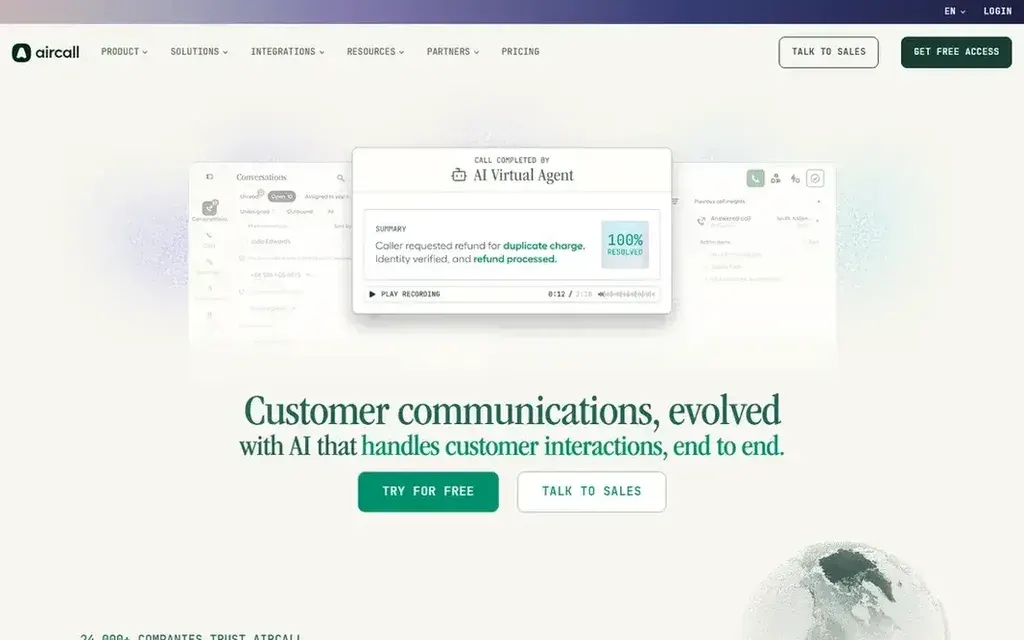
Aircall works best for unified business calling and messaging. Aircall is an AI-powered customer communications system that brings together channels, automates routine tasks and surfaces insights. It plugs into CRM and helpdesk systems and lists numerous connectors, including Hubspot and Salesforce.
More specifically, since it centers on communications, it does not replace document, scheduling or project tools in your Workspace stack. Choose Aircall when customer conversations are central and you need them connected to your CRM. Price to start with Aircall: $30 per license/month. Free plan details: Free trial.
Where it is weaker: Concentrated on communications, not documents.
- Links up with CRM and helpdesk tools
- Connects voice and messaging channels
- Setup relies on your existing stack
Loom works best for fast screen recordings and async video. The browser-based flow keeps recording and sharing in one place. Beyond that, pick Loom when asynchronous video explanations would save your team repeated calls.
Watch-outs: Video libraries can grow unwieldy without naming habits.
From a buyer's view, Loom is not a scheduling, chat or project management system. So it performs best alongside those tools instead of replacing them. Teams that require live meetings should pair it with a conferencing service. Price to start with Loom: $18 per user per month. Loom includes a free tier.
- Comes with video editing and storage
- Records screen and camera on Mac and PC
- Not a meeting or scheduling tool
Slack is designed for team chat and workflow automation. It pairs naturally with Google Workspace for files and email whereas keeping daily discussion in channels.
As for the details, busy channels create heavy notification loads, and important decisions can get buried without clear conventions. Slack cost at the entry level: $4.38 per user per month. Slack has a free plan.
Downsides: Notification volume can overwhelm.
- Links teams securely in channels
- Supports project tracking in one place
- Conversation history needs organization
Selection criteria
Selection started from tools commonly considered for google workspace utilities software, then narrowed to 5 that have clear pricing information or a clear quote process. Treat prices as a snapshot: vendors change plans often, so check the vendor site for the figure that applies today. Tools are placed by general fit for google workspace utilities software, with price clarity and free access as tie-breakers. A different team can reasonably rank them differently.
Things to verify first
- Prices are a starting point; Slack shows $4.38 per user per month to start, so verify what your seat count would cost.
- Read the fine print on the free plans from monday.com, Grammarly, Loom and Slack; seat, project and feature caps differ.
- Take the trial from Aircall and push a live task through it before you pay.
- Read the limits listed for monday.com first: can need setup effort to structure.
- Verify that exporting from Loom is possible on your plan and covers all your records.
- Ask whether monday.com integrates with your current software, and whether that comes standard or as an add-on.
FAQ
What is the cheapest option for google workspace utilities software in this list?
On published monthly entry prices, Slack is the lowest here at $4.38 per user per month. Entry price is only part of the cost, because seats, add-ons and billing terms can change the total.
Can I try these options before paying?
Often, yes. monday.com, Grammarly, Loom and Slack have a free plan and Aircall offers a free trial. Use your own data and a real task during the test, and check what the free tier or trial limits before you rely on it.
Is monday.com the right pick for everyone comparing google workspace utilities software?
No single tool suits every team. monday.com comes first because it fits AI-assisted work management, while Grammarly suits writing assistance across apps and Aircall suits unified business calling and messaging. Match the tool to your own size, budget and workflow before deciding.
Can these tools replace Google Workspace?
No. They are utilities that extend what Workspace already does instead of replacements for documents, email and storage. Think of them as extras for calls, video, scheduling, writing, projects and chat that fill gaps in your existing setup.
How are the tools for google workspace utilities software ordered?
monday.com sits first and Slack last because the order follows typical fit for google workspace utilities software, then price clarity and free access. It is a judgement call, so read each profile for fit and limits.
Sources
- https://monday.com
- https://www.grammarly.com
- https://aircall.io
- https://www.loom.com
- https://slack.com