Choosing Flexible Workspace Software in 2026: 6 Options Compared
Best flexible workspace software in 2026: 6 tools with starting prices, free plans and limits. Hidden costs and gaps are flagged. Budget notes included.
- Editor's choice
 ClickUp
Consolidating tasks, docs and goals
Starts at$9 per user a monthVisit clickup.comFull review - Great alternative
 Asana
Project and workflow coordination
Starts at$10.99 per user per monthVisit asana.comFull review - Also consider
 Notion
Document-first, all-in-one team workspace
Starts at$10 per member per monthVisit notion.comFull review
Direct answer
Start with ClickUp if you need consolidating tasks, docs and goals. Listed starting prices: ClickUp from $9 per user a month, Asana from $10.99 per user per month and Notion from $10 per member per month. Alternatives: Asana for project and workflow coordination, and Notion for document-first, all-in-one team workspace. The remaining 3 options are covered below with prices and limits.
TL;DR:
- ClickUp takes the first slot, best suited to consolidating tasks, docs and goals.
- ClickUp comes with a trade-off: feature depth can overwhelm.
- Smartsheet fits governed enterprise execution at scale.
- The cheapest monthly starting price in the list is $9 per user per month, offered by ClickUp.
- Free plans exist at 5 of 6 tools (ClickUp, Asana, Notion, monday.com, Airtable).
Last checked November 2026. Prices and plan details were read from the vendors' own pages in November 2026; vendors change plans often, so confirm the current price on the vendor site before you buy.
Quick comparison
| Tool | Best for | Starts at | Free plan? | |
|---|---|---|---|---|
| ClickUp | Consolidating tasks, docs and goals | $9 per user a month | Yes | Visit |
| Asana | Project and workflow coordination | $10.99 per user per month | Yes | Visit |
| Notion | Document-first, all-in-one team workspace | $10 per member per month | Yes | Visit |
 monday.com | Visual work management with AI agents | $9 per seat a month | Yes | Visit |
 Airtable | Structured databases and automatic workflows | $20 per user a month | Yes | Visit |
 Smartsheet | Governed enterprise execution at scale | $12 per Member/month | Not stated | Visit |
Tool-by-tool breakdown
LinkVetted put together this guide to flexible workspace software for readers who want a clear shortlist without reading every vendor page. It compares 6 tools on starting price, free plans, who each one suits and where each one falls short.
ClickUp serves consolidating tasks, docs and goals. Organizations juggling numerous work types frequently find the breadth handy.
What ClickUp does well: AI features included.
More specifically, the breadth that makes ClickUp adaptable can also make it feel dense. Teams may need time to set conventions before it stays organized. ClickUp cost at the entry level: $9 per user per month. You can start on ClickUp without paying.
Trade-offs to know: Feature depth can overwhelm.
- Wide feature coverage
- Tasks, docs
- Needs configuration to stay tidy
Asana makes the most sense for project and workflow coordination. Asana is oriented toward project execution, so teams seeking an adaptable wiki or database builder may find it less accommodating for unstructured content.
Beyond that, Asana is work management software for teams and AI agents, built to plan, automate and execute critical workflows together. Asana cost at the entry level: $10.99 per user per month. You can start on Asana without paying.
Watch-outs: Less adaptable as a document hub.
- Clear project and task tracking
- Workflow automation
- Advanced setups need planning
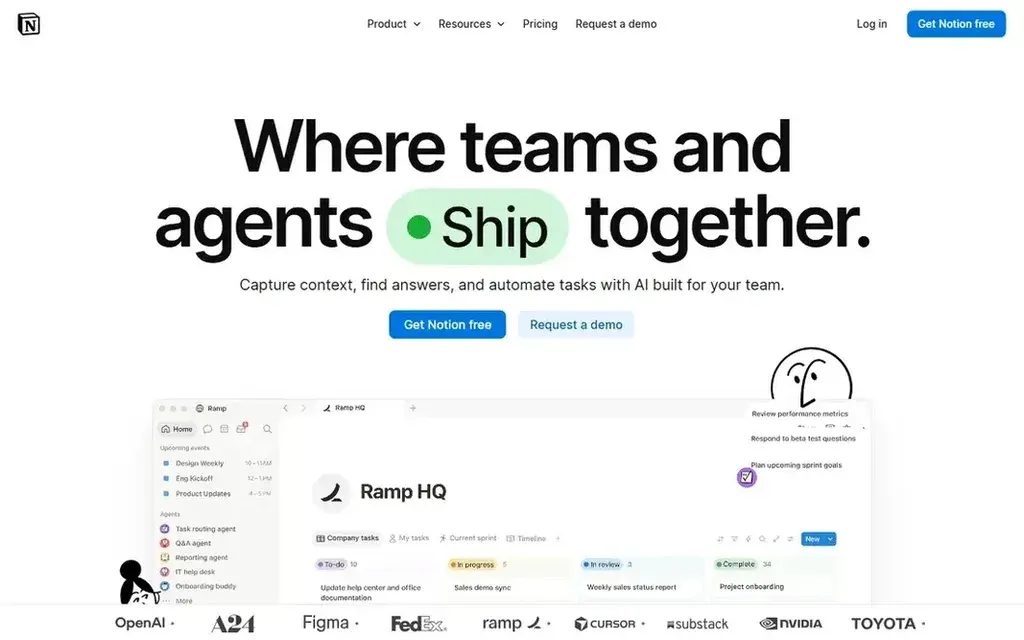
Notion makes the most sense for document-first, all-in-one team workspace. Since Notion is deliberately open-ended, teams without a clear structure can end up with sprawling pages and inconsistent databases.
Best features of Notion: Blends docs.
In practice, Notion is an adaptable workspace built around pages, databases and AI features. Pick something else if you need rigid process controls or deep task-tracking from day one. Notion starts at: $10 per member per month. Free access exists with Notion.
Points against: Large workspaces need structure.
- Wikis and databases
- Custom agents and automation
- Can feel open-ended for new users
monday.com is aimed squarely at visual work management with AI agents. For very straightforward personal task lists, it may offer more than needed.
Downsides: Customization can add complexity.
Beyond that, if your priority is a document-first knowledge base, a workspace built around pages may suit you better. As for the details, monday.com presents itself as an AI workspace for people and agents, where AI agents work side by side with teams to execute, handle and operate together. Starting cost for monday.com: $9 per seat per month. Free access exists with monday.com.
- AI agents alongside people
- Visual boards and workflows
- May feel heavy for straightforward lists
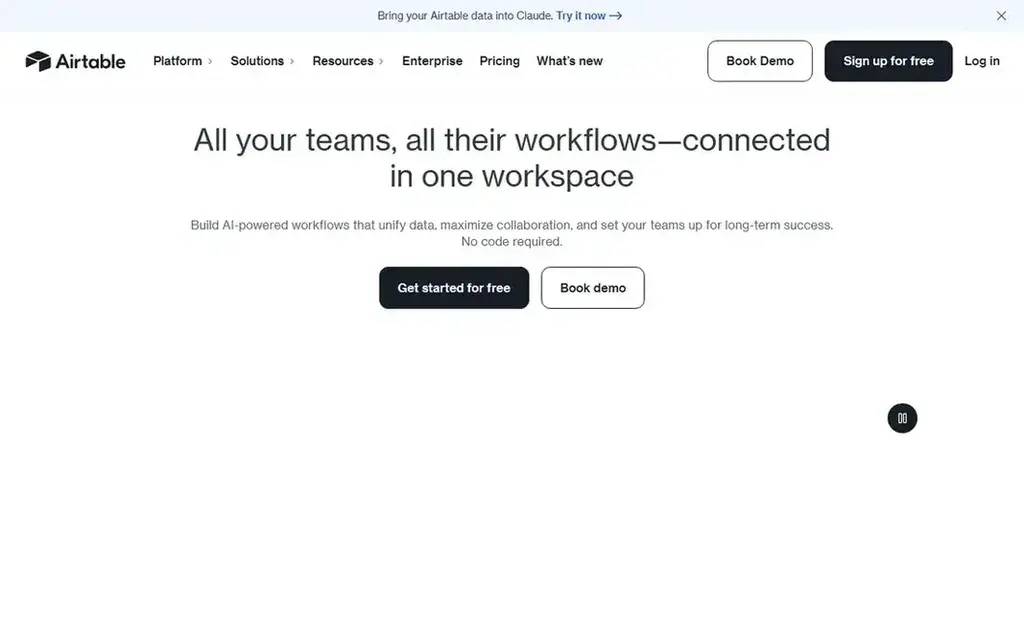
Airtable is designed for structured databases and automatic workflows. If writing and knowledge sharing dominate your work, a document-first workspace may be a better fit.
Drawbacks to consider: Structure takes planning upfront.
Its homepage emphasizes live collaboration, automating repetitive and manual work, and simplifying business processes rapidly. It is less suited to teams that primarily need long-form documents or straightforward task lists. Price to start with Airtable: $20 per user per month. Airtable has a free plan.
- Live team collaboration
- Automation of repetitive tasks
- Less natural for long-form writing
Smartsheet is aimed squarely at governed enterprise execution at scale. It suits organizations that handle structured processes, approvals and reporting across numerous teams and need controls and oversight built into how work is tracked and shared.
Points against: Less suited to casual docs.
It is not primarily a document or wiki tool. Price to start with Smartsheet: $12 per Member/month. As for free access: Not stated.
- Governance and visibility features
- Spreadsheet-style work management
- Interface feels more formal
How we built this list
For each of the 6 tools we noted price, free plan or trial, fit for flexible workspace software and the main limit, using vendor pages and documentation. Prices and plan limits come from vendor pages and can change, so confirm them on the vendor site before you buy. The order reflects how well each tool fits the most common buying scenario for flexible workspace software, then price clarity, then free plan access. It is a starting point, not a verdict.
Pre-purchase checklist
- Check the vendor page for the current price: ClickUp starts at $9 per user per month here, and seats or billing terms can move it.
- Look at free plan limits closely: ClickUp, Asana, Notion and others have one, and the caps decide whether it is usable for real work.
- Read the limits listed for ClickUp first: feature depth can overwhelm.
- Check whether ClickUp bills monthly or annually, and what cancelling early costs.
- List the apps you already depend on and check that Smartsheet supports each one on the plan you would buy.
FAQ
Can I try these options before paying?
Often, yes. ClickUp, Asana, Notion and others have a free plan. Use your own data and a real task during the test, and check what the free tier or trial limits before you rely on it.
Do these tools publish their prices?
Yes. Every tool from ClickUp to Smartsheet shows a starting price, though seats, add-ons and billing terms still change the final cost.
How are the tools for flexible workspace software ordered?
The order follows typical fit for flexible workspace software, with ClickUp first and Smartsheet last, then price clarity and free access. It is editorial judgement, not a score, so another team could rank the tools differently.
Is ClickUp the right pick for everyone comparing flexible workspace software?
No single tool suits every team. ClickUp comes first because it fits consolidating tasks, docs and goals, while Asana suits project and workflow coordination and Notion suits document-first, all-in-one team workspace. Match the tool to your own size, budget and workflow before deciding.
Sources
- https://clickup.com
- https://asana.com
- https://www.notion.com
- https://monday.com
- https://www.airtable.com
- https://www.smartsheet.com