Choosing Flipping Book Software in 2026: 6 Options Compared
Shortlisting the best flipping book software? 6 products compared on cost, free access and ideal buyer. Includes honest limits for each tool. Facts only.
- Editor's choicePaperturn
Engagement and lead generation
Starts at$24 a monthVisit paperturn.comFull review - Great alternative
 MadCap Flare
Technical documentation publishing
Starts at$263 per author per monthVisit madcapsoftware.comFull review - Also considerHeyzine
Straightforward PDF to flipbook conversion
Starts atSee websiteVisit heyzine.comFull review
Direct answer
Our first pick is Paperturn, best for engagement and lead generation. Listed starting prices: Paperturn from $24 a month, MadCap Flare from $263 per author per month and FlippingBook from $20 a month. MadCap Flare is better for technical documentation publishing, and Heyzine is better for straightforward PDF to flipbook conversion. Prices, free plans and limits for all 6 tools follow.
TL;DR:
- Top of the list is Paperturn, which targets engagement and lead generation.
- Paperturn, Calameo and the 4 others all need a premium plan or a trial, since no free plan is listed.
- One limit worth knowing about MadCap Flare: not a dedicated flipbook maker.
- For publishing magazines and catalogs, Calameo is worth a look.
- For the cheapest start, look at FlippingBook: $20 per month.
Last checked November 2026. Prices and plan details were read from the vendors' own pages in November 2026; vendors change plans often, so confirm the current price on the vendor site before you buy.
Quick comparison
| Tool | Best for | Starts at | Free plan? | |
|---|---|---|---|---|
| Paperturn | Engagement and lead generation | $24 a month | Free trial | Visit |
| MadCap Flare | Technical documentation publishing | $263 per author per month | Free trial | Visit |
| Heyzine | Straightforward PDF to flipbook conversion | See website | Not stated | Visit |
 FlippingBook | Branded client publishing | $20 a month | Free trial | Visit |
 FlipHTML5 | All-around flipping book creation | See website | Not stated | Visit |
| Calameo | Publishing magazines and catalogs | See website | Not stated | Visit |
The full flipping book software list
LinkVetted compared 6 tools for flipping book software. The goal is a practical shortlist: published prices, free plan facts, best-fit use cases and honest limits for every entry.
Paperturn
Best for: Engagement and lead generation
Paperturn works best for engagement and lead generation. Its marketing focus may be more than an entry-level publisher needs.
From a buyer's view, pick Paperturn when engagement and lead generation are central goals. Starting cost for Paperturn: $24 per month. On free options: Free trial.
Limits to weigh: Engagement features may be additional for straightforward sharing.
- Supports catalogs, brochures, magazines
- Turns PDFs into interactive flipbooks
- Less suited to technical documentation
Think of MadCap Flare for technical documentation publishing. It is not a dedicated flipping book tool, so straightforward PDF-to-flipbook projects may be better served elsewhere.
The main drawbacks: Not a dedicated flipbook maker.
In daily use, choose MadCap Flare when documentation management and structured content delivery are the priority. Starting cost for MadCap Flare: $263 per author per month. As for free access: Free trial.
- AI-ready content delivery
- Suited to structured authoring
- May be complicated for straightforward publications
Heyzine
Best for: Straightforward PDF to flipbook conversion
Think of Heyzine for straightforward PDF to flipbook conversion. Pick Heyzine for straightforward PDF-to-flipbook projects. In daily use, Heyzine is an online flipbook maker that converts PDFs into flipbooks.
Where it falls short: May lack advanced publishing analytics.
It supplies different page flip effects and lets you download, share, and embed the results, making it a fit for magazines, catalogs, brochures, reports, and menus. From a buyer's view, if you need client tracking or brand controls, a publishing suite may be better. Check the vendor site for Heyzine pricing; none is listed in this comparison. As for free access: Not stated.
- PDF to flipbook converter
- Different page flip effects
- Centred on conversion instead of full publishing suites
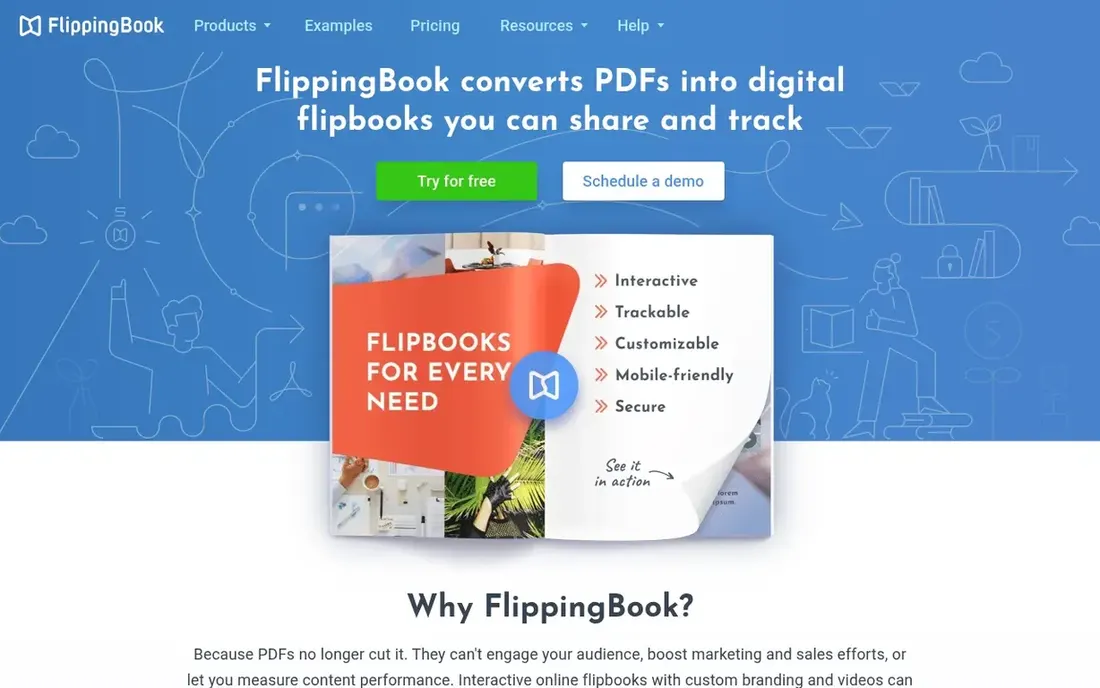
FlippingBook is designed for branded client publishing. FlippingBook is a digital publishing tool that converts PDFs into online flipbooks.
The client-sharing and stats features are handy for teams but may be more than a solo creator needs. FlippingBook pricing: $20 per month. As for free access: Free trial.
Drawbacks to consider: Branding focus may be more than needed for casual use.
- Track stats
- Share with clients
- Stats features add complexity

FlipHTML5 is a good fit for all-around flipping book creation. If you only need entry-level PDF conversion, a more straightforward converter may be simpler.
No starting price is listed for FlipHTML5 here; confirm pricing on the vendor site. On free options: Not stated.
Drawbacks to consider: Advanced choices require learning.
- Supports online sharing and embedding
- Handy for magazines and catalogs
- Feature depth may overwhelm beginners
Calameo
Best for: Publishing magazines and catalogs
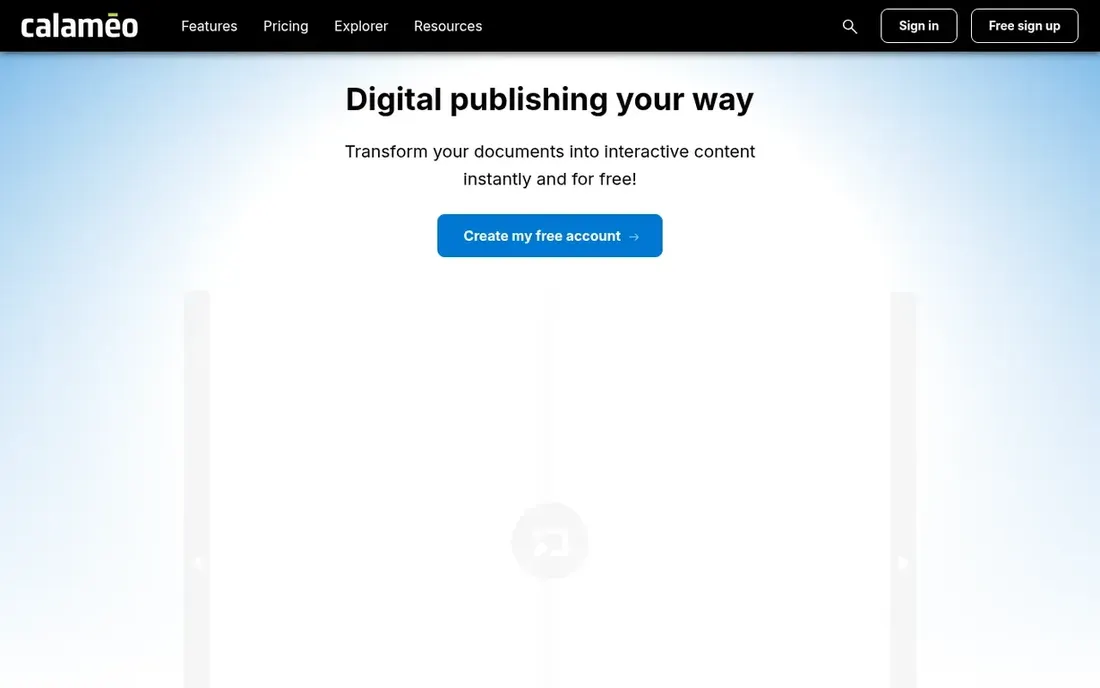
Calameo is designed for publishing magazines and catalogs. Calameo is a publishing system for digital magazines, interactive publications, and online catalogs. It converts documents into publications you can share worldwide, fitting publishers who want a magazine-style presentation.
Its strengths lean toward public publishing instead of private client workflows. For everyday use, if you need tight brand control for client documents, another tool may suit better. Choose Calameo for magazine and catalog publishing. Pricing for Calameo is not stated here, so ask the vendor for current figures. Free access: Not stated.
Limits to weigh: May be oriented toward public publishing.
- Supports interactive publications
- Share publications worldwide
- Less focused on private client sharing
Selection criteria
The comparison looks at four things: starting price, free access, how well the feature set matches flipping book software, and the main limit of each tool. Seat minimums, billing terms and add-ons can move the real cost, so the starting prices here are a guide and not a quote. The ranking is editorial: typical fit first, then clear pricing, then free access. If your needs are unusual, read the profiles rather than relying on position.
Pre-purchase checklist
- Get a written quote from Heyzine, FlipHTML5 and Calameo; the list shows no starting price for them.
- Use real work to test the free trial from Paperturn, MadCap Flare and FlippingBook, rather than a demo project.
- Before choosing Paperturn, weigh its main limit: engagement features may be extra for straightforward sharing.
- Find out whether the entry plan of FlippingBook covers your must-haves or only a trimmed-down version.
- Look at the renewal terms for MadCap Flare: auto-renewal, notice periods and price changes can matter more than the first-year price.
FAQ
Which tool is a good match for client-facing branded flipbooks?
Paperturn comes first here and is built for engagement and lead generation. Buyers with other needs may prefer MadCap Flare (for technical documentation publishing) or Heyzine (for straightforward PDF to flipbook conversion). Compare costs and limits first.
Is Paperturn the right pick for everyone comparing flipping book software?
No single tool suits every team. Paperturn comes first because it fits engagement and lead generation, while MadCap Flare suits technical documentation publishing and Heyzine suits simple PDF to flipbook conversion. Match the tool to your own size, budget and workflow before deciding.
Does any tool for flipping book software here have a free plan?
A permanent free plan is not offered by Paperturn, Calameo or the other tools here. Paperturn, MadCap Flare, FlippingBook offer a trial. Plan a short evaluation period instead.
Do these tools publish their prices?
Not all of them. Heyzine, FlipHTML5 and Calameo publish no starting price, so expect a quote request for those. The rest, Paperturn included, show a starting price, though seats and billing terms still change the final cost.
What is flipping book software?
Flipping book software converts PDFs or documents into digital publications with page-turning effects.
Can I try these options before paying?
Often, yes. Paperturn, MadCap Flare and FlippingBook offer a free trial. Use your own data and a real task during the test, and check what the free tier or trial limits before you rely on it.
Sources
- https://www.paperturn.com
- https://www.madcapsoftware.com
- https://heyzine.com
- https://flippingbook.com
- https://fliphtml5.com
- https://en.calameo.com