Best Flip Book Software for 2026: Our 5 Vetted Picks
Compare 5 picks for the best flip book software, with prices, free plans and who each fits. Price notes and drawbacks come with each one. Read the profiles.
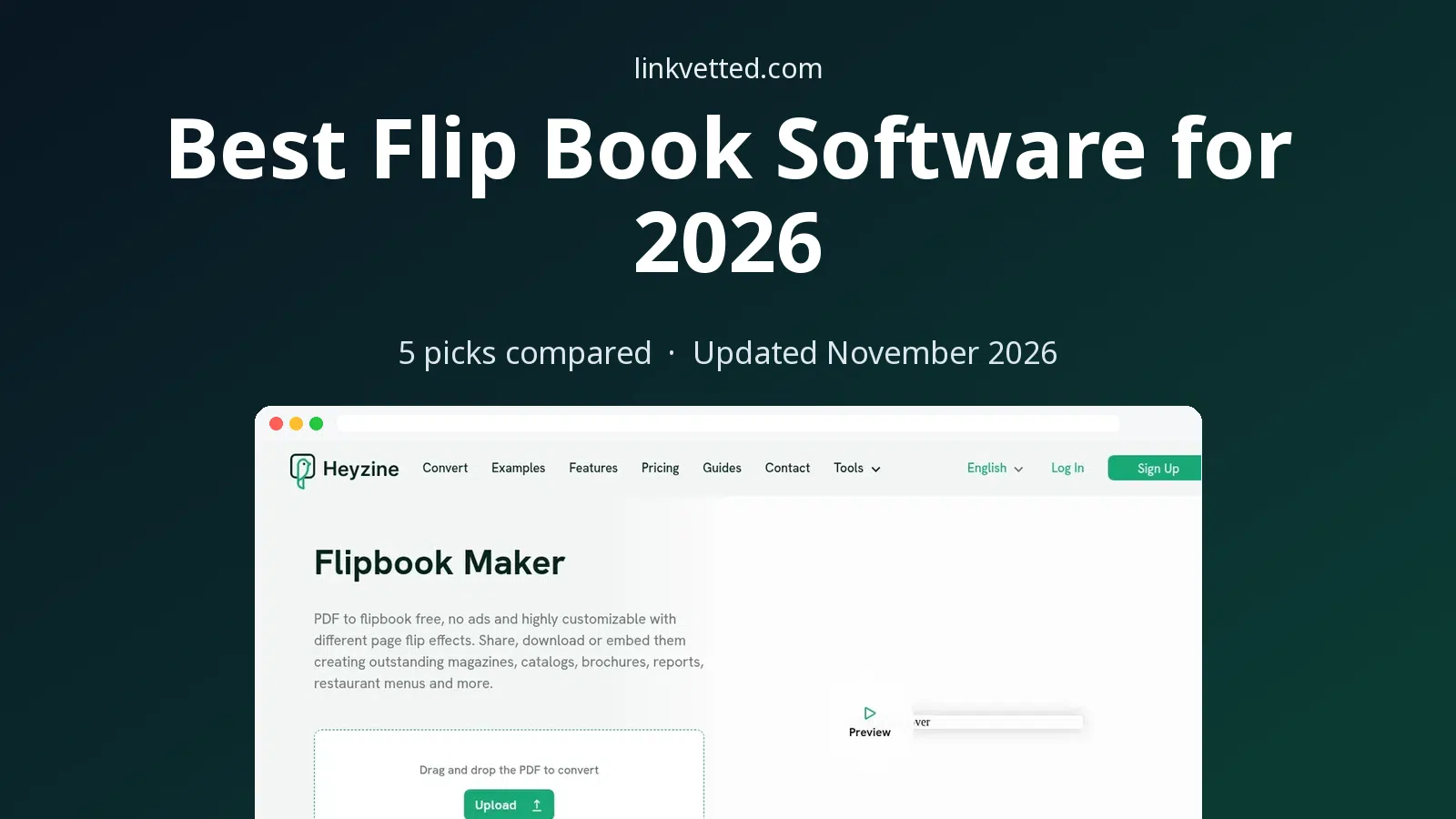
- Editor's choice
 MadCap Flare
Single-source technical documentation
Starts at$263 per author a monthVisit madcapsoftware.comFull review - Great alternative
 Canva
Designing publications before conversion
Starts atSee websiteVisit canva.comFull review - Also consider
 Adobe Acrobat Pro
Editing and converting PDFs
Starts atSee websiteVisit adobe.comFull review
Direct answer
For single-source technical documentation, MadCap Flare is where this list starts. Listed starting prices: MadCap Flare from $263 per author a month and FlippingBook from $20 a month. Canva is better for designing publications before conversion, and Adobe Acrobat Pro is better for editing and converting PDFs. The remaining 2 options are covered below with prices and limits.
TL;DR:
- This list starts with MadCap Flare, which is built for single-source technical documentation.
- FlippingBook suits branded client-facing digital flipbooks.
- A permanent free plan is missing from all 5 tools, MadCap Flare and FlippingBook included; plan for a trial or a premium start.
- Check the limits for MadCap Flare before you commit: geared toward documentation teams.
Last checked November 2026. Prices and plan details were read from the vendors' own pages in November 2026; vendors change plans often, so confirm the current price on the vendor site before you buy.
Quick comparison
| Tool | Best for | Starts at | Free plan? | |
|---|---|---|---|---|
| MadCap Flare | Single-source technical documentation | $263 per author a month | Free trial | Visit |
| Canva | Designing publications before conversion | See website | Not stated | Visit |
| Adobe Acrobat Pro | Editing and converting PDFs | See website | Not stated | Visit |
| Heyzine | Configurable PDF-to-flipbook conversion | See website | Not stated | Visit |
 FlippingBook | Branded client-facing digital flipbooks | $20 a month | Free trial | Visit |
Flip Book Software compared in detail
LinkVetted put together this guide to flip book software for readers who want a clear shortlist without reading every vendor page. It compares 5 tools on starting price, free plans, who each one suits and where each one falls short.
MadCap Flare makes the most sense for single-source technical documentation. Flare is heavier than a straightforward flipbook converter and assumes a documentation workflow.
As for the details, if you primarily want to turn a finished PDF into a page-turning web publication, a dedicated flipbook tool will be quicker and more straightforward. On cost, MadCap Flare starts like this: $263 per author per month. As for free access: Free trial.
Points against: Targeted at documentation teams.
- Provides online help
- Knowledge bases and PDFs
- Not a consumer flipbook maker
Canva works best for designing publications before conversion. Canva is a visual suite and online graphic design tool used to produce social media posts, presentations, posters, videos, logos and more.
What users get: Builds posters.
Drawbacks to consider: Not a dedicated flipbook host.
In practice, Canva is a design environment instead of a flipbook publishing product, so page-turn effects, embedding and reader stats come from elsewhere. On top of that, pick it when the design stage is the bottleneck and you plan to convert the finished file separately. Pricing for Canva is not stated here, so ask the vendor for current figures. On free options: Not stated.
- Presentations and more
- Templates for many formats
- Needs export before conversion
Adobe Acrobat Pro was built for editing and converting PDFs. Acrobat Pro is not a flipbook system, so it will not provide you hosted, page-turning publications with sharing analytics on its own.
Adobe Acrobat Pro is full PDF software for editing, converting and sharing documents. Beyond that, choose it for document preparation and pair it with a dedicated flipbook service for the publishing layer. This comparison lists no price for Adobe Acrobat Pro; ask the vendor. Trial and free access: Not stated.
Watch-outs: Page-turn effects are not its focus.
- Widely used PDF standard
- Full PDF editing and conversion
- Not a flipbook hosting product
Heyzine
Best for: Configurable PDF-to-flipbook conversion
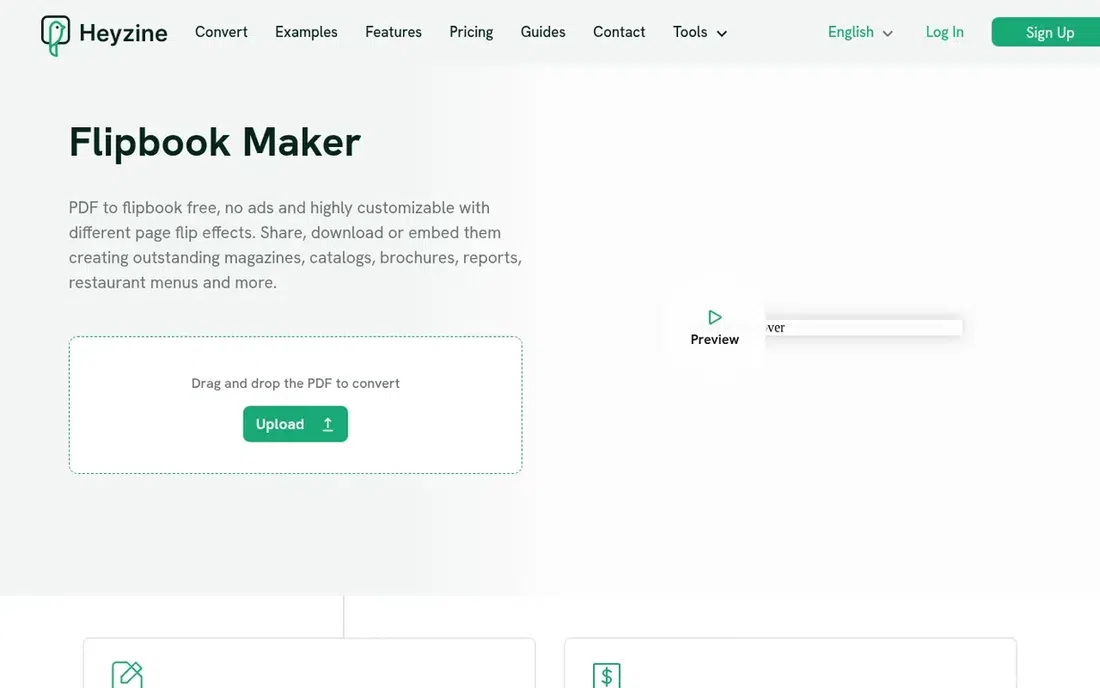
Heyzine serves customizable PDF-to-flipbook conversion. Heyzine works from PDFs you already have, so it is not a layout or documentation authoring environment.
Where it falls short: Less suited to structured documentation.
Pricing for Heyzine is not stated here, so ask the vendor for current figures. Trial and free access: Not stated.
- Converts PDFs to flipbooks online
- Download
- Built around existing PDFs
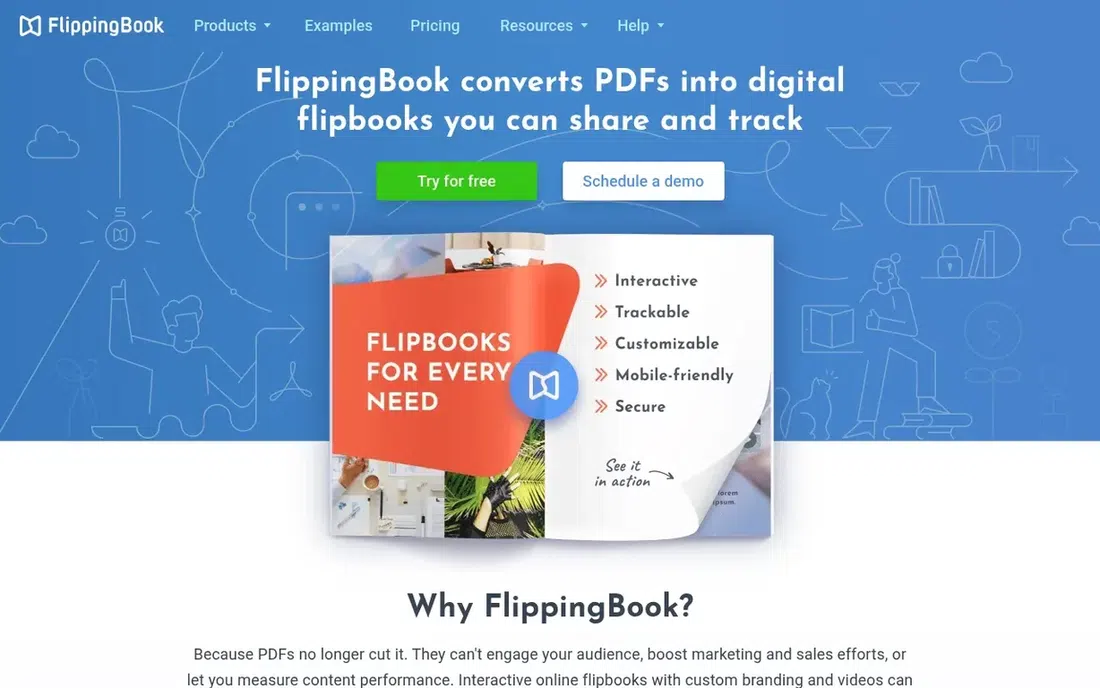
FlippingBook makes the most sense for branded client-facing digital flipbooks. Choose FlippingBook when branding, sharing and engagement tracking matter more than original content creation. Since it centers on converting and distributing PDFs, teams that require to author long technical documentation or design layouts from scratch may need a different tool alongside it.
FlippingBook is a digital publishing tool that converts PDFs into online flipbooks. Its homepage flags branding the flipbook, sharing it with clients and tracking stats, which makes it a natural fit for companies that distribute brochures, reports or catalogs and want to see how they perform. FlippingBook pricing: $20 per month. Free access: Free trial.
Where it falls short: Centred on publishing instead of design.
- Branding and sharing choices
- Tracks publication stats
- Not a full documentation authoring tool
How we chose
For each of the 5 tools we noted price, free plan or trial, fit for flip book software and the main limit, using vendor pages and documentation. Where a vendor does not publish a price, the entry says quote. Where a price depends on seats or billing term, the entry says so. The order reflects how well each tool fits the most common buying scenario for flip book software, then price clarity, then free plan access. It is a starting point, not a verdict.
What to check before you buy
- Confirm the entry price on the vendor page. For Canva, Adobe Acrobat Pro and Heyzine that means a quote rather than a fixed price.
- Run a trial of MadCap Flare and FlippingBook with real work before paying for a year; your own workflow is the best test.
- Read the limits listed for MadCap Flare first: geared toward documentation teams.
- Check the support hours and onboarding help Canva offers; smaller vendors vary a lot here.
- Work out what Adobe Acrobat Pro costs with your real seat count, add-ons and usage, not just the entry price.
FAQ
Does any tool for flip book software here have a free plan?
No tool in this list, MadCap Flare and FlippingBook included, has a permanent free plan. MadCap Flare, FlippingBook offer a trial. Trials and quotes are the usual route, so plan a short evaluation period.
Do these tools publish their prices?
Not all of them. Canva, Adobe Acrobat Pro and Heyzine publish no starting price, so expect a quote request for those. The rest, MadCap Flare included, show a starting price, though seats and billing terms still change the final cost.
Is MadCap Flare the right pick for everyone comparing flip book software?
No single tool suits every team. MadCap Flare comes first because it fits single-source technical documentation, while Canva suits designing publications before conversion and Adobe Acrobat Pro suits editing and converting PDFs. Match the tool to your own size, budget and workflow before deciding.
How are the tools for flip book software ordered?
The order follows typical fit for flip book software, with MadCap Flare first and FlippingBook last, then price clarity and free access. It is editorial judgement, not a score, so another team could rank the tools differently.
Is a documentation tool the same as flipbook software?
No. MadCap Flare targets structured technical documentation with several outputs for example online help and PDFs, whereas flipbook tools focus on presenting finished documents as page-turning publications.
Sources
- https://www.madcapsoftware.com/products/flare
- https://www.canva.com
- https://www.adobe.com/acrobat/acrobat-pro.html
- https://heyzine.com
- https://flippingbook.com