Best Flooring Software in 2026: 8 Tools Compared
Find the best flooring software in 2026 for estimating, takeoff, inventory, job costing, scheduling, dispatch, and invoicing for dealers and installers.
- Editor's choice
 RFMS
Flooring retailers and dealers
Starts atSee websiteVisit rfms.comFull review - Great alternative
 MeasureSquare
Estimators needing fast flooring takeoffs
Starts atSee websiteVisit measuresquare.comFull review - Also consider
 QFloors
Flooring dealers needing accounting plus jobs
Starts atSee websiteVisit qfloors.comFull review
TL;DR:
- RFMS, QFloors, and RollMaster are built for flooring dealers, with trade-specific inventory and job costing.
- MeasureSquare leads for fast, accurate flooring takeoffs and estimates.
- Jobber and Housecall Pro suit small installers that need scheduling, quotes, and payments simply.
- Match the tool to your role: dealer, estimator, or installer, since each needs a different core strength.
Quick comparison
| Tool | Best for | Starts at | Free plan? | |
|---|---|---|---|---|
| RFMS | Flooring retailers and dealers | See website | No | Visit |
| MeasureSquare | Estimators needing fast flooring takeoffs | See website | Free trial | Visit |
| QFloors | Flooring dealers needing accounting plus jobs | See website | No | Visit |
 RollMaster | Larger flooring operations needing control | See website | No | Visit |
 Leap | Flooring and home improvement sales teams | See website | Free trial | Visit |
 Jobber | Small flooring installers needing scheduling | $49 per month | Free trial | Visit |
 Housecall Pro | Installers needing dispatch and payments | $49 per month | Free trial | Visit |
 ServiceTitan | Larger home service firms with flooring crews | See website | Free trial | Visit |
The best best flooring software picks
Flooring work mixes selling by the square foot, cutting and waste, crew scheduling, and job margin tracking. The tools below cover dealers, estimators, and installers, with notes on which role each one serves best.

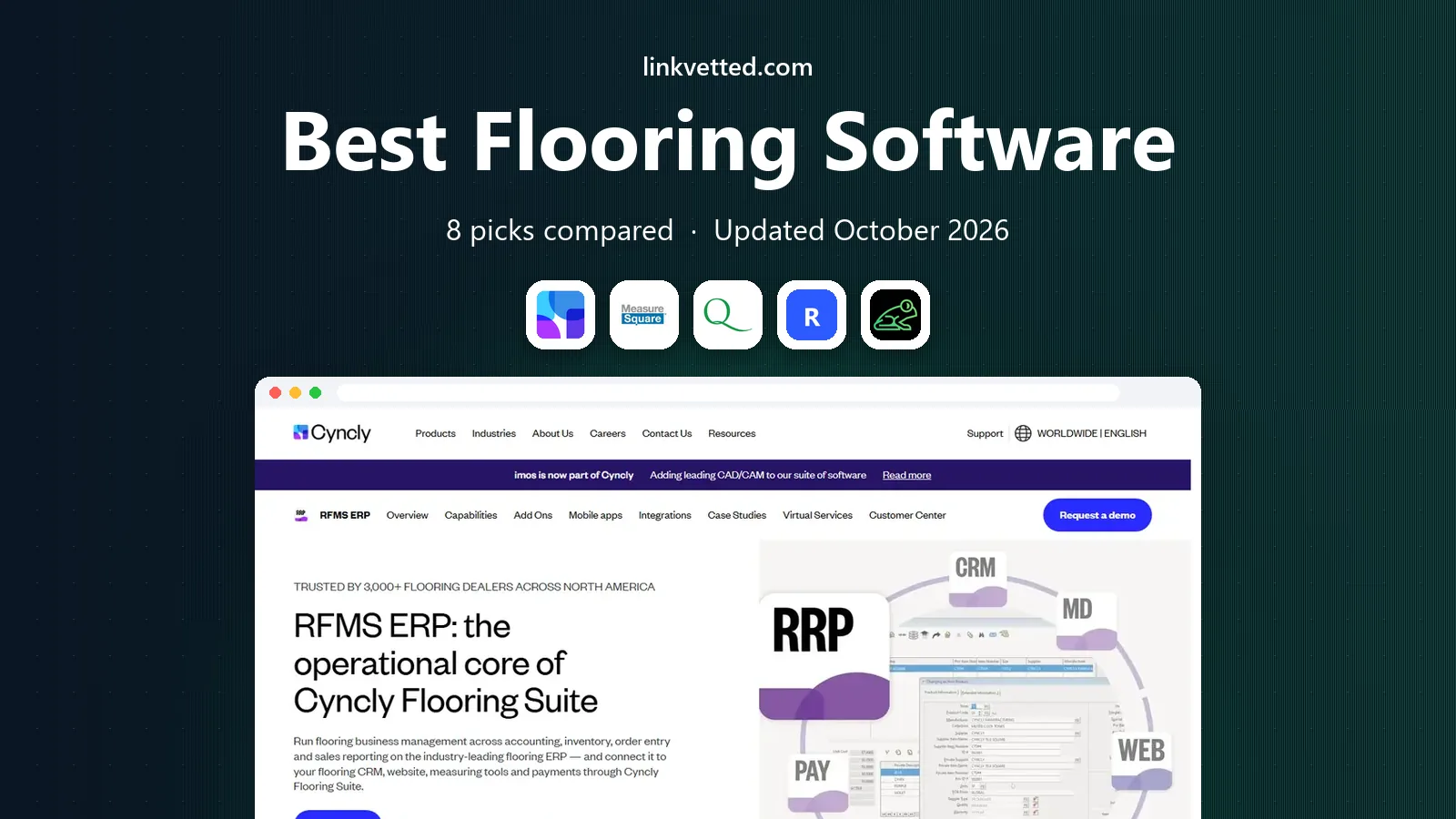
RFMS is built for flooring businesses, not adapted from a generic tool. Estimating, product inventory, job costing, and scheduling reflect how flooring retailers sell by roll, box, or square foot and manage install crews.
The trade-off is focus. A general contractor with only occasional flooring work may find it more specific than needed. For a flooring dealer or retailer, that specificity saves custom setup and keeps quotes tied to real product stock.
- Flooring-specific estimating, inventory, and job tracking
- Built for retail and commercial dealers
- Quote-based pricing
- Setup suits flooring businesses, not general contractors alone
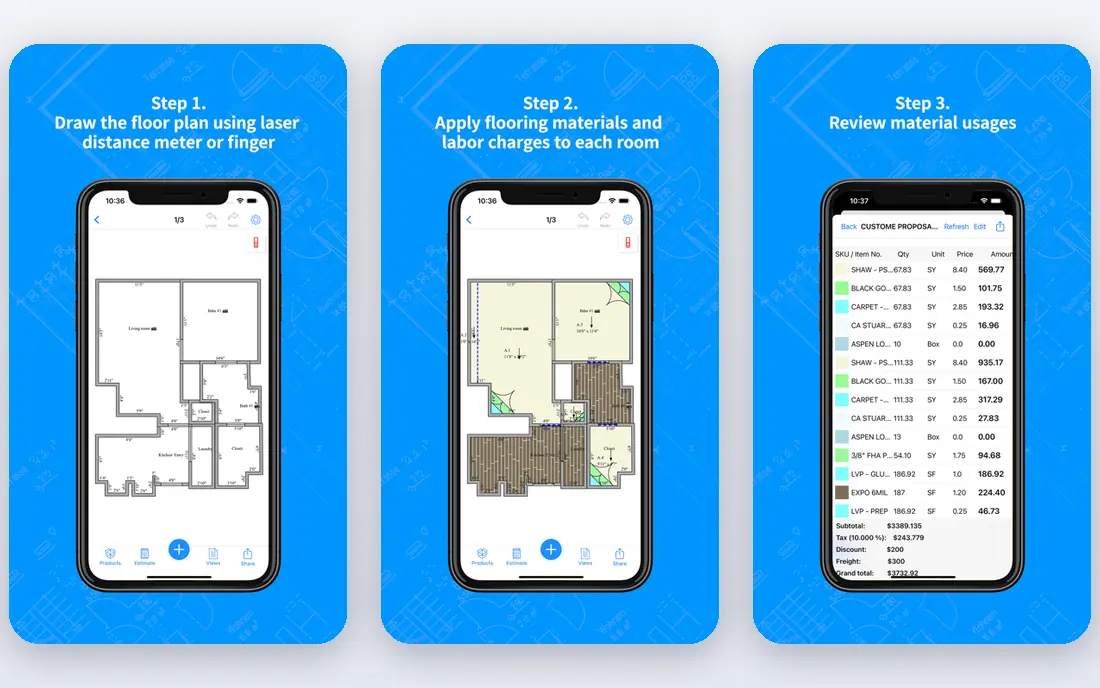
MeasureSquare speeds up the takeoff step that often slows flooring quotes. Estimators can draw rooms, apply products, and calculate material and labor, then produce a quote that reflects waste, pattern, and cuts more accurately than a rough square-foot guess.
It is strongest as an estimating tool, so many firms pair it with accounting or job management software. For teams that lose bids to slow or inaccurate estimates, MeasureSquare can pay for itself in quote speed and accuracy.
- Fast digital takeoff and estimating for flooring
- Diagram tools
- Product and labor costing
- Quote-based pricing
- Best as an estimating tool alongside a broader business system
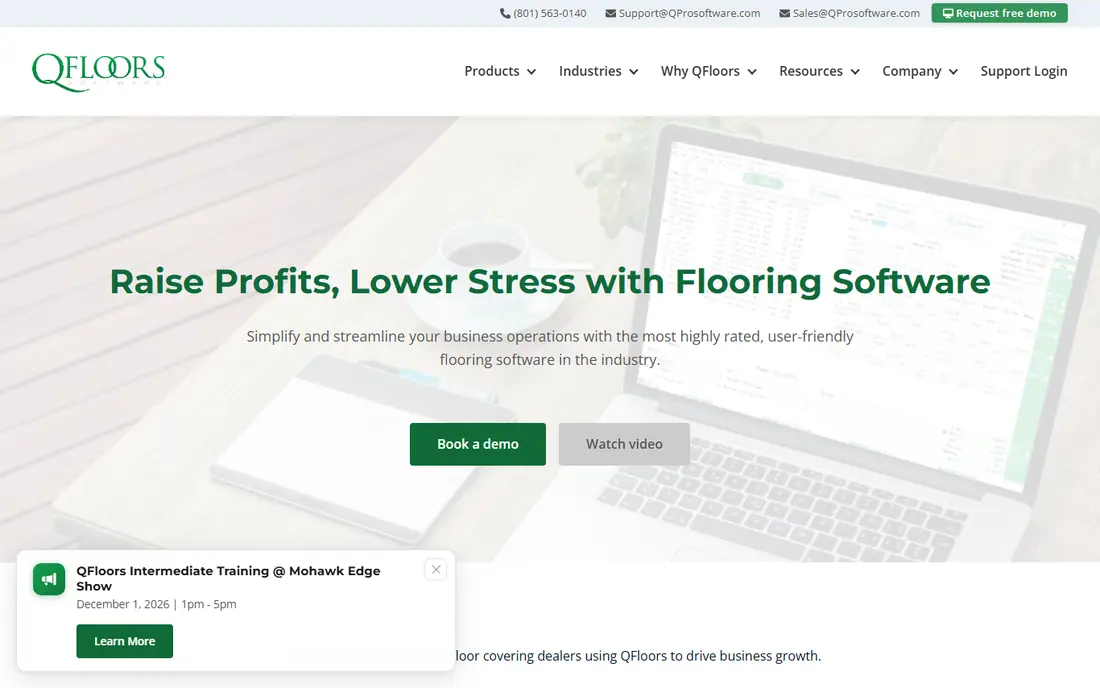
QFloors combines accounting, inventory, job management, and customer tracking in a system designed for flooring dealers. That single view helps a dealer see margin by job, stock by product, and customer history without reconciling separate tools.
Implementation rewards workflow planning, since accounting and inventory setup must match how the dealer buys and sells. For a dealer that wants one flooring system for money and jobs, QFloors is a strong, trade-specific option.
- Flooring accounting, inventory, job costing, and CRM in one system
- Built for the trade
- Quote-based pricing
- Implementation needs flooring workflow planning
RollMaster suits larger flooring retailers and commercial operations that need tight inventory and job control. Stock by roll and cut, job costs, customer records, and accounting sit together, which helps managers spot margin leaks across many jobs.
Solo installers may find it heavier than needed. For a multi-store or commercial flooring business, the depth helps standardize quoting, ordering, and job tracking across teams and locations.
- Inventory, job costing, CRM, and accounting for flooring retailers and commercial work
- Quote-based
- Suited to larger operations rather than solo installers
Leap, formerly JobProgress, helps flooring sales teams sell visually and close faster. Reps can build estimates, show product options, capture signatures, and track jobs from a mobile device at the customer home.
The sales focus means accounting and inventory still need another system for many firms. For teams whose bottleneck is slow, paper-based selling, Leap modernizes the customer-facing step without a full back-office replacement.
- Visual selling, estimating, and contracts for home improvement, including flooring
- Mobile-friendly
- Quote-based pricing
- Sales focus means accounting needs a separate tool
Jobber is a practical pick for a small flooring installation team that needs scheduling, quoting, and invoicing in one simple system. Crews can see jobs on mobile, clients get reminders, and invoices follow completed work without office rework.
It lacks deep flooring takeoff and roll inventory, so dealers with complex stock may pair it with a trade tool. For installers whose main needs are bookings, quotes, and payments, Jobber keeps operations simple and affordable.
- Scheduling, quoting, invoicing, and client reminders for field service teams
- Easy mobile app
- Not flooring-specific
- Inventory and takeoff features are lighter
Housecall Pro suits flooring installers who run a dispatch-based business. Scheduling, job tracking, estimates, invoices, and card payments sit in one mobile-friendly system, and automated reminders cut no-shows and late payments.
As with Jobber, flooring-specific inventory and takeoff are not the focus. For an installer team that values dispatch, communication, and fast payment, Housecall Pro covers daily operations well at a clear monthly price.
- Scheduling, dispatch, estimates, invoicing, and payments for home service teams
- Strong mobile tools
- Not flooring-specific
- Product inventory is basic
ServiceTitan is built for larger home service companies that run many crews and need strong dispatch, CRM, and reporting. Flooring crews can benefit from the same scheduling, job tracking, and customer history tools that larger trades rely on.
The platform is priced by quote and suits larger operations best. A solo installer will likely find it more than needed, but a growing flooring company with multiple crews can use ServiceTitan to standardize operations as it scales.
- Scheduling, dispatch, CRM, marketing, and reporting for larger home service companies
- Quote-based and enterprise-priced for small teams
- Setup takes planning
How we picked these
We compared official feature pages, pricing pages, app store listings, and public user reviews for each product, and kept only tools that are live today and truly fit the topic. We favored tools with clear pricing or a clear quote process, a documented integration set, and support options a small team can actually use.
We also weighed the honest trade-offs. A low starting price can hide per-seat add-ons, and a feature-rich enterprise tool can slow down a small team. Our pick in each guide balances fit, cost, and ease of day-to-day use rather than the longest feature list.
We also checked support and learning resources, since a tool is only useful if your team can get help when a deadline is near. Look for live chat or phone support on your plan, clear help guides, and an onboarding path that fits a small team without a dedicated trainer.
How to choose flooring software for your business
Start with your role in the job. A dealer needs inventory, product pricing, and margin by job. An estimator needs takeoff accuracy and waste factors. An installer needs scheduling, dispatch, and fast invoicing. A tool that nails your role will beat a generic system that covers all three weakly.
Next, test a real job end to end. Take a past flooring job, run it through estimating, ordering, scheduling, and invoicing in a trial, and check margin and stock results. If the quote step is slow or the waste math feels wrong, that tool will cost you on every job, not just in setup.
Finally, check integrations and mobile use. Crews need mobile job details and photo capture, and the office needs accounting links that avoid double entry. Confirm payment options too, since deposits and final payments tied to job stages help cash flow for material-heavy flooring work.
Before you sign, run a short pilot with real work and a real deadline. A pilot shows whether staff actually use the tool under pressure, where approvals stall, and what training is still missing. It also gives you evidence for renewal talks, since you can point to time saved or errors avoided rather than to a demo promise.
FAQ
What is the best flooring software?
RFMS and QFloors are strong trade-specific picks for dealers, while MeasureSquare leads for estimating. Small installers often do well with Jobber or Housecall Pro for scheduling and invoicing, and larger firms may prefer RollMaster or ServiceTitan.
How much does flooring software cost?
Many trade-specific platforms are quote-only, while field service tools for installers start near 49 dollars per month. Request a quote based on users, stores, and modules, and compare total cost including setup.
Do I need flooring-specific software or a general field service tool?
A dealer with roll inventory and complex product pricing benefits most from flooring-specific software. An installer focused on scheduling and payments can often use a general field service tool and add a takeoff tool when needed.
What is a flooring takeoff?
A takeoff measures rooms and surfaces from a plan or site sketch and calculates material, including waste, pattern matching, and cuts. Digital takeoff tools like MeasureSquare speed this step and improve quote accuracy over manual square-foot guesses.
Can flooring software track job profit?
Yes, trade-specific tools track material, labor, and other job costs against the quote to show margin by job. For general tools, check whether job costing is included or requires an accounting integration.
How should I run a trial before buying?
Start with a real past project, not a blank demo account, and invite the people who will use the tool daily. Set a clear success test, such as finishing the task faster or with fewer errors, and review the result with the team before you sign a contract.