8 Best Apps to Visualize Flooring
Find the best app to visualize flooring in your own room, from Roomvo to brand visualizers, with photo upload tips and limits before you order samples.
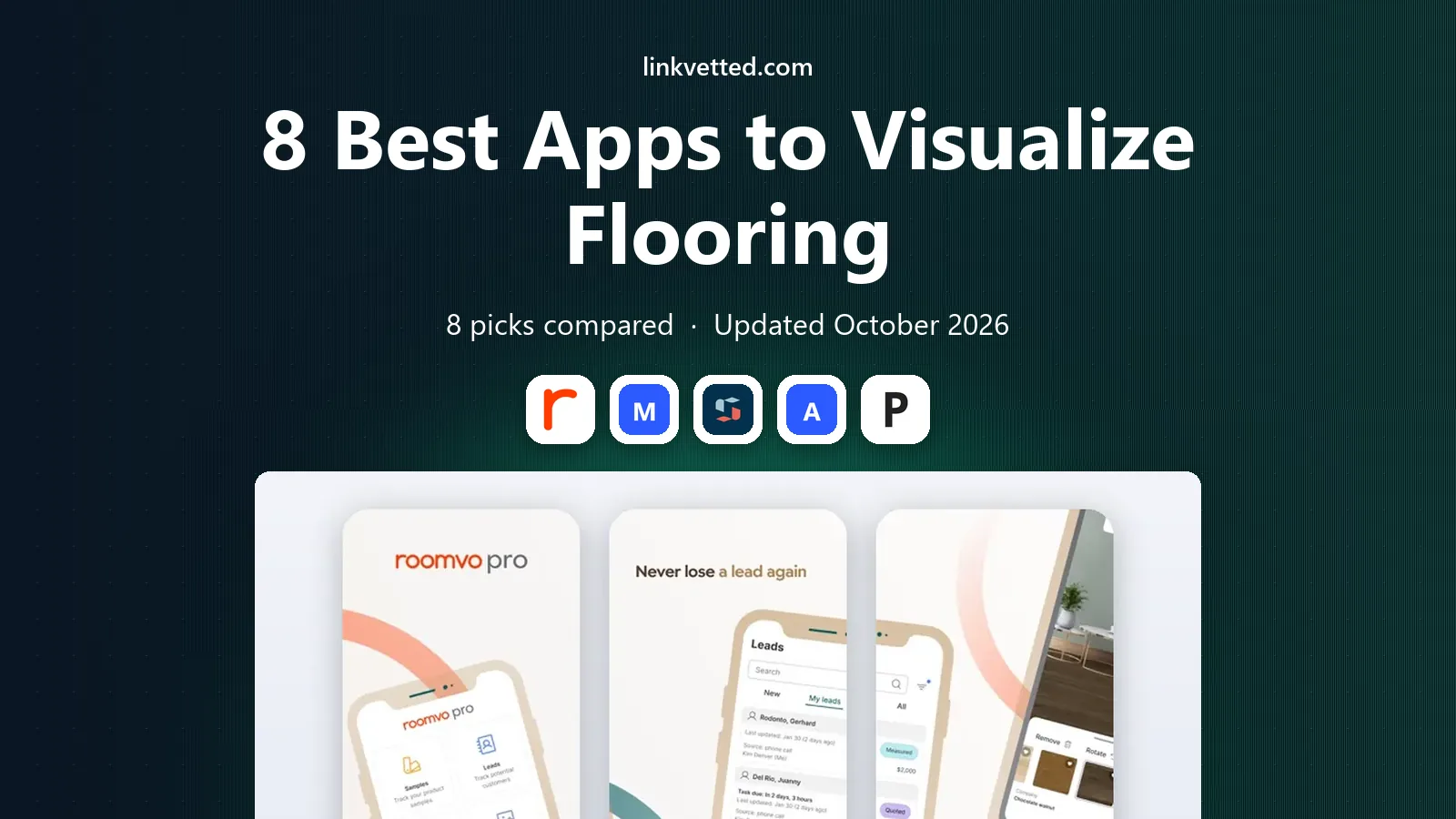
- Editor's choice
 Roomvo
Floor previews inside retailer and brand sites
Starts atSee websiteVisit roomvo.comFull review - Great alternative
 Mohawk Flooring Visualizer
Previewing Mohawk floors in your room
Starts atFreeVisit mohawkflooring.comFull review - Also consider
 Shaw Floors Room Visualizer
Previewing Shaw floors in your room
Starts atFreeVisit shawfloors.comFull review
TL;DR:
- Roomvo is the most flexible starting point, since it powers previews on many retailer sites with real buyable products.
- Brand visualizers from Mohawk, Shaw, Armstrong, Pergo, Karndean, and Tarkett are best once you know the brand you like.
- Use a clear, well-lit room photo, and compare light, mid-tone, and dark options in the same image.
- Order real samples for your finalists, since screens cannot show texture and true color reliably.
Quick comparison
| Tool | Best for | Starts at | Free plan? | |
|---|---|---|---|---|
| Roomvo | Floor previews inside retailer and brand sites | See website | Yes | Visit |
| Mohawk Flooring Visualizer | Previewing Mohawk floors in your room | Free | Yes | Visit |
| Shaw Floors Room Visualizer | Previewing Shaw floors in your room | Free | Yes | Visit |
 Armstrong Flooring Visualizer | Previewing Armstrong floors in your room | Free | Yes | Visit |
 Pergo Visualizer | Previewing Pergo laminate and vinyl floors | Free | Yes | Visit |
 Karndean Designflooring Visualizer | Previewing Karndean luxury vinyl in your room | Free | Yes | Visit |
 Tarkett Visualizer | Previewing Tarkett floors for home and commercial use | Free | Yes | Visit |
 BuildDirect Flooring Visualizer | Previewing floors you can order online | Free | Yes | Visit |
The best flooring visualizer apps
A small flooring sample rarely shows how a floor will look across a whole room. Visualizer tools solve that gap by applying a floor to a photo of your room or a sample room, so you can compare color, plank width, and finish before ordering. Most tools here are free to use through a brand or retailer website, and all work best with a clear, well-lit room photo.
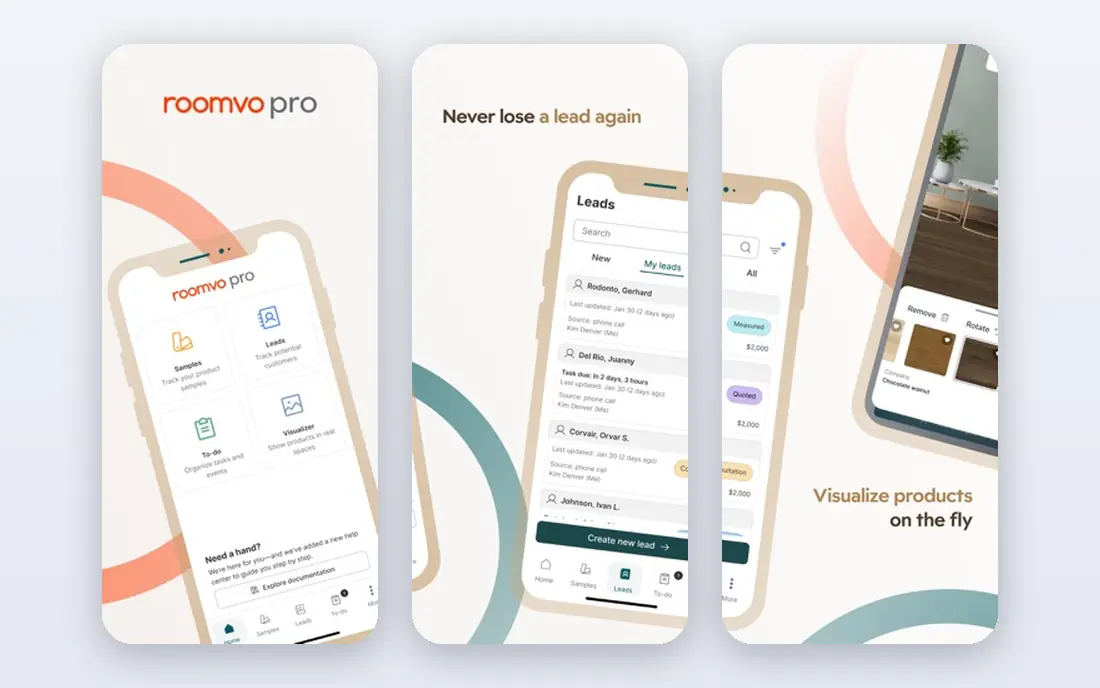
Roomvo is the visualizer behind many retailer and brand websites. You upload a room photo on a partner site, then see that retailer floors applied to your space in seconds. Its catalog reach is the strength. Because Roomvo powers many stores, you can preview real products you can actually buy, rather than generic floor images.
Access is the limit. You use it through a retailer or brand site, not as a single standalone app for every brand. If your store does not offer it, you will need a brand visualizer instead.
- Photo upload previews
- Large brand and retailer catalogs
- Quick style comparison
- Access is through partner sites, not one consumer app
- No measurements
The Mohawk visualizer lets you see Mohawk hardwood, laminate, vinyl, and carpet in your own room photo or a sample room. It is a direct way to test a Mohawk product before visiting a store. Catalog depth for one brand is the advantage. You can compare many Mohawk styles side by side without guessing from small samples.
The obvious limit is brand scope. If you are comparing Mohawk with Shaw or Armstrong, you will need to run each brand tool separately and compare screenshots.
- Upload your room photo
- Wide Mohawk catalog
- Sample room options
- Limited to Mohawk products
- Preview is not a substitute for samples
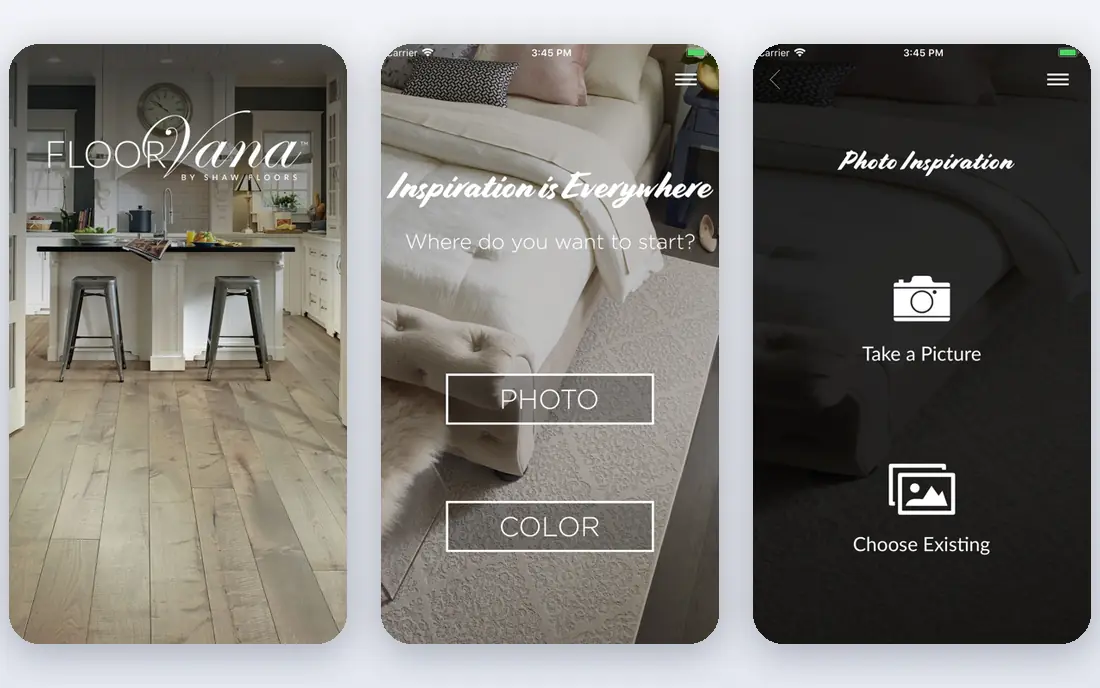
Shaw Floors Room Visualizer works much like the Mohawk tool, but for Shaw products. Upload a room photo, pick a floor, and compare colors and finishes in your own space. Filtering helps here. You can narrow by product type, color family, and style, which makes it easier to move from a long catalog to a short list.
Color on screen will not match a real sample exactly, so treat the preview as a shortlisting tool. Order samples for finalists before committing to a large order.
- Room photo upload
- Shaw product catalog
- Style and color filters
- Limited to Shaw products
- Color accuracy varies by screen
Armstrong Flooring Visualizer
Best for: Previewing Armstrong floors in your room
Armstrong Flooring Visualizer lets you preview Armstrong vinyl, laminate, and hardwood in a room photo or sample room. The interface stays simple, which suits shoppers who want a quick preview. Simplicity is the appeal. You can get a useful preview in a few steps, without learning a full design app.
Brand scope is again the limit, and availability of specific tools can vary by region. If a product is missing, check with a local Armstrong retailer for samples.
- Room photo and sample rooms
- Armstrong catalog
- Simple interface
- Limited to Armstrong products
- Some older tools vary by region
Pergo Visualizer focuses on Pergo laminate and vinyl floors. You can upload a room photo and test different plank styles, colors, and directions. Plank direction options matter. Running planks lengthwise versus across a room changes how long or wide the space feels, and this tool lets you test that choice.
It only covers Pergo, so cross-brand comparison needs extra steps. Photo quality also matters a lot, so use a clear, straight-on room photo for the best result.
- Room photo upload
- Pergo catalog
- Plank direction options
- Limited to Pergo products
- Preview quality depends on photo
Karndean Designflooring Visualizer
Best for: Previewing Karndean luxury vinyl in your room
Karndean Designflooring Visualizer previews Karndean luxury vinyl floors in your room. You can test laying patterns, such as herringbone or plank, alongside color choices. Laying patterns are the standout. A herringbone pattern looks very different from straight planks, and seeing it in your room helps you judge whether it suits the space.
The tool is limited to Karndean luxury vinyl. If you are also considering hardwood or tile, you will need other visualizers or retailer tools to compare.
- Room photo upload
- Karndean design ranges
- Laying pattern options
- Limited to Karndean products
- Luxury vinyl focus only
Tarkett Visualizer
Best for: Previewing Tarkett floors for home and commercial use
Tarkett Visualizer covers Tarkett floors for homes and commercial projects. You can preview products in room images and explore options for higher-traffic spaces. Commercial range is a useful extra. If you are flooring a rental, office, or busy hallway, Tarkett options for durability sit alongside residential styles.
The tool is brand-limited and can feel trade-oriented. Home shoppers may need a few minutes to find residential products among commercial ranges.
- Room and project previews
- Broad Tarkett catalog
- Commercial options
- Limited to Tarkett products
- Interface suits trade users too
BuildDirect Flooring Visualizer
Best for: Previewing floors you can order online
BuildDirect Flooring Visualizer links preview directly to online ordering. You upload a room photo, test floors from its catalog, and move toward ordering without visiting a store. The ordering link is the advantage. Once you shortlist a floor, you can check price and availability in the same place, which suits online shoppers.
The catalog is BuildDirect-specific, so it will not preview every brand. As with all tools here, order samples before a large purchase, since screens shift color.
- Room photo upload
- Online ordering link
- Wide product range
- Preview tied to BuildDirect catalog
- Samples still needed
How we picked these
We compared official feature pages, pricing pages, and app store listings for each product, and checked privacy policies and public reviews where they helped explain limits. We favored products that exist and work today, fit the topic directly, and offer a clear use case, rather than padding lists with near matches.
We also weighed honest trade-offs. A low price means less if the free plan limits exports, a strong feature set means less if it only serves one region, and a high rating means less if the product does not serve the reader need in the headline. Where pricing was unclear or varied by plan, we wrote See website instead of guessing a number.
How to get a useful flooring preview
Start with a good photo. Take it from a doorway or corner, with the whole floor visible and no clutter blocking large areas. Good daylight helps color read true, while a dark or angled photo can make even a good visualizer look wrong.
Then compare, do not just admire one option. Try a light, a mid-tone, and a dark floor in the same photo, and switch plank widths if the tool allows it. Width changes how open a room feels, and color behaves differently under your lighting than under showroom lighting.
Finally, order samples before buying. A screen preview helps you narrow choices, but it cannot show texture, sheen, or true color under your home lighting. Use the visualizer to pick three finalists, then test real samples in the room at different times of day.
FAQ
How accurate are flooring visualizers?
They are good for comparing color, plank width, and pattern, but not exact for true color or texture. Screen settings, room lighting, and photo quality all shift the result. Use previews to shortlist, then test real samples in your room.
Can I use my own room photo?
Yes, most tools here accept a room photo upload. Take it from a doorway or corner with the floor fully visible, good daylight, and minimal clutter for the best preview.
Do I need to download an app?
Not always. Many flooring visualizers run in a browser on a brand or retailer website. Roomvo, for example, appears inside partner sites rather than as one consumer app for every brand.
What is the best free flooring visualizer?
Roomvo through a retailer site is a strong free starting point for many brands. Once you favor a brand, its own visualizer, such as Mohawk or Shaw, gives a deeper catalog for that brand.
Can a visualizer measure my room?
Most flooring visualizers here do not measure. They preview style in a photo. For measurements, use a tape measure or a measurement app, and confirm quantities with your retailer or installer.
Should I trust a visualizer instead of samples?
No. A visualizer narrows choices fast, but samples show texture, sheen, and true color under your home lighting. Order samples for your top three choices before buying.