Best App to Book a Ride in a Big City in 2026: 8 Apps Compared
Best app to book a ride in a big city compared: 8 ride apps for Uber, Lyft, taxis and shared rides in 2026, with coverage, fares, wait times and safety tips.
- Editor's choice
 Uber
Widest city coverage
Starts atFreeVisit uber.comFull review - Great alternative
 Lyft
Everyday rides and taxis in major cities
Starts atFreeVisit lyft.comFull review - Also consider
 Curb
Licensed taxis on demand
Starts atFreeVisit gocurb.comFull review
TL;DR:
- Uber and Lyft offer the widest coverage in most large US cities, with upfront pricing and many vehicle choices.
- Curb and Gett suit riders who prefer licensed taxis or business travel, often without surge pricing.
- Via and Bolt work well for shared or lower-cost rides where they operate, but coverage is narrower.
- Check the final fare, pickup time and vehicle details before confirming, since surge and traffic change both.
Quick comparison
| Tool | Best for | Starts at | Free plan? | |
|---|---|---|---|---|
| Uber | Widest city coverage | Free | Yes | Visit |
| Lyft | Everyday rides and taxis in major cities | Free | Yes | Visit |
| Curb | Licensed taxis on demand | Free | Yes | Visit |
 Via | Shared rides in select cities | Free | Yes | Visit |
 Bolt | Lower-cost rides where available | Free | Yes | Visit |
 Gett | Business and taxi rides | Free | Yes | Visit |
 Waymo | Driverless rides in select cities | Free | Yes | Visit |
 Wingz | Scheduled airport rides | Free | Yes | Visit |
The best apps to book a ride in a big city
Big-city rides live or die on pickup time, coverage and final fare, so the best app in one city may be second best in another. Keep two apps installed and compare both before you ride.
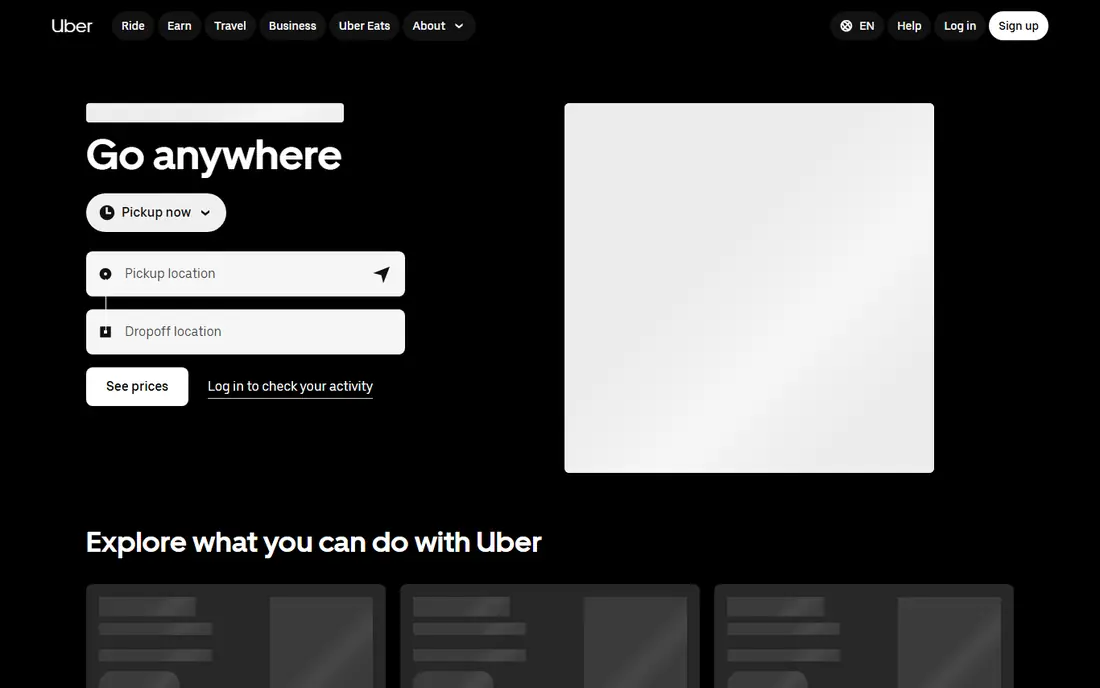
Uber is our pick for most big-city riders, because coverage is the feature that matters first. In New York, Los Angeles, Chicago, San Francisco and most other large cities, Uber usually offers the shortest wait and the widest choice, from shared and standard cars to larger vehicles, premium cars and accessible options. Upfront pricing, driver and vehicle details, trip sharing and in-app emergency tools are standard.
Surge pricing is the main drawback: fares rise at rush hour, bad weather and big events, sometimes sharply. Compare the fare with Lyft before confirming, and check whether a scheduled ride or a short walk to a calmer pickup point lowers the price. For most city trips, Uber is the reliable default.
- Largest driver network in most big cities
- Many vehicle options
- Upfront pricing and in-app safety tools
- Surge pricing at peak times
- Fares vary with traffic and demand
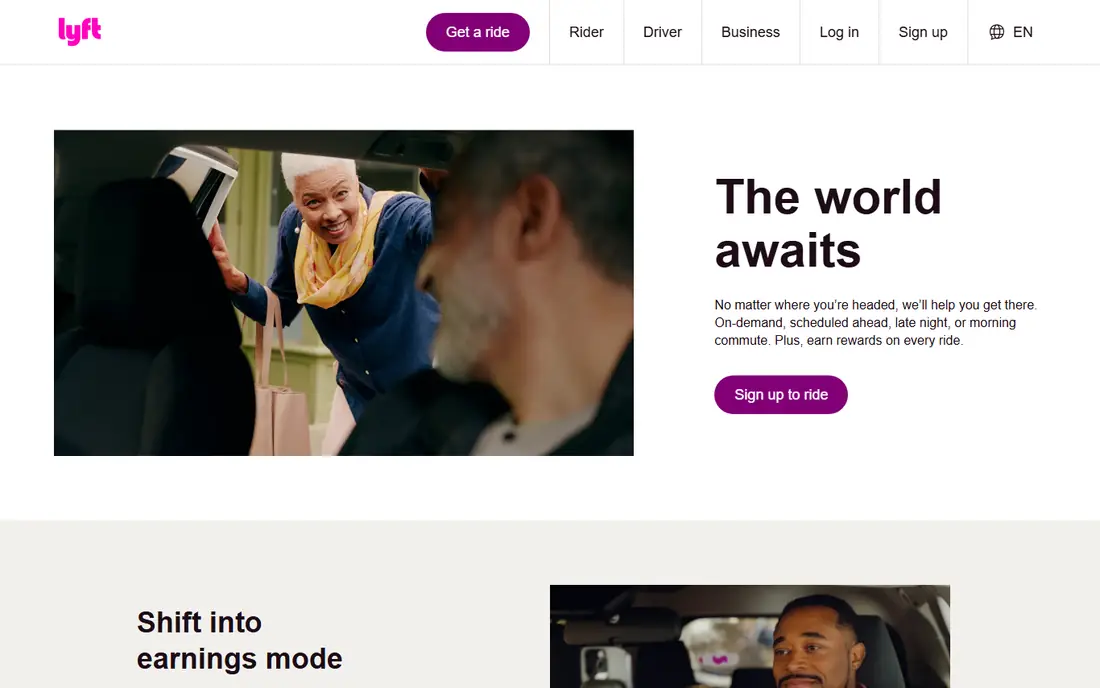
Lyft is the closest rival to Uber in large US cities, and often the cheaper of the two at a given moment. Standard, shared, larger and luxury options cover most needs, and Lyft's partnership with Curb now matches eligible riders in New York City, Los Angeles and San Francisco with licensed taxis through the Lyft app. Upfront pricing, ride sharing and driver ratings work much as they do on Uber.
Lyft also uses surge-style pricing when demand spikes, so a fare that looks good can rise before you confirm. Outside major metros, driver supply drops faster than Uber's. Keep Lyft installed alongside Uber and compare both fares for every non-urgent trip.
- Strong US and Canada coverage
- Taxi matching in New York, Los Angeles and San Francisco
- Scheduled rides and safety tools
- Surge pricing at peak times
- Coverage is thinner outside major metros
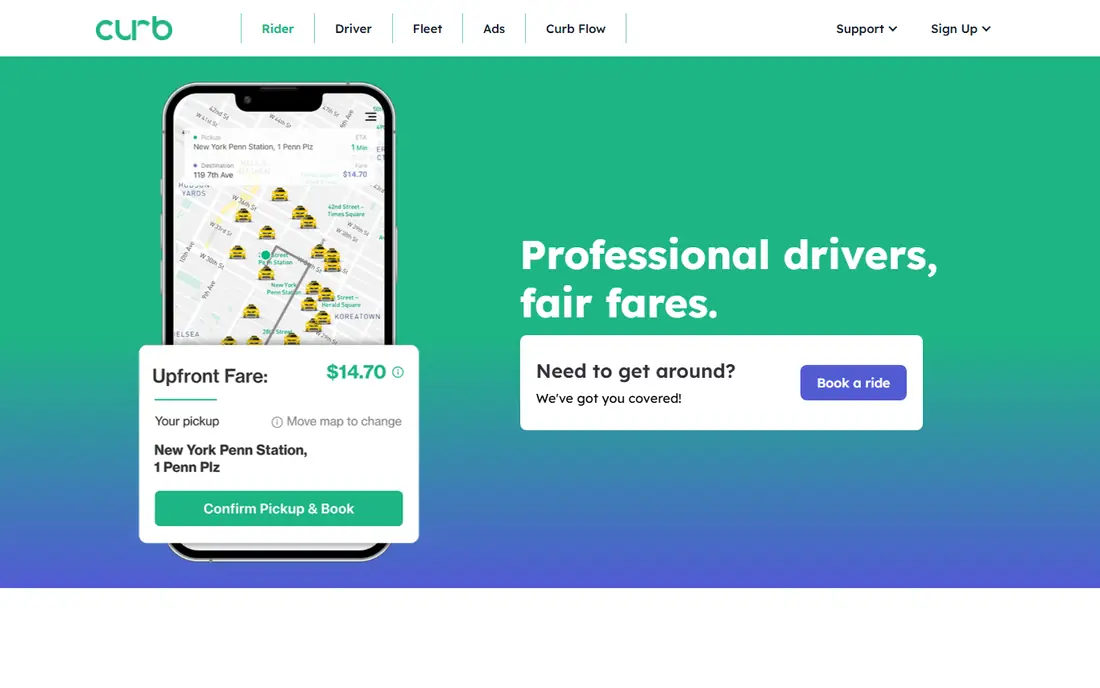
Curb suits riders who prefer a licensed taxi to a private car. The app hails taxis in major US markets, with upfront or metered pricing depending on the city, and its Curb Flow system also feeds taxi supply into Lyft in several large cities. For airport queues, hotel lines and busy downtown streets, a taxi through Curb can be faster than waiting for a rideshare car.
Coverage is strongest in established taxi cities such as New York, and thinner elsewhere. Vehicle choice is also narrower: you get a taxi, not a menu of luxury or large options. For riders who value regulated drivers and metered fares, Curb is a strong second app.
- Licensed taxi drivers
- Metered or upfront fares in many cities
- No surge in the taxi model
- Coverage centers on major taxi markets
- Vehicle choice is narrower than rideshare
Via focuses on shared rides that pick up and drop off near corners rather than exact doors, which keeps fares low and routes efficient. In the cities where Via operates, including New York and several other US and international markets, it is often the cheapest way across town for a solo rider who is not in a hurry.
Coverage is the limit: Via does not operate in every big city, and shared rides add stops that stretch trip time. Check Via's city list before relying on it, and compare its fare and arrival time with a private Lyft or Uber. For routine cross-town trips in a Via city, it saves money steadily.
- Low shared-ride fares
- Corner-to-corner pickup keeps trips efficient
- Scheduled options in some cities
- Limited city coverage
- Shared rides take longer than private rides
Bolt is a major rideshare app in Europe, Africa and parts of Asia, with competitive fares and a simple booking flow. In cities where it operates, it often undercuts larger rivals, and extra services such as food delivery and scooters appear in some markets. The app itself is free, and fares are shown upfront before booking.
US riders should check coverage first, since Bolt's American footprint is far smaller than Uber's or Lyft's. For travelers visiting Bolt cities abroad, it is a valuable second app alongside Uber. At home in the US, it is a niche option rather than a default.
- Competitive fares
- Operates in many countries
- Food delivery and scooters in some markets
- US coverage is limited
- City availability varies widely
Gett targets business travelers and riders who want a licensed taxi or black car without surge pricing. Corporate accounts, receipts, expense reporting and pre-booked rides suit work travel, while consumer bookings in its operating cities offer a calmer alternative to surge-priced rideshare. Fares are generally upfront or metered.
Consumer coverage in the US is narrower than Uber or Lyft, so Gett works best in its operating cities or for business accounts. Check city availability before a trip, and keep a mainstream app as backup. For work rides with clean receipts, Gett is a tidy choice.
- Licensed taxis and business travel tools
- No surge model on many rides
- Receipts and expense features
- Consumer coverage is narrower than Uber or Lyft
- US city list is limited
Waymo offers fully driverless rides in select cities and zones, including parts of San Francisco, Los Angeles, Phoenix and Austin, with expansion ongoing. Riders book through the Waymo app, get upfront pricing, and ride in a car with no driver, which some riders prefer for late-night or solo trips. Support is available in-app during the ride.
Zone limits are strict: Waymo only operates where it is approved, and a pickup outside the zone will not work. Wait times can also be longer than a human-driven car at peak hours. Where Waymo operates, it is a distinctive and often pleasant option for city trips.
- No driver, so no tipping pressure or conversation
- Consistent vehicle experience
- Strong safety record in operating areas
- Limited to select cities and zones
- Wait times vary by zone
Wingz is built for planned trips, especially airport runs, rather than instant hails. Book ahead, get a named driver, and pay a flat rate in many markets, which removes surge worry on an early flight or a late arrival. Drivers can handle meet-and-greet pickups and multiple stops, which suits families and business travelers.
Wingz is not the app for a ride right now: it needs advance booking, and coverage centers on major metros and airports. Pair it with Uber or Lyft for spontaneous trips. For the airport run you cannot afford to miss, Wingz scheduling is reassuring.
- Scheduled rides with a fixed driver
- Flat airport rates in many markets
- Good for early flights
- Not for instant on-demand rides
- Coverage centers on major metros and airports
How we picked these
We compared official app descriptions, city coverage, fare models and safety features for ride apps with current US or major-city availability in October 2026. We required a free app, upfront or metered fare display, and a verifiable official homepage. We excluded apps with no big-city presence, apps that only aggregate without booking, and services with no clear fare terms.
How to get the best fare and pickup in a big city
Compare two apps before every non-urgent ride, since surge differs by platform at the same moment. A fare that is high on Uber may be normal on Lyft, and a taxi through Curb may beat both. Also check the pickup time, not just the price: a cheaper ride with a 15-minute wait can be worse than a slightly dearer ride arriving in three minutes.
Plan airport and event rides ahead
Airport trips, concerts and sports events create the worst surge. Book a scheduled ride with Uber, Lyft or Wingz when the app offers it, or leave earlier and use a taxi rank. For return trips, walk a block or two from the venue exit, where demand and traffic are calmer, before requesting a car.
Use safety tools every time
Share your trip with a friend, check the license plate, car model and driver photo before getting in, and confirm the driver's name matches the app. Sit in the back, wear a seatbelt, and use in-app emergency tools if a ride feels wrong. These steps take seconds and matter most late at night.
Know when not to rideshare
For very short trips in a dense downtown, walking or transit is often faster and cheaper than a car stuck in traffic. For groups, a larger vehicle split several ways can beat transit, while for solo short hops, a shared Via ride or a taxi may win. Judge the whole trip, including wait and traffic, not just the fare shown.
FAQ
What is the best app to book a ride in a big city?
Uber is best overall for coverage in most large US cities, with Lyft a close second and often cheaper at a given moment. Curb is best for licensed taxis, Via is best for cheap shared rides where it operates, and Waymo is best for driverless rides in its zones. Keep two apps and compare fares.
Is Uber or Lyft cheaper in a big city?
It varies by time, place and demand, since both use surge-style pricing. Check both apps for the same trip before confirming, and compare the final fare, not the estimate. A scheduled ride or a short walk to a calmer pickup point can also lower the price.
Can I book a taxi with an app in a big city?
Yes, Curb books licensed taxis on demand in major taxi markets, and Lyft matches eligible riders with Curb taxis in New York City, Los Angeles and San Francisco. Gett also books taxis and business cars in its operating cities. Metered fares apply in some cities.
Are driverless rides available in big cities?
Waymo offers driverless rides in select cities and zones, including parts of San Francisco, Los Angeles, Phoenix and Austin, with expansion ongoing. Availability depends on the exact pickup zone, so check the Waymo app for your address before planning around it.
How do I avoid surge pricing?
Travel outside peak hours where possible, compare Uber and Lyft at the same moment, try a taxi through Curb, or schedule a ride in advance. Walking a short distance from a venue or station to a calmer pickup point can also reduce the fare.
Should I tip my driver in the app?
Tipping is optional but customary for rideshare and taxi drivers in the US, and both Uber and Lyft let you tip in the app after the ride. Waymo has no driver to tip. Tip amounts are your choice, and driver ratings are separate from tips.