Top 5 HD Repair Software for 2026 (Prices and Free Plans)
Best HD repair software in 2026: 5 tools with starting prices, free plans and limits. Costs and caveats sit beside each pick. A comparison table is included.
- Editor's choiceEaseUS Partition Master
Windows partition resizing and management
Starts at$19.90 per monthVisit easeus.comFull review - Great alternativeDiskGenius
Recovery and partition work in one tool
Starts atSee websiteVisit diskgenius.comFull review - Also considerMiniTool Partition Wizard
Disk management, cloning, and recovery
Starts atSee websiteVisit partitionwizard.comFull review
Direct answer
Start with EaseUS Partition Master if you need Windows partition resizing and management. Listed starting prices: EaseUS Partition Master from $19.90 per month. Look at DiskGenius for Recovery and partition work in one tool, and at MiniTool Partition Wizard for Disk management, cloning, and recovery. The other 2 tools in the list cover narrower or pricier cases.
TL;DR:
- Number one here is EaseUS Partition Master, a fit for Windows partition resizing and management.
- EaseUS Data Recovery Wizard suits file recovery across many devices.
- Starting prices begin at $19.90 per month with EaseUS Partition Master.
- Check the limits for DiskGenius before you commit: feature breadth can overwhelm beginners.
Last checked November 2026. Prices and plan details were read from the vendors' own pages in November 2026; vendors change plans often, so confirm the current price on the vendor site before you buy.
Quick comparison
| Tool | Best for | Starts at | Free plan? | |
|---|---|---|---|---|
| EaseUS Partition Master | Windows partition resizing and management | $19.90 per month | Not stated | Visit |
| DiskGenius | Recovery and partition work in one tool | See website | Not stated | Visit |
| MiniTool Partition Wizard | Disk management, cloning, and recovery | See website | Not stated | Visit |
| SpinRite | Hard drive surface maintenance and recovery | See website | Not stated | Visit |
| EaseUS Data Recovery Wizard | File recovery across numerous devices | See website | Not stated | Visit |
5 options for HD repair software in detail
If you are comparing HD repair software, this page covers 5 tools in one place: what each is best for, what it costs to start, whether it has a free plan, and the main limit to know about.
EaseUS Partition Master
Best for: Windows partition resizing and management
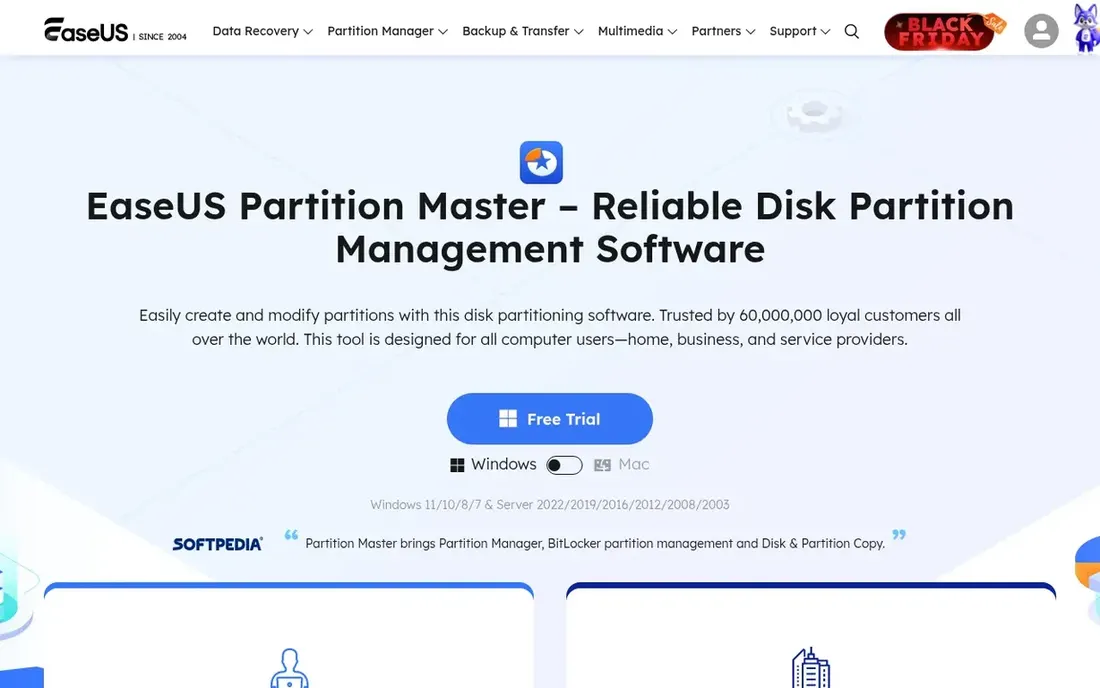
EaseUS Partition Master is a good fit for Windows partition resizing and management. It is built around partition management instead of thorough file recovery, so it is not the right first stop for lost documents.
EaseUS Partition Master cost at the entry level: $19.90 per month. On free options: Not stated.
Watch-outs: Partition focus.
- Covers many Windows versions
- Resize, merge
- Advanced operations need caution
DiskGenius
Best for: Recovery and partition work in one tool
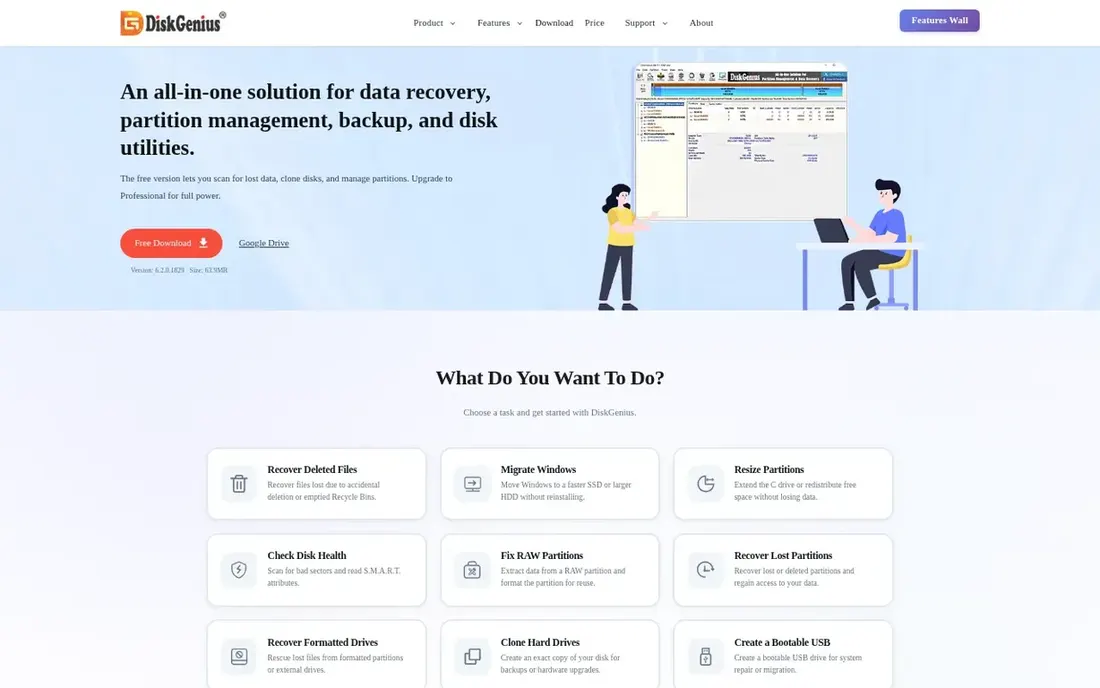
DiskGenius was built for Recovery and partition work in one tool. DiskGenius presents itself as an all-in-one utility for recovering files, resizing partitions, backing up data, and improving disk performance.
If you only need straightforward partition resizing, a lighter dedicated partition tool may be simpler to operate. In practice, the broad feature set means a steeper ramp-up time for casual users, and some tasks need care to avoid unintended changes. No starting price is listed for DiskGenius here; confirm pricing on the vendor site. Trial and free access: Not stated.
Downsides: Feature breadth can overwhelm beginners.
- Data recovery plus partition management
- Backup and disk utilities included
- Interface density varies by task
MiniTool Partition Wizard
Best for: Disk management, cloning, and recovery
MiniTool Partition Wizard is built with Disk management, cloning, and recovery in mind. MiniTool Partition Wizard is a Windows disk partition manager that also spans disk cloning and data recovery.
Where it is weaker: Numerous features need careful reading.
For purely file-level recovery across phones and servers, a specialized recovery suite may handle more ground. More specifically, since it spans multiple job types, users should read the documentation before running destructive operations. MiniTool Partition Wizard shows no starting price here, so confirm the cost on the vendor site. Free plan details: Not stated.
- Clone disks
- Run and resize partitions
- Recovery depth varies by case
SpinRite
Best for: Hard drive surface maintenance and recovery

SpinRite targets hard drive surface maintenance and recovery. SpinRite is positioned by GRC as hard drive data recovery software, with a focus on reading and maintaining drive surfaces instead of general file management.
Its scope is narrow, so it is not a substitute for partition management or wide file recovery suites. Pick something else if your primary need is resizing partitions, cloning disks, or recovering deleted files from several device types. This comparison lists no price for SpinRite; ask the vendor. On free options: Not stated.
Trade-offs to know: Not a partition manager.
- Long-standing maintenance approach
- Works at the drive surface level
- Narrow scope beyond drives
EaseUS Data Recovery Wizard
Best for: File recovery across numerous devices
EaseUS Data Recovery Wizard makes the most sense for file recovery across plenty of devices. When a drive has physical damage, software recovery may fall short and professional lab service becomes the better route.
More specifically, EaseUS Data Recovery Wizard is positioned as data recovery software supporting Windows PCs, Macs, hard drives, SSDs, NAS devices, iOS and Android devices, and SQL and Exchange servers. It does not handle partitions or clone disks, so it complements instead of replaces a partition tool. EaseUS Data Recovery Wizard shows no starting price here, so confirm the cost on the vendor site. Free options: Not stated.
Drawbacks to consider: Recovery focus only.
- Wide device support
- Recovery from PCs, Macs, drives
- Results rely on drive condition
Selection criteria
Before you commit
- Ask DiskGenius, MiniTool Partition Wizard, SpinRite and EaseUS Data Recovery Wizard for a written quote, since no starting price is shown.
- Read the limits listed for EaseUS Partition Master first: Partition focus, not deep file recovery.
- Find out what support DiskGenius includes on your plan, and whether onboarding help costs extra.
- Read the plan comparison for SpinRite carefully; key features often start on a higher tier.
- Check how data leaves MiniTool Partition Wizard: formats, limits and whether exports are available on every plan.
FAQ
Is EaseUS Partition Master the right pick for everyone comparing HD repair software?
No single tool suits every team. EaseUS Partition Master comes first because it fits Windows partition resizing and management, while DiskGenius suits Recovery and partition work in one tool and MiniTool Partition Wizard suits Disk management, cloning, and recovery. Match the tool to your own size, budget and workflow before deciding.
What is the cheapest option for HD repair software in this list?
On published monthly entry prices, EaseUS Partition Master is the lowest here at $19.90 per month. Entry price is only part of the cost, because seats, add-ons and billing terms can change the total.
What is the difference between hard drive repair and data recovery software?
Repair tools focus on drive health, surface maintenance, and partition structure, whereas recovery tools focus on retrieving lost or deleted files. Match the tool to your actual problem before buying.
Does any tool for HD repair software here have a free plan?
No tool in this list, EaseUS Partition Master and EaseUS Data Recovery Wizard included, has a permanent free plan. Trials and quotes are the usual route, so plan a short evaluation period.
Can I try these options before paying?
Not by default. None of the tools, from EaseUS Partition Master to EaseUS Data Recovery Wizard, lists a free plan or a free trial here, so ask each vendor for a demo before committing.
Sources
- https://www.easeus.com/partition-manager
- https://www.diskgenius.com
- https://www.partitionwizard.com
- https://www.grc.com/spinrite.htm
- https://www.easeus.com/data-recovery-software