Choosing Oil and Gas Asset Management Software for Remote Teams in 2026: 6 Options Compared
Best oil and gas asset management software for remote teams: 6 tools compared on price, free plans and fit. Short, factual notes on every option. Start here.
- Editor's choiceAspenTech Mtell
Predictive maintenance and equipment reliability
Starts atSee websiteVisit aspentech.comFull review - Great alternativeFiix CMMS
Cloud maintenance planning and tracking
Starts at$45 per user a monthVisit fiixsoftware.comFull review - Also consider
 IBM Maximo Application Suite
AI-driven asset oversight at scale
Starts atSee websiteVisit ibm.comFull review
Direct answer
For predictive maintenance and equipment reliability, AspenTech Mtell is where this list starts. Listed starting prices: Fiix CMMS from $45 per user a month, Maintenance Connection from $58 per user a month and UpKeep from $24 per user a month. Alternatives: Fiix CMMS for cloud maintenance planning and tracking, and IBM Maximo Application Suite for AI-driven asset oversight at scale. Prices, free plans and limits for all 6 tools follow.
TL;DR:
- Number one here is AspenTech Mtell, a fit for predictive maintenance and equipment reliability.
- For the cheapest start, look at UpKeep: $24 per user per month.
- Just one of the 6 tools, Fiix CMMS, has a free plan.
- What to know about Maintenance Connection first: interface may feel traditional.
- AVEVA Asset Information Management suits connecting asset documents and engineering data.
Last checked November 2026. Prices and plan details were read from the vendors' own pages in November 2026; vendors change plans often, so confirm the current price on the vendor site before you buy.
Quick comparison
| Tool | Best for | Starts at | Free plan? | |
|---|---|---|---|---|
| AspenTech Mtell | Predictive maintenance and equipment reliability | See website | Not stated | Visit |
| Fiix CMMS | Cloud maintenance planning and tracking | $45 per user a month | Yes | Visit |
| IBM Maximo Application Suite | AI-driven asset oversight at scale | See website | Not stated | Visit |
| Maintenance Connection | Complete CMMS with inventory tracking | $58 per user a month | Free trial | Visit |
 UpKeep | Mobile work orders for field crews | $24 per user a month | Free trial | Visit |
| AVEVA Asset Information Management | Connecting asset documents and engineering data | See website | Not stated | Visit |
Our 6 oil and gas asset management software for remote teams
Short on time? The summary and table above give the quick view of 6 oil and gas asset management software for remote teams, and the profiles that follow give the detail behind each entry.
AspenTech Mtell
Best for: Predictive maintenance and equipment reliability
AspenTech Mtell was built for predictive maintenance and equipment reliability. Since it is a specialized predictive tool, it does not handle the full range of work order and inventory management that a CMMS supplies.
Drawbacks to consider: Needs decent sensor data.
It also depends on dependable operational data, so sites with restricted instrumentation may see less benefit. This comparison lists no price for AspenTech Mtell; ask the vendor. Trial and free access: Not stated.
- Centred on equipment health
- Supports early fault detection
- Specialized instead of general
Fiix CMMS
Best for: Cloud maintenance planning and tracking
For cloud maintenance planning and tracking, Fiix CMMS is a natural candidate. For remote oil and gas teams, cloud access means planners and technicians can work from different locations on the same maintenance records, which fits organizations that want structured CMMS workflows without running their own infrastructure.
Entry price for Fiix CMMS: $45 per user per month. Fiix CMMS offers a free plan.
Downsides: Configuration takes planning.
- Cloud-based access
- Embedded AI tools
- Less deep asset analytics
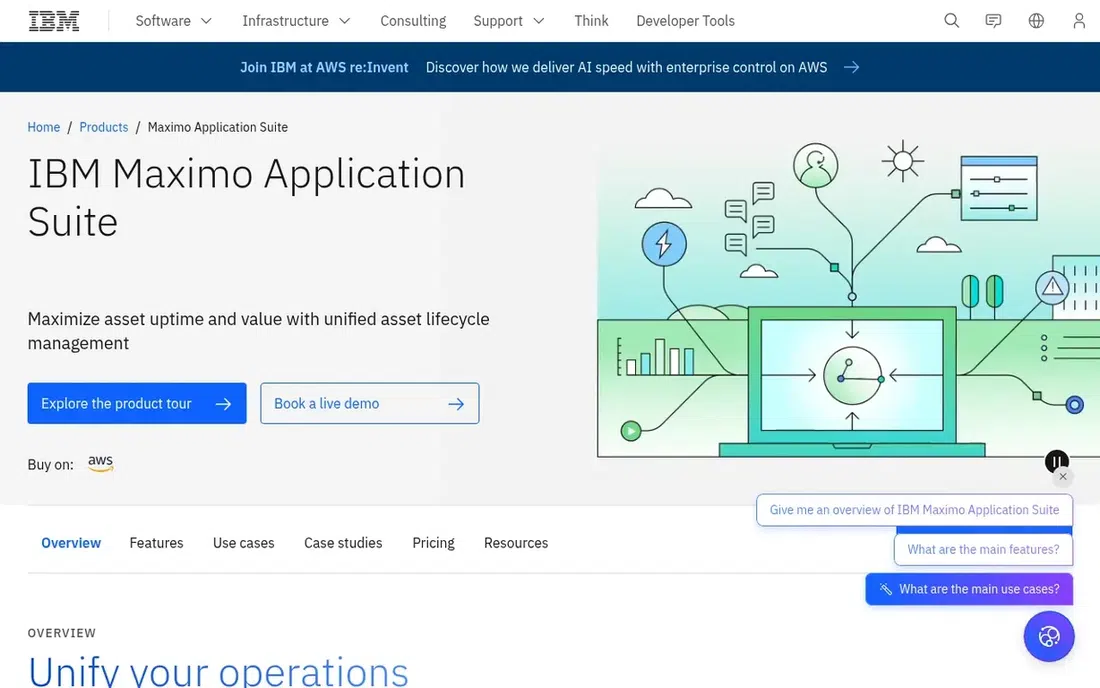
Think of IBM Maximo Application Suite for AI-driven asset oversight at scale. If your priority is a fast, light work order tool instead of deep asset intelligence, a focused CMMS may be a better fit.
The main drawbacks: Setup effort is significant.
This comparison lists no price for IBM Maximo Application Suite; ask the vendor. As for free access: Not stated.
- Supports maintenance and optimization
- Aimed at reducing downtime
- Wide suite can feel complicated
Maintenance Connection
Best for: Complete CMMS with inventory tracking
Choose Maintenance Connection for complete CMMS with inventory tracking. Maintenance Connection is a CMMS and maintenance management platform for work orders, inventory tracking and related tasks.
As with any CMMS, the value relies on disciplined data entry and processes across remote locations. On cost, Maintenance Connection starts like this: $58 per user per month. Free access: Free trial.
Points against: Setup needs planning.
- Wide maintenance coverage
- Inventory tracking included
- Interface may feel traditional
UpKeep is a good fit for mobile work orders for field crews. UpKeep is a CMMS system that helps maintenance teams run work orders, assets and preventive tasks efficiently from any device.
It is a practical choice for teams prioritizing straightforward, mobile maintenance execution. UpKeep centers on maintenance operations, so organizations with complex engineering information or predictive analytics requirements may need extra systems. UpKeep pricing: $24 per user per month. On free options: Free trial.
Downsides: Lighter on engineering data.
- Works from any device
- Handles preventive tasks
- Advanced needs may outgrow it
AVEVA Asset Information Management
Best for: Connecting asset documents and engineering data
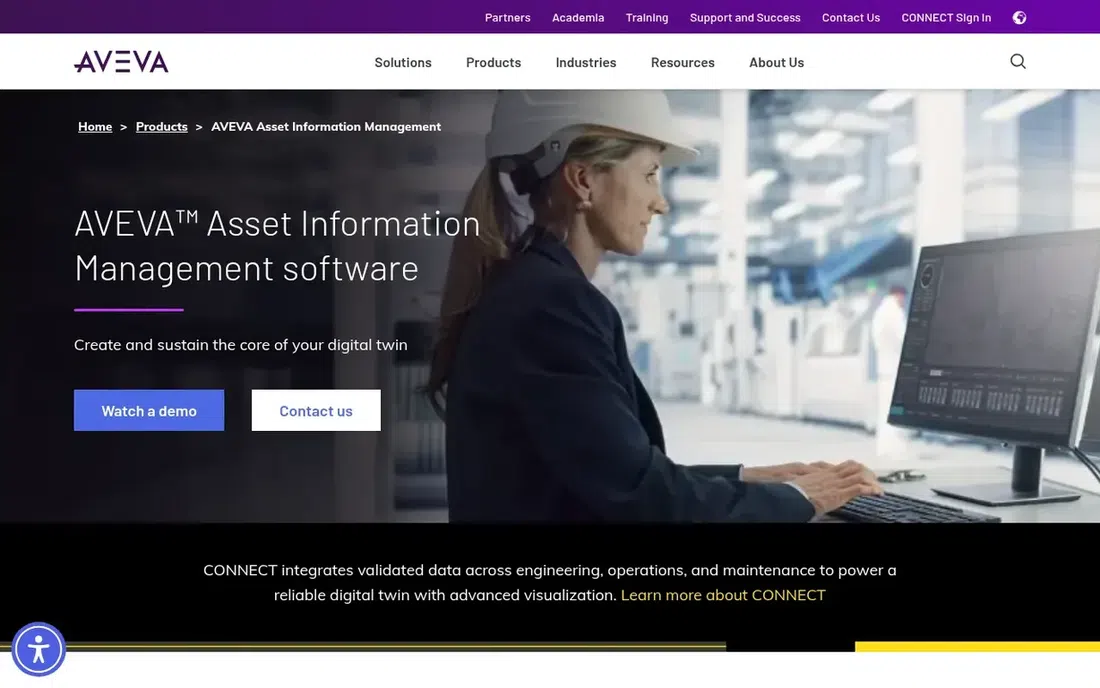
Think of AVEVA Asset Information Management for connecting asset documents and engineering data. The product centers on information management instead of daily work order execution, so it commonly complements a CMMS rather than replacing one. From a buyer's view, for remote oil and gas teams, this is handy when engineers and operators in different locations have to find the right drawings, records and asset information without chasing files across systems.
Points against: Narrower maintenance focus.
AVEVA Asset Information Management is software for connecting asset documents and data in context. In daily use, AVEVA states that it boosts visibility, accelerates decisions and eliminates data silos at scale. This comparison lists no price for AVEVA Asset Information Management; ask the vendor. As for free access: Not stated.
- Links documents and data in context
- Targets data silos at scale
- Needs organized source data
How we chose
LinkVetted looked at what each vendor publishes: pricing, plan limits, feature coverage for oil and gas asset management software for remote teams and stated drawbacks. No hands-on testing is claimed. Seat minimums, billing terms and add-ons can move the real cost, so the starting prices here are a guide and not a quote. We ordered the tools by general fit, then by how clearly pricing is shown, then by free access. A buyer with unusual needs may reorder them.
Pre-purchase checklist
- Get a written quote from AspenTech Mtell, IBM Maximo Application Suite and AVEVA Asset Information Management; the list shows no starting price for them.
- Test the free plan from Fiix CMMS against your real workload before relying on it.
- Run a trial of Maintenance Connection and UpKeep with real work before paying for a year; your own workflow is the best test.
- Before choosing AspenTech Mtell, weigh its main limit: specialized instead of general.
- Confirm the exact IBM Maximo Application Suite plan that includes your must-have features.
- Check whether Fiix CMMS bills monthly or annually, and what cancelling early costs.
FAQ
Is AspenTech Mtell the right pick for everyone comparing oil and gas asset management software for remote teams?
No single tool suits every team. AspenTech Mtell comes first because it fits predictive maintenance and equipment reliability, while Fiix CMMS suits cloud maintenance planning and tracking and IBM Maximo Application Suite suits AI-driven asset oversight at scale. Match the tool to your own size, budget and workflow before deciding.
How are the tools for oil and gas asset management software for remote teams ordered?
The order follows typical fit for oil and gas asset management software for remote teams, with AspenTech Mtell first and AVEVA Asset Information Management last, then price clarity and free access. It is editorial judgement, not a score, so another team could rank the tools differently.
Is an enterprise suite or a CMMS better for distributed oil and gas operations?
Enterprise suites for example IBM Maximo and AVEVA AIM suit organizations with large asset bases and complicated data needs. Focused CMMS choices like UpKeep, Limble and Fiix fit teams that chiefly need work orders, preventive tasks and asset records.
Do these tools publish their prices?
Not all of them. AspenTech Mtell, IBM Maximo Application Suite and AVEVA Asset Information Management publish no starting price, so expect a quote request for those. The rest, Fiix CMMS included, show a starting price, though seats and billing terms still change the final cost.
What should remote oil and gas teams look for in asset management software?
Prioritize dependable remote and mobile access, clear work order and asset tracking, and a way to connect maintenance records across sites. Also confirm integrations with your existing operational systems and that field staff can use the tool with restricted training.
Which options for oil and gas asset management software for remote teams have a free plan?
Fiix CMMS is the only tool in this list with a free plan. Free plans usually cap users, projects or features, so check the limits on the vendor page. Several others offer a trial instead.
Sources
- https://www.aspentech.com/en/products/msc/aspen-mtell
- https://www.fiixsoftware.com
- https://www.ibm.com/products/maximo
- https://www.maintenanceconnection.com
- https://upkeep.com
- https://www.aveva.com/en/products/asset-information-management