5 Best Asset Tracking Software for Remote Teams for 2026, Vetted and Compared
5 best asset tracking software for remote teams, compared on pricing, free plans and best-fit use. The weak spots sit next to the strengths. Plain facts.
- Editor's choice
 UpKeep
Remote maintenance teams managing work orders
Starts at$24 per user per monthVisit upkeep.comFull review - Great alternative
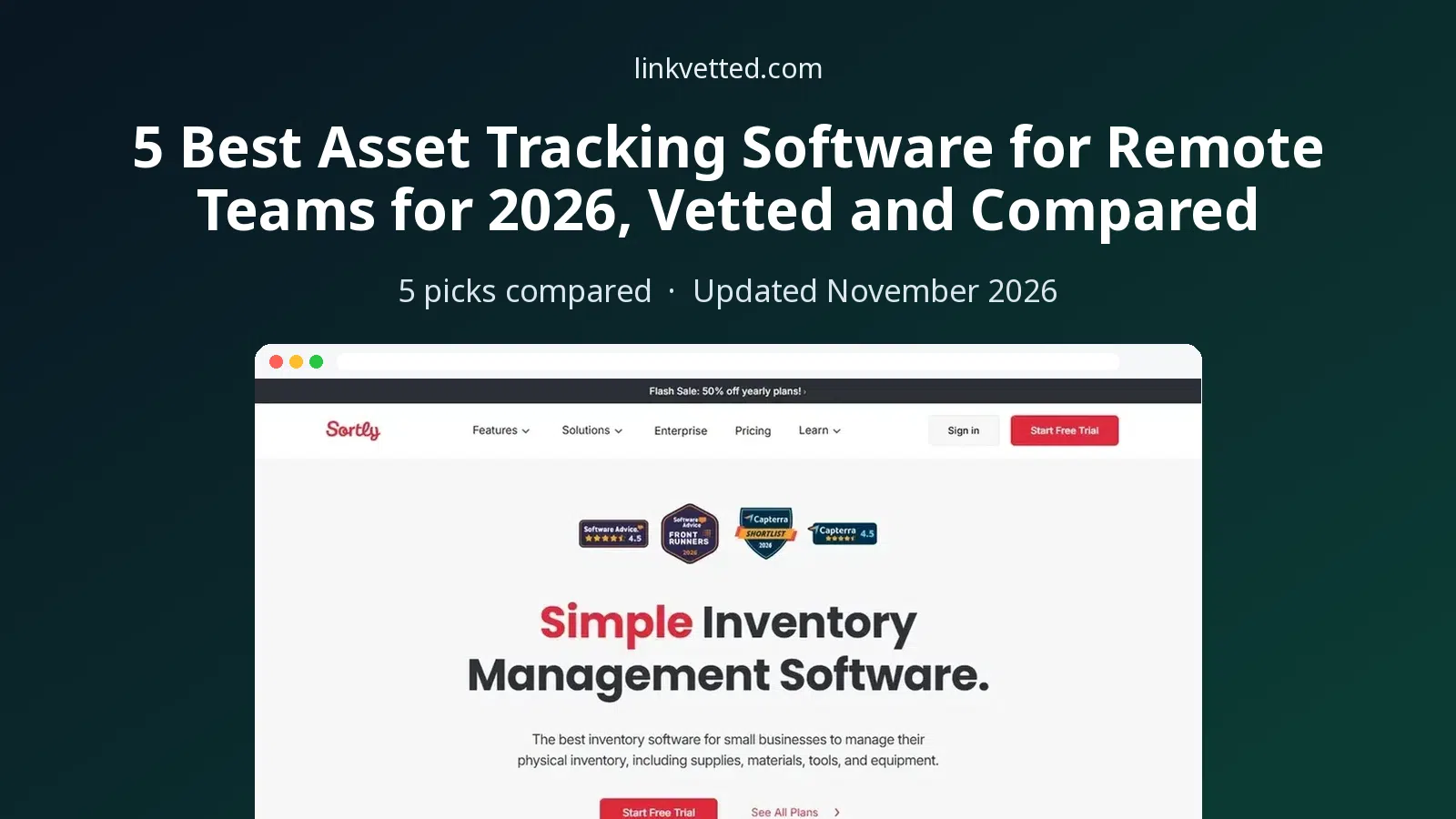
 Sortly
Straightforward inventory management across locations
Starts at$24 a monthVisit sortly.comFull review - Also consider
 Fiix
Cloud CMMS for maintenance planning and tracking
Starts at$45 per user a monthVisit fiixsoftware.comFull review
Direct answer
UpKeep leads the list, best for remote maintenance teams managing work orders. Listed starting prices: UpKeep from $24 per user per month, Sortly from $24 a month and Fiix from $45 per user a month. Alternatives: Sortly for straightforward inventory management across locations, and Fiix for cloud CMMS for maintenance planning and tracking. Details, prices and limits for the rest of the 5 tools are below.
TL;DR:
- Number one here is UpKeep, a fit for remote maintenance teams managing work orders.
- The main caution on UpKeep: maintenance focus may not suit all teams.
- Asset Panda is the one to check for mobile-first lifecycle tracking for distributed teams.
- UpKeep is the lowest-priced starter here at $24 per user per month.
- Sortly, Fiix: these are the 2 tools out of 5 that offer a free plan.
Last checked November 2026. Prices and plan details were read from the vendors' own pages in November 2026; vendors change plans often, so confirm the current price on the vendor site before you buy.
Quick comparison
| Tool | Best for | Starts at | Free plan? | |
|---|---|---|---|---|
| UpKeep | Remote maintenance teams managing work orders | $24 per user per month | Free trial | Visit |
| Sortly | Straightforward inventory management across locations | $24 a month | Yes | Visit |
| Fiix | Cloud CMMS for maintenance planning and tracking | $45 per user a month | Yes | Visit |
 EZOfficeInventory | Enterprise asset management with maintenance workflows | See website | Not stated | Visit |
 Asset Panda | Mobile-first lifecycle tracking for distributed teams | See website | Not stated | Visit |
The best asset tracking software for remote teams
This LinkVetted guide covers 5 asset tracking software for remote teams. Each profile lists a starting price, free plan details, strengths and drawbacks, so you can drop poor fits quickly.
UpKeep is designed for remote maintenance teams managing work orders. For remote teams, device-agnostic access makes it simpler to keep maintenance work moving across locations.
The main drawbacks: Maintenance focus may not suit all teams.
In practice, more straightforward inventory tools can be a better match for entry-level tracking. What you pay to start with UpKeep: $24 per user per month. As for free access: Free trial.
- Accessible from any device
- Work order management
- Needs planning to adopt completely
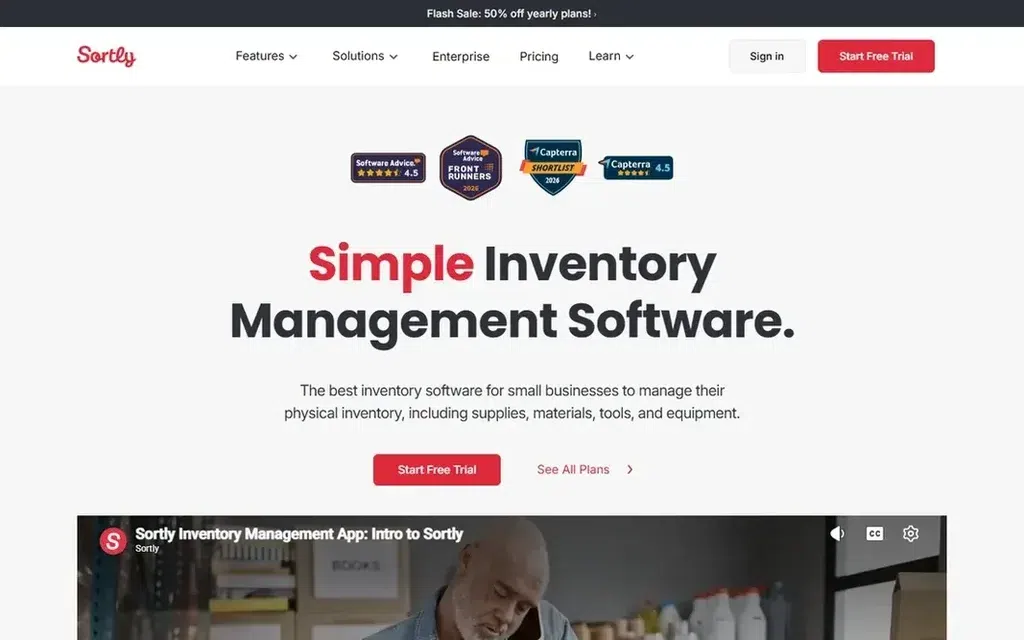
Sortly was built for straightforward inventory management across locations. Sortly is inventory management software built to be straightforward.
The main drawbacks: Less concentrated on maintenance work orders.
It helps teams keep up with people, locations, and workflows, which fits remote teams that require a clear view of inventory without a complicated setup. Beyond that, remote teams with heavy maintenance or IT compliance needs may need a different tool. On cost, Sortly starts like this: $24 per month. You can start on Sortly without paying.
- Straightforward workflows
- Simple system for inventory
- May lack deep IT asset discovery
Think of Fiix for cloud CMMS for maintenance planning and tracking. Fiix is centered on maintenance management, so remote teams looking for general inventory tracking may find it too specialized. Remote maintenance teams can use it to coordinate tasks and keep asset maintenance records accessible from anywhere.
Teams without maintenance workflows should consider a more straightforward inventory tool. Worth adding: Fiix is a cloud-based CMMS that helps teams plan, track, and optimize maintenance with work orders, reports, integrations, and embedded AI tools. Entry price for Fiix: $45 per user per month. Free access exists with Fiix.
Where it is weaker: May need setup for remote workflows.
- Work order planning
- Reports and integrations
- Maintenance-centric instead of general inventory
EZOfficeInventory
Best for: Enterprise asset management with maintenance workflows
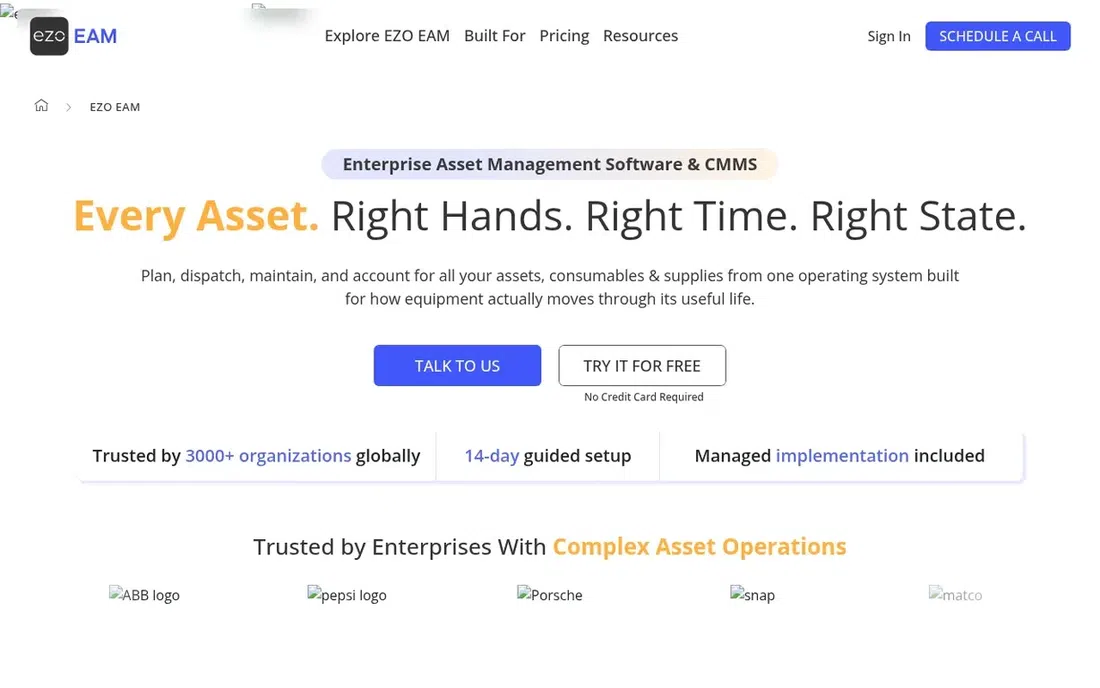
EZOfficeInventory makes the most sense for enterprise asset management with maintenance workflows. For remote teams, it can serve as a central place to track equipment and link asset records with maintenance activity. Beyond that, teams that only need light inventory tracking should compare more straightforward choices.
On top of that, since it leans toward enterprise asset management, smaller remote teams may find the scope broader than necessary. EZOfficeInventory is positioned as enterprise asset management and CMMS software. No starting price is listed for EZOfficeInventory here; confirm pricing on the vendor site. Free plan details: Not stated.
Watch-outs: Needs configuration for remote use.
- Enterprise asset management focus
- Fits equipment tracking
- May be more than entry-level tracking needs
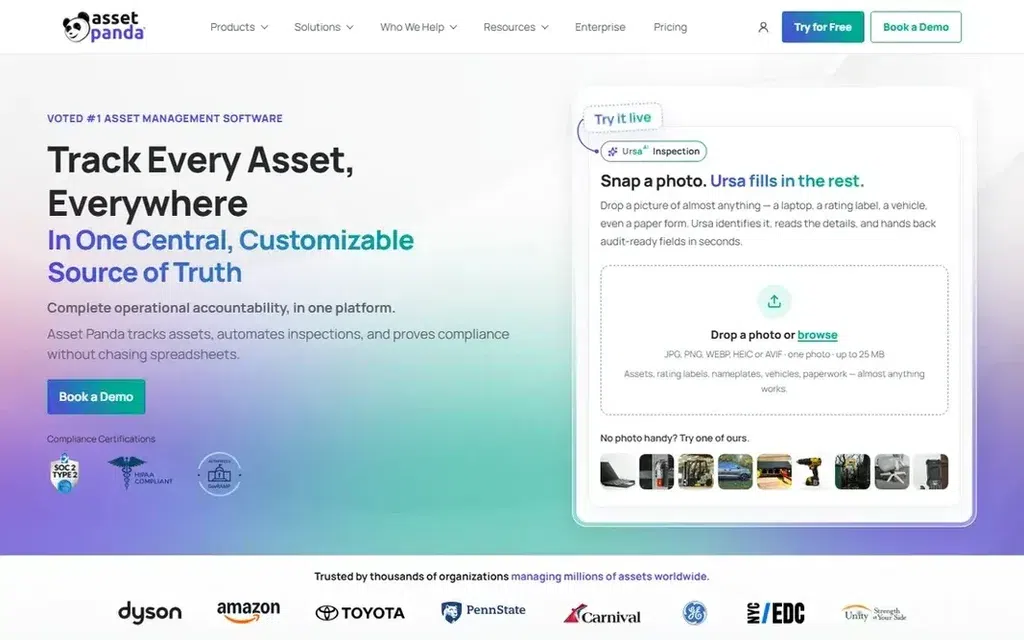
Asset Panda is designed for mobile-first lifecycle tracking for distributed teams. Asset Panda is an asset management product built around the full asset lifecycle, from tracking and inspections to audits and compliance. In daily use, the system spans many different asset management functions, which can mean a longer setup for teams with straightforward needs.
Choose Asset Panda when lifecycle tracking, inspections, and audits are central to how your team works. Smaller remote teams that only want entry-level inventory tracking may prefer a more straightforward tool. Asset Panda shows no starting price here, so confirm the cost on the vendor site. Free plan details: Not stated.
Watch-outs: Wide feature set may overwhelm small teams.
- Mobile-first design
- No coding required
- Setup needs planning
Selection criteria
For each of the 5 tools we noted price, free plan or trial, fit for asset tracking software for remote teams and the main limit, using vendor pages and documentation. Seat minimums, billing terms and add-ons can move the real cost, so the starting prices here are a guide and not a quote. The ranking is editorial: typical fit first, then clear pricing, then free access. If your needs are unusual, read the profiles rather than relying on position.
Things to verify first
- Confirm the entry price on the vendor page. For EZOfficeInventory and Asset Panda that means a quote rather than a fixed price.
- Read the fine print on the free plans from Sortly and Fiix; seat, project and feature caps differ.
- Use real work to test the free trial from UpKeep, rather than a demo project.
- Before choosing UpKeep, weigh its main limit: maintenance focus may not suit all teams.
- Ask UpKeep which support channels and response times come with the plan you would buy.
- Read the plan comparison for Asset Panda carefully; key features often start on a higher tier.
FAQ
Which options for asset tracking software for remote teams have a free plan?
On this list, Sortly and Fiix include a free plan. Caps on seats, usage or features are common, so test the free plan against your real workload. One other tool offers a trial instead. Each of the 5 options in this asset tracking software for remote teams guide has its own card above with the price, free plan and limits.
Can maintenance-focused CMMS tools work for remote teams?
Fiix and UpKeep are cloud-based CMMS systems that support work orders and preventive tasks from any device. They fit remote teams whose asset tracking is tied to maintenance operations instead of general inventory.
Can I try these tools before paying?
Often, yes. Sortly and Fiix have a free plan and UpKeep offers a free trial. Use your own data and a real task during the test, and check what the free tier or trial limits before you rely on it.
How can a small remote team choose between these choices?
Start with the asset types you track and the workflows you need, like inspections, maintenance, or IT discovery. More straightforward tools like Sortly suit entry-level inventory, whereas Asset Panda or EZOfficeInventory fit broader lifecycle and maintenance needs.
Do these tools publish their prices?
Not all of them. EZOfficeInventory and Asset Panda publish no starting price, so expect a quote request for those. The rest, UpKeep included, show a starting price, though seats and billing terms still change the final cost.
How are the tools for asset tracking software for remote teams ordered?
The order follows typical fit for asset tracking software for remote teams, with UpKeep first and Asset Panda last, then price clarity and free access. It is editorial judgement, not a score, so another team could rank the tools differently.
Sources
- https://www.upkeep.com
- https://www.sortly.com
- https://www.fiixsoftware.com
- https://www.ezofficeinventory.com
- https://www.assetpanda.com