Best Inventory Tracking Software in 2026: 9 Tools Compared
Find the best inventory tracking software for 2026 with real pricing, barcode scanning, multichannel sync, and picks for small shops, retailers, and makers.

- Editor's choice
 Zoho Inventory
Small sellers on a budget
Starts at$29 per monthVisit zoho.comFull review - Great alternative
 Cin7 Core
Multichannel sellers
Starts at$349 per monthVisit cin7.comFull review - Also consider
 Sortly
Simple visual tracking
Starts at$49 per monthVisit sortly.comFull review
TL;DR:
- Zoho Inventory is our pick for most small sellers, with a free plan for up to 50 orders a month and paid plans from $29 per month.
- Sortly is the simplest choice when you mainly need to know what you own and where it sits, using photos and QR codes on a phone.
- Cin7 Core, at $349 per month, is the step up for multichannel sellers who need purchasing, warehousing, and manufacturing depth in one place.
- Makers should shortlist Katana first, while QuickBooks-centered warehouses should look closely at Fishbowl.
- Every tool here charges more as orders, users, or locations grow, so check the limits on the plan you would actually buy.
Quick comparison
| Tool | Best for | Starts at | Free plan? | |
|---|---|---|---|---|
| Zoho Inventory | Small sellers on a budget | $29 per month | Yes | Visit |
| Cin7 Core | Multichannel sellers | $349 per month | Free trial | Visit |
| Sortly | Simple visual tracking | $49 per month | Yes | Visit |
 inFlow | Wholesale and B2B sellers | $99 per month | Free trial | Visit |
 Katana | Small manufacturers | $299 per month | Free trial | Visit |
 Fishbowl | QuickBooks warehouses | $229 per month | No | Visit |
 Lightspeed Retail | Brick-and-mortar retail | See website | No | Visit |
 Odoo Inventory | Flexible open-source setup | See website | Yes | Visit |
 Square for Retail | Stores already on Square | See website | Yes | Visit |
The best inventory tracking software
Inventory software earns its keep in one quiet way. It stops you from selling what you do not have and buying what you already own. The tools below cover very different buyers, from a solo seller with a spare room of stock to a warehouse team shipping across channels. We compared pricing pages, feature lists, and app store listings to sort them by real fit, not by feature count alone.
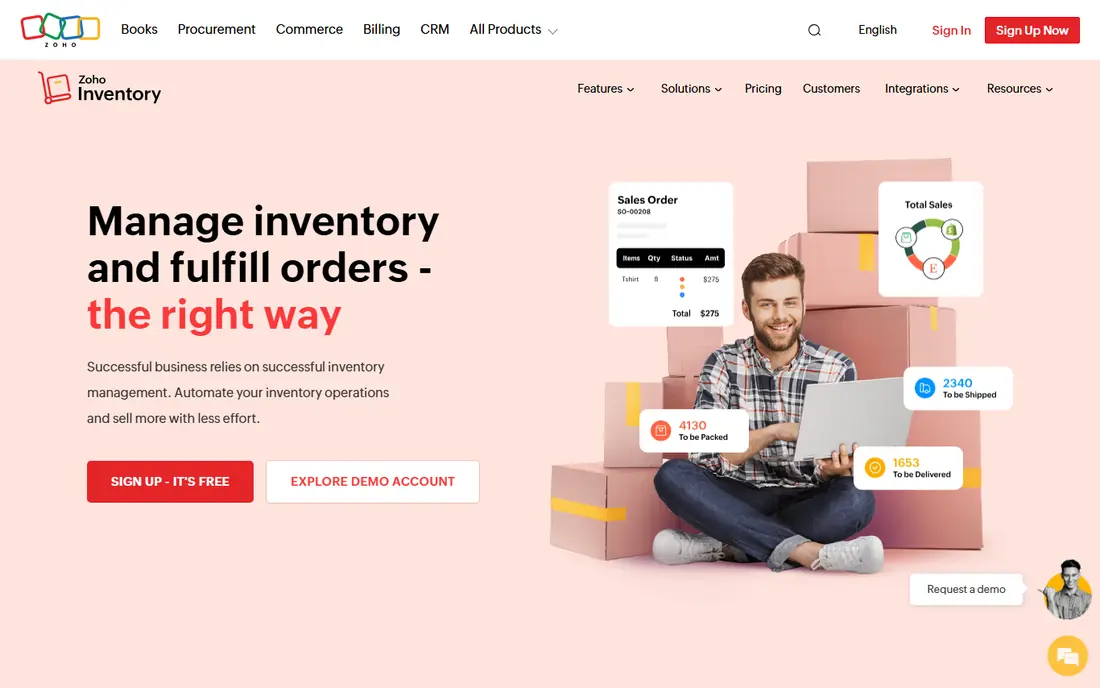
Zoho Inventory is the value benchmark in this group, and it is our pick for most small businesses starting out. The free plan covers 50 orders a month, which is enough to test real workflows before you pay. Paid plans start at $29 per month and add more orders, users, and warehouses, while the wider Zoho suite covers books, CRM, and shipping when you need them.
The honest limit is scale. Order caps arrive sooner than many sellers expect, and heavy warehouse work such as bin-level picking belongs on a higher plan or a different tool. If you sell on Shopify, Amazon, Etsy, or your own site and want one stock number everywhere, Zoho is hard to beat at this price. Start free, watch your monthly order count, and move up only when the cap starts to bite.
- Genuine free plan
- Multichannel order sync
- Batch and serial tracking
- Order limits on lower plans
- Advanced warehousing costs more
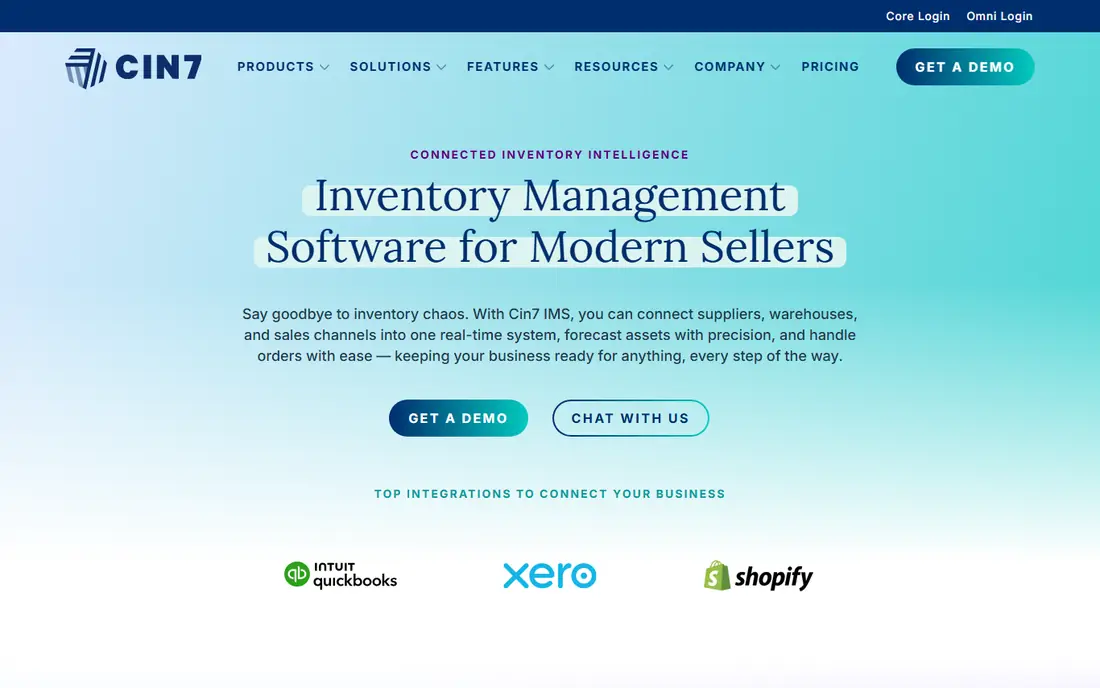
Cin7 Core is built for product businesses that have outgrown a simple tracker. It pulls orders from many sales channels into one stock pool, manages purchase orders and suppliers, and handles light manufacturing and warehouse work. A 14-day trial lets you test the core workflows, but this is a system you configure, not an app you open and master in an afternoon.
The price is the main filter. At $349 per month, Cin7 only makes sense once manual stock checks cost you more in errors and time than the subscription. For a brand selling across its own site and several marketplaces with hundreds of SKUs, that point arrives fast. For a shop with 40 products and one channel, Zoho or Sortly will do the same daily job for far less.
- Deep multichannel sync
- Purchasing and manufacturing
- Large integration library
- High starting price
- Setup takes real effort
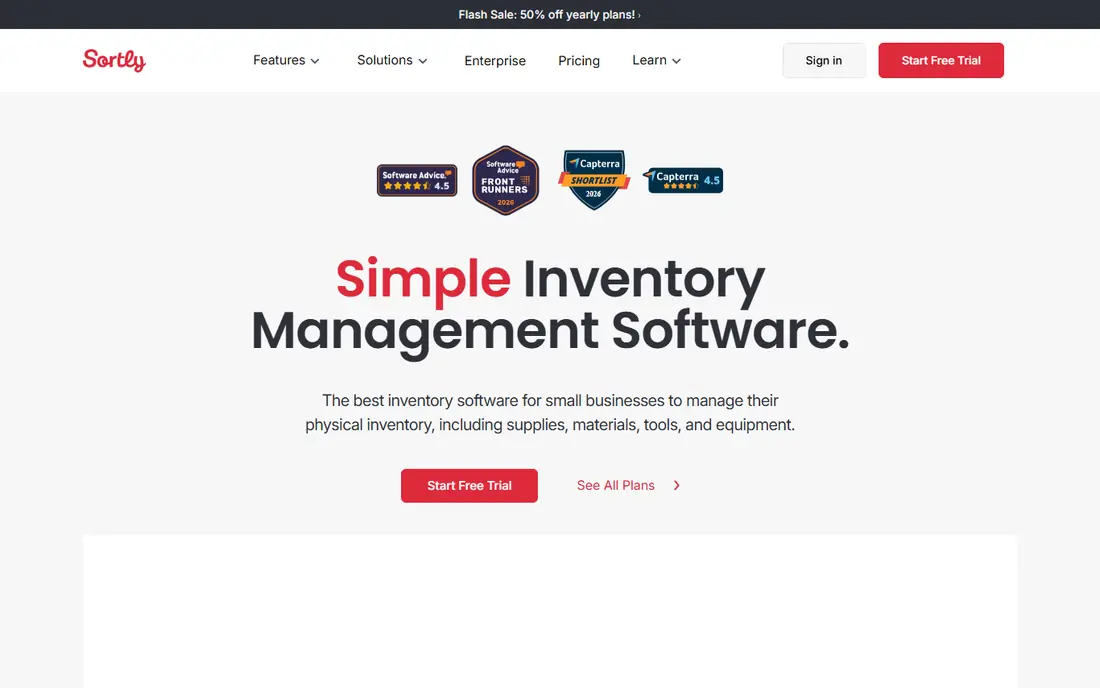
Sortly is the best app for inventory tracking when your main question is physical: what is it, what does it look like, and where is it. You photograph items, tag them, print QR labels, and scan them in and out with a phone. Teams use it for tools, supplies, equipment, and small stock rooms where a full order system would be overkill.
It is not a replacement for a multichannel order manager. Sortly does not try to sync Shopify, Amazon, and a warehouse in real time the way Cin7 does, and purchase order features sit on higher plans. If your stock moves mainly by hand and your team needs a visual record everyone can check, Sortly wins on simplicity. If your stock moves mainly by online order, pick a tool built around orders.
- Photo-based items
- QR and barcode scanning
- Easy phone-first tracking
- Weak for high-volume order sync
- Purchase orders need higher plans
inFlow suits wholesalers and B2B sellers who take orders from repeat buyers, not only from checkout carts. Its showroom lets trade customers browse and order at their agreed prices, while invoicing, quotes, and purchase orders live in the same system. That mix fits distributors, makers selling wholesale, and field-service firms that also stock parts.
Pricing needs a close read. The entry plan is listed at $99 per month when billed annually, with higher monthly billing if you pay month to month, and some comparisons list higher tiers for larger teams. Use the 14-day trial to confirm the plan that covers your order volume and user count. For B2B-first firms, the showroom alone can justify inFlow over a retail-focused rival.
- B2B showroom for wholesale buyers
- Invoicing built in
- Multi-level bills of materials
- Entry price has risen
- Lighter marketplace sync than Cin7
Katana is made for businesses that build things. It tracks raw materials, work in progress, and finished goods, plans production against sales orders, and shows what you can make with stock on hand. Makers who assemble, batch, or kit products get a clear view that a reseller tool simply does not offer.
Pure resellers should skip it. At $299 per month for the core plan, Katana costs more than Zoho or Sortly while adding factory features a reseller will never open. For a small manufacturer selling on Shopify and accounting in QuickBooks, though, Katana ties the shop floor to the storefront in a way that saves daily spreadsheet work. Test the trial with a real product recipe before you commit.
- Production planning and bills of materials
- Raw material to finished goods tracking
- Shopify and QuickBooks links
- Expensive for pure resellers
- Manufacturing features need setup time
Fishbowl is the classic choice for warehouses that run on QuickBooks. It adds the warehouse layer QuickBooks lacks: bins, picks, assemblies, work orders, and lot or serial tracking, while keeping accounting in QuickBooks. Firms that already trust QuickBooks for money often find Fishbowl the least disruptive upgrade path.
The buying process is less self-serve than newer rivals, and there is no free plan, so expect a demo and a quote discussion. The starting Essentials plan is listed at $229 per month when billed annually. If you do not use QuickBooks, much of the appeal fades, and Cin7 or Katana may fit better. If QuickBooks is your system of record, Fishbowl is still a strong, proven pick.
- Deep QuickBooks integration
- Warehouse and manufacturing depth
- Barcode and lot tracking
- No free plan
- Demo-led sales process
- Dated feel in places
Lightspeed Retail is a point-of-sale system first and an inventory tool second, and that order matters. For a shop with a counter, it tracks stock as items sell, manages vendors and purchase orders, and reports across locations. Staff learn one system for ringing sales and checking stock, which cuts training time and till errors.
Online-only sellers gain less here, because the strength lies in the store workflow, vendor catalog, and in-person selling tools. Pricing is quote-based on the current site, so treat any older price you see in a review as a guide only. Visit the pricing page, confirm the plan that includes the inventory depth you need, and compare the full bundle cost against Square or Shopify POS before you sign.
- Point of sale plus inventory in one system
- Vendor catalog
- Multi-store support
- Pricing varies by quote
- Best value needs the retail POS bundle
Odoo Inventory appeals to buyers who want to shape the system around their own process. The inventory app alone is free to use, with forecasting, replenishment rules, and barcode operations included. Add sales, purchase, manufacturing, and accounting modules as needed, and the whole business can run on one platform with one database.
Flexibility is also the cost. Odoo rewards teams that can configure workflows, and it can frustrate teams that want a finished tool on day one. Suite pricing is per user per month, so a large team pays more than the free-app headline suggests. For a technically confident small firm, Odoo is a rare mix of free start and long runway. For a team that wants plug-and-play, Zoho is the calmer choice.
- Free single-app option
- Forecasting and automated purchase rules
- Huge module library
- Setup and tuning take skill
- Per-user suite pricing adds up
Square for Retail is the natural pick if your shop already takes cards through Square. Stock counts update as you sell, you can track items across locations, and the free tier covers basic point-of-sale and inventory needs for a very small store. Setup is quick, hardware is familiar, and staff rarely need training beyond the till.
Depth is the limit. Complex warehouse work, manufacturing, and heavy multichannel sync sit outside Square's comfort zone, and paid retail plans add cost per location. For a single shop or a small chain that sells mainly in person, Square keeps stock honest with little overhead. For a growing online brand, move to Zoho or Cin7 before workarounds pile up.
- Free tier for basic POS and stock
- Multi-location counts
- Fast setup for small shops
- Advanced inventory needs paid plans
- Weaker for complex warehousing
How we picked these
We compared official pricing pages, feature documentation, and app store listings for the leading inventory tools in October 2026. We required real stock tracking, not only order or accounting features, and we required a current product that a small or mid-size business can buy today. We scored each tool on fit for a clear buyer type, price transparency, barcode and scanning support, channel sync, and accounting links.
We did not claim hands-on warehouse testing. Our findings rest on vendor documentation and public user reviews, checked against current pricing pages. Where pricing differs between annual and monthly billing, we note the basis we used, and where a vendor quotes a price, we list it as See website rather than guessing.
How to choose the right tracker
Match the tool to how stock actually moves in your business. A shop that sells in person needs point-of-sale stock first. A brand that sells online needs channel sync first. A maker needs materials and production first. A wholesaler needs price lists and trade ordering first. Buying the wrong strength wastes money even when the tool itself is good.
Then test with real data, not demo data. Import 50 real products, scan a few barcodes, run a sale, receive a purchase order, and count stock. That one-hour trial reveals more than a week of reading feature pages. Check the plan limits at the same time: order caps, user seats, location counts, and SKU limits decide the true monthly cost.
Finally, confirm the accounting link before you pay. A tracker that syncs cleanly with QuickBooks, Xero, or Zoho Books saves hours of manual entry each month. A tracker that exports only CSV files can still work, but it needs a weekly routine and a named owner, or the numbers will drift apart.
FAQ
What is the best app for inventory tracking for a small business?
Zoho Inventory is our pick for most small sellers because the free plan is real and paid plans start at $29 per month. Sortly is better when you track physical items by sight and location rather than by online orders.
Is there free inventory tracking software?
Yes. Zoho Inventory, Sortly, Odoo Inventory, and Square for Retail all offer free tiers with limits on orders, items, or features. Free plans work well for testing and for very small stock lists, but growing firms usually move to a paid plan within a year.
How much does inventory software cost?
Expect $29 to $49 per month for small-business plans, $99 to $299 per month for B2B and manufacturing tools, and $349 per month for Cin7 Core. Warehouse and ERP systems cost more and are usually quoted. Always check whether the price is monthly or annual billing.
Do I need barcode scanning?
Most stock businesses benefit from it, even a simple phone scan. Barcodes cut counting errors and speed up receiving and picking. Sortly, Fishbowl, Odoo, and Cin7 all support scanning, though some gate advanced barcode features behind higher plans.
Can inventory software sync Shopify and Amazon?
Yes, with the right tool. Zoho Inventory, Cin7 Core, Katana, and inFlow all sync major sales channels, but the depth of that sync varies by plan. Confirm that your exact channels and order volume sit inside the plan you would buy.
When should I move from a spreadsheet to inventory software?
Move when stock errors, oversells, or manual counts cost you time every week. A spreadsheet works for a handful of products in one place. Once you sell on two channels, hold stock in two places, or manage more than a hundred SKUs, a tracker pays for itself in fewer mistakes.