Best Asset Tracking Software for Small Business in 2026: 8 Tools Compared
We compared the best asset tracking software for small business on price, scanning, and ease of setup, so you can pick a tool your whole team will use.

- Editor's choice
 Asset Panda
Teams that want custom fields and workflows
Starts atSee websiteVisit assetpanda.comFull review - Great alternative
 Sortly
Small teams that want a visual, easy system
Starts atSee websiteVisit sortly.comFull review - Also consider
 EZOfficeInventory
Checkouts, reservations, and approvals
Starts atSee websiteVisit ezofficeinventory.comFull review
TL;DR:
- Small teams do best with tools that work from a phone, since most asset updates happen away from a desk.
- Barcode and QR scanning beats manual typing for accuracy, and every tool on this list supports it in some form.
- Free and low-cost plans are real here, but check asset limits and user limits before you commit.
- If you also need maintenance scheduling, pick a tool with work orders built in rather than bolting on a second app.
Quick comparison
| Tool | Best for | Starts at | Free plan? | |
|---|---|---|---|---|
| Asset Panda | Teams that want custom fields and workflows | See website | Free trial | Visit |
| Sortly | Small teams that want a visual, easy system | See website | Yes | Visit |
| EZOfficeInventory | Checkouts, reservations, and approvals | See website | Yes | Visit |
 Snipe-IT | Tight budgets and full data control | Free | Yes | Visit |
 UpKeep | Asset tracking tied to maintenance work | See website | Free trial | Visit |
 MaintainX | Frontline teams that need simple work orders | See website | Free trial | Visit |
 Wasp AssetCloud | Barcode-driven tracking in warehouses and facilities | See website | Free trial | Visit |
 AssetTiger | Small teams that want to avoid a monthly fee | See website | Free trial | Visit |
The best asset tracking software for small business
Losing track of laptops, tools, and equipment costs real money, and spreadsheets stop working once more than a couple of people update them. The tools below keep one record per asset, with who has it, where it is, and what condition it is in.
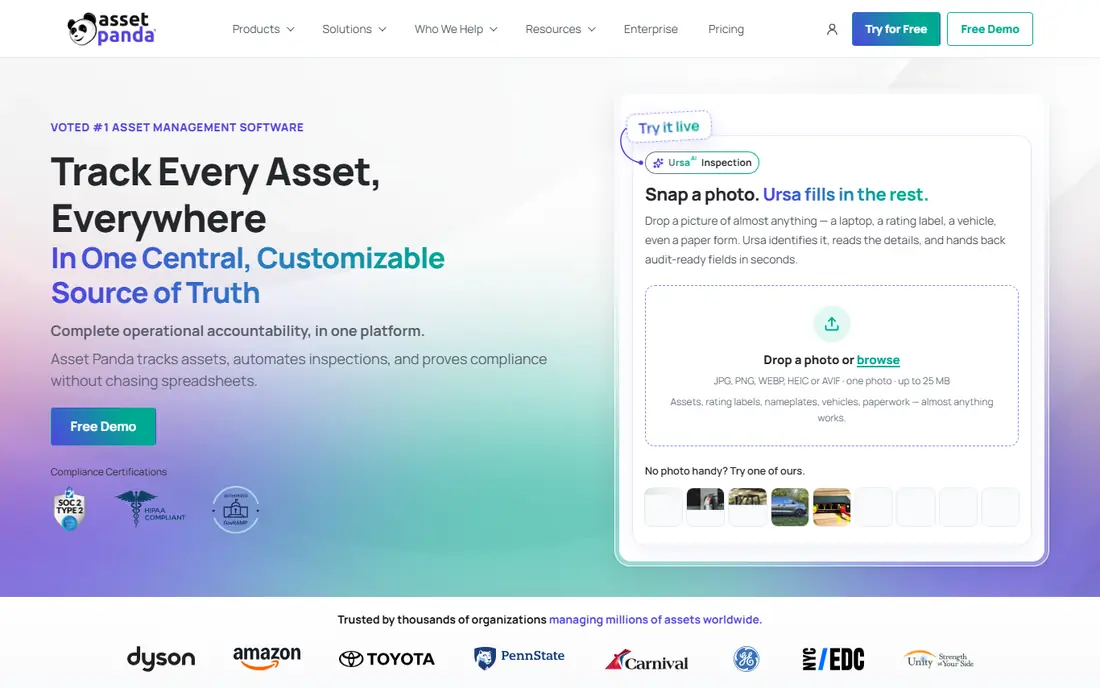
Asset Panda fits small businesses that have outgrown a spreadsheet but do not want a rigid system. You can add custom fields for serial numbers, purchase dates, warranty end dates, and assigned employees, then build check-in and check-out flows around them. The mobile app lets staff scan a barcode or QR code to update an asset on the spot, which keeps the record current without a trip back to the office.
The trade-off is setup time. Because almost everything is configurable, you will spend your first week deciding how your records should look, and pricing requires a sales conversation rather than a quick checkout. For a team with varied asset types, from IT gear to field tools, that flexibility is worth it. For a team that just wants a list that works today, a simpler option below may fit better.
- Highly configurable records
- Strong mobile app with barcode scanning
- Good audit history
- Quote-based pricing makes budgeting harder
- Setup takes longer than simpler tools
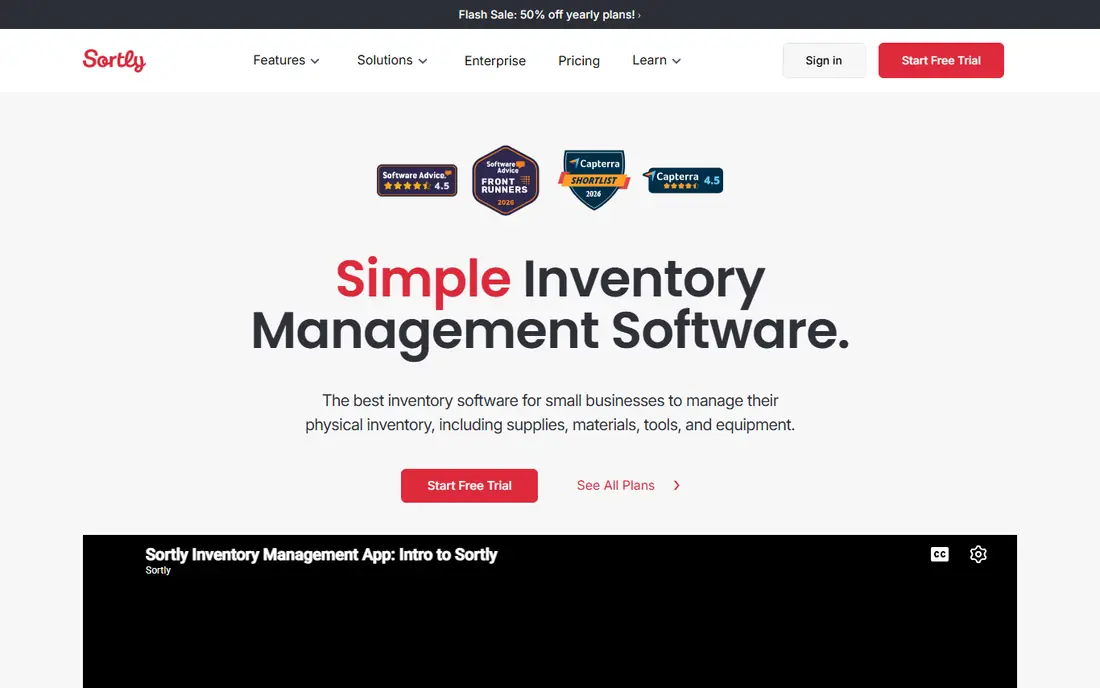
Sortly is our pick for most people who want to start this week. Each asset gets a photo, a location, and a quantity, and staff can scan barcodes or QR codes with a phone to check items in and out. The interface feels closer to a shopping app than to enterprise software, which means new hires usually need little training.
The limits show up as you grow. Lower plans cap the number of entries, and Sortly is stronger on tracking where things are than on scheduling repairs or tracking depreciation in detail. If your main problem is knowing what you own and where it sits, Sortly solves it fast. If you need full maintenance workflows, pair it with a separate tool or pick UpKeep or MaintainX instead.
- Very easy to learn
- Photo-based records
- Free plan for getting started
- Asset limits on lower plans
- Less depth for maintenance scheduling
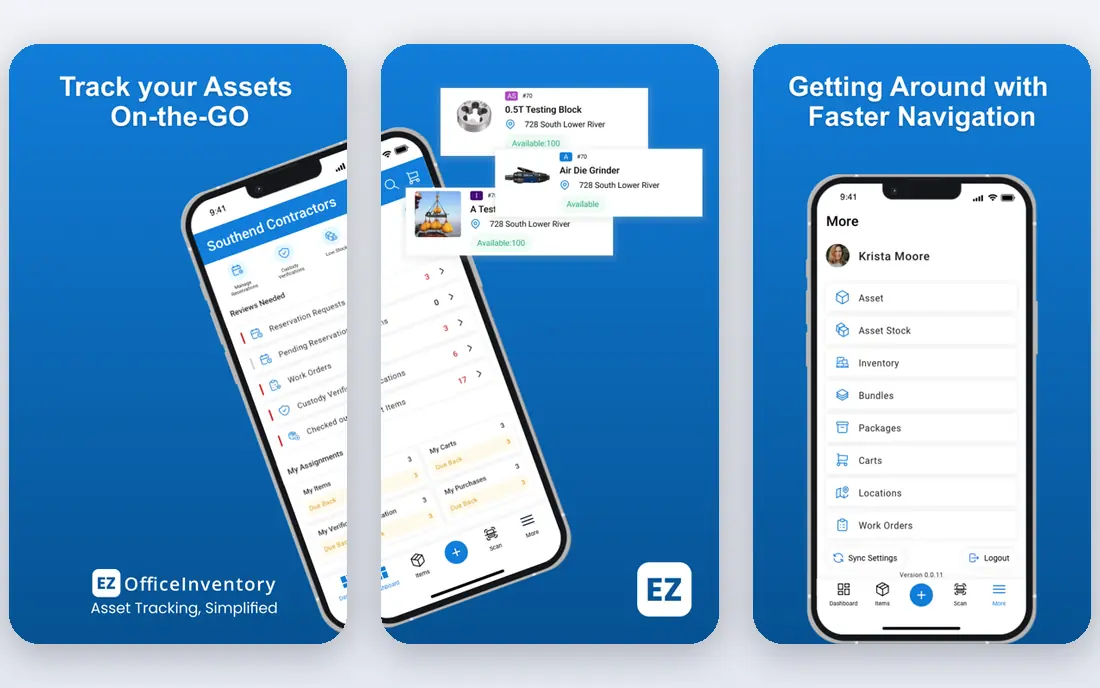
EZOfficeInventory suits teams that lend equipment out, whether that is a school, a rental desk, or a company with a shared tool room. Staff can reserve an item, managers can approve the checkout, and overdue items show up clearly. That reservation layer is the difference between this tool and a plain asset list, and it prevents the double-booking arguments that spreadsheets cause.
New users sometimes find the dashboard crowded, since a lot of features compete for attention. Spending an hour on setup, hiding the modules you do not need, pays off quickly. The free plan is a fair way to test whether the checkout workflow fits your team before paying.
- Booking and reservation system
- Approval workflows
- Free plan available
- Interface feels busy at first
- Some features sit on higher plans
Snipe-IT is the budget pick with no real catch on licensing, because the self-hosted version is free and open source with no asset cap. It tracks assets, accessories, components, consumables, and software licenses, with a full assignment history for each item. Small IT teams use it to replace spreadsheets for laptops, monitors, and peripherals, and it handles depreciation schedules well.
The cost is your time. You need someone comfortable running a web server and applying updates, and field staff will use the mobile-friendly web pages rather than a dedicated app. Hosted plans exist if you would rather pay than self-host. If you have even light technical help in house, Snipe-IT gives you more control per dollar than anything else on this list.
- Free self-hosted version with unlimited assets
- Depreciation and license tracking
- Open source
- You host and maintain it yourself
- No official mobile app
UpKeep is a maintenance platform first, which makes it a strong asset tracker for teams whose assets break down. Each asset record connects to work orders, preventive maintenance schedules, and parts used, so you can see the full repair history next to the asset itself. Technicians get jobs on their phones, scan assets, and close out work in the field.
A team that only needs a register of laptops will find UpKeep heavier than necessary, and the price reflects the extra depth. But for workshops, facilities, and fleets, combining tracking and maintenance in one place removes the gap where an asset is tracked in one app and fixed in another. Start with the trial and load your ten most troublesome assets first to see the value quickly.
- Work orders and preventive maintenance built in
- Good mobile app
- Parts inventory
- More tool than pure trackers need
- Pricing is quote-based for larger plans
MaintainX appeals to teams that live on their phones. Creating a work order, attaching a photo, and logging a meter reading takes seconds, and managers can watch jobs move through a simple pipeline. Asset records hold the essentials, including location, status, and maintenance history, without drowning field staff in fields they never fill in.
The honest limit is depth. If you need detailed depreciation, license tracking, or complex custom fields, a dedicated register like Asset Panda or Snipe-IT fits better. MaintainX wins when adoption matters most, because a tool your crew actually uses beats a powerful one they avoid. Its free plan makes it easy to test with one crew before rolling it out wider.
- Clean mobile experience
- Work orders and procedures
- Free plan for small teams
- Asset tracking is lighter than dedicated registers
- Advanced reporting sits on paid plans
Wasp AssetCloud
Best for: Barcode-driven tracking in warehouses and facilities
Wasp has sold barcode hardware and software for years, and that experience shows in AssetCloud. Scanning is fast and reliable, audits are straightforward, and the system handles depreciation and location moves cleanly. Teams in warehouses, schools, and healthcare facilities that already use barcode labels will feel at home.
The downside is presentation. The interface is functional rather than pretty, and pricing is not published, so you will talk to sales before you know your cost. If scanning speed and audit trails matter more than a modern look, Wasp is a steady choice. If your team judges software by its first screen, try Sortly or MaintainX first.
- Deep barcode and RFID experience
- Audit and depreciation tools
- Mobile scanning
- Pricing requires a quote
- Interface looks dated next to newer rivals
AssetTiger takes a different pricing path: instead of a monthly subscription, its usual model centers on buying asset tags, with the software included. That appeals to small businesses that dislike another recurring bill, and the core features cover the essentials, including check-in and check-out, locations, depreciation, and a mobile app for scanning.
The trade-off is ecosystem depth. You will find fewer third-party integrations and less frequent feature additions than with subscription rivals. For a small team with a stable set of assets and a one-time mindset, that is a fair deal. For a growing company that expects integrations with accounting or help desk tools, a subscription platform gives more room to grow.
- No monthly subscription in its usual model
- Mobile app with scanning
- Straightforward setup
- Fewer integrations than cloud rivals
- Support and updates tied to tag purchases
How we picked these
We compared official feature pages, pricing pages, and mobile app listings for widely used asset tracking tools, then checked public user reviews for recurring complaints about limits, pricing, and ease of use. We favored tools that a small team can run without dedicated IT staff, that support barcode or QR scanning, and that are actively sold and supported in 2026. We left out enterprise-only platforms that require long implementations and tools whose main job is something else, like pure help desk software.
What to check before you buy
Start with how your assets move. Items that stay in one office need little more than a register, while tools and equipment that travel need strong mobile scanning and checkout rules. Count your assets honestly, including spares, and check plan limits against that number rather than your headcount.
Next, decide what else the record must do. Depreciation matters for accounting, maintenance history matters for equipment, and license tracking matters for IT gear. A tool that covers your second need as well as your first saves you a second subscription later.
Finally, run a real trial with real data. Import a sample of assets, hand the app to the person who will use it most, and watch where they get stuck. A trial that only involves a manager at a desk will not reveal whether field staff will actually scan items. Set a deadline for the trial, and pick the tool with the fewest complaints at the end of it.
A simple rollout plan
Label everything before you go live, even if labels feel tedious. Print QR codes in batches, attach them during a single audit sweep, and record condition notes as you go. Assign one owner for the system, someone who approves new asset types and cleans up duplicates, or the register will drift back toward spreadsheet chaos within months.
FAQ
What is the best asset tracking software for small business?
For most small teams, Sortly is the easiest start and Asset Panda is the most flexible long-term choice. Teams with tight budgets should look at Snipe-IT first, while teams that also handle repairs should shortlist UpKeep or MaintainX. The right pick depends on whether tracking, maintenance, or cost matters most to you.
Is there free asset tracking software for small business?
Yes. Snipe-IT is free when you host it yourself, and Sortly and EZOfficeInventory offer free plans with limits. Free plans work well for a small asset count, but check entry limits and user limits before you build your whole register on one.
Do I need barcode labels to track assets?
No, but labels make a large difference. Scanning a QR code takes seconds and avoids typos in serial numbers, while manual entry invites errors. Most tools on this list let you print labels from the app, and some sell pre-printed tags.
Can asset tracking software handle depreciation?
Several tools on this list do, including Snipe-IT, Asset Panda, Wasp AssetCloud, and AssetTiger. If depreciation reporting matters for your taxes or audits, confirm the method your accountant needs, such as straight-line, before you choose.
How long does setup take?
A simple tool like Sortly can be live in a day with a few dozen assets. Configurable platforms like Asset Panda or self-hosted Snipe-IT can take a week or more if you customize fields and import a large register. Labeling physical assets usually takes longer than configuring the software.