Best Asset Tracking Software for Small Teams (2026): 5 Picks Checked on Vendor Pages
Weighing the best asset tracking software for small teams? We lined up 5 products by cost, free access and fit. Each tool gets a one-line verdict. Start here.
- Editor's choiceAssetCloud
Barcode-based asset tracking
Starts atSee websiteVisit waspbarcode.comFull review - Great alternativeItemit
QR, RFID, and GPS tracking
Starts at£33 per monthVisit itemit.comFull review - Also considerReftab
Check in and check out workflows
Starts at$31.25 a monthVisit reftab.comFull review
Direct answer
AssetCloud comes first here, mainly for barcode-based asset tracking. Listed starting prices: Itemit from £33 per month, Reftab from $31.25 a month and Sortly from $24 per month. Itemit is the stronger choice for QR, RFID, and GPS tracking, while Reftab suits check in and check out workflows. Prices, free plans and limits for all 5 tools follow.
TL;DR:
- Number one here is AssetCloud, a fit for barcode-based asset tracking.
- For the cheapest start, look at Sortly: $24 per month.
- Only Sortly offers a free plan among these 5 tools.
- What to know about AssetCloud first: public materials center on demos.
Last checked November 2026. Prices and plan details were read from the vendors' own pages in November 2026; vendors change plans often, so confirm the current price on the vendor site before you buy.
Quick comparison
| Tool | Best for | Starts at | Free plan? | |
|---|---|---|---|---|
| AssetCloud | Barcode-based asset tracking | See website | Not stated | Visit |
| Itemit | QR, RFID, and GPS tracking | £33 per month | Free trial | Visit |
| Reftab | Check in and check out workflows | $31.25 a month | Free trial | Visit |
 EZOfficeInventory | Equipment and maintenance tracking | See website | Not stated | Visit |
 Sortly | Straightforward inventory across locations | $24 per month | Yes | Visit |
Every option for asset tracking software for small teams explained
If you are comparing asset tracking software for small teams, this page covers 5 tools in one place: what each is best for, what it costs to start, whether it has a free plan, and the main limit to know about.
AssetCloud
Best for: Barcode-based asset tracking
AssetCloud was built for barcode-based asset tracking. Choose AssetCloud when labeled assets and barcode scanning are core to how your team tracks equipment, and review the demos before deciding.
Beyond that, since the homepage centers on demo content, buyers should confirm feature details and limits straight with the vendor. AssetCloud shows no starting price here, so confirm the cost on the vendor site. Free access: Not stated.
The main drawbacks: Public materials center on demos.
- Fits labeled asset programs
- Demo videos explain features
- Less detail on homepage about specific limits
Itemit
Best for: QR, RFID, and GPS tracking
Itemit works best for QR, RFID, and GPS tracking. It is pitched at teams that have outgrown spreadsheets and have to track, handle, and audit assets with more structure.
Limits to weigh: Feature scope may exceed entry-level inventory needs.
Itemit pricing: £33 per month. As for free access: Free trial.
- Made for teams outgrowing spreadsheets
- Audit-focused features
- Tagging hardware brings setup effort
Reftab
Best for: Check in and check out workflows
Reftab is built with check in and check out workflows in mind. Reftab is asset management and asset tracking software built around check in and check out, with custom asset tags and mobile apps.
That focus fits small teams that lend equipment, share gear, or have to know who has what at any moment, for example IT departments, media teams, or labs managing shared devices and tools. Price to start with Reftab: $31.25 per month. Free options: Free trial.
Where it is weaker: Advanced maintenance may need another system.
- Straightforward and easy-to-learn positioning
- Custom asset tags
- Narrower focus than full CMMS tools
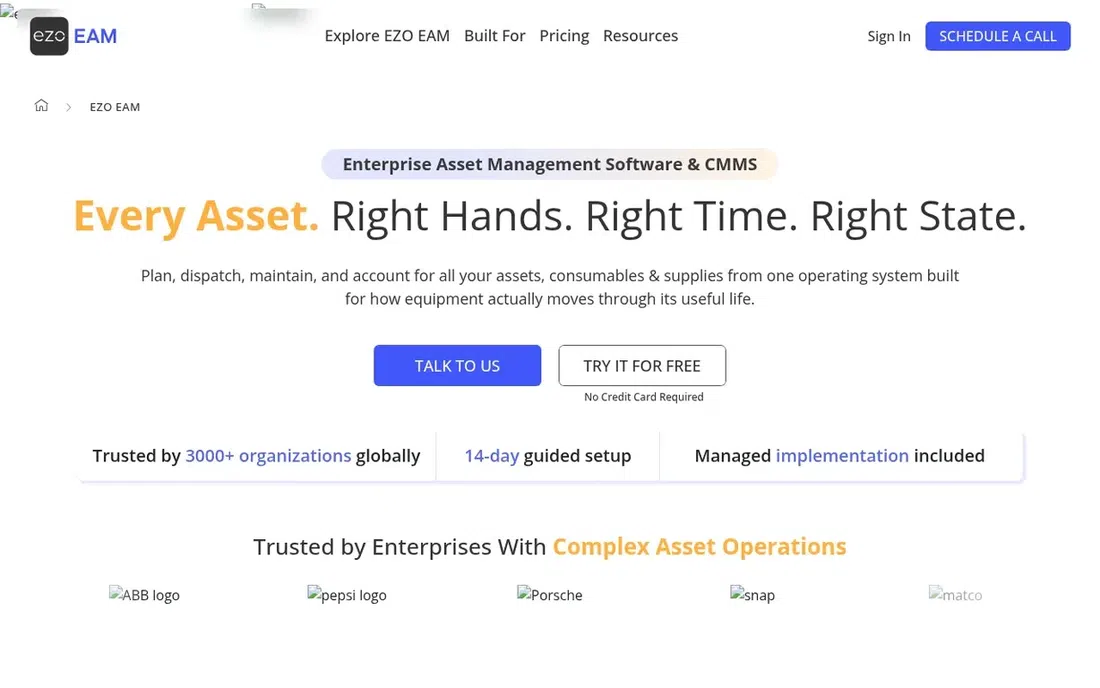
Choose EZOfficeInventory for equipment and maintenance tracking. Teams moving beyond spreadsheets and wanting one place for assets and upkeep should look closely at it. Also, if you chiefly want to count and locate items, a lighter choice for example Sortly may be simpler.
The main drawbacks: Broader feature set can take longer to learn.
In practice, EZOfficeInventory is positioned as enterprise asset management and CMMS software. That combination means it handles both tracking assets and managing maintenance work, which suits small teams responsible for equipment that needs servicing, inspections, or repair history. Check the vendor site for EZOfficeInventory pricing; none is listed in this comparison. Free access: Not stated.
- Asset management focus
- Maintenance and CMMS capabilities
- May be more than a straightforward inventory team needs
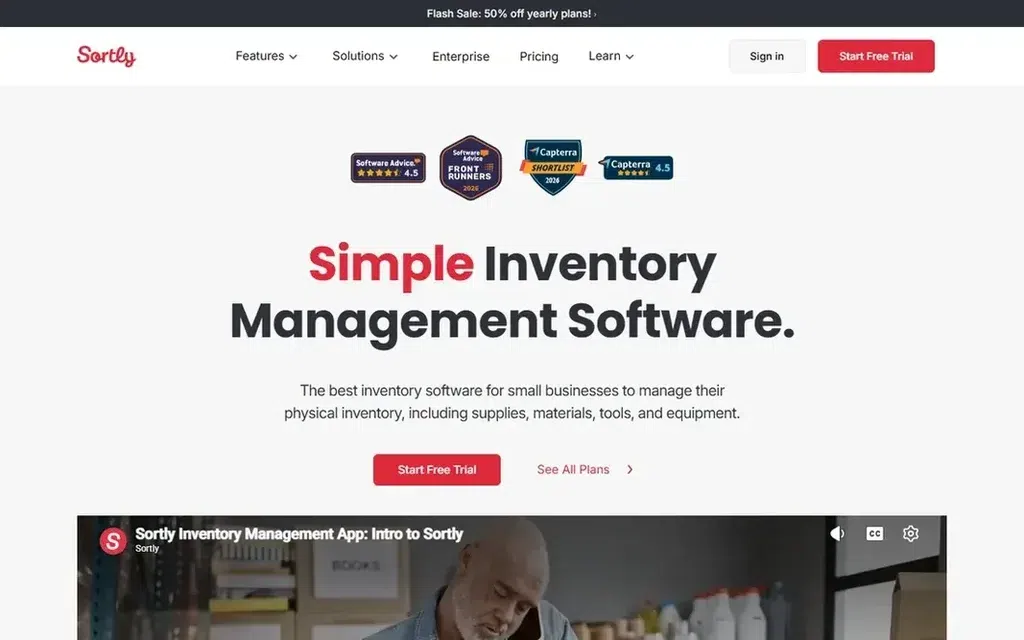
Sortly is aimed squarely at straightforward inventory across locations. Because the focus is simplified inventory, teams needing deep maintenance scheduling, compliance workflows, or advanced lifecycle automation may outgrow it.
Downsides: May feel basic for complicated asset lifecycles.
As for the details, if your priority is a straightforward system your team can adopt rapidly, Sortly is a capable starting point. Its homepage describes a simple system that keeps up with your people, locations, and workflows, which suits small teams that require clear visibility over stock and equipment without a heavy setup. On cost, Sortly starts like this: $24 per month. Free access exists with Sortly.
- Simple inventory system
- Adapts to workflows
- Restricted deep maintenance features
How we built this list
A buyer's checklist
- Get a written quote from AssetCloud and EZOfficeInventory; the list shows no starting price for them.
- Look at the free plan from Sortly closely: its caps decide whether it is usable for real work.
- Use real work to test the free trial from Itemit and Reftab, rather than a demo project.
- Before choosing AssetCloud, weigh its main limit: public materials center on demos.
- Price EZOfficeInventory for your actual team size; headline prices rarely include add-ons or overage.
- Confirm that Itemit connects to the apps your team already uses, on the plan you would actually buy.
FAQ
Which options for asset tracking software for small teams have a free plan?
Sortly is the only tool in this list with a free plan. Free plans usually cap users, projects or features, so check the limits on the vendor page. Several others offer a trial instead. All 5 picks in this asset tracking software for small teams comparison list a starting price, free plan details and the main limits on their cards above.
What is the easiest asset tracking software for a small team?
Sortly is positioned around simplified inventory management that adapts to people, locations, and workflows, which makes it approachable for small teams. Reftab is also described as straightforward and easy-to-learn, with a focus on check in and check out.
Can I try these tools before paying?
Often, yes. Sortly has a free plan and Itemit and Reftab offer a free trial. Use your own data and a real task during the test, and check what the free tier or trial limits before you rely on it.
Is AssetCloud the right pick for everyone comparing asset tracking software for small teams?
No single tool suits every team. AssetCloud comes first because it fits barcode-based asset tracking, while Itemit suits QR, RFID, and GPS tracking and Reftab suits check in and check out workflows. Match the tool to your own size, budget and workflow before deciding.
Do these tools publish their prices?
Not all of them. AssetCloud and EZOfficeInventory publish no starting price, so expect a quote request for those. The rest, Itemit included, show a starting price, though seats and billing terms still change the final cost.
How should a small team evaluate asset tracking software?
Confirm tracking methods, mobile use, and data import before deciding. Reviewing vendor demos, for example those AssetCloud flags, helps you see the daily experience.
Sources
- https://www.waspbarcode.com/assetcloud
- https://www.itemit.com
- https://www.reftab.com
- https://www.ezofficeinventory.com
- https://www.sortly.com