Best Fixed Asset Management Software in 2026: 8 Tools Compared
Find the best fixed asset management software for tracking, depreciation and maintenance, with 8 tools for small teams and large enterprises in 2026 now.
- Editor's choice
 Asset Panda
Mixed equipment tracking
Starts atSee websiteVisit assetpanda.comFull review - Great alternative
 UpKeep
Maintenance teams moving off paper
Starts at$24 per user per monthVisit onupkeep.comFull review - Also consider
 Fiix
Small maintenance teams
Starts atSee websiteVisit fiixsoftware.comFull review
TL;DR:
- The best fixed asset management software keeps one trusted register of what you own, where it is, what it is worth and when it needs service.
- Asset Panda and EZOfficeInventory suit teams that track mixed equipment with barcodes and a mobile app.
- UpKeep, Fiix and MaintainX pair asset tracking with work orders and preventive maintenance, which fits factories and facilities.
- Sage Fixed Assets and IBM Maximo suit finance and enterprise teams that need depreciation and audit ready records.
- Snipe-IT is a low cost option for IT teams that mainly track devices, licenses and accessories.
Quick comparison
| Tool | Best for | Starts at | Free plan? | |
|---|---|---|---|---|
| Asset Panda | Mixed equipment tracking | See website | No | Visit |
| UpKeep | Maintenance teams moving off paper | $24 per user per month | Free trial | Visit |
| Fiix | Small maintenance teams | See website | Yes | Visit |
 MaintainX | Mobile first maintenance teams | Free | Yes | Visit |
 EZOfficeInventory | Barcode asset tracking | See website | Free trial | Visit |
 Sage Fixed Assets | Depreciation and finance records | See website | No | Visit |
 IBM Maximo | Large enterprise asset portfolios | See website | No | Visit |
 Snipe-IT | IT device and license tracking | See website | Yes | Visit |
The best fixed asset management software
We compared eight tools that track fixed assets, from laptops and vehicles to machines and buildings. Here are the options that fit different team sizes and budgets.
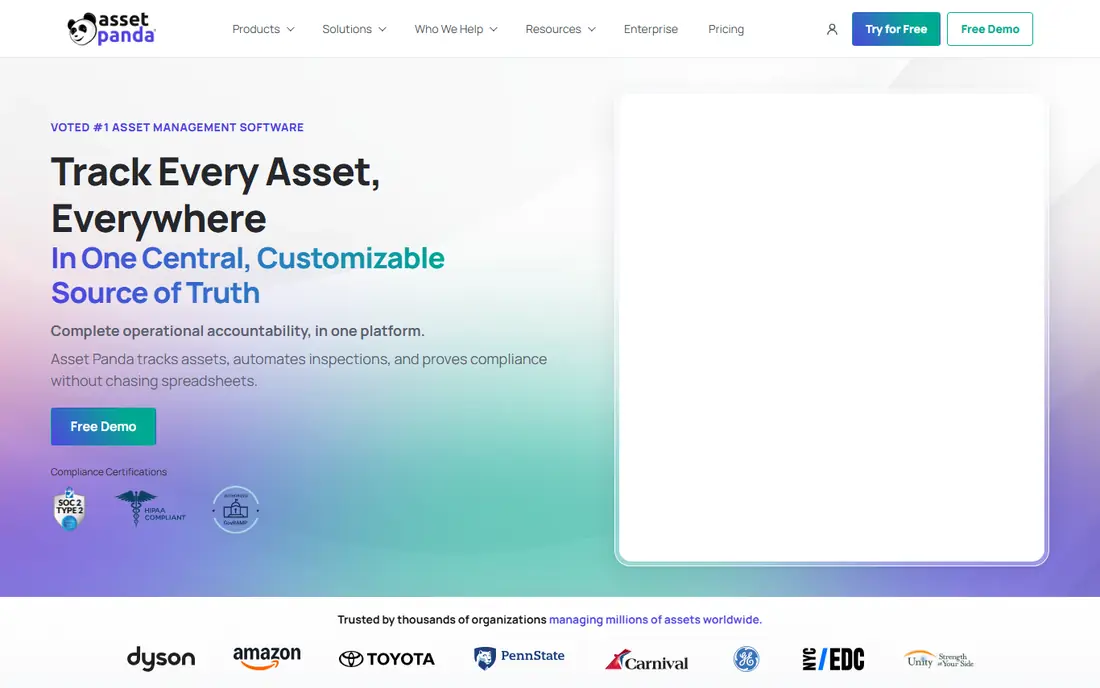
Asset Panda is a cloud tool for tracking almost any kind of asset in one register. You can define custom fields for serial numbers, locations, owners and warranty dates, scan barcodes with a phone, and keep a full history of moves, repairs and check outs. That flexibility suits schools, hospitals and service firms that own a mix of equipment rather than one asset type.
The main drawback is pricing. Asset Panda prices by asset count rather than by user, and you need a quote to get your number, which makes quick comparison harder. Setup also rewards careful planning, since custom fields and groups work best when you agree on naming rules first. If you want one flexible register for mixed assets and can handle a sales conversation, Asset Panda is a strong pick.
- Custom fields and barcode scanning
- Unlimited users on quoted plans
- Lifecycle history and custom reports
- Pricing is quote based
- Setup takes care for large asset lists
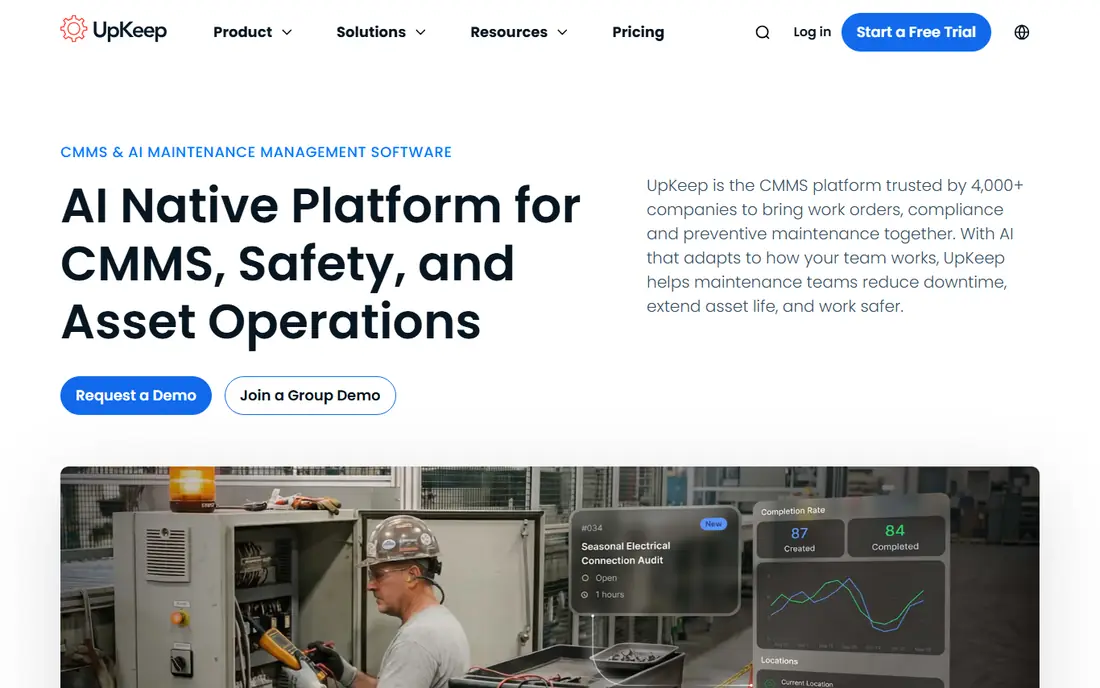
UpKeep pairs asset records with work orders, which helps a maintenance team move off paper and spreadsheets. Each asset can carry its service history, and technicians can open work orders, add notes and close jobs from a phone. The Essential plan at $24 per user per month includes unlimited work orders and locations, which is a clear starting point for a single site.
The catch is tiering. Preventive maintenance scheduling, custom checklists and parts inventory with costing sit on the Premium plan, and that is the plan many teams will need for a documented routine. Mobile offline mode and single sign on sit higher still. For a small maintenance crew that wants clear pricing and a fast start, UpKeep is an easy recommendation.
- Published per user pricing
- Unlimited work orders and locations on Essential
- Mobile app for technicians
- Preventive scheduling and parts inventory sit on Premium
- Enterprise features are quote based
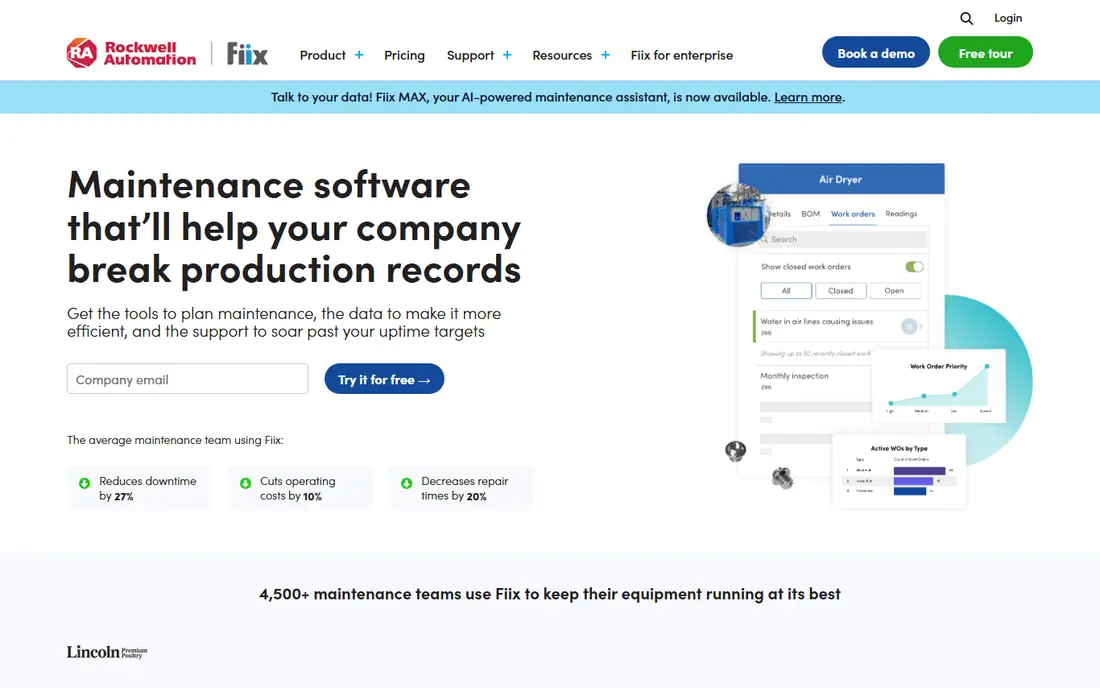
Fiix, now part of Rockwell Automation, is a maintenance system that also serves as a fixed asset register for industrial teams. You can track assets, schedule preventive work, manage work orders and keep a history of repairs and costs. The free plan lets a small team start without a budget approval, which is useful when you need to prove value before asking for funds.
Paid plans add deeper reporting, integrations and multi site controls, so larger teams should price those tiers rather than judging Fiix on the free plan alone. The interface is practical rather than flashy, and it rewards teams that keep asset data tidy. For a small factory or facilities team that wants maintenance and asset tracking together, Fiix is worth trying first.
- Free plan for basic maintenance work
- Work orders and asset histories
- Mobile access for technicians
- Advanced reporting and integrations need paid plans
- Setup help is limited on the free tier
MaintainX is built around the phone in a technician's pocket. Teams create work orders, follow checklists, attach photos and track asset condition from the shop floor, which keeps records current instead of relying on end of day paperwork. The free basic plan covers core work for small teams, and requester accounts are free, so other staff can submit jobs without a paid seat.
The trade off is finance depth. MaintainX is excellent for maintenance and operations, but it does not replace a dedicated depreciation tool for accountants. Larger teams will also need paid plans for advanced reporting and controls. For a mobile first maintenance team that wants fast adoption and a free starting point, MaintainX is one of the easiest tools to roll out.
- Free basic plan for teams
- Strong mobile work orders and checklists
- Parts and procedure management on paid plans
- Advanced analytics and controls sit on higher tiers
- Less finance depth than Sage or Maximo
EZOfficeInventory focuses on tracking who has what, where it is and when it is due back. That makes it a good fit for IT, audiovisual, medical and construction teams that lend equipment and need a clear custody record. Barcode and QR scanning, reservations, maintenance alerts and custom reports cover the daily work of an asset manager without forcing a full maintenance system on the team.
Pricing is less transparent than UpKeep, since exact tiers need a quote, so budget holders should request one early. The settings menu is also deep, and a short setup period helps avoid confusion later. If your main problem is lost or unreturned equipment rather than machine maintenance, EZOfficeInventory is a practical, focused choice.
- Barcode and QR tracking with check in and check out
- Reservations and maintenance alerts
- Integrations with common business tools
- Pricing requires a quote for exact tiers
- Interface has many settings to learn
Sage Fixed Assets is aimed at finance teams that need correct depreciation, not just a list of items. It calculates depreciation under common methods, tracks acquisitions, transfers and disposals, and produces reports that auditors can follow. That finance focus sets it apart from maintenance tools that treat value as a secondary field.
The weakness is operational depth. Sage Fixed Assets does not replace a maintenance system for work orders, parts or technician scheduling, so many firms pair it with a CMMS tool. Pricing is quote based, and implementation benefits from finance involvement at the start. For accountants and controllers who need depreciation they can trust, Sage Fixed Assets remains a standard choice.
- Depreciation calculations for tax and book purposes
- Asset lifecycle and disposal records
- Reporting for audits
- Quote based pricing
- Less field maintenance depth than a CMMS tool
IBM Maximo is the enterprise end of this list, built for utilities, transport, manufacturing and other asset heavy industries with tens of thousands of assets. It covers acquisition, maintenance, reliability, safety and disposal in one system, with audit trails and predictive monitoring for critical equipment. When a portfolio is large and regulated, that depth is the point.
The cost is weight. Licensing is quote based, implementation is often partner led and takes months, and total cost can be far above a small business tool. Small and mid size teams should not buy Maximo unless their asset count, regulation or safety needs truly require it. For large enterprises, it remains the benchmark against which other enterprise asset tools are judged.
- Full lifecycle asset management at scale
- Reliability, safety and predictive monitoring modules
- Audit ready records
- Quote based enterprise pricing
- Implementation needs consultants and time
Snipe-IT is a popular choice for IT teams that track laptops, monitors, licenses, accessories and consumables. The open source version can be self hosted at no license cost, and it covers check in and check out, audits, depreciation and user assignments. That makes it a strong fit for schools, small firms and IT departments with technical staff.
The catch is effort. Self hosting needs server setup, updates and backups, and support comes mainly from documentation and community help unless you pay for hosted service. Teams without IT support should look at Asset Panda or EZOfficeInventory instead. For IT teams that can run their own server, Snipe-IT offers a capable asset register at a very low license cost.
- Open source option for self hosting
- Tracks assets, licenses, accessories and users
- Barcode and audit tools
- Self hosted setup needs technical skill
- Hosted pricing is separate from the free code
How we picked these
We compared official feature pages, pricing pages and public user reviews for tools that track fixed assets with a register, location, owner and value or depreciation data. We favored tools that are actively sold and supported in 2026, offer barcode or mobile tracking where relevant, and cover different needs: general tracking, maintenance, finance and IT. We used See website where a vendor does not publish a clear starting price, and we advise readers to confirm depreciation methods, import options and support terms before buying.
What to check before you buy fixed asset software
Start with your register, not the software demo. List the asset types you own, the fields you must record for each type, and who needs to update or view them. A tool that forces every asset into the same fields will frustrate teams that track vehicles, machines and IT devices in different ways. Check import options for your current spreadsheet, and test barcode scanning with your real labels before you commit.
Next, separate tracking from maintenance and finance. If your main pain is lost equipment, a tracking tool such as Asset Panda or EZOfficeInventory may be enough. If machines break and need preventive work, add a maintenance tool such as UpKeep or MaintainX. If auditors ask about depreciation, involve finance early and check whether Sage Fixed Assets or a similar finance tool is needed alongside the operational system.
Finally, plan for data quality. Agree on naming rules, locations and owners, assign one person to own the register, and run a first audit after 30 days. A clean register saves more money than any report, because it prevents duplicate purchases and missed maintenance. Ask about user limits, mobile offline use and export options, so your data stays portable if you change tools later.
FAQ
What is the best fixed asset management software for a small business?
Asset Panda and EZOfficeInventory are good starting points for small teams that track mixed equipment, while UpKeep and MaintainX suit teams that also need maintenance work orders. Choose a tracking tool first if lost equipment is the main problem, and add maintenance features when machines need scheduled service.
What is the best software for fixed asset management and depreciation?
Sage Fixed Assets is built for depreciation, tax and book records, and it produces audit ready reports. IBM Maximo also covers lifecycle value at enterprise scale. Maintenance tools such as UpKeep track service costs, but finance teams usually pair them with a dedicated depreciation tool for formal records.
How does fixed asset depreciation software work?
It records purchase cost, useful life, method and salvage value, then calculates depreciation over time and tracks book value. When an asset is sold or disposed of, the tool records the gain or loss and closes the record. Check that the methods your accountant needs are supported before you buy.
Can fixed asset software track maintenance too?
Yes, if you choose a maintenance focused tool such as UpKeep, Fiix or MaintainX, which pair asset records with work orders and preventive schedules. Pure tracking tools such as Snipe-IT or EZOfficeInventory cover service dates and alerts, but they do not replace a full maintenance workflow for large industrial teams.
Is free fixed asset software good enough?
MaintainX and Fiix offer free plans that suit small teams, and Snipe-IT offers free open source code for self hosting. Free plans work well for basic tracking and work orders, but larger teams usually need paid plans for advanced reporting, integrations and multi site controls.
How do I move from a spreadsheet to asset software?
Export your spreadsheet, clean duplicate names and locations, agree on required fields, and import a small test batch first. Scan barcodes for a sample of assets, check that owners and locations are correct, and train the team that will update records daily. A short pilot avoids a messy full import.