Best Brand Asset Management Software in 2026: 8 Tools Compared
We compared the best brand asset management software for marketing teams, covering one trusted library for logos, photos, videos, templates and brand rules.

- Editor's choice
 Bynder
Enterprise brand governance
Starts atSee websiteVisit bynder.comFull review - Great alternative
 Brandfolder
Enterprise DAM with analytics
Starts atSee websiteVisit brandfolder.comFull review - Also consider
 Frontify
Brand guidelines plus DAM
Starts atSee websiteVisit frontify.comFull review
TL;DR:
- Bynder, Brandfolder and Canto lead for enterprise brand control, but all use quote only pricing.
- Frontify is the best blend of brand guidelines and asset library in one platform.
- Dash offers the clearest published pricing for growing teams that want unlimited seats.
- Check search, permissions and approval workflows during a trial, since a library nobody can search will not get used.
Quick comparison
| Tool | Best for | Starts at | Free plan? | |
|---|---|---|---|---|
| Bynder | Enterprise brand governance | See website | No | Visit |
| Brandfolder | Enterprise DAM with analytics | See website | No | Visit |
| Frontify | Brand guidelines plus DAM | See website | Free trial | Visit |
 Canto | Intuitive DAM for midsize teams | See website | Free trial | Visit |
 Acquia DAM | Controlled governance at scale | See website | No | Visit |
 Dash | Growing teams that want clear pricing | $109 per month | Free trial | Visit |
 Papirfly | Rights management and governance | See website | No | Visit |
 MediaValet | Enterprise DAM with included support | See website | Free trial | Visit |
The best brand asset management software
Brand asset management is about trust. When a partner, agency or new hire grabs a logo, they should get the current approved file, not an old version from a shared drive. The tools below centralize logos, photos, videos, templates and brand rules, with permissions and search that keep the right people using the right assets.
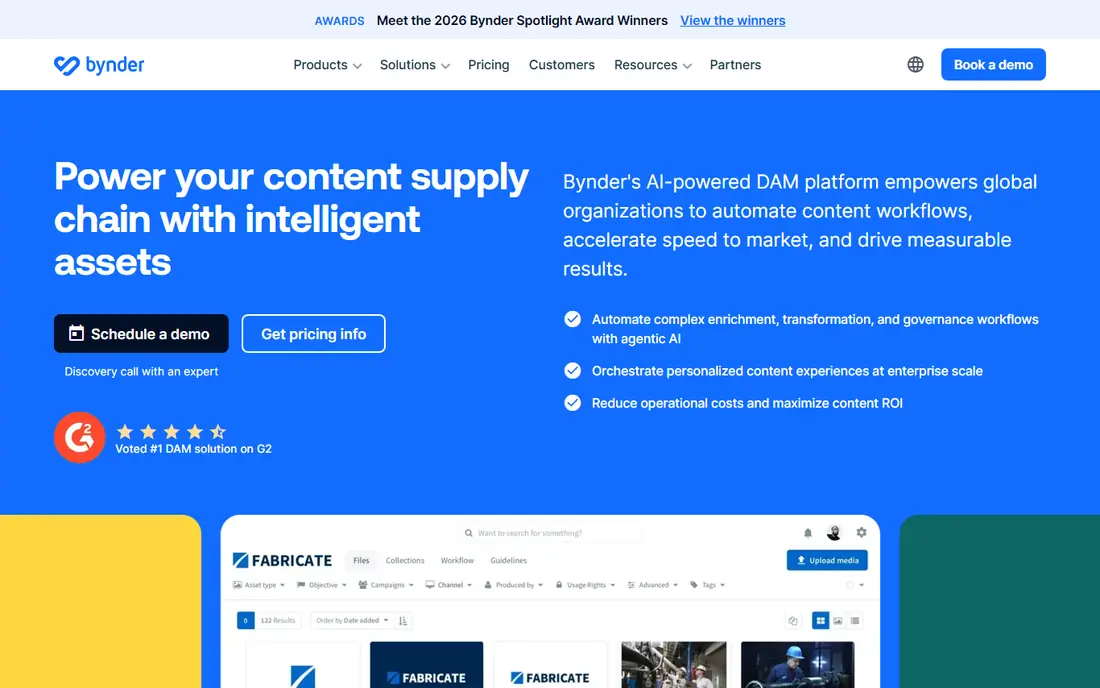
Bynder is the enterprise standard many large brands choose when governance matters most. Assets live in one central library with AI tagging, metadata, approval workflows and usage rights, so teams stop emailing files and guessing at versions. Templates let local teams create on brand materials without design help, and integrations connect the library to content, commerce and marketing tools.
The trade off is price and scope. Bynder quotes by users, storage and features, and third party estimates put typical contracts well into five figures per year. Small teams will find it heavy. For a large brand with many markets, partners and agencies, Bynder gives the control and audit trail that a simple file store cannot.
- Central DAM with AI tagging
- Approval workflows
- Wide integration set
- Quote only pricing
- Enterprise scope can overwhelm small teams
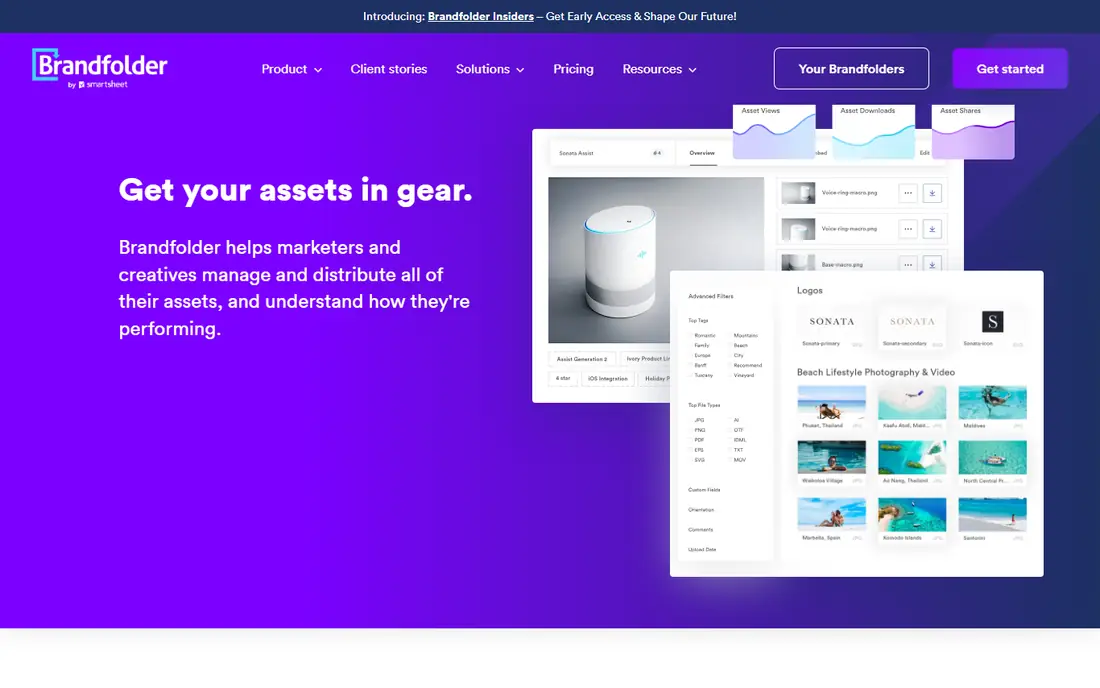
Brandfolder, now part of Smartsheet, suits enterprise marketing teams that want a polished library with strong analytics. Shared portals give partners and agencies branded access to approved assets, while analytics show which assets actually get used. That usage data helps brand teams retire stale files and invest in content that works.
Pricing is quote only, and estimates place it in the same enterprise range as Bynder. Teams already using Smartsheet may gain extra value from the connection. If your priority is a clean, partner friendly library with insight into asset use, Brandfolder is a top enterprise pick.
- Clean search and portals
- Asset analytics
- Templating for local teams
- Quote only pricing
- Part of Smartsheet, so roadmap ties to that platform

Frontify is our pick for teams that need guidelines and assets together. Brand manuals, logos, colors, fonts and templates sit beside the asset library, so anyone can check the rule and grab the file in the same place. Collaborative portals let agencies and partners work inside your brand system instead of receiving static PDFs.
That blend is the strength, and also the thing to test. Pure DAM depth on very large libraries may trail Bynder or Canto on some plans. For most marketing teams, though, the combination of clear guidelines and a usable library drives better brand consistency than a deeper DAM that nobody opens. Trial it with your real guideline content.
- Guidelines, portals and DAM in one place
- Collaborative workspaces
- Strong brand templates
- Quote only pricing
- DAM depth varies by plan
Canto wins on ease of use. Smart collections, visual search, permissions and review workflows make it simple for non technical teams to find and share assets. Marketing, sales and product teams can work from the same library without training sessions, and portals make external sharing safe.
Pricing is quote only, with plans from Core Essentials up to Advanced, and AI tagging sits on higher tiers. That means a small team should confirm what search and tagging features its quote includes. If adoption is your main risk, Canto is a smart choice because teams actually use it.
- Easy search and collections
- Permissions and review tools
- Good for cross team sharing
- Quote only pricing
- Top tiers add cost for AI and enterprise integrations
Acquia DAM, formerly Widen, fits large organizations that need tight control over assets at scale. Metadata management, versioning, permissions and integrations with enterprise content and commerce systems give admins a clear governance model. Teams that already use Acquia products gain extra value from the shared platform.
Setup and cost reflect the enterprise focus, so smaller teams should look at Dash or Frontify first. For a large brand with complex rights, many users and strict approval needs, Acquia DAM offers the structure to keep assets accurate across regions and channels.
- Strong metadata and versioning
- Enterprise integrations
- Controlled sharing
- Quote only pricing
- Enterprise setup and learning curve
Dash is the value pick for growing ecommerce and marketing teams. For $109 per month you get all core DAM features with unlimited users, plus portals, integrations and usage analytics. That flat, transparent model removes the quote dance that dominates this category, and it scales with assets and downloads rather than headcount.
Dash does not match enterprise governance depth for very large brands, and its integration set is smaller. For a team that needs a central, searchable library now, without an enterprise sales cycle, Dash is the easiest yes on this list. Trial the search with your real file names and tags.
- Published pricing
- Unlimited users
- Fast search and sharing links
- Less enterprise governance than Bynder
- Smaller integration set
Papirfly suits global brands where rights and approvals are the main risk. Role based access, workflow automation and structured rights controls help large teams manage who can use which asset, where and for how long. That matters when expired licenses or off brand use carry legal or reputational cost.
The sales process is enterprise style, with quotes based on scope. Smaller teams will find it heavy. For a brand with complex rights across markets, Papirfly gives governance that simpler libraries cannot match.
- Structured rights management
- Role based access
- Workflow automation for large teams
- Quote only pricing
- Enterprise focus means longer sales process
MediaValet is an enterprise DAM that bundles unlimited users, support and training into its plans. That support model helps large teams roll out a library across departments without paying extra for every seat or training session. Search, sharing, versioning and integrations cover the core enterprise needs.
Pricing is quote only, and the platform feels built for larger teams. If your rollout needs hands on support and you want predictable user costs, MediaValet is worth a quote alongside Bynder and Brandfolder.
- Unlimited users on plans
- Support and training included
- Strong enterprise DAM features
- Quote only pricing
- Interface can feel enterprise heavy for small teams
How we picked these
We compared official product pages, pricing disclosures, search and permission features, and public reviews for brand asset tools sold in 2026. We favored tools that centralize assets with metadata, permissions and version control, rather than simple file storage. Where vendors use quote only pricing, we marked the price as See website instead of presenting third party estimates as vendor prices.
What to check before you buy
Start with search. Upload a sample of your real assets, with your real file names, and see whether a new hire can find the right logo in under a minute. Then test permissions: who can download, edit, share and approve, and what happens when a license expires. A library with weak search or loose permissions will fail even if the feature list looks complete.
Plan migration and tagging
Migration is where DAM projects stall. Budget time to clean duplicates, retire old files and tag the assets people use most. AI tagging helps, but human review still matters for brand critical files. Ask each vendor what migration help is included, and whether tagging sits on your plan or a higher tier.
Test portals and templates
If partners and local teams use your assets, test branded portals and templates during the trial. Partners should find approved files without emailing your team, and local teams should create materials that stay on brand. Those two workflows drive most of the return on a DAM purchase.
FAQ
What is brand asset management software?
It is software that stores, organizes and shares brand assets such as logos, photos, videos, templates and guidelines in one searchable library. Permissions, version control and approval workflows keep teams using current approved files instead of old copies from shared drives.
How much does brand asset management software cost?
Published pricing is rare at the enterprise level. Dash starts at $109 per month with unlimited users, while Bynder, Brandfolder, Canto and others use custom quotes that vary by users, storage and features. Get written quotes on the same asset count and user count.
Is a DAM the same as cloud file storage?
No. File storage holds files, while a DAM adds metadata, search by content and tags, version control, rights management, approvals and branded portals. Those tools are what stop old logos and expired images from circulating.
Do I need brand guidelines in the same tool?
Not always, but it helps. Frontify combines guidelines and DAM, which keeps rules beside files. If you already have strong guidelines elsewhere, a pure DAM such as Canto or Bynder may be enough.
How long does a DAM rollout take?
Small teams can migrate a core library in weeks, while enterprise rollouts with rights cleanup and integrations can take months. Start with your most used assets, tag them well, and expand from there rather than migrating every old file at once.